Video to GIF Converter
Turn a video into a looping GIF. Choose your clip, crop the frame, and download in a few clicks. Free to use, right in your browser.
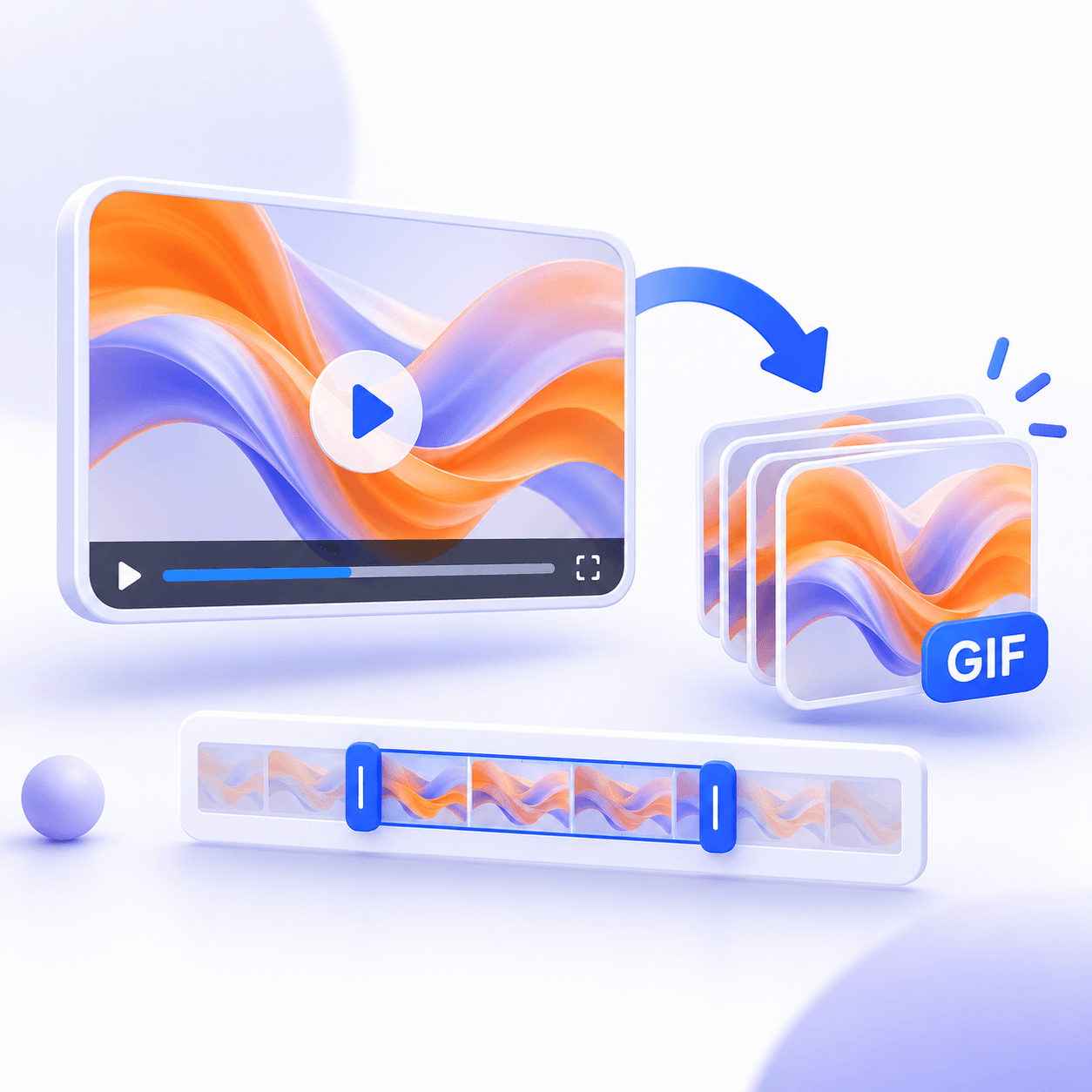
How to convert a video to GIF
1. Add your video
Upload a video up to 100 MB, or paste a direct video link. No signup needed.
2. Trim and crop
Select up to 15 seconds with the timeline handles. Keep the original frame or crop around your subject.
3. Create your GIF
Choose an output size, then create, preview, and download. Adjust FPS and quality in Advanced for a smaller file.
FAQ
Frequently asked questions
Is this video to GIF converter free?
Yes. Conversion runs in your browser and does not use generation credits. Uploaded files are processed locally.
What videos can I convert?
Use an MP4, WebM, or another video format your browser can play. Uploaded files can be up to 100 MB, and each GIF can contain up to 15 seconds. URL inputs must point directly to a video file and allow browser access.
Will the GIF keep a transparent background?
Transparency is preserved automatically when your browser decodes transparency from the source video. GIF supports fully transparent or opaque pixels, so soft edges may look different. This tool does not remove backgrounds.
How can I make the GIF smaller?
Choose a shorter clip, a smaller output size, fewer frames per second, or Standard quality. GIFs loop continuously and do not include audio.