How to Animate an Existing Logo Without Distorting It
Learn how to animate an existing logo while preserving its shape, typography, brand colors, and proportions.

Most general AI video generators turn logo animation into an unpredictable gamble. Upload a crisp brand asset, ask the tool to bring it to life, and it often regenerates the mark entirely—subtly altering typography, warping clean curves, or shifting brand colors. The result might look dynamic, but it is no longer your logo.
When animating an established logo, the goal is not to reinvent it. It is to add motion to your existing mark while keeping its shape, text, colors, and proportions as faithful as possible.
1. Why AI Distorts Logos During Animation
The reason many AI tools alter brand marks comes down to how generative video works:
The logo is treated as a generic image: Many video models do not recognize a logo as a fixed brand asset. They treat it as an initial visual frame and re-predict pixels as the video plays, introducing frame-by-frame drift.
Text and fine details break first: Kerning, thin strokes, and precise geometric shapes are the hardest elements for generative models to maintain consistently.
Morphing and heavy transitions force reconstruction: When an animation style requires fluid morphing or extreme 3D movement, the system has to generate new structural visual data, which often changes the original silhouette.
The key takeaway: Logo animation ≠ logo regeneration. Motion design should bring an existing mark to life, not redesign it.
2. How to Animate a Logo Without Distorting It
A good logo animation should add movement while keeping the original shape, typography, colors, and proportions recognizable.
Different motion styles affect the logo in different ways. Effects like Light Sweep, Holographic Foil, and Energy Charge mainly add visual energy around the existing mark, while Liquid Morph, Shatter In, 3D Flip, and 3D Extrude introduce stronger transformations and should be checked more carefully.
LogoAI offers 9 animation styles, from subtle light effects to more dimensional transformations.
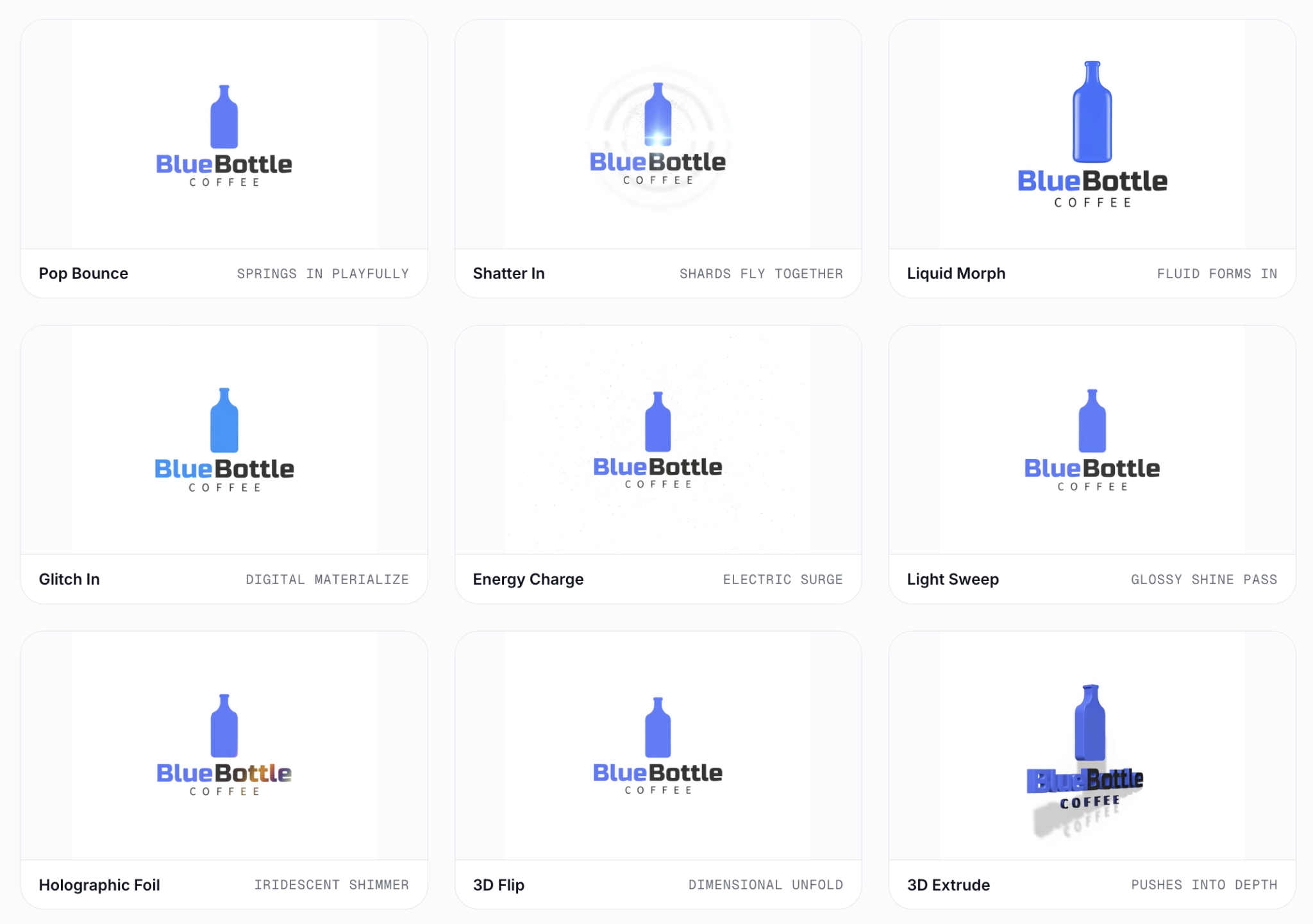
The stronger the transformation, the more important it is to check that the final logo still looks like the original.
3. Animate a Logo Online Without After Effects
You don’t need After Effects, keyframes, or motion-design experience to animate an existing logo. Specialized online tools offer direct paths based on how you plan to use the asset:
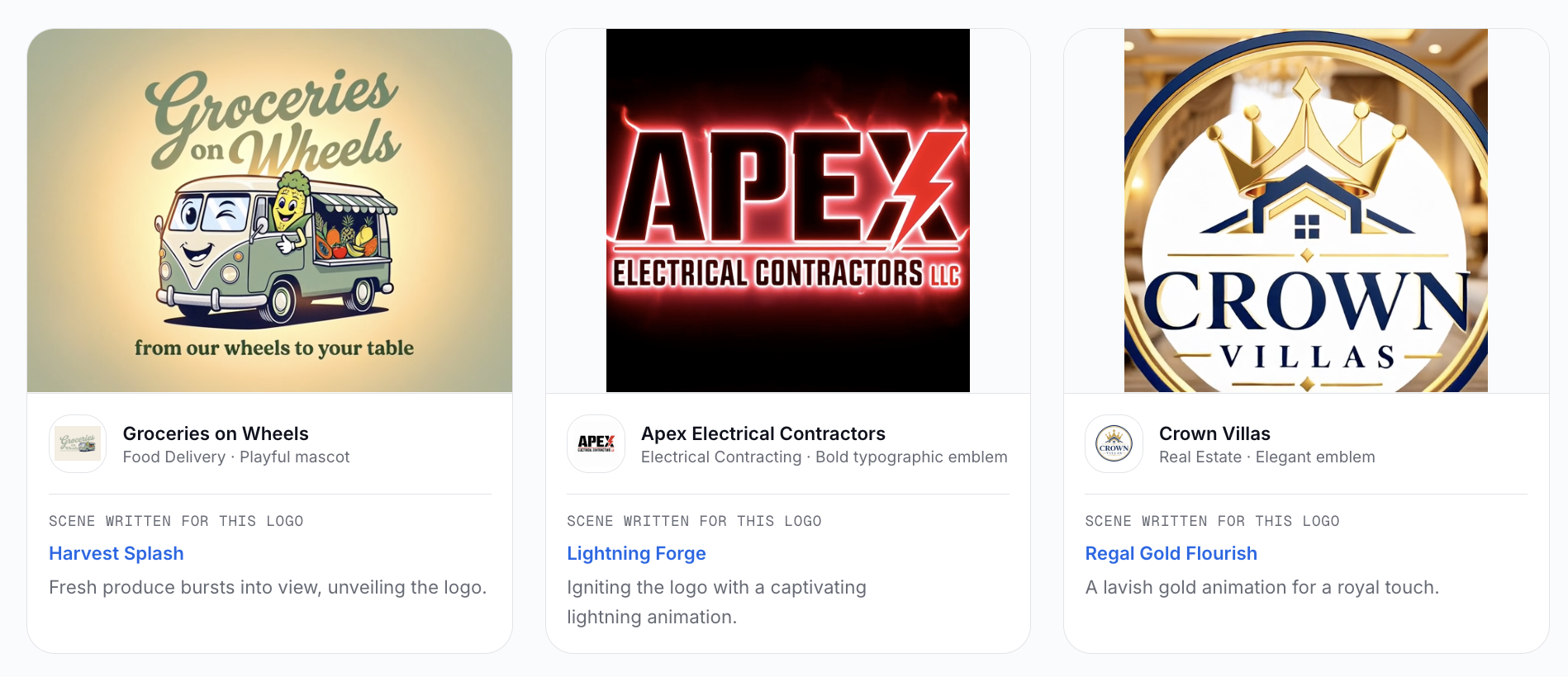
AI Logo Animation: Best for adding more expressive AI motion to an existing logo. It offers nine ready-made styles including Light Sweep, Energy Charge, Liquid Morph, and 3D Extrude, generating a 6-second MP4 without redrawing your design.
Animated Logo Maker: Ideal for simpler, web-friendly animations such as fade, zoom, rotate, bounce, or pulse, with transparent GIF or WebM exports for websites, email, and social media.
Logo Intro Maker: Built for cinematic brand reveals for YouTube or video promos, analyzing the logo to propose motion concepts tailored to its shape, colors, industry, and style.
Frequently Asked Questions
Can AI animate a logo without changing its design? Yes, provided you choose motion styles that layer movement over the existing asset rather than prompting a model to redraw it from scratch. Keeping effects focused on surface lighting or subtle kinetic entrances helps maintain design fidelity.
How can I animate my logo without After Effects? You can use dedicated online logo animation tools. Platforms like LogoAI allow you to upload your logo file, select an automated animation preset, and generate ready-to-use video or web files without manual keyframing.
Can I animate a PNG logo online? Yes. You can upload an existing PNG directly to an online animator. Using an image with a transparent background produces the cleanest results, as effects can isolate the logo mark without background interference.
What type of animation is best for keeping a logo recognizable? Start with effects that add motion around or across the existing logo, such as light sweeps or subtle shimmer effects. More transformative styles like morphing or 3D movement can also work, but the final result should be checked carefully against the original.
Ready to create your own logo?
Turn your brand name into professional logo concepts in seconds with LogoAI.
Generate my logo