Generate a Brand Intro Video With Gemini Flash and Grok Video
Upload your logo and generate a cinematic brand intro video with sound using Gemini Flash and Grok Video, two of the best AI video models. One click, no editing skills, plus AI ideas made for your brand.
A logo looks great on a business card. On YouTube, Instagram, or the first slide of a pitch, it needs to move. That's what an intro video is for: a few seconds of motion and sound that put your brand on screen before anything else.
Now you can generate one with two of today's best AI video models: Gemini Flash (Gemini Omni 1.2 Flash) and Grok Video (Grok 1.5). LogoAI's new logo intro maker puts both to work on your logo. Upload it, click one button, and get a short, cinematic brand intro with sound. You don't need a template, a timeline, or video editing skills.
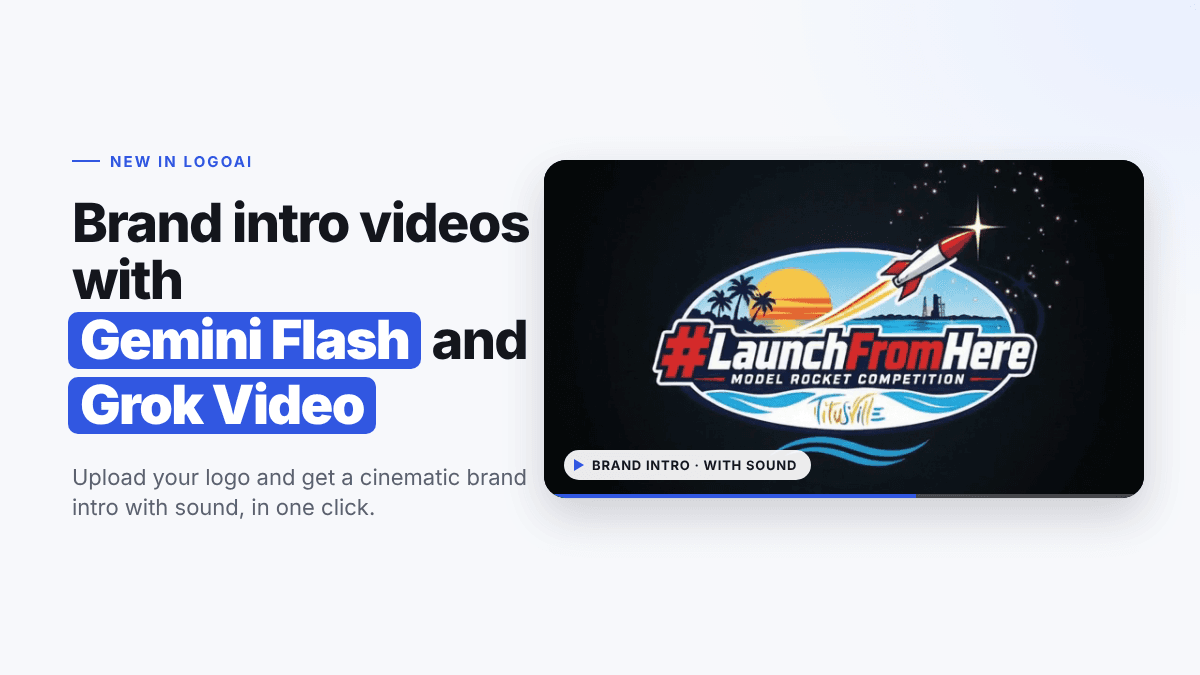
To show how it works, we ran a real logo through it: the #LaunchFromHere Model Rocket Competition badge from Titusville, Florida.

Here's the intro AI made from it. The badge outline glows into view, the rocket ignites and streaks across the sky, and the scene settles on a clean shot of the full logo.
The intros in this post are shown as silent animated previews. The real videos come with sound.
What's New: Brand Intros From Gemini Flash and Grok Video
Most intro makers give you a template and drop your logo into it. The result looks like everyone else's intro, because it is everyone else's intro.
The logo intro maker works the other way around. AI looks at your logo first (its colors, its shapes, what your brand is about) and builds a scene around it. A rocket competition gets a launch. A burger joint gets a sizzling, saucy flip. An orthodontist gets something clean and calm.
Behind the scenes, two AI video models do the work:
- Gemini Flash (Gemini Omni 1.2 Flash): Google's fast video model makes crisp, polished scenes, with a choice of low (360p) or high (1080p) resolution. Learn more on our Gemini video generator page.
- Grok Video (Grok 1.5): xAI's video model brings bold, cinematic motion with rich sound. See what else it can do with the Grok video generator.
Both models create the video and its sound together, so the whooshes, sizzles, and chimes match what happens on screen. When you click Create my intro, you get a brand intro from Gemini Flash and one from Grok Video, so you can compare the two right away. (Free accounts start with Grok Video.)
Gemini Flash or Grok Video?
| Gemini Flash | Grok Video | |
|---|---|---|
| Style | Clean, polished, precise | Bold, cinematic, energetic |
| Sound | Yes | Yes |
| Resolution choice | Low 360p or High 1080p | Set automatically |
There's no wrong choice. The same logo often gets two very different intros, which is the fun part.
Examples: Four Brands, Four Different Intros
We gave the logo intro maker four very different logos. Each one got an intro that fits the brand, not a shared template.
Big Back Burger
The badge flips into view like a coin, then sauce drips down from the lettering against a warm red background.
Jewell Orthodontics
A single line of light draws the "J" on a deep blue background, then sweeps across to reveal the practice name in a shimmer of sparkles. It's calm and precise, just right for a dental office.

All Around Drone Services
A drone flies through a waving American flag, which turns into the brush-stroke flag in the logo as the company name slides into place.
Four logos, four completely different intros. Each one ends on a clean, steady shot of the logo, so it works as the opening of any video.
Customize Your Intro Video
Your first intro is AI's pick. Once it's ready, a Customize your intro video card appears so you can make more versions.
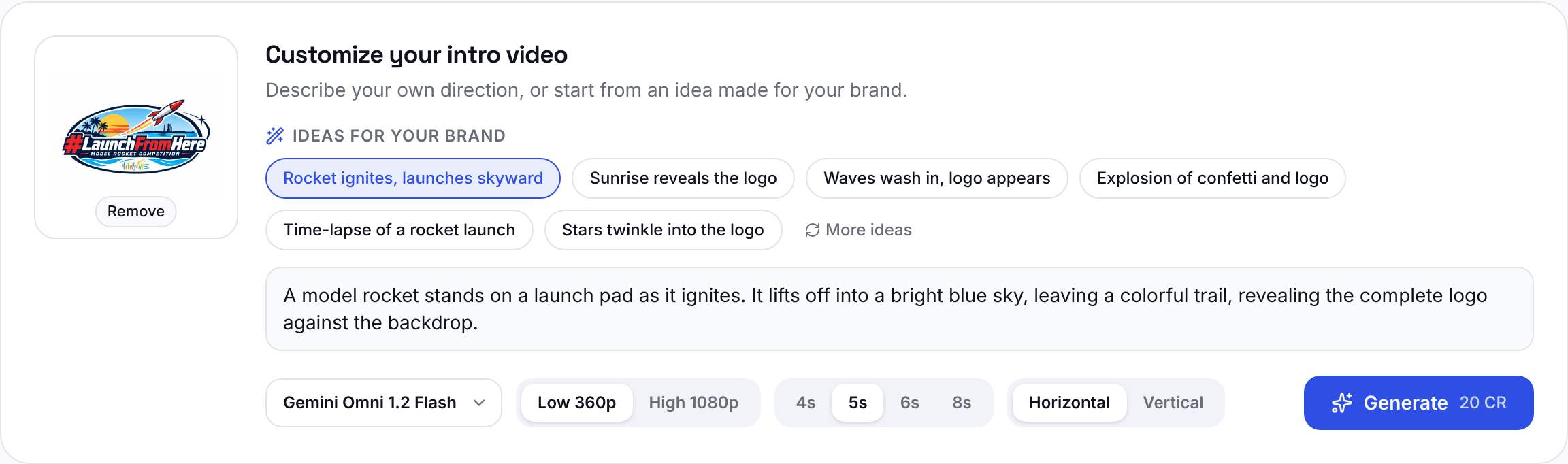
- Ideas for your brand. AI reads your logo and suggests six intro ideas made just for it. For #LaunchFromHere, it suggested "Rocket ignites, launches skyward," "Sunrise reveals the logo," "Waves wash in, logo appears," "Stars twinkle into the logo," and more. Click one to fill in the prompt, then edit it as much as you like. Want different ones? Click More ideas.
- Your own direction. Prefer to write it yourself? Describe the scene in plain words, like "The rocket lifts off into a bright blue sky, leaving a colorful trail that reveals the logo."
- Model. Choose Gemini Flash or Grok Video from the dropdown.
- Resolution. With Gemini, pick low (360p) for quick drafts or high (1080p) for the final cut.
- Length. 4, 5, 6, or 8 seconds.
- Format. Horizontal for YouTube, websites, and presentations. Vertical for Reels, TikTok, and Stories.
All your intros stay in your results, so you can compare versions side by side and download the one you like best.
How to Make a Logo Intro Video
Step 1: Upload your logo
Open the logo intro maker and upload your logo as a PNG, JPG, or WEBP. A sharp logo on a plain background gives the best results.
Step 2: Click "Create my intro"
That's the whole step. Gemini Flash and Grok Video study your logo and make a 5-second horizontal brand intro with sound that suits your brand. You don't need to write a prompt.
Step 3: Customize (optional)
When the first intro is ready, use the customize card to try an AI idea or your own direction, switch models, change the length, or make a vertical version for social media.
Step 4: Download
Open any result to watch it full size with sound, then download the MP4.
Where to Use Your Intro Video
- YouTube: open every video with your brand.
- Instagram Reels, TikTok, and Stories: use a vertical intro so it fills the screen.
- Your website: play it in a hero section or on your About page.
- Presentations and webinars: start with a moment of polish before the first slide.
- Ads and product videos: add a branded opening or closing shot.
- Events: show it on screens before a talk, a launch, or an award.
Tips for Better Logo Intros
- Start with AI's pick. The one-click intro is usually a great fit. Customize after you've seen it.
- Name what should happen to your logo. "The rocket launches and reveals the logo" works better than "make it epic."
- Use one clear idea per intro. A single reveal reads better in a few seconds than several effects at once.
- Match the format to the platform. Horizontal for YouTube and websites, vertical for Reels and TikTok.
- Try both models. Gemini Flash and Grok Video interpret the same idea differently, so making one of each is a great way to find your favorite.
Frequently Asked Questions
Which AI models make the intro videos? Gemini Flash (Gemini Omni 1.2 Flash) from Google and Grok Video (Grok 1.5) from xAI, two of today's most capable AI video models.
Do I need video editing skills? No. Upload your logo and click one button. AI handles the scene, the motion, and the sound.
Does the video have sound? Yes. Both Gemini Flash and Grok Video create sound with the video, timed to what happens on screen.
Is it a template? No. Each intro is created for your logo, so two brands never get the same intro. You can see that in the examples above.
How long are the intros? The first intro is 5 seconds. When you customize, you can choose 4, 5, 6, or 8 seconds.
Can I make a vertical intro for TikTok or Reels? Yes. Choose Vertical in the customize card.
Will my logo stay accurate? The AI is asked to keep your logo's design and colors and to end on a clear, steady shot of the full logo. For the most accurate result, upload a sharp, high-quality logo file.
Make Your Brand Intro Today
A moving, sounding logo makes your brand feel bigger the moment a video starts. Generate your brand intro video with Gemini Flash and Grok Video in one click and see what they make for your brand.
Want to make other videos, like product clips, ads, or social posts? Head to the AI video generator, where you can use Gemini, Grok, and more video models. Don't have a logo yet? Make one free with the AI logo maker, then bring it to life.
Ready to create your own logo?
Turn your brand name into professional logo concepts in seconds with LogoAI.
Generate my logo