LogoAI 2.0: From Business Name to Brand Kit
LogoAI 2.0 uses AI to generate custom logo concepts from your business name and helps you build a practical brand kit with colors, logo variations, mockups, and social assets.
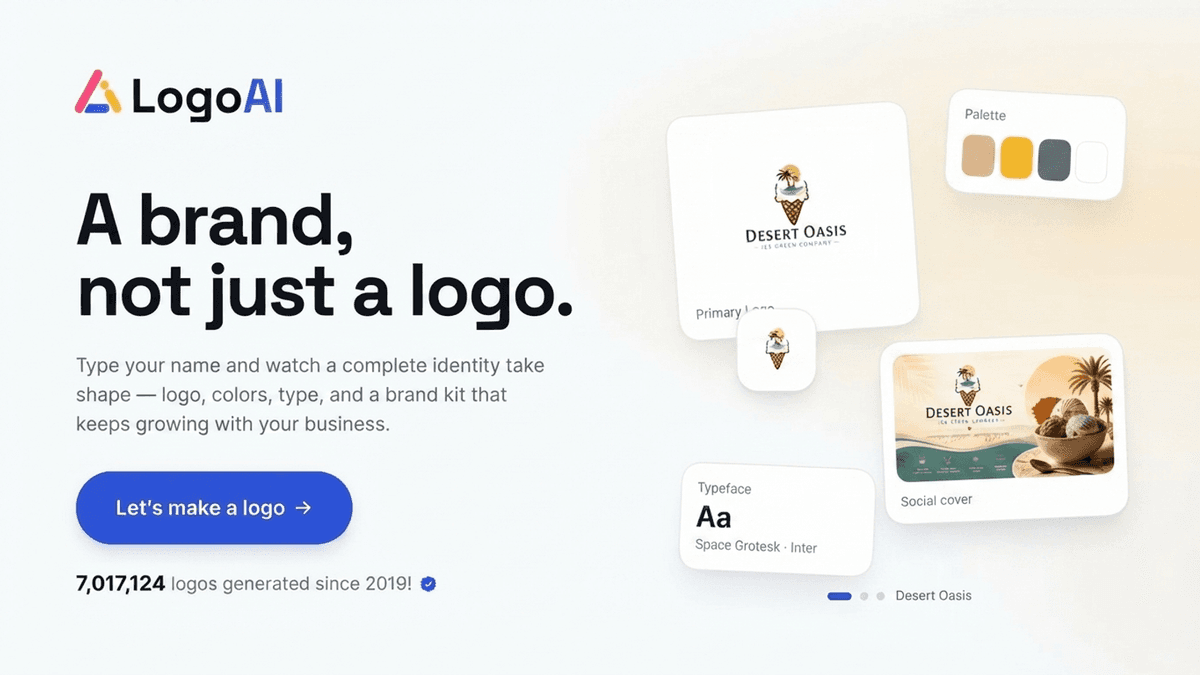
Most DIY logo makers leave you with two frustrating choices.
You either customize a rigid template and end up with a logo that looks familiar, or you ask a general image generator for a logo and receive something visually interesting but difficult to use in the real world.
LogoAI 2.0 takes a different approach.
Instead of asking you to choose a finished template and replace the text, LogoAI uses AI to generate logo concepts based on your business name and the visual direction you choose. You can explore several creative routes, make chat-based tweaks to a concept, and then build practical brand assets around the logo you select.
The workflow is simple:
Business Name → Style Choice → AI Generation → Chat-Based Tweaks → Brand Kit
Step 1: Start with your business name
The process starts with one simple question:
What is your brand called?
Enter the name of your business, side project, newsletter, ecommerce store, or personal brand. You do not need to prepare a long creative brief, create a mood board, or decide on every part of your visual identity before you begin.
Your business name is enough to start creating a logo from your business name.
Step 2: Choose your visual direction
After entering your business name, LogoAI asks you to choose a logo style.
You can explore directions ranging from Wordmark and Combination logos to Emblems, Mascots, Signatures, and Monograms.
A Wordmark focuses on the brand name and typography. A Combination logo pairs text with an icon. An Emblem uses a badge or crest-like structure, while a Mascot logo builds the identity around a character.
You can choose a specific direction if you already have an idea in mind. If you are unsure, the surprise option allows LogoAI to explore a direction for you.
The style choice acts as a creative direction for the AI. It gives the generation process a clear visual starting point without limiting you to one pre-designed template.
Step 3: Explore AI-generated logo concepts
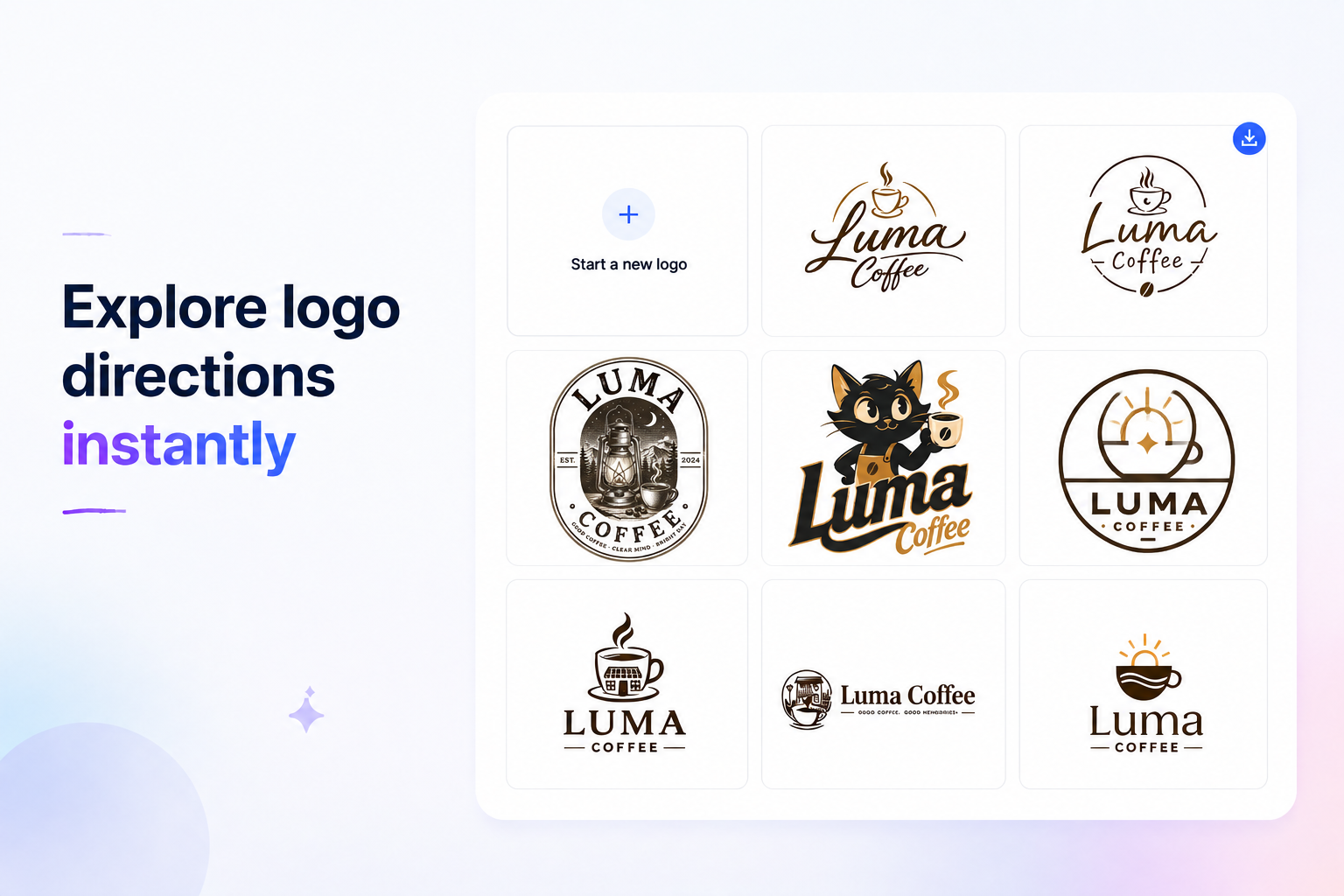
Once you choose a style, LogoAI generates a batch of logo concepts for your brand name.
These concepts are created by AI rather than selected as finished designs from a static template library. Each option can explore a different balance between typography, layout, symbol, and visual weight.
One concept may have the right typography but the wrong symbol. Another may feel more distinctive but less suitable for your industry. A third may offer a visual direction you had not considered before.
The goal is not to accept the first result automatically. It is to give you several creative routes to compare until one feels right for the brand you want to build.
Step 4: Make chat-based tweaks
Found a concept that is almost there? You do not have to start over or adjust every detail manually.
With LogoAI's chat-based tweaks, you can describe the change you want in plain English, just as you would explain it to a designer.
- Make the color palette darker
- Use a cleaner, more modern style
- Make the design feel more playful
- Simplify the symbol
- Create a bolder layout
- Make the logo feel more premium
You guide the creative direction through your words, and the AI generates another version of the concept.
Step 5: Download the logo and open the Brand Kit
Once you find a logo you want to keep, you can download it.
In the current LogoAI 2.0 workflow, downloading a selected logo starts a short analysis process. After the analysis is complete, LogoAI opens a dedicated Brand Kit workspace built around the selected logo.
The page can include a generated tagline, an inferred industry, a visual style description, and notes explaining the logo direction.
What can you do inside the Brand Kit?
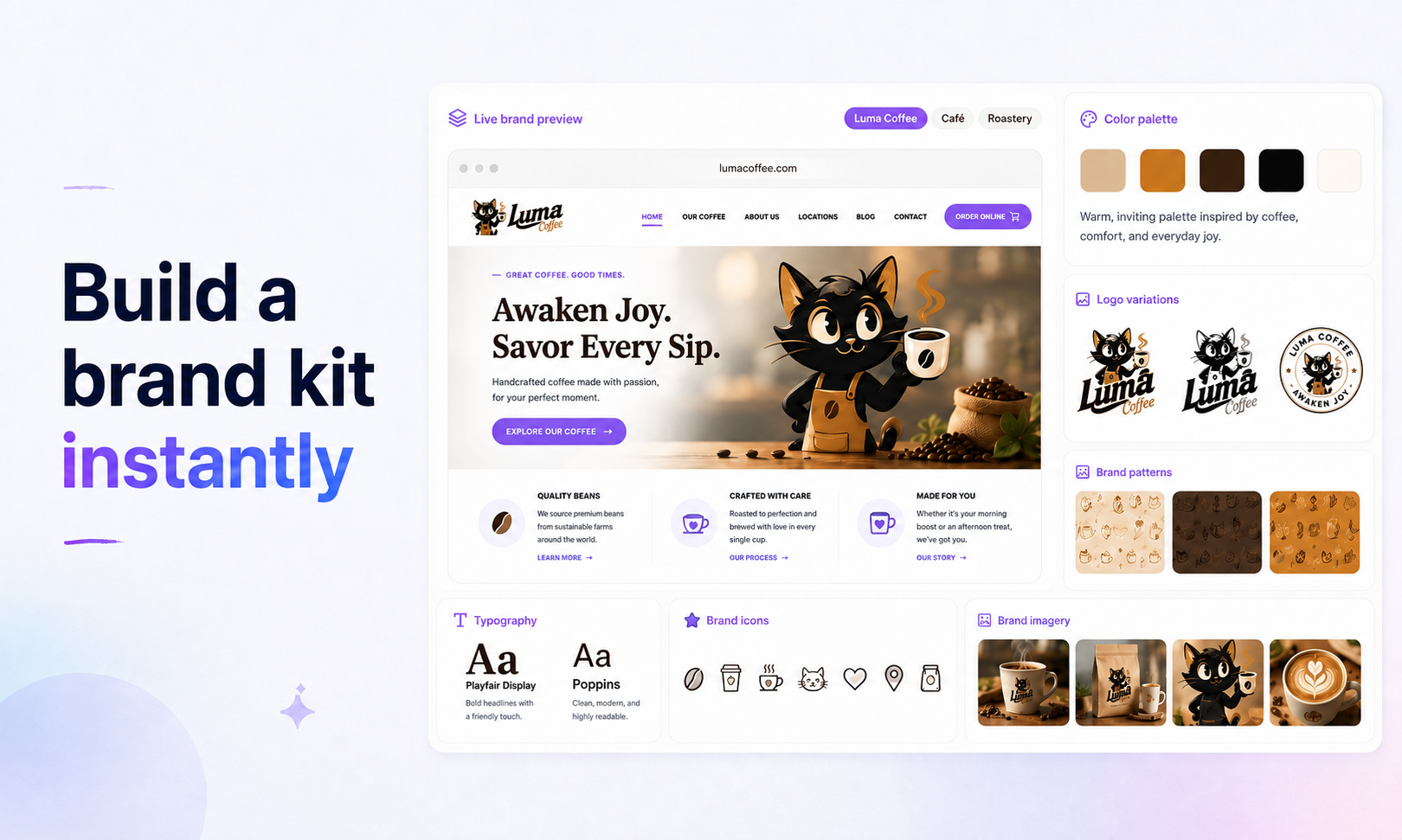
The Brand Kit starts with the selected logo and organizes the assets that can be created around it.
LogoAI can extract brand colors from the logo and display their names and HEX values. It can also prepare useful logo versions, including transparent, single-color, and white-on-dark variations.
The Brand Kit can also include a standalone symbol, favicon, transparent symbol, social profile image, or brand mascot.
Some assets are ready immediately, while others can be generated on demand depending on the asset type.
See the logo in real-world situations
A logo can look good on a white screen and still feel wrong when placed on packaging, signage, or merchandise. The mockup section helps you preview the design in more realistic situations.
For more flexible scenarios, you can continue with the AI Mockup Generator and create a custom mockup.
Extend the brand into social and visual assets
The Brand Kit can also include social media designs such as cover banners, brand introduction posts, product launch graphics, customer quote posts, and milestone announcements.
For more advanced brand visuals, you can continue exploring the AI Design Studio.
A logo is the start, not the finish line
LogoAI 2.0 will not replace your business judgment, define your market positioning, or file your trademark paperwork.
What it does is reduce the gap between having a business idea and having a visual identity you can actually use.
You start with a business name, choose a visual direction, and explore AI-generated logo concepts. After selecting a concept, you can make chat-based tweaks and build practical assets around the final direction.
The result is more than a single logo file. It is a starting point for how your brand can appear across websites, products, social media, packaging, and other real-world applications.
Ready to create your own logo?
Turn your brand name into professional logo concepts in seconds with LogoAI.
Generate my logo