Gemini Omni 1.2 Flash: Turn Your Logo Into a Brand Intro Video
Gemini Omni 1.2 Flash makes 3 to 15 second videos with sound. See Low vs High resolution pricing and how to turn your logo into a brand intro, with real examples.
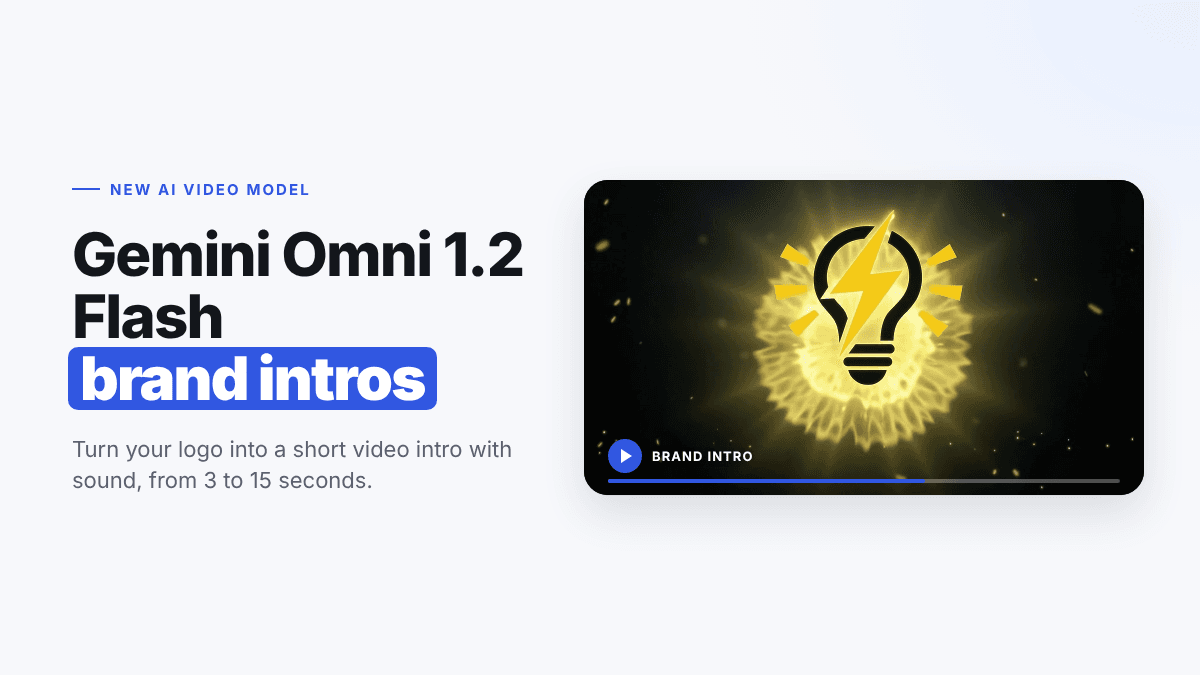
Google's newest video model, Gemini Omni 1.2 Flash, is now available in LogoAI. It turns a prompt, or your logo, into a short video with sound, and it's faster and cheaper than earlier Gemini Omni versions. That makes it a great fit for one of the most useful things a small brand can make: a brand intro, the few seconds of motion that open your videos, reels, and presentations.
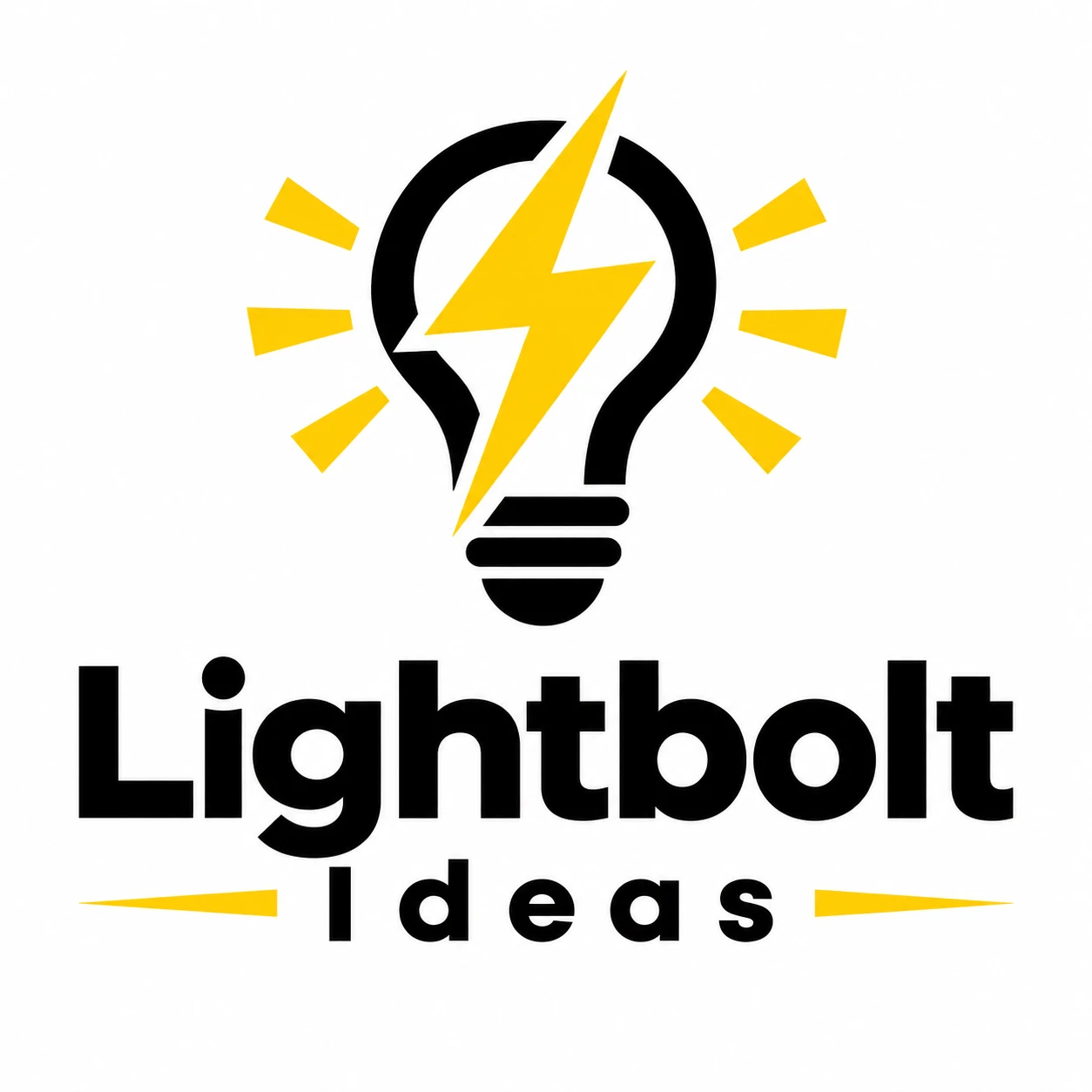
In this guide you'll learn what Gemini Omni 1.2 Flash is, how its Low and High resolution options compare, and how to turn your logo into a brand intro step by step. We made every example with a real logo: Lightbolt Ideas, a creative consultancy.
What Is Gemini Omni 1.2 Flash?
Gemini Omni 1.2 Flash is Google's latest Gemini video model. Like the earlier Omni models, it can create video from text, from images, or from both, with native audio. What's new in 1.2:
- Longer clips. Videos run from 3 to 15 seconds, up from a 10-second maximum on Gemini Omni 1.1 Flash in LogoAI.
- Lower price. It costs a fraction of the earlier Gemini Omni models, so you can try more ideas.
- Sound included. Every clip comes with audio, so a logo reveal can land with a whoosh, a hum, or a spark.
Low or High: Choosing a Resolution
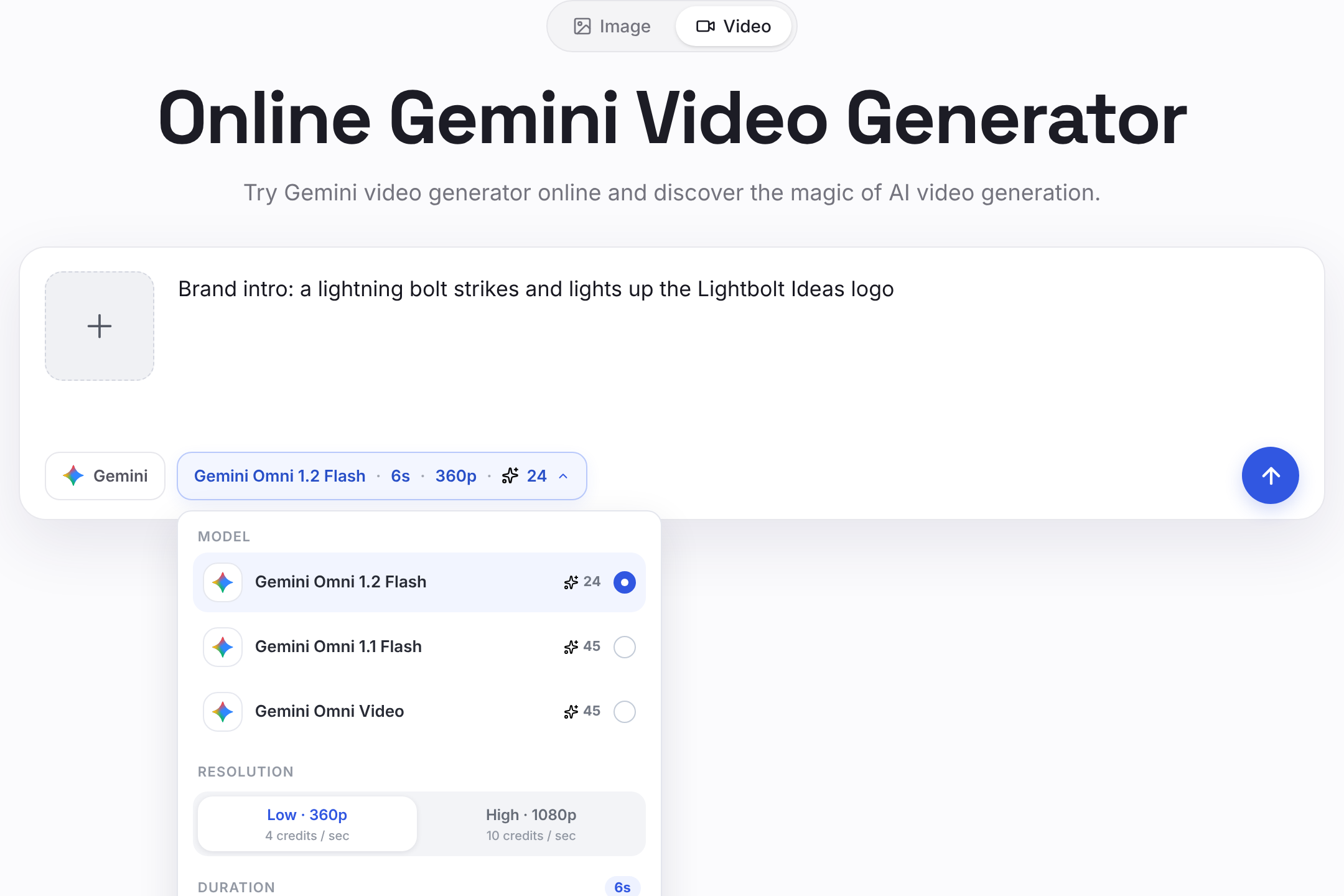
In LogoAI's Gemini video generator, Gemini Omni 1.2 Flash has two resolution options:
| Option | Resolution | Price | Best for |
|---|---|---|---|
| Low (default) | 360p | 4 credits per second | Trying ideas, drafts, quick social stories |
| High | 1080p | 10 credits per second | Final videos, YouTube intros, presentations |
A 6-second brand intro costs 24 credits on Low and 60 credits on High. A good workflow is to explore on Low until you love the motion, then make the final version on High.
Brand Intro Examples Made With Gemini Omni 1.2 Flash
We gave Gemini Omni 1.2 Flash the Lightbolt Ideas logo and a short prompt for each idea. Each clip below is a silent preview; the real videos come with sound.
Lightning reveal
A lightning bolt strikes, the bulb lights up, and the logo settles on a clean background.
Low (360p), 6 seconds, 24 credits:

High (1080p), 6 seconds, 60 credits: the same prompt in High. Note the sharper lightning, the sparks, and the crisp lettering in the final frame.
Prompt: Cinematic brand intro for the Lightbolt Ideas logo. Start on a dark background; a yellow lightning bolt strikes and lights up the light bulb outline, yellow rays burst out around the bulb, then "Lightbolt" and "Ideas" appear below. End on the complete logo on a clean white background. Keep the logo design, colors, and text exactly the same.
Neon sign
The logo becomes a neon sign that flickers to life on a brick wall.
Low (360p), 6 seconds, 24 credits:
Prompt: Brand intro for the Lightbolt Ideas logo as a neon sign on a dark brick wall at night. The neon tubes flicker on one by one: first the light bulb, then the yellow lightning bolt and rays, then "Lightbolt Ideas" lights up. Keep the logo shape and text exactly as in the image.
How to Make a Brand Intro From Your Logo
Step 1: Open the Gemini video generator
Go to the Gemini video generator in LogoAI. Gemini Omni 1.2 Flash is selected by default.
Step 2: Upload your logo
Click the + box and upload your logo. A PNG or JPG on a plain background works best. You can add up to five reference images.
Step 3: Describe the intro
Write what should happen, from the first frame to the last. Name the elements of your logo, describe the motion and the sound, and say how it should end. Add "keep the logo design, colors, and text exactly the same" so your logo stays recognizable.
Step 4: Pick the length, resolution, and size
Choose 3 to 15 seconds (5 to 8 seconds is plenty for an intro), Low or High resolution, and 16:9 for YouTube and presentations or 9:16 for Reels, TikTok, and Stories.
Step 5: Generate and download
Click generate. Your brand intro is ready in about a minute, with sound. Download it and drop it at the start of your next video.
Tips for a Better Brand Intro
- End on your logo. The last second should show your complete logo, still and clear, so viewers remember it.
- Keep it short. 5 to 8 seconds feels confident; longer intros get skipped.
- Describe the motion in order. "First the bulb lights up, then the bolt strikes, then the name appears" works better than a list of effects.
- Match the motion to your brand. A creative studio can go electric; a law firm might prefer a slow, elegant fade.
- Draft on Low, finish on High. Try two or three ideas at 360p, then make your favorite in 1080p.
- Use a clean logo file. A sharp logo on a plain background keeps the letters accurate. If yours sits on a busy background, remove the background first.
Frequently Asked Questions
What is Gemini Omni 1.2 Flash? It's Google's newest Gemini video model. It creates 3 to 15 second videos with sound from a text prompt, an image, or both, and it's faster and cheaper than earlier Gemini Omni versions.
How much does Gemini Omni 1.2 Flash cost on LogoAI? Low (360p) is 4 credits per second and High (1080p) is 10 credits per second. A 6-second clip costs 24 credits on Low or 60 credits on High.
Can Gemini Omni 1.2 Flash animate my logo? Yes. Upload your logo, describe the motion you want, and it creates a brand intro around your logo. Ask it to keep the logo exactly the same and to end on the full logo.
How long can the videos be? Anywhere from 3 to 15 seconds, in one-second steps.
Do the videos have sound? Yes. Gemini Omni 1.2 Flash generates audio with every clip, and you can describe the sound you want in your prompt.
Should I use Low or High resolution? Use Low (360p) to explore ideas quickly and cheaply, then High (1080p) for the version you publish.
Make Your Brand Intro Today
A brand intro makes every video you post feel finished and professional, and with Gemini Omni 1.2 Flash it takes about a minute. Try Gemini Omni 1.2 Flash with your logo, or explore more ways to bring it to life with the animated logo maker.
Don't have a logo yet? Create one free with the AI logo maker, then give it a brand intro.
Ready to create your own logo?
Turn your brand name into professional logo concepts in seconds with LogoAI.
Generate my logo