How We Built a Hunting and Outdoors Brand With AI: Presidio Outdoors
We built Presidio Outdoors, a hunting and outdoors brand, from scratch with LogoAI: logo, refinement, brand kit, brand DNA, guidelines, mockups, and social posts. Here is every step, plus what would make the process better.
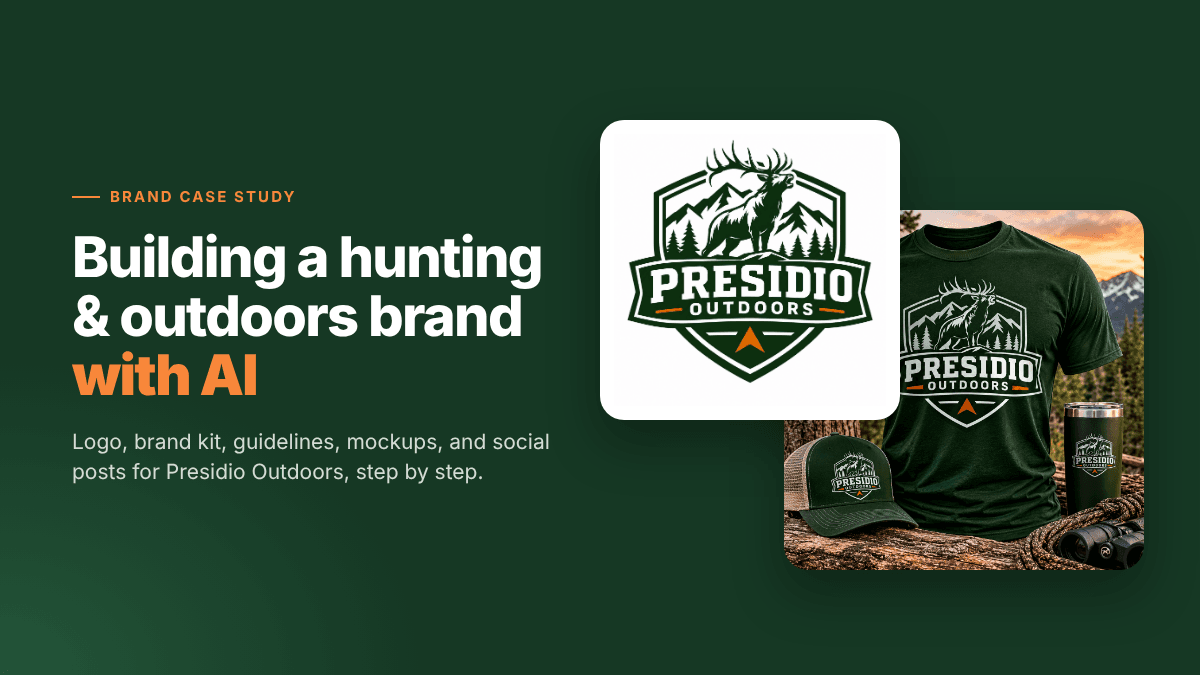
Hunting and outdoors brands live and die by trust. Hunters buy from brands that look like they belong in the backcountry: rugged badges, wildlife, mountains, earthy colors, and a voice that respects the land. Getting that look used to mean hiring a designer for the logo, another for the brand guide, and a photographer for product shots.
We wanted to see how far AI can take a brand like this today. So we built one from scratch with LogoAI: Presidio Outdoors, a fictional brand that sells hunting apparel, packs, and gear, and runs guided elk hunts in the American West. Below is every step we took, the real results, and what we learned along the way.
Step 1: Name the Brand and Pick Logo Styles
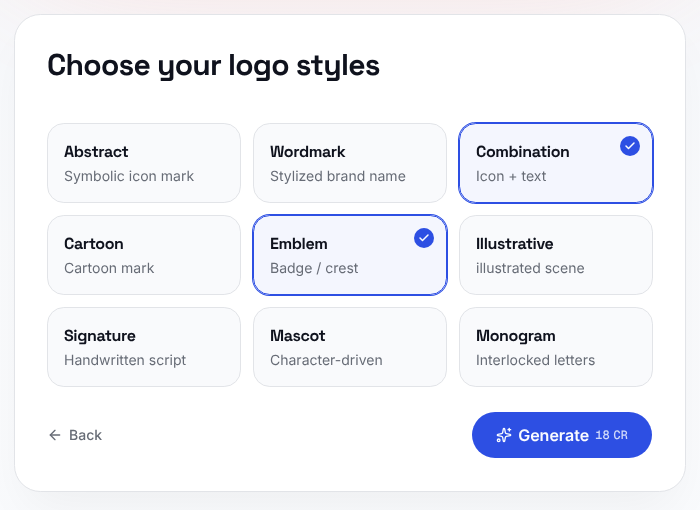
We opened the AI logo maker, typed "Presidio Outdoors", and chose two logo styles that fit the category:
- Emblem (badge or crest), the classic look for hunting, fishing, and outdoor brands.
- Combination (an icon next to the brand name), which is more flexible for websites and small sizes.
Step 2: Review the First Logos
In under a minute, LogoAI gave us six logo concepts. Every one of them nailed the outdoors feel: forest green, pine trees, mountain peaks, and bold, athletic lettering.
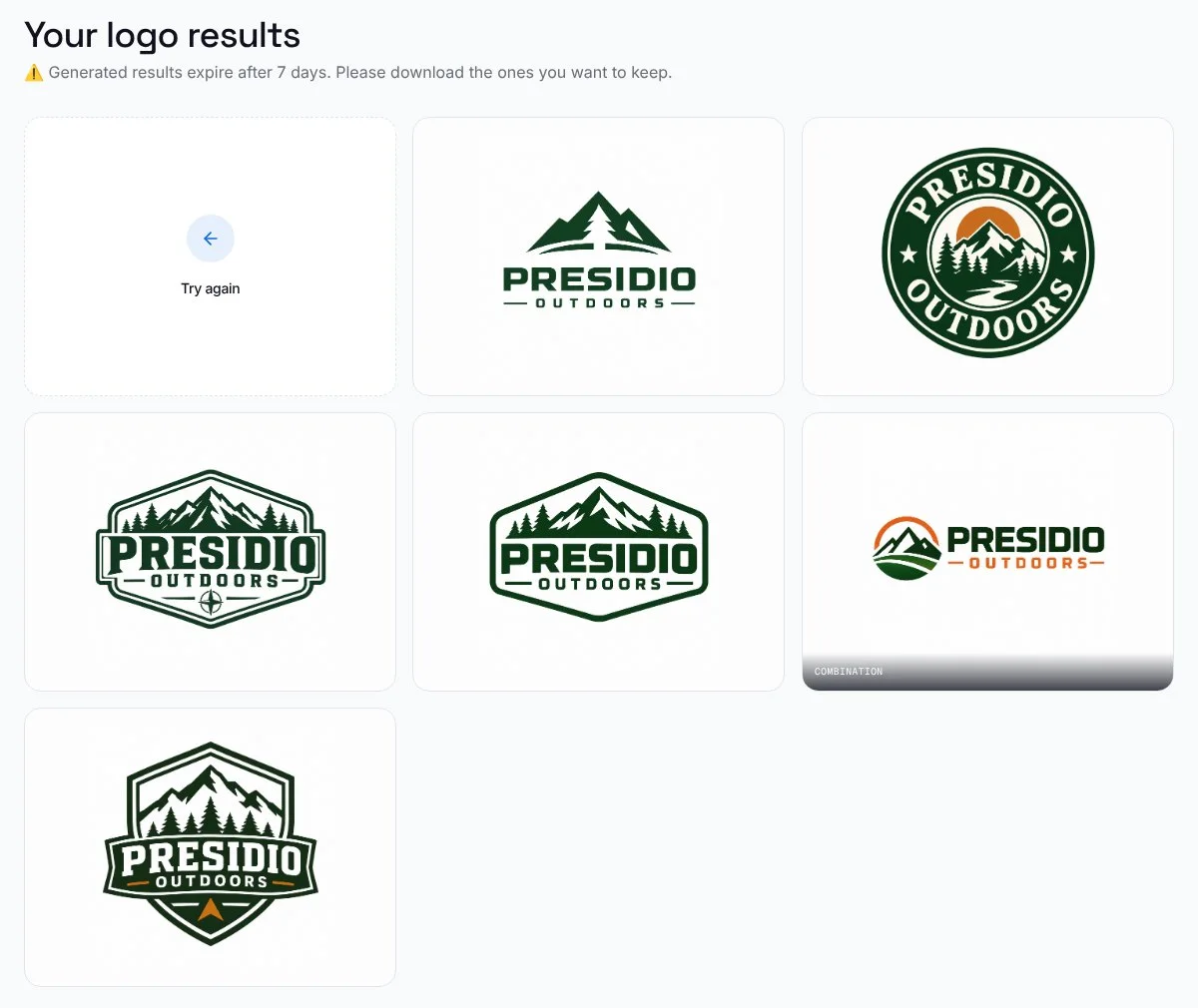
There was one thing missing: hunting. We only gave the logo maker a name, so it read "Outdoors" and went with hiking and camping. That's a useful lesson. If your brand is about something specific, like hunting, fishing, or climbing, you'll need to say so, and refining is the place to do it.
Our favorite was the shield badge with the orange arrowhead at the bottom. It already had a hint of hunting, a strong shape, and a bold wordmark that would work on hats and decals.
Step 3: Refine the Logo to Say "Hunting"
We opened the shield and clicked Refine. LogoAI offers six directions: Simplify, Icon, Colors, Typography, Layout, and Style. We picked Icon, then More relevant ("closer to your industry"), and added one sentence:
Add an elk with big antlers in front of the mountains so it reads as hunting. Keep the shield, colors, and text.
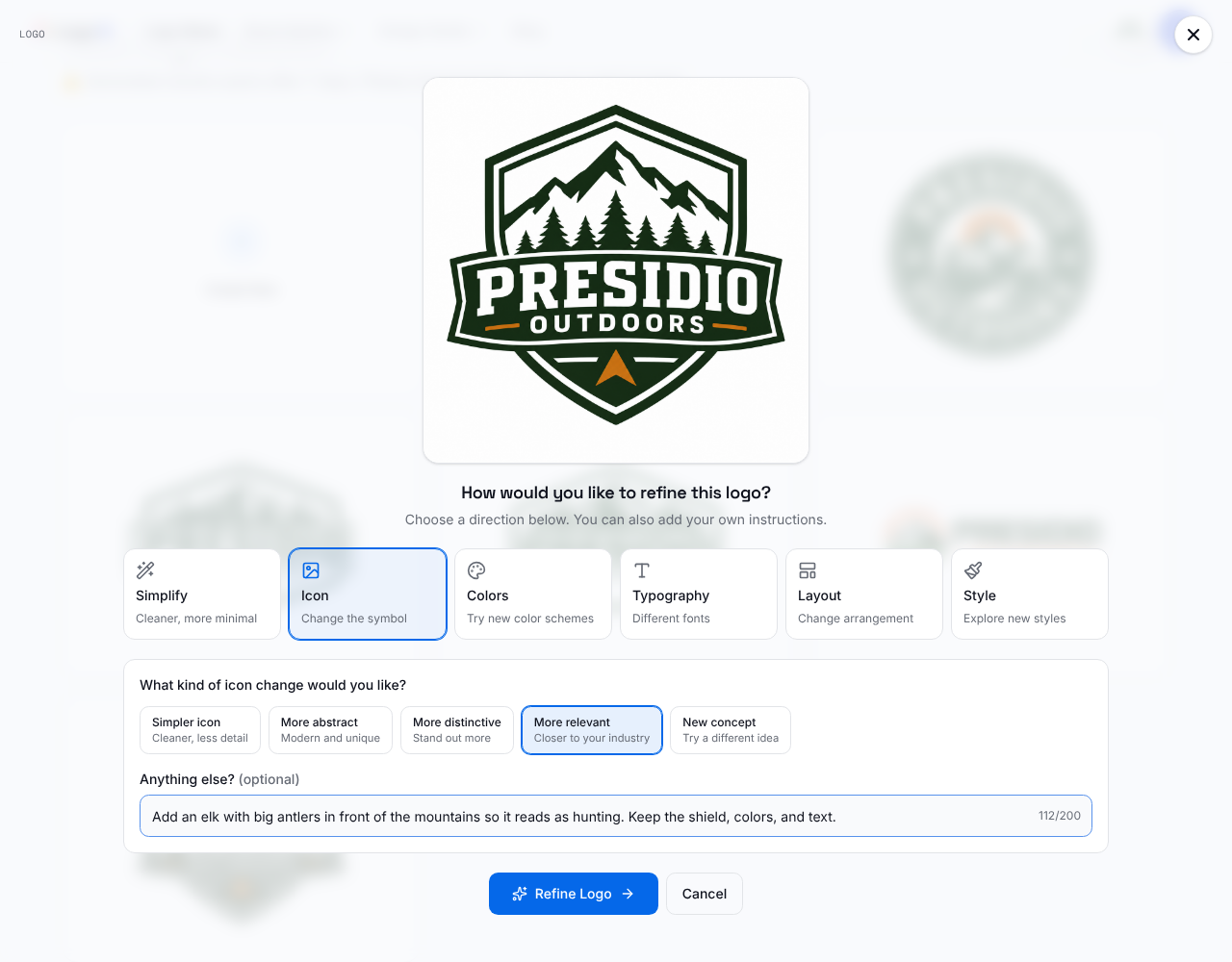
About a minute later, we had three versions, each with a bugling elk on a rocky ledge in front of the peaks.
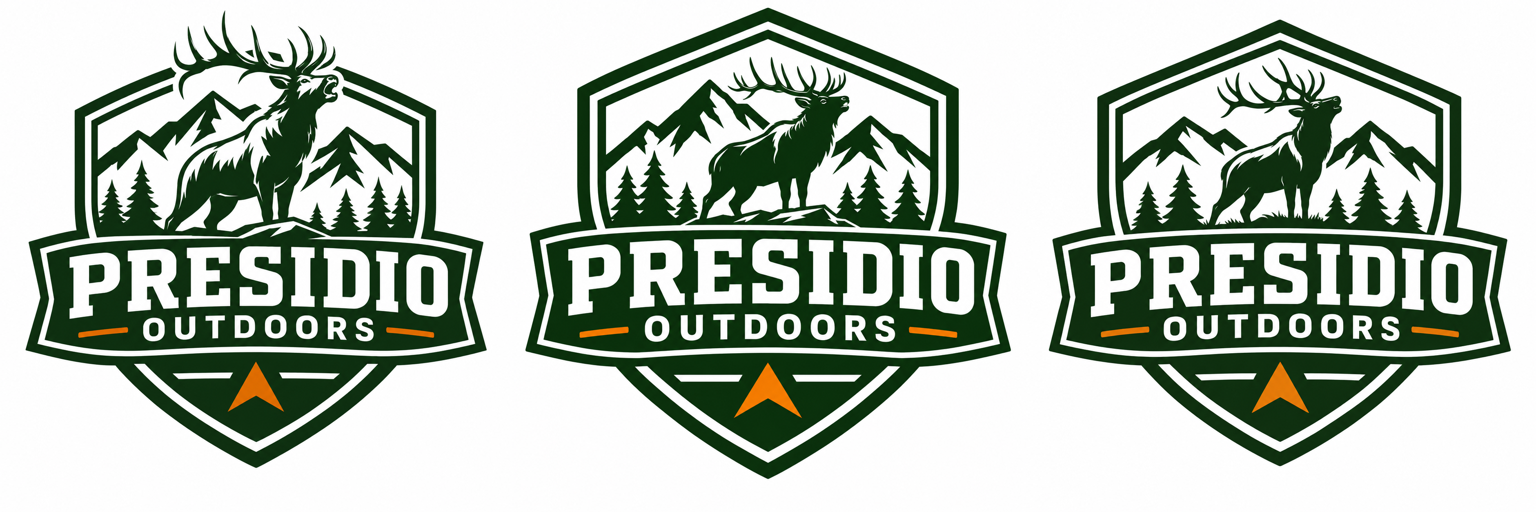
We chose the first one. The antlers break out of the top of the badge, which makes the logo feel bigger and more alive, and the elk reads instantly, even at a small size.
Step 4: Build the Brand Kit
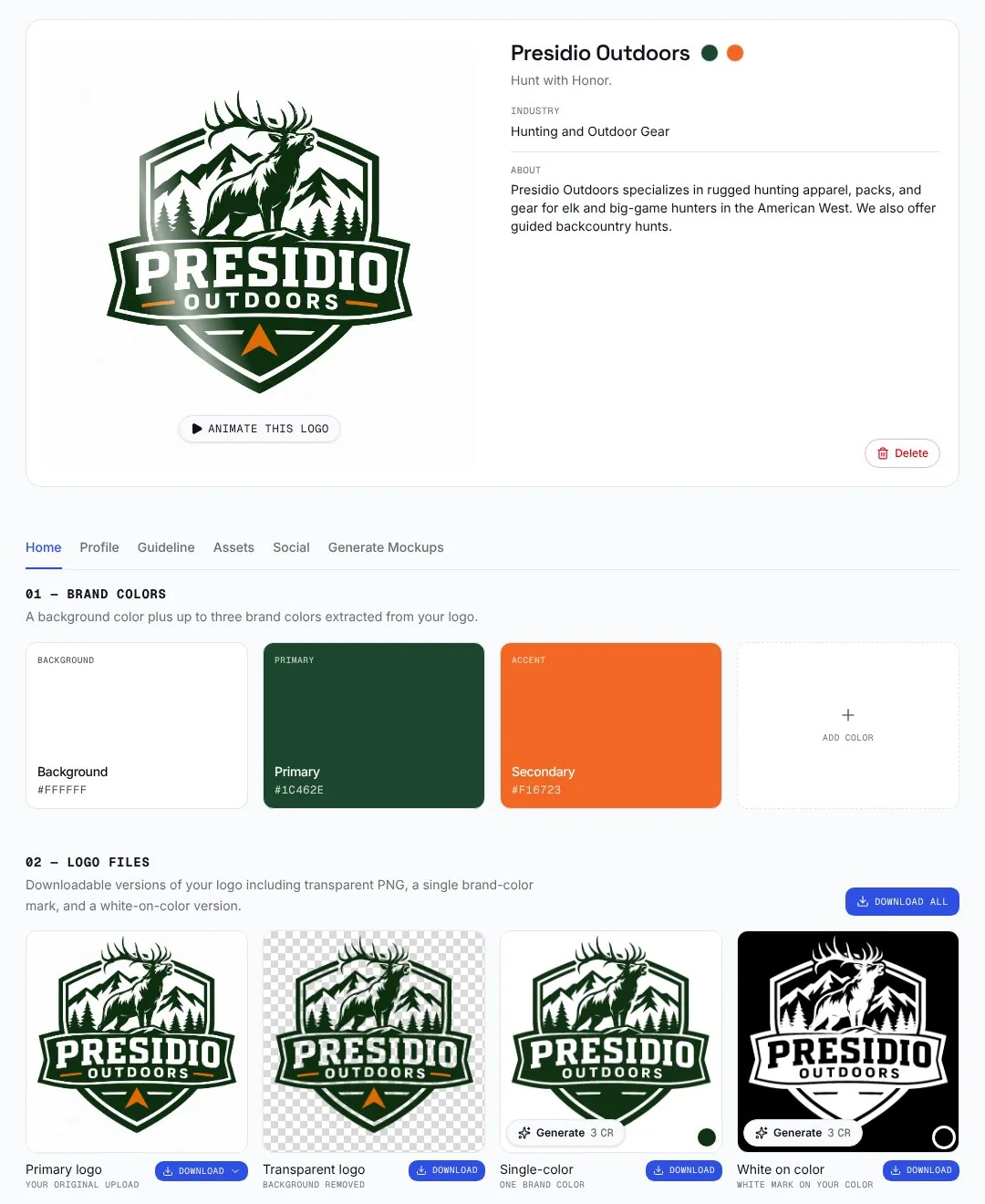
From the logo, we went straight into the brand kit. In about 20 seconds, LogoAI pulled our colors from the logo (Forest green and a blaze-orange accent), wrote a tagline, and prepared the logo files: the original, a transparent PNG, a single-color version, and a white mark for dark backgrounds.
Step 5: Tell the AI What the Brand Is About
The first brand kit called us "Outdoor Gear", which is close but not quite right. So we opened the Profile tab and described the business in a few sentences:
Presidio Outdoors is a hunting and outdoors brand for elk and big-game hunters in the American West. We sell rugged hunting apparel, packs, and gear, and run guided backcountry hunts. Tone: rugged, trustworthy, respectful of wildlife and the land.
LogoAI turned that into a full brand DNA: the industry ("Hunting and Outdoor Gear"), a headline and body font pairing (Montserrat and Roboto), a personality (rugged, trustworthy, respectful), a mission, a vision, and a slogan we'd happily print on a hat: "Hunt with Honor."
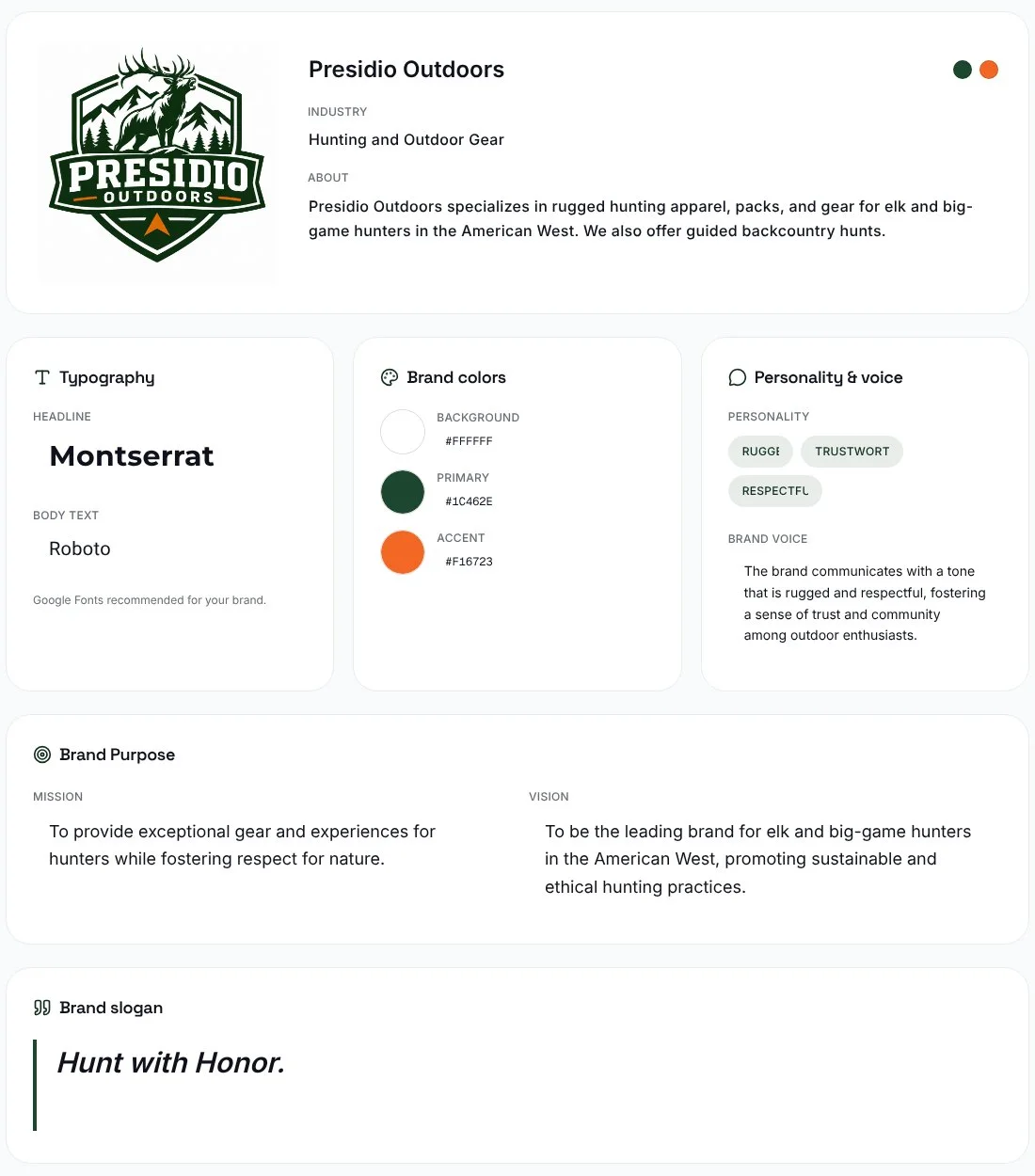
This step changed everything after it. Once the brand knew it was a hunting brand, the suggested mockups switched to a T-shirt, a backpack, and a trailhead sign, and the social posts switched to ideas like a gear launch.
Step 6: Download the Brand Guidelines
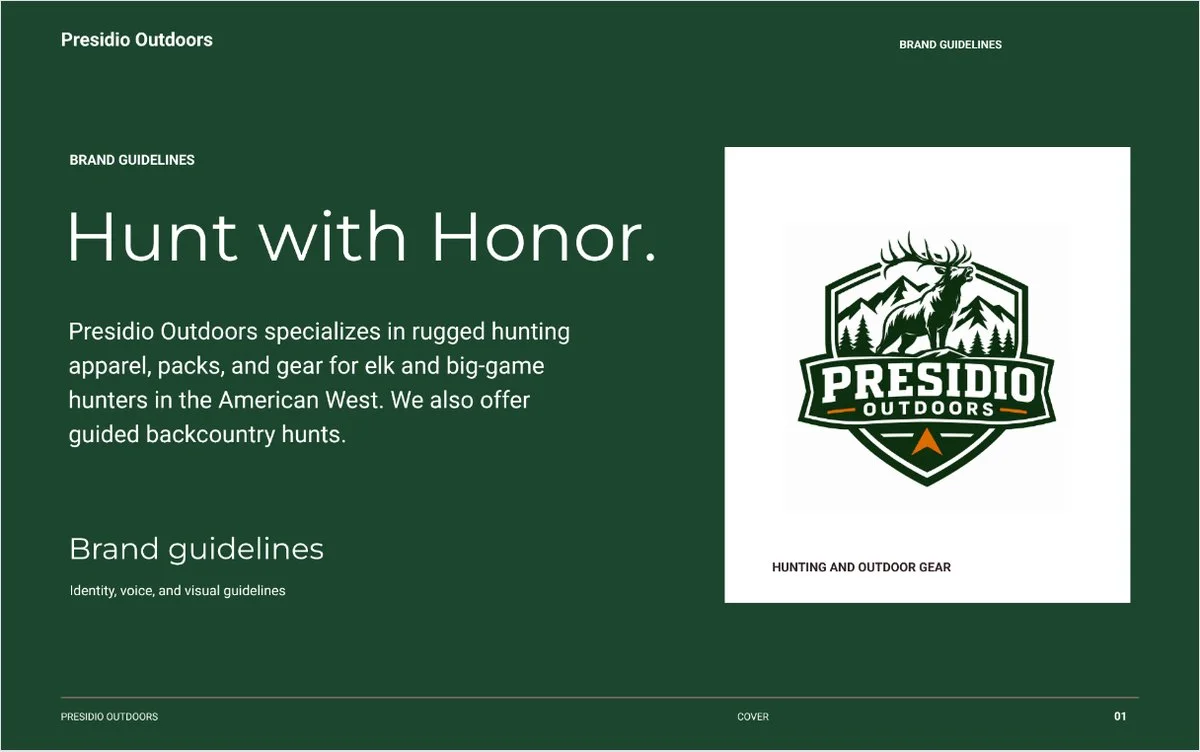
With the profile saved, the Guideline tab put together a 10-page brand guide, ready to download as a PDF: cover, brand foundation, personality and voice, primary logo, space and scale, color palette, typography, logo usage, brand applications, and a quick reference page.
Step 7: Create the Symbol, Alternative Logo, and Mascot
Back on the brand kit home, we generated the rest of the identity, one card at a time:
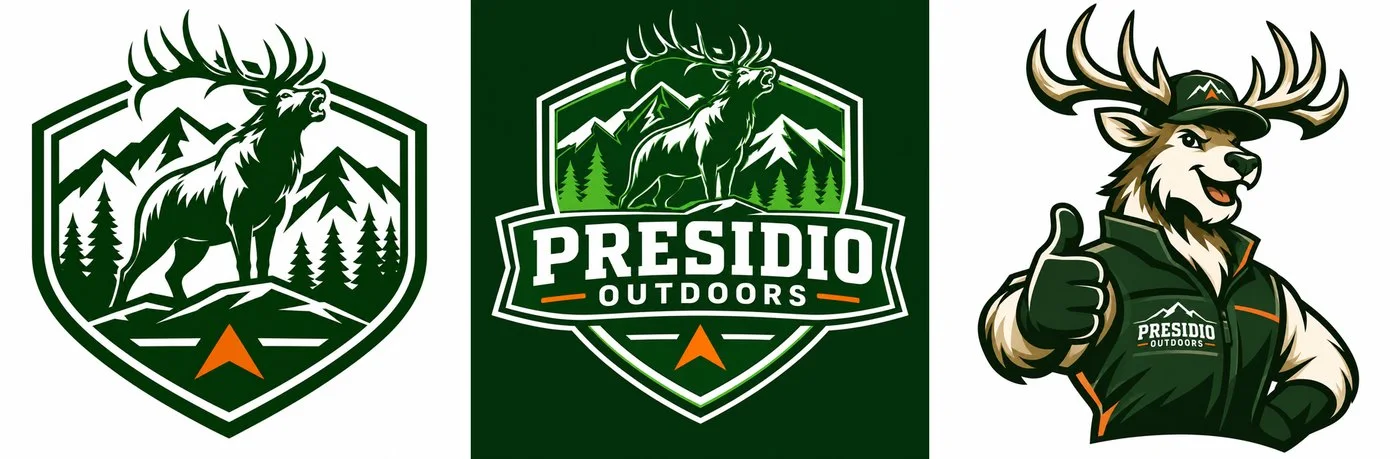
- Symbol / favicon: the elk badge on its own, for app icons and browser tabs.
- Alternative logo: an inverted version on forest green, for dark backgrounds and profile pictures.
- Brand mascot: a friendly elk in a Presidio cap and vest, giving a thumbs up. Perfect for stickers, kids' merch, or a social media persona.
Step 8: See the Brand in the Real World
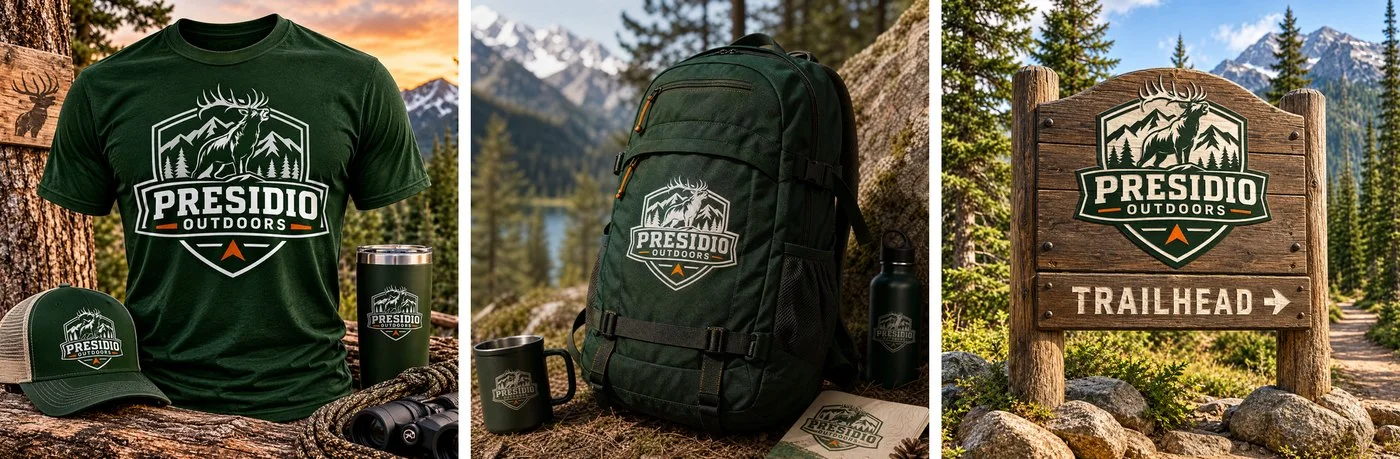
Mockups are where a brand starts to feel real. LogoAI placed the logo on a T-shirt (with a matching cap and tumbler), a hunting backpack, and a wooden trailhead sign.
Want more? The AI mockup generator can put your logo on almost anything else.
Step 9: Social Media Graphics
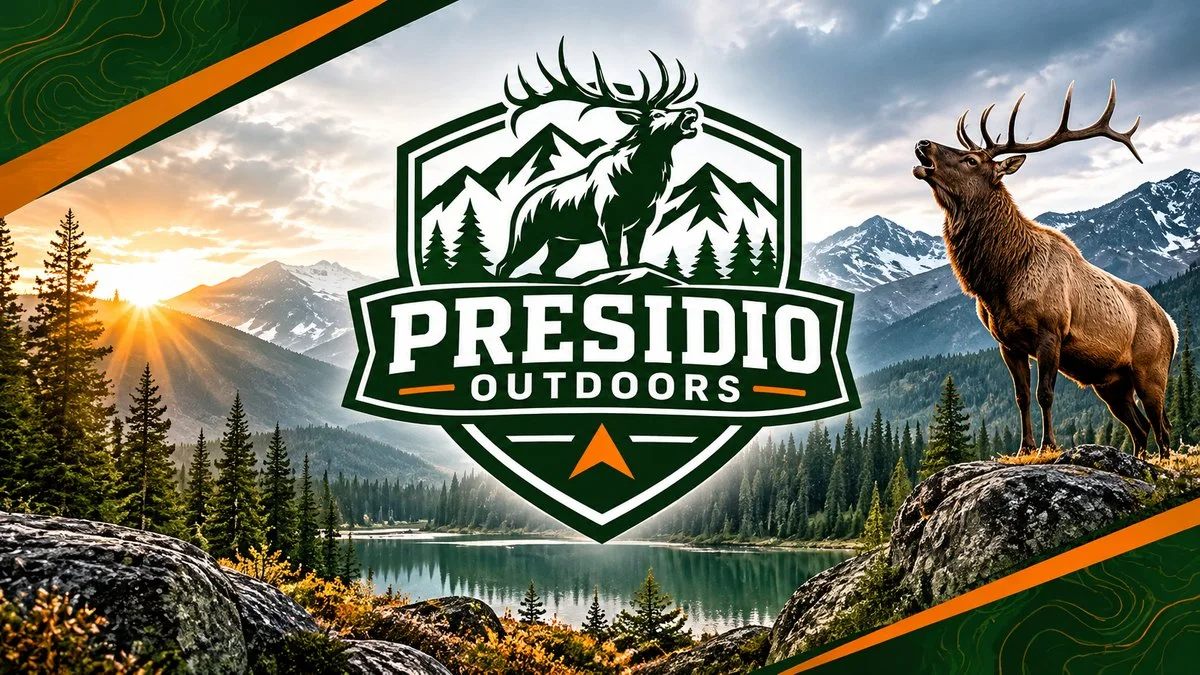
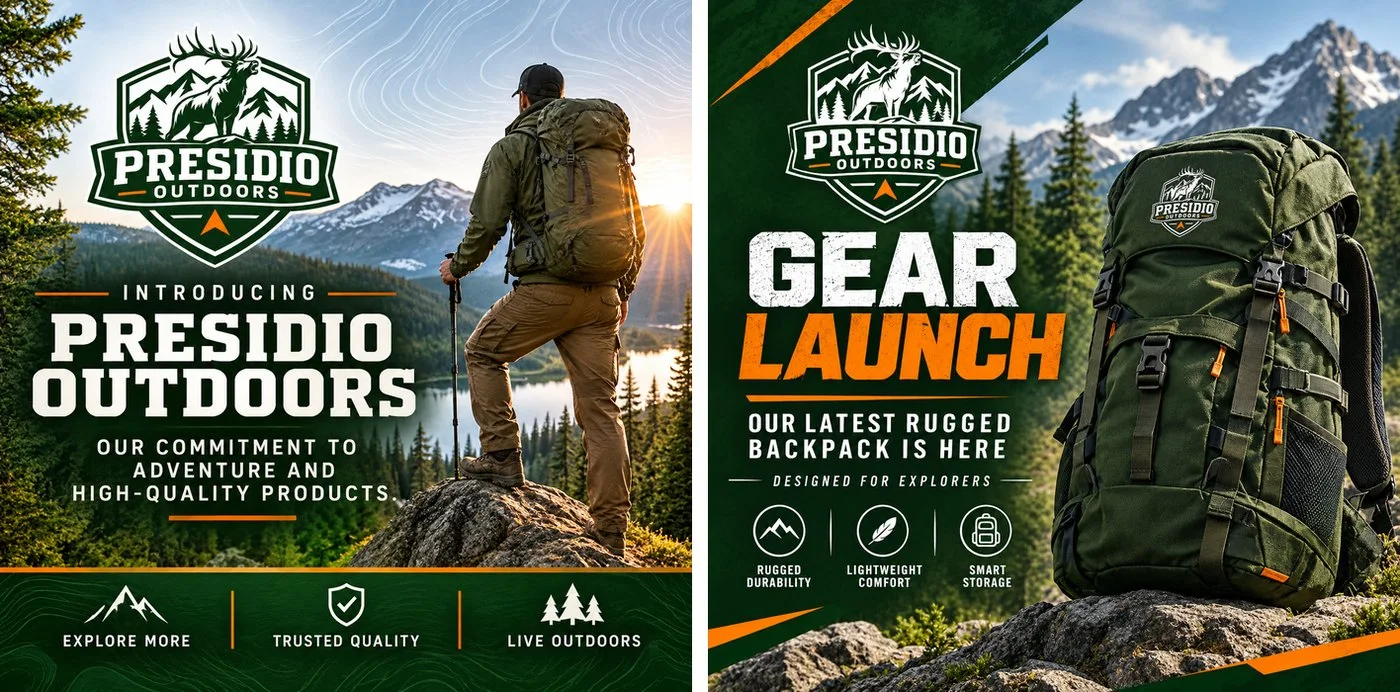
Next, we created a wide social media cover and two ready-to-post graphics: a brand introduction and a gear launch announcement. Both are strong and on brand. They lean more "adventure" than "hunting", so for a hunting audience we'd regenerate the introduction and ask for a hunter in camo glassing a ridge.
Step 10: A Website Concept
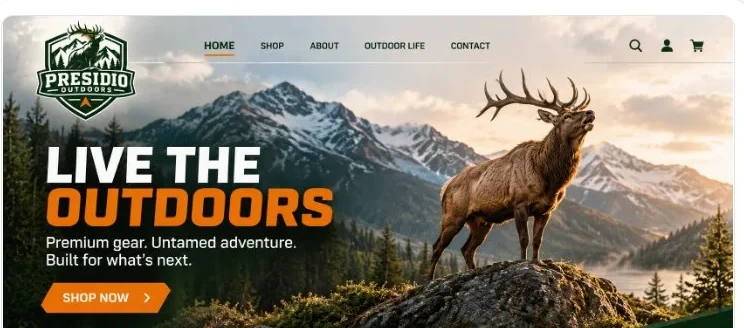
The brand kit also generates a landing page concept. Ours came back with a big "Live the Outdoors" headline, a bull elk on a ridge, and a Shop Now button in blaze orange.
Step 11: A Logo Reveal Video
Finally, we generated a short logo reveal for video intros, Reels, and the end of product videos.

For more motion, try the animated logo maker for subtle moves like a bugling elk, or the logo intro maker for a cinematic brand intro with sound.
What We Built
From a single brand name, we ended up with:
- A primary logo, transparent PNG, single-color logo, and white version
- A standalone symbol and an alternative logo
- A brand mascot
- Brand colors, fonts, personality, mission, vision, and a slogan
- A 10-page brand guideline PDF
- Mockups on apparel, a backpack, and signage
- A social media cover and two social posts
- A website concept
- A logo reveal video
Tips for Building Your Own Outdoors Brand
Here's what we'd do differently next time, and what will save you time:
- Say what you do as early as you can. The name "Presidio Outdoors" led to hiking and camping logos. If your brand is about hunting, fishing, or another specific activity, add it when you refine ("add an elk", "add a fishing fly") and fill in the brand profile right away.
- Fill in the brand profile before generating assets. Mockups, social posts, and videos all follow the profile. Once ours said "hunting", the suggestions became much more relevant.
- Refine with one clear change. "Add an elk with big antlers… keep the shield, colors, and text" worked on the first try. Naming what should stay the same is just as important as naming what should change.
- Pick wildlife and landscape you actually hunt. An elk says Rocky Mountains, a whitetail says Midwest, a duck says wetlands. Your logo should say where your customers go.
- Stay on the page until each asset finishes. Each asset takes about a minute. Let it finish and appear before closing the tab.
- Download your favorites. Generated logo results expire after 7 days, so download the ones you want to keep, or save them to a brand kit.
Build Your Brand Today
You don't need a design team to launch a brand that looks like it belongs in the backcountry. Start your logo with LogoAI, refine it until it says exactly what you do, and turn it into a complete brand kit with guidelines, mockups, and social posts.
Ready to create your own logo?
Turn your brand name into professional logo concepts in seconds with LogoAI.
Generate my logo