Turn an Old Logo Into a Full Brand Kit With AI
Import a logo you already own into LogoAI's new AI Brand Kit Builder and walk away with logo files, a color palette, a symbol, mockups, and motion — see it done with the Ventura wordmark.
Most brands are sitting on a logo they already paid for — a PNG buried in a downloads folder, exported once, years ago, and never turned into a real identity system. It looks fine on a website header and falls apart everywhere else: no transparent version, no favicon, no dark-mode variant, no mockups, no color values written down anywhere. LogoAI's new AI Brand Kit Builder closes that gap. Bring a logo you already own, and it reverse-engineers a complete, on-brand asset library around it in a couple of minutes.
This matters most if you're a returning customer. Every logo you bought on the classic logoai.com carries over to LogoAI 2.0 — they show up under My Logos as your legacy logos, ready to import. So the mark you paid for years ago isn't stranded on the old platform; you can pull it straight into the new builder and finally turn it into the full identity system it never came with. To show exactly what that looks like, we imported one — a gradient wordmark called Ventura — and published the result: browse the finished kit.
Why import an old logo at all?
If you generated or bought a logo on the original LogoAI, it lives in your account as a finished image. That is the thing most tools stop at. But a logo is only the seed of a brand — what you actually use day to day is the system around it: the knockout version for dark backgrounds, the icon-only mark for app stores and social avatars, the exact hex codes for your palette, and realistic mockups to see it in the wild.
Rebuilding all of that by hand means opening a design tool, isolating the mark, removing backgrounds, redrawing a symbol, and mocking up a business card. The Brand Kit Builder does it from the single image you already have — no re-drawing, no re-uploading to five different tools.
Importing from My Logos
The flow is deliberately short:
- Head to My Logos, where every logo tied to your account — including ones purchased on the legacy platform — now shows up with its image on the left of each card.
- Click Import on the logo you want to build out. A quick confirmation explains what happens next.
- LogoAI opens the AI Brand Kit Builder with that logo already loaded, and drops 100 free credits into your balance to spend on generating assets.
Each legacy logo can be imported once. After that, the card's action becomes an Open link that jumps straight back to the saved brand kit — so your work always has a home.
Where to find your legacy logo
If you bought logos on the old platform, you'll find them in the Legacy logos section of My Logos — each with a Download link for the original file and an Import link to build it out. Here's exactly where the Ventura wordmark lives before we imported it:
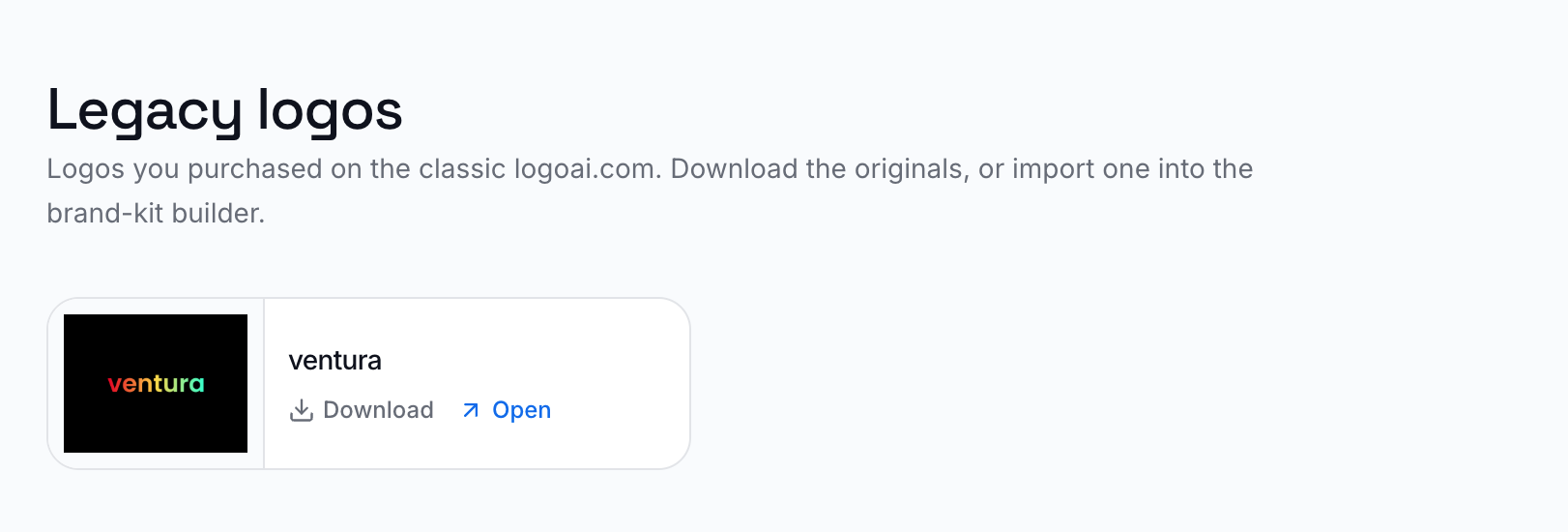
Ventura is a creative agency with a minimal gradient wordmark — a single lowercase word whose letters melt from coral red through to emerald green on a black field. It is a perfect stress test, because a flat wordmark like this carries a lot of identity in very little geometry. From that one image, the builder inferred the brand:
Ventura — "Unleash Creative Vibes." A creative agency focused on vibrant, dynamic solutions, expressed through a sleek gradient wordmark that transitions between warm and cool tones.
Everything below was generated from the uploaded logo alone.
What's inside the kit
A locked-in color palette
The builder read the gradient and pulled a working three-color system out of it — with names and roles, not just raw hex codes you have to interpret yourself:
Ready-to-use logo files
Instead of one PNG, the kit ships the variations a real brand needs across contexts — the full-color primary, a background-removed transparent version, a single-color version for stamps and one-ink printing, and a white knockout for dark surfaces.
A standalone brand symbol
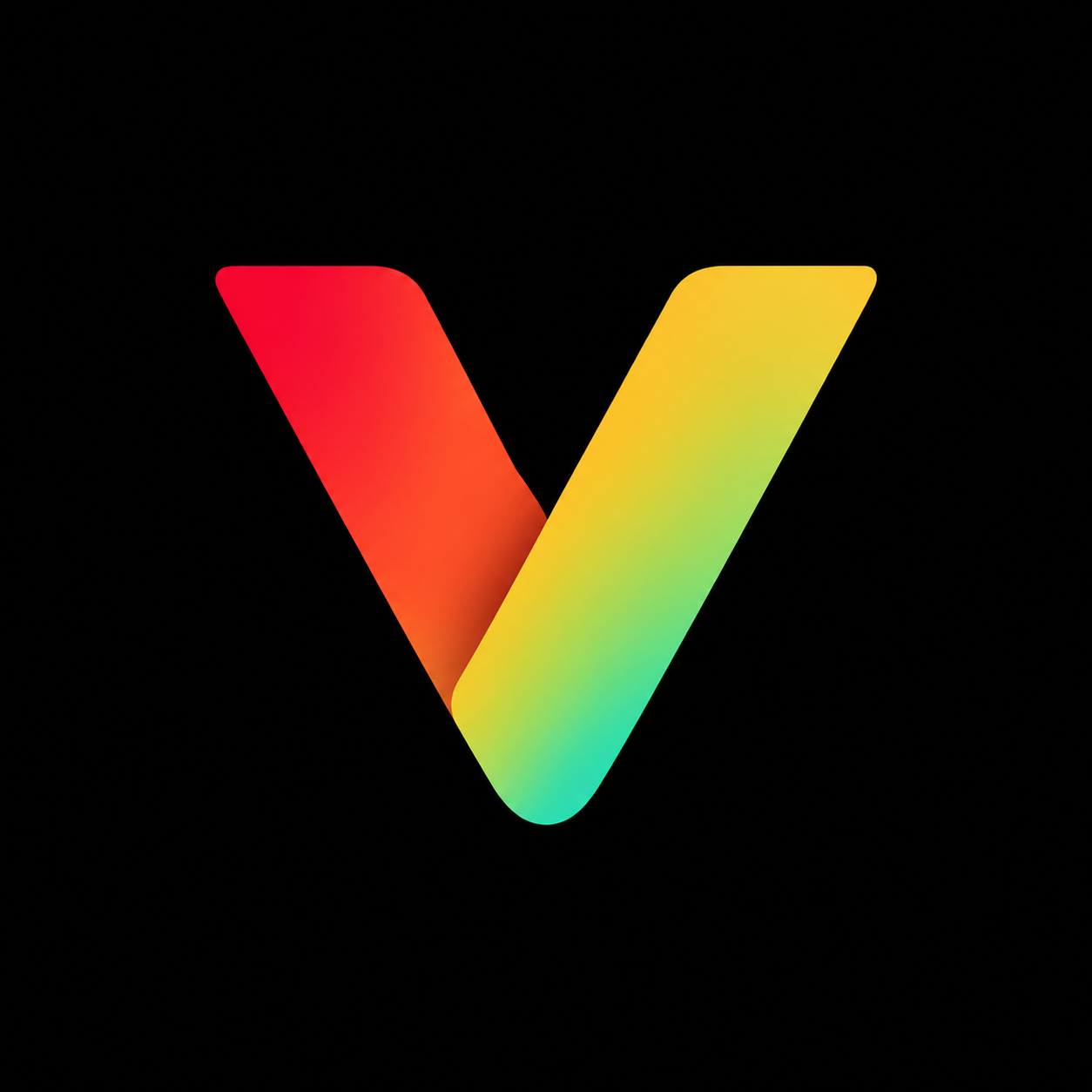
A wordmark can't be a favicon or an app icon on its own. The builder generated an icon-only symbol distilled from Ventura's identity — square-framed and ready for profile pictures, app tiles, and packaging — plus a transparent version of it.
Photorealistic mockups
This is where an imported logo suddenly feels like a brand. From the same source image, the builder produced realistic applications — a business card, a website banner, a full landing-page concept, and a social cover — with the logo placed at believable scale, lighting, and materials rather than pasted on top.
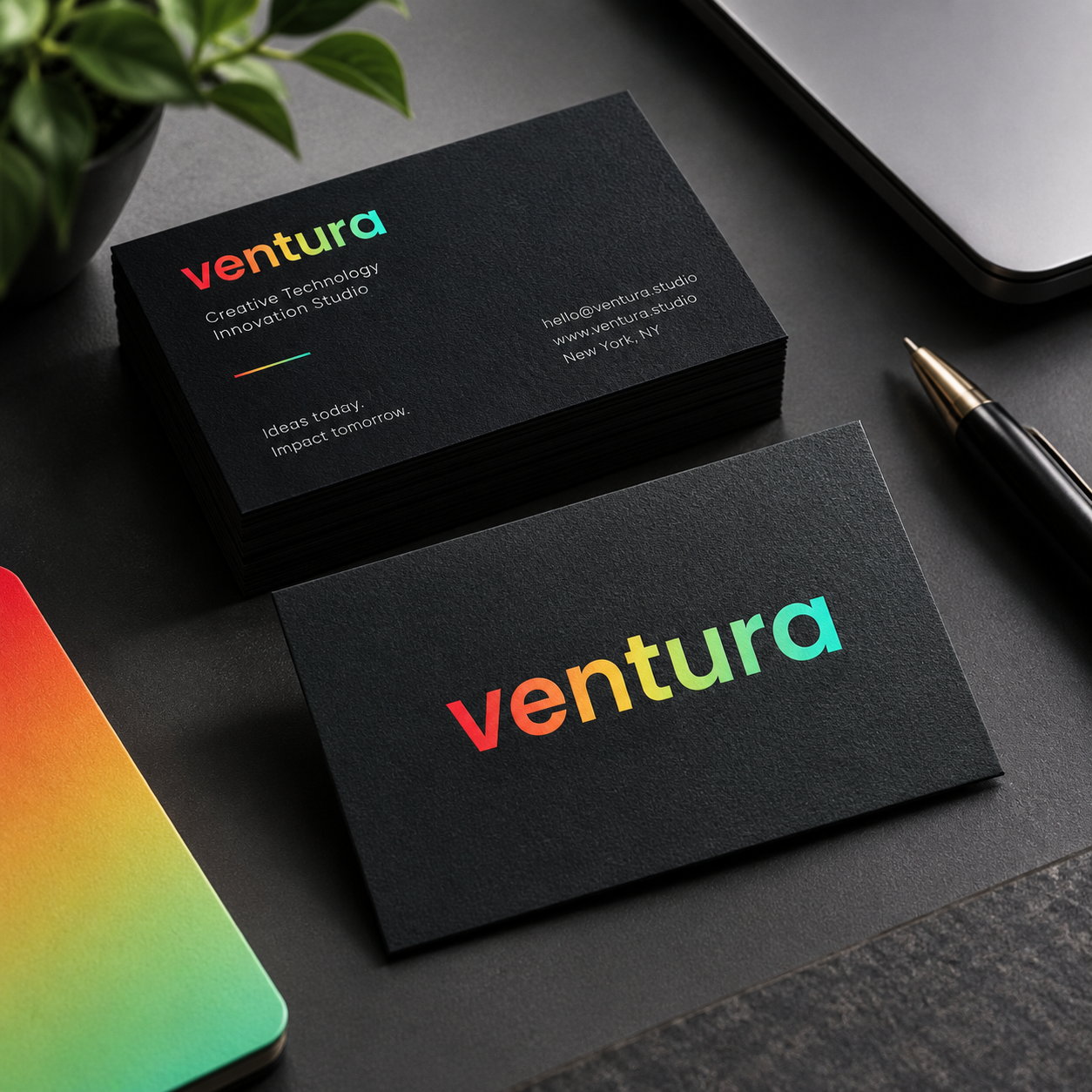
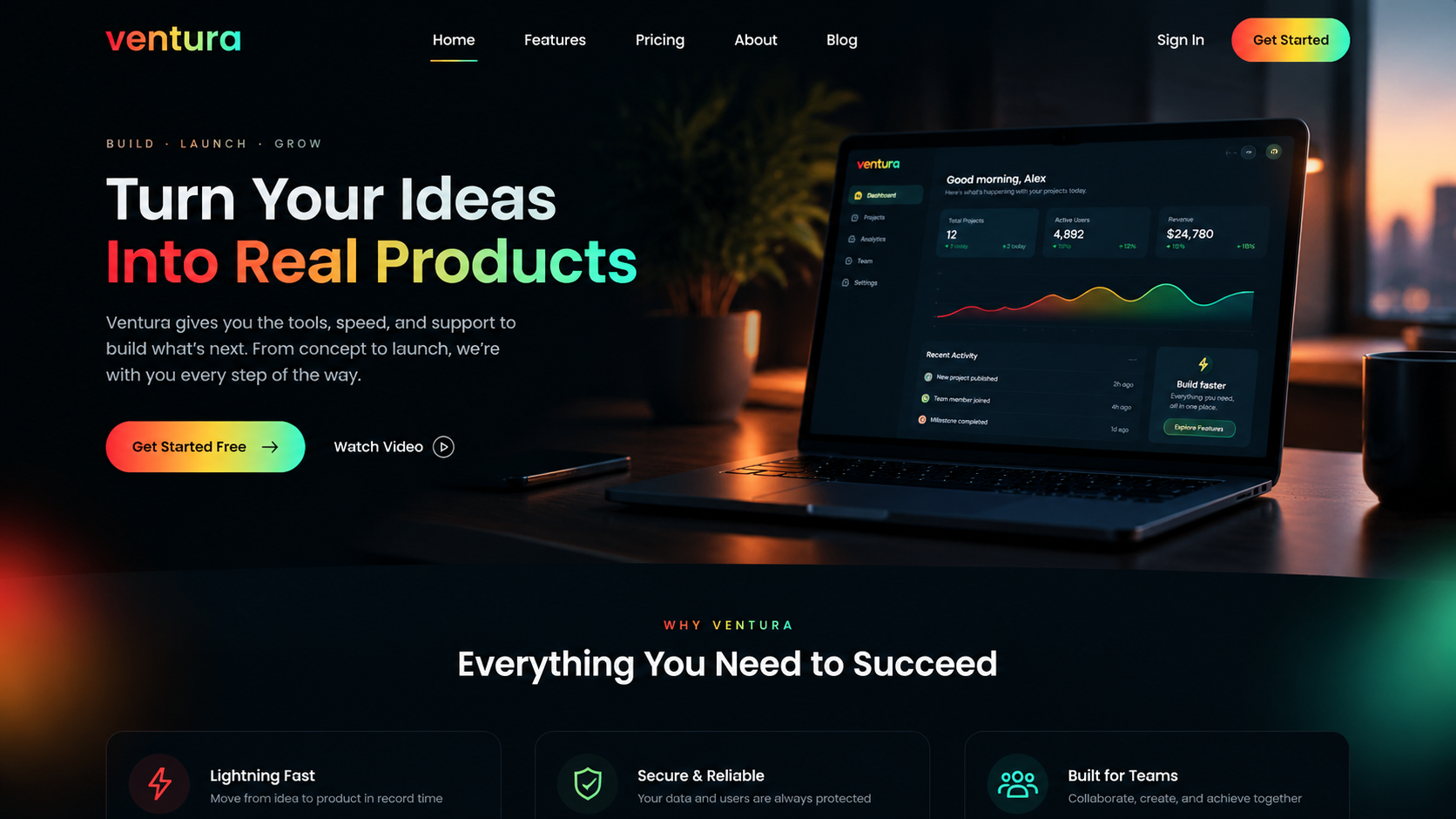
The kit organizes these by scene — Digital, Stationery, Merchandise, Signage, and Packaging — so you can keep generating the specific pieces you need (letterhead, T-shirt, storefront sign, gift box) on demand.
Logo animations
Finally, the builder scripted motion for the mark. Ventura's kit includes animated logo reveals like a Dynamic Zoom Burst — the wordmark snapping into focus as light flares behind it — ready for intros, reels, and loading screens where a static logo would feel flat.
See it — and build your own
The whole point is that none of this required a designer or a second tool. One logo went in; a palette, four logo files, a symbol, a set of mockups, a website concept, social assets, and animations came out — all consistent with the original mark.
See the finished Ventura kit, and import your own logo. If you don't have one yet, generate a fresh mark with the AI logo maker first, then build it out into a full identity in minutes.
Ready to create your own logo?
Turn your brand name into professional logo concepts in seconds with LogoAI.
Generate my logo