Top AI Mockup Generators Review in 2026
A hands-on comparison of the best AI mockup generators in 2026 — how they work, what they cost, and which one fits your brand, from brand-aware scene suggestions to template libraries.
A great logo is only half the story. Before you commit to a brand, you want to see it living in the real world — on a t-shirt, a coffee cup, a storefront sign, a phone screen. That is exactly what a mockup generator is for, and AI has made the whole process dramatically faster.
But an AI mockup generator now covers two very different kinds of tools. Some are template libraries with a smart editor bolted on: you pick a pre-shot scene and drop your design into it. Others are genuinely generative: they read your design and create the scene around it. A few go further and turn your logo into motion.
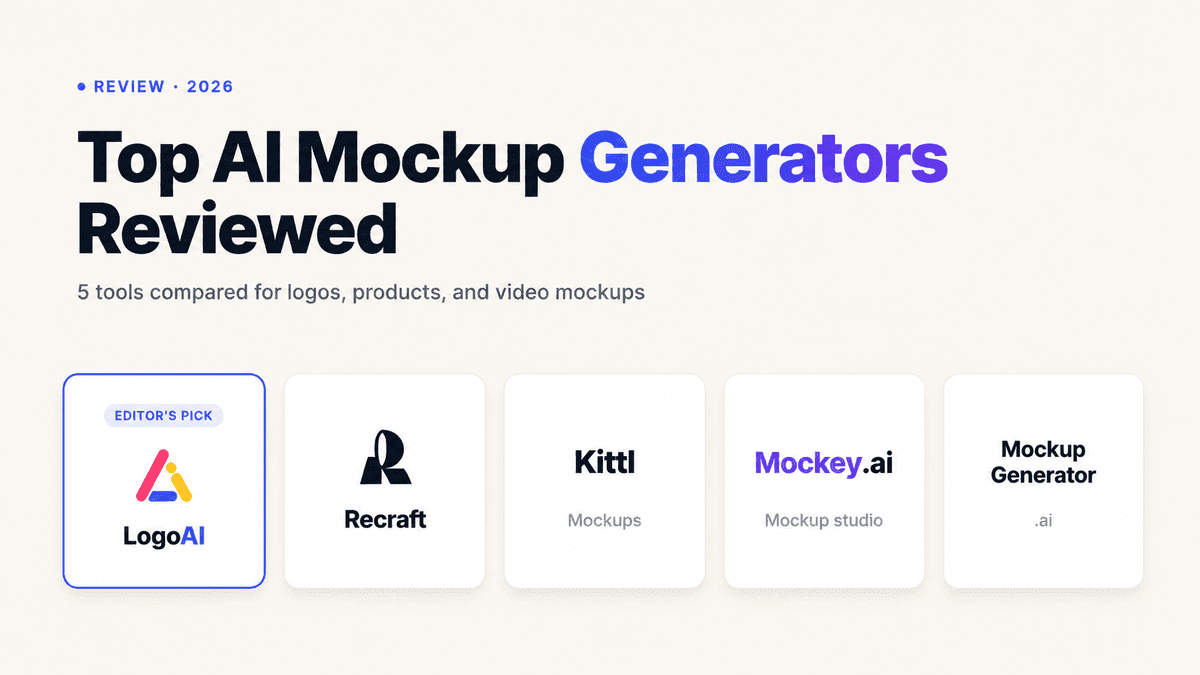
To help you choose, here is an honest comparison of five popular options in 2026: LogoAI, Kittl, Mockey, Recraft, and Mockup Generator. We will look at how each one actually works, what you get for free, and the type of user each serves best.
Comparison at a Glance
| Tool | Approach | Best For | Free Tier | Standout Feature |
|---|---|---|---|---|
| LogoAI | Brand-aware generative AI | Founders who want scenes tailored to their logo — plus video | Free to try | AI scene suggestions from your logo + brand video mockups |
| Kittl | Design suite + mockup tool | Designers who live in an editor and want full creative control | Free forever (paid unlocks premium) | Real-time preview inside a full design canvas |
| Mockey | Massive template library | High-volume sellers needing many product shots fast | Free, no watermark (capped size/downloads) | 30,000+ templates across 60+ categories |
| Recraft | Generative AI design tool | Power users who want AI-generated scenes and full art control | 30 generations/day (non-commercial) | Credit-based generative mockups in a pro design tool |
| Mockup Generator | AI template library | Quick, no-signup product mockups | Free, watermark-free, no signup | 1,000+ templates, PSD + custom mockups on Pro |
Pricing and limits change often. Check each platform for current plans.
Deep Dive: What Each Tool Actually Does Best
1. LogoAI: Best for Brand-Aware Scenes and Video Mockups
Most mockup tools treat your logo as a sticker — you find a scene, then paste your design in. The LogoAI Mockup Generator flips that around.
You upload your logo, and LogoAI's own native AI analyzes it — reading the colors, style, and likely industry — then suggests mockup scenes tailored to your brand across categories like packaging, signage, apparel, and print. Pick a scene and it generates three distinct photorealistic mockups to compare, so you are choosing between results instead of hunting through a stock library.
The bigger differentiator is motion. Beyond still images, LogoAI includes a Brand Video capability — a video mockup that animates your logo into a short, cinematic brand intro ready for social reels, product launches, and YouTube. You can try it directly with the logo intro maker. That is something template-based mockup tools simply do not offer.
Because it lives inside the wider LogoAI platform, your mockups sit next to the rest of your brand system — logos, color palettes, typography, and other brand assets — rather than in a standalone one-off tool.
Choose it if: You want mockups that match your specific brand out of the box, and you want the option to turn a static logo into a shareable brand video.
2. Kittl: Best for Designers Who Want Full Control
Kittl is a browser-based design platform, and its mockup generator is one tool inside a much larger creative suite. If you enjoy working on a canvas — layering elements, adjusting placement precisely, and building the whole composition yourself — Kittl feels natural.
The mockup tool is free to use with real-time previews, and watermark-free downloads with commercial licensing come with the paid tiers. In 2026, pricing runs roughly $0/month (Free), $19/month (Pro), and $45/month (Expert), with discounts on annual billing. Because it is a full design app, there is a bit more of a learning curve than a one-click tool.
Choose it if: You are a designer who wants hands-on control and likes having mockups inside a broader design editor rather than a single-purpose generator.
3. Mockey: Best for High-Volume Template Coverage
Mockey is built around scale. It offers 30,000+ product mockup templates across 60+ categories — apparel, accessories, tech, and more — plus custom and 3D mockups, AI photoshoots, and animation tools.
Its free tier is genuinely useful: you can download without a watermark, though free downloads are capped at 400x500 resolution and a few per day. Paid plans start around $7–$9.90/month and unlock higher resolution plus AI credits for animations and custom scenes.
Choose it if: You are an e-commerce seller or print-on-demand creator who needs to push a design across dozens of product shots quickly.
4. Recraft: Best for Generative Control
Recraft is a professional AI design tool, and its mockup generator reflects that — it is generative rather than template-first, so it creates scenes around your design with a lot of artistic control.
A free account includes up to 30 image generations and edits per day for non-commercial use with no watermarks. Beyond that, Recraft is credit-based: paid plans start at about $10/month billed annually (roughly 1,000 credits/month), with credits resetting each cycle and not rolling over. It rewards users who are comfortable directing an AI design tool.
Choose it if: You want generative, art-directed mockups inside a serious AI design platform and are happy working with credits.
5. Mockup Generator: Best for Quick, No-Signup Mockups
Mockup Generator is the fastest path from "I have a design" to "I have a mockup." It is a web-based freemium tool with 1,000+ AI-generated templates across 25+ categories, and it requires no signup.
The free tier gives you watermark-free, high-resolution PNG and JPG exports, and an editor for adjusting placement, colors, backgrounds, shadows, and lighting. The Pro subscription adds unlimited premium templates, PSD source files, and up to 10 custom brand-specific mockups per month.
Choose it if: You want a frictionless, no-account tool for solid product mockups and occasionally need editable PSD files.
Decision Framework: Which One Should You Pick?
Pick LogoAI if you want the least friction and the most brand relevance — upload your logo, get scenes chosen for your identity, and animate your mark into a brand video, all inside one platform.
Pick Kittl if you are a designer who wants a full creative canvas and precise manual control.
Pick Mockey if you need broad template coverage and high volume for an online store or print-on-demand catalog.
Pick Recraft if you want generative, art-directed results and are comfortable in a credit-based pro design tool.
Pick Mockup Generator if you want a quick, no-signup tool with editable PSD exports on demand.
Common Questions Answered
What is the difference between a template mockup and an AI-generated mockup?
A template mockup is a pre-shot photo with a blank area where your design is placed — you are choosing from a fixed library. An AI-generated mockup creates the scene itself, so results can be more varied and tailored. Tools like LogoAI and Recraft lean generative, while Mockey and Mockup Generator lean template-first. Kittl sits in between as a design editor.
Can I use these mockups commercially?
Usually yes, but the details differ. Several tools give watermark-free downloads on their free tier while reserving full commercial licensing, higher resolution, or source files for paid plans. Always confirm the license on the specific plan you are using before publishing.
What makes the LogoAI Mockup Generator different?
Two things. First, it is brand-aware: instead of making you scroll a generic template library, its native AI analyzes your uploaded logo and suggests scenes that actually fit your colors, style, and industry. Second, it does video — you can turn your logo into a cinematic brand video, not just still images. Most mockup tools do one type of output; LogoAI covers both still and motion, and keeps everything alongside the rest of your brand assets.
Do I need design skills to use an AI mockup generator?
No. Tools like LogoAI, Mockey, and Mockup Generator are built for non-designers — you upload a design and pick a result. Kittl and Recraft offer more manual control, which is powerful but has a slightly steeper learning curve if you want to fine-tune every detail.
Ready to create your own logo?
Turn your brand name into professional logo concepts in seconds with LogoAI.
Generate my logo