Top No-Code AI App Builders in 2026 - From Idea to App
Go from idea to launched app without code using these top AI-powered no-code builders.
AI technology enables users to develop applications and automate systems and create interfaces through interface design without requiring any programming. The no-code AI app builders enable users to develop and deploy applications at reduced costs and shorter development times regardless of their programming skills.
The following guide evaluates the leading no-code AI app builders to assist users in selecting the right one.
What Is a No-Code AI App Builder?
The no-code AI app builder platform enables users to develop applications which include artificial intelligence functionality through a codeless development process. Users can create applications and build websites through visual drag-and-drop tools and pre-built AI components instead of writing complex scripts that typically require code review tools.
The platforms enable anyone to develop applications through their user-friendly interface which suits entrepreneurs and small businesses and teams who need to create AI-based tools at budget-friendly rates. Many of these platforms also support ai integration services, allowing users to connect advanced AI models and automation seamlessly into their apps.
Best No-Code AI App Builders to Try
The guide presents essential features of each platform together with pricing details and actual user reviews to help you select the best tool for your project needs and financial resources and technical expertise.
Tool
Best For
Key Feature (Summary)
Free
Price
Lovable
AI app builder
Natural-language → full apps; GitHub control; 1-click deploy
Yes
Free, Starter $19/mo, Pro $99/mo
Hostinger
Websites + apps w/ hosting
All-in-one hosting + domain; instant publishing
No
Explorer $6.99/mo
Hobbyist $39.99/mo
Adalo
Mobile + web apps
Drag-and-drop builder; built-in DB; AI tools
Yes
Starter $45/mo
Professional $65/mo,
Bubble.io
Full custom apps
Visual workflows; plugins; AWS hosting
No
Starter $32/mo,
Growth $134/mo
Glide
Spreadsheet apps
Google Sheets/Excel → app; AI workflows
Yes
Free, Maker $60/mo
Business $249/mo
Thunkable
Native mobile apps
Drag-and-drop; Scratch logic; native features
Yes
Free, Starter $13/mo, Pro $38/mo,
Replit
AI + cloud dev
AI Agents; pay-per-use compute
Yes
Free, Core $25/mo, Team $40/mo
Bravo Studio
Designer-first apps
Convert Figma/XD → native apps
Yes
Free, Solo $24/mo
Advanced $99/mo,
Base44
Fast MVP builder
AI app generator; Stripe; analytics
Yes
Free, Starter $20/mo
Builder $50/mo
Knack
Data-driven apps
AI-built DB & UI; workflows; SSO
No
Starter $59/mo, Pro $130/mo
1. Lovable
The AI-powered application builder Lovable enables users to develop complete web and mobile applications through simple chat-based natural language commands. The platform enables users to build software applications through a user-friendly interface which serves non-technical founders and startups and designers and developers who need to boost their productivity.
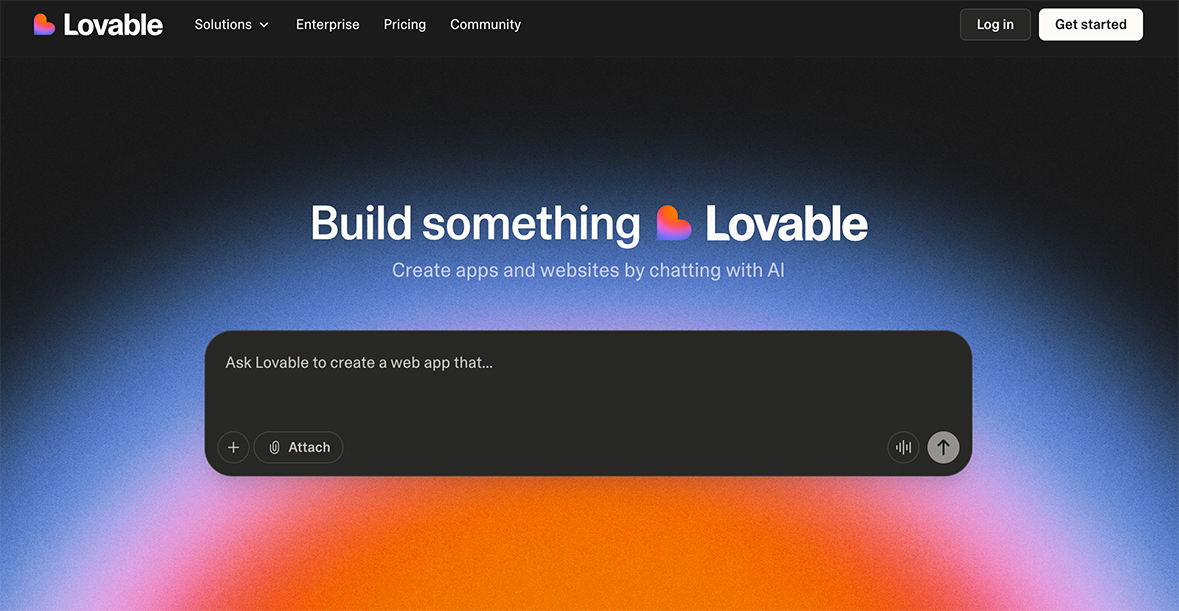
Price: Free, Starter at $19/month, Pro at $99/month, and Business at Custom pricing
Key Features:
- The platform converts user input commands into complete applications through its combination of React/Tailwind frontends and Node.js backends and PostgreSQL databases.
- Users maintain complete control over their code through GitHub integration and direct manual editing capabilities.
- The platform includes Supabase and Stripe and Google Analytics integration along with a Figma-inspired visual editor and Dev Mode and AI debugging tools with "Try to Fix" functionality and a Chat Mode assistant.
- The platform enables teams to work together in real-time while allowing users to deploy their applications through a single click process with domain customization options.
What Users Liked 👍 :
“The ability to export my complete codebase to GitHub brings me immense joy. The ability to fully control my codebase through GitHub allows me to make changes at any time I choose.__”
- Harper
What Users Disliked 👎 :
“The basic no-code tools work well for basic operations yet i need programming abilities to perform complex tasks. Learning database connection management and advanced customization required me to acquire substantial knowledge."
- Amelia
2. Hostinger
The AI platform Hostinger Horizons operates as a no-code system which allows users to build websites and web applications through simple natural language commands. The platform provides users with hosting services and domain control and one-click deployment tools to build various types of projects including business websites and custom web applications.
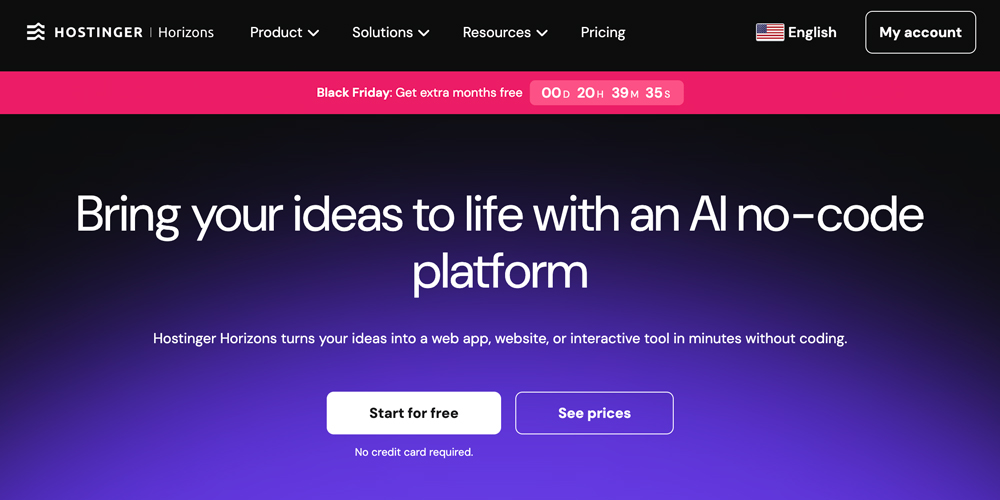
Price: Explorer at $6.99/month, Hobbyist at $39.99/month, and Hustler at $79.99/month
Key Features:
- All-in-One Infrastructure: The solution includes hosting services together with custom domain management and email functionality and back-end tools which operate independently from external services.
- The system enables users to access chat functionality for editing content and viewing updates and immediate publication through this feature.
- The system enables users to access the code editor for direct editing of their application code while providing developer control over the application.
What Users Liked 👍 :
“The platform provides users with a single solution for their needs because it eliminates the requirement to connect main advantage of this platform lies in its complete package which includes website hosting and domain registration and site construction multiple services as other tools do.__”
- David
What Users Disliked 👎 :
“I use the platform to create basic websites instead of developing complex applications such as CRMs or custom marketplaces."
- Sarah
3. Adalo
The no-code platform Adalo lets users create and distribute custom web and native mobile applications for iOS and Android devices through its drag-and-drop interface and integrated database system. The platform serves users from all sectors including businesses and startups and freelancers and agencies through its free plan and paid subscription options for additional features including app store distribution and custom domain support.
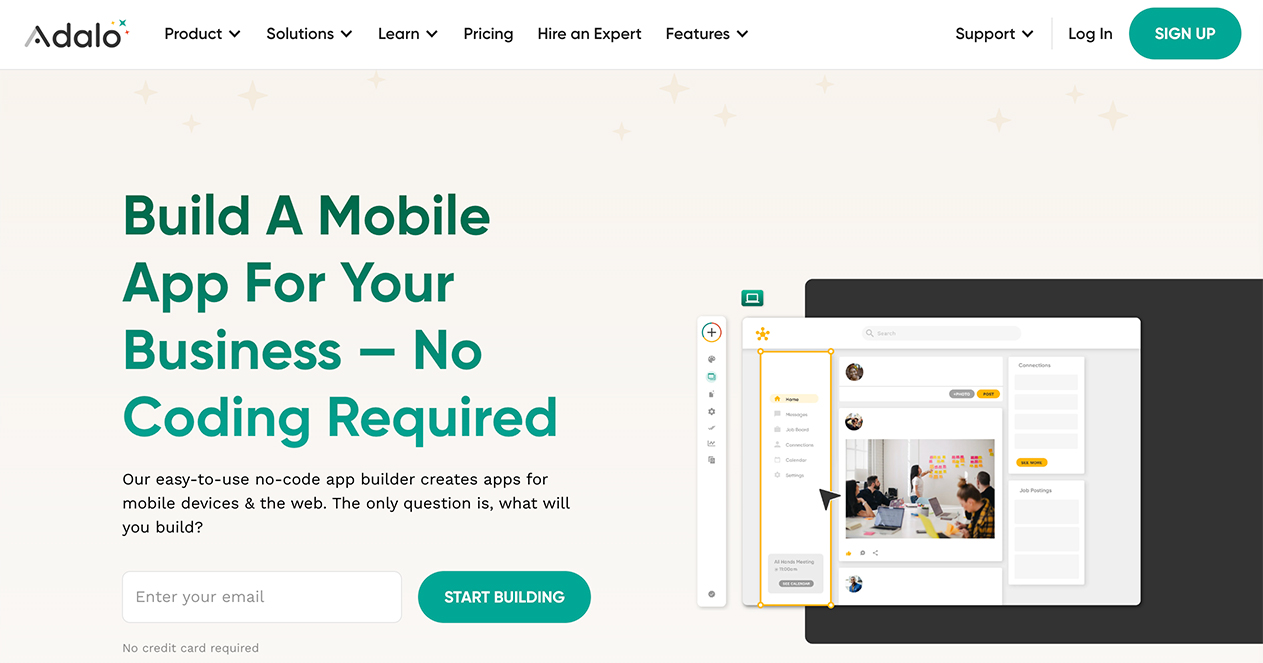
Price: Starter at $45/month, Professional at $65/month, Team at $200/month, and Business at $250/month
Key Features:
- The drag-and-drop editor enables users to create mobile and web applications through responsive design tools without writing any code.
- The platform includes a built-in relational database and external collections and REST API support and direct connections to Zapier and Google and OpenAI and AWS.
- Users can embed GPT chat and content generation and translation and moderation and custom AI actions into their applications.
- Users can deploy their applications to iOS and Android and web platforms through a single project without needing separate codebases.
- The platform offers 50 premium components and enables real-time team collaboration and maintains high uptime and supports large datasets and provides efficient app store deployment processes.
What Users Liked 👍 :
“I created my first prototype during a weekend without writing any code. ”
- Grace
What Users Disliked 👎 :
“The system restricts me from making extensive changes to specific user interface components."
- Mia
4. bubble
The no-code platform Bubble.io allows users to create and deploy custom web and mobile applications through visual interfaces without requiring traditional coding skills. The platform serves as a tool for entrepreneurs and startups and businesses to create MVPs and internal tools and marketplaces and social networks.
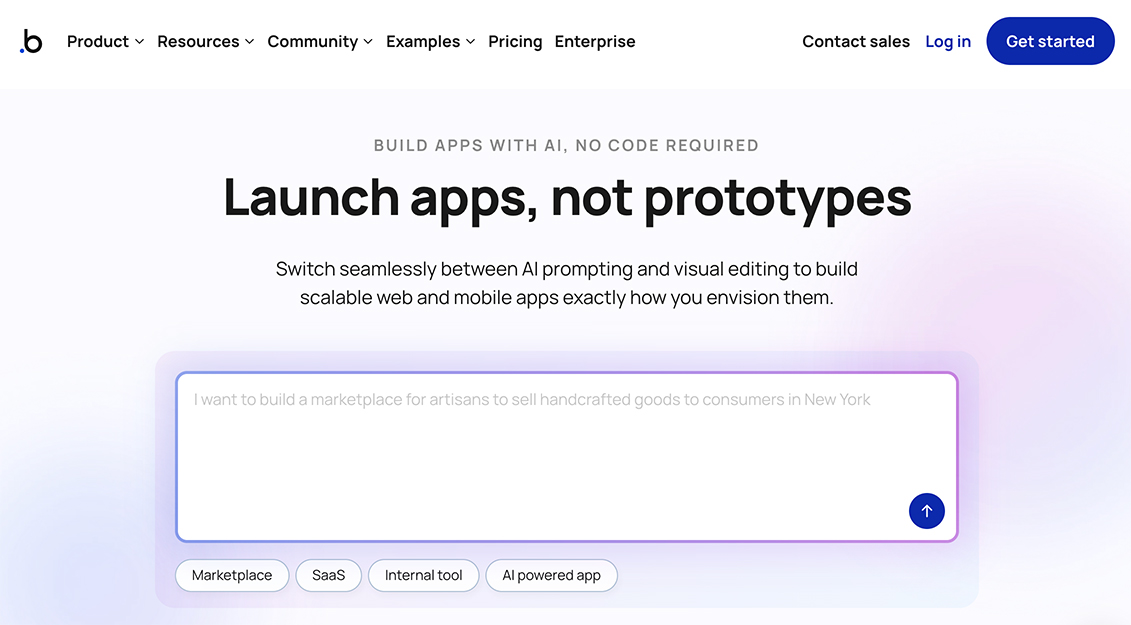
Price: Starter at $32/month and Growth at $134/month and Team at $399/month with monthly billing
Key Features:
- Users create complex automated tasks through a visual workflow editor which operates as an "if this then that" system instead of traditional coding.
- The platform enables users to create complete web applications through its full-stack development capabilities which include deployment and hosting on Amazon Web Services (AWS) and security features for launching live applications.
- Users can enhance their applications through two methods which include selecting from 6,500+ plugins for services like Stripe and Google Maps and AI tools (OpenAI) or by using the built-in API connector for custom integrations.
- Users can create basic designs and functional backends through text prompts which activate the platform's AI features.
What Users Liked 👍 :
“The platform enables me to connect their applications with third-party services through its API connector and plugin marketplace which supports Stripe and Google Maps and multiple AI tools.__”
- Daniel
What Users Disliked 👎 :
“It requires me to spend extensive time learning its interface and database structure and complex logic system which makes it difficult for new users to understand."
- - Elizabeth
5. Glide
The no-code platform Glide enables users to create custom AI-powered web applications and Progressive Web Apps (PWAs) directly from spreadsheets and databases including Google Sheets and Excel and SQL. The platform enables businesses and teams to perform automated work tasks and enhance operational efficiency through interface-based operations that do not require programming knowledge.
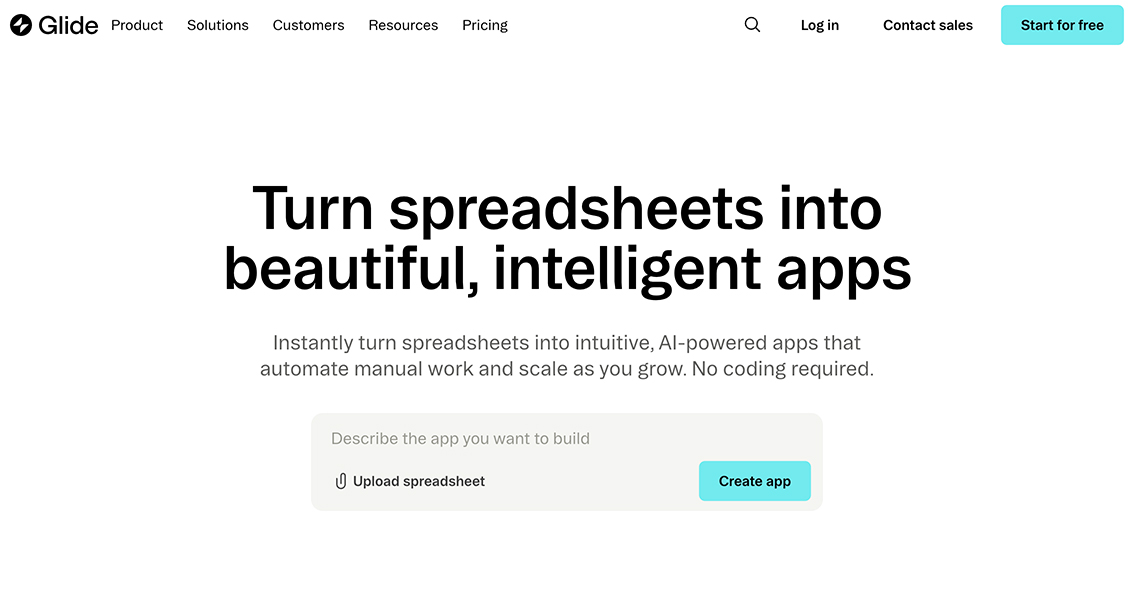
Price: Free, Maker at $60/month, Business at $249/month, and Enterprise with custom pricing (monthly billed).
Key Features:
- The main feature of Glide enables users to transform their spreadsheet data from Google Sheets and Excel and SQL databases into operational web applications through a user-friendly spreadsheet interface.
- Users can create app designs through a drag-and-drop interface which includes a collection of pre-built components (forms, calendars, charts, etc.).
- The AI capabilities of Glide enable users to create automated workflows which perform tasks such as text generation and image and document data extraction and custom AI agent development.
- The platform includes built-in integration capabilities for Slack and Stripe and Gmail and enables users to create custom API connections.
- The platform enables team collaboration through its features while providing enterprise-level security options that include single sign-on (SSO) and granular permissions and SOC 2 Type 2 compliance.
What Users Liked 👍 :
“The free plan and Maker plan serve as accessible entry points for individual users.__”
- Emma
What Users Disliked 👎 :
“The application exists as a Progressive Web App (PWA) which prevents direct submission to Apple App Store or Google Play Store."
- Sophia
6. thunkable
The no-code platform thunkable allows users to create native mobile applications for iOS and Android through its drag-and-drop interface and block-based logic system.
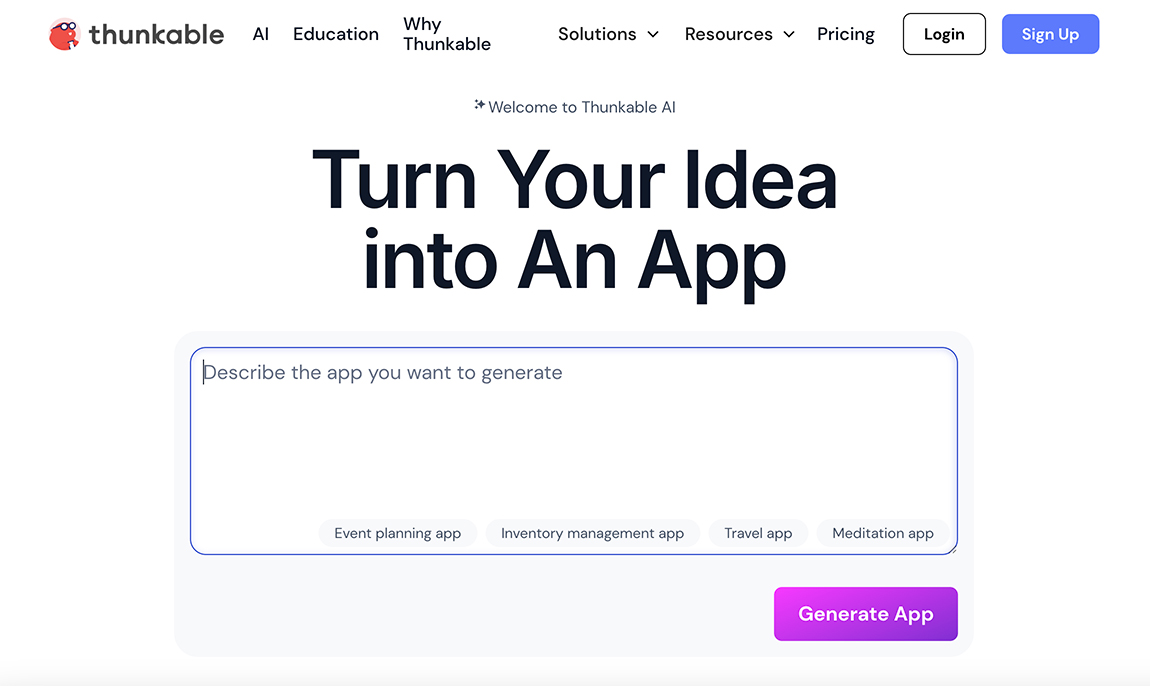
Price: Free, starter at $13/month, Pro at $38/month, and Business at $200/month
Key Features:
- Visual Drag-and-Drop Interface: The UI development requires a basic drag-and-drop editor which provides users with an easy-to-use interface.
- Block-Based Logic: The visual block system based on Scratch allows users to create app functionality and complex logic without writing traditional code.
- Cross-Platform Publishing: The development process allows users to create one application which can run as a native iOS app or native Android app or web application.
- Real-Time Testing: The Thunkable Live companion app enables users to test their applications instantly through physical mobile device previewing.
- The platform enables developers to add native device capabilities including camera access and GPS tracking and push notification systems and Bluetooth functionality and sensor integration to their applications.
- The platform enables users to link their applications to internal spreadsheet databases and external databases and services through REST API connectors.
What Users Liked 👍 :
“This tool provide usersme with native device functionality including camera access and GPS sensor and Bluetooth capabilities.__”
- Ryan
What Users Disliked 👎 :
“The platform excels at building frontend applications but provides restricted backend capabilities when compared to Bubble and FlutterFlow unless users connect to external services like Firebase."
- Jacob
7. replit
Users can build and deploy complete web and mobile applications through Replit's AI App Builder which operates using natural language commands instead of traditional coding requirements. The platform enables users to create apps through prompts and build prototypes quickly while providing a cloud-based development environment and AI-driven iteration tools and cloud service integration and mobile application access.
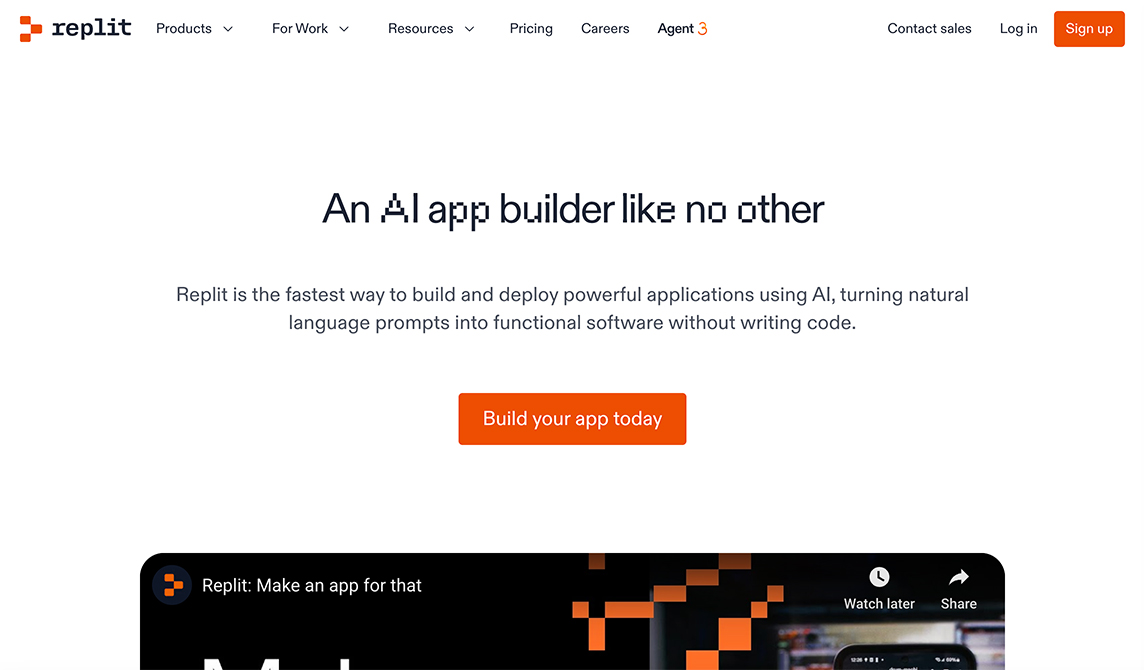
Price: Free, Core at $25/month, Team at $40/month, and Enterprise at Custom Pricing
Key Features:
- Usage Credits: The Core and Teams plans include monthly service credits which allow users to access AI Agent functionality and compute resources and deployment data transfer services.
- Replit implements a pay-per-use pricing model which charges users for their actual service consumption when their included credits reach their limit.
- The AI Agent pricing model bases its costs on the amount of work required to complete tasks which results in expenses that change depending on the task complexity.
- Users can deploy static sites at no cost but must pay for high-performance application deployment through Autoscale and Reserved VM options.
What Users Liked 👍 :
“ The platform enables users to create full-stack applications which they can deploy and host without extensive setup for immediate web-based project visibility.__”
- Matthew
What Users Disliked 👎 :
“Users experience performance and stability problems when they run their applications because the system becomes slow and unstable during peak server usage and when they work with big projects."
- Megan
8. Bravo Studio
Bravo Studio operates as a "design-first" no-code platform, enabling users to convert high-fidelity designs created in tools like Figma or Adobe XD into functional, native mobile applications for iOS and Android. This approach empowers designers to control the visual experience completely without traditional coding.
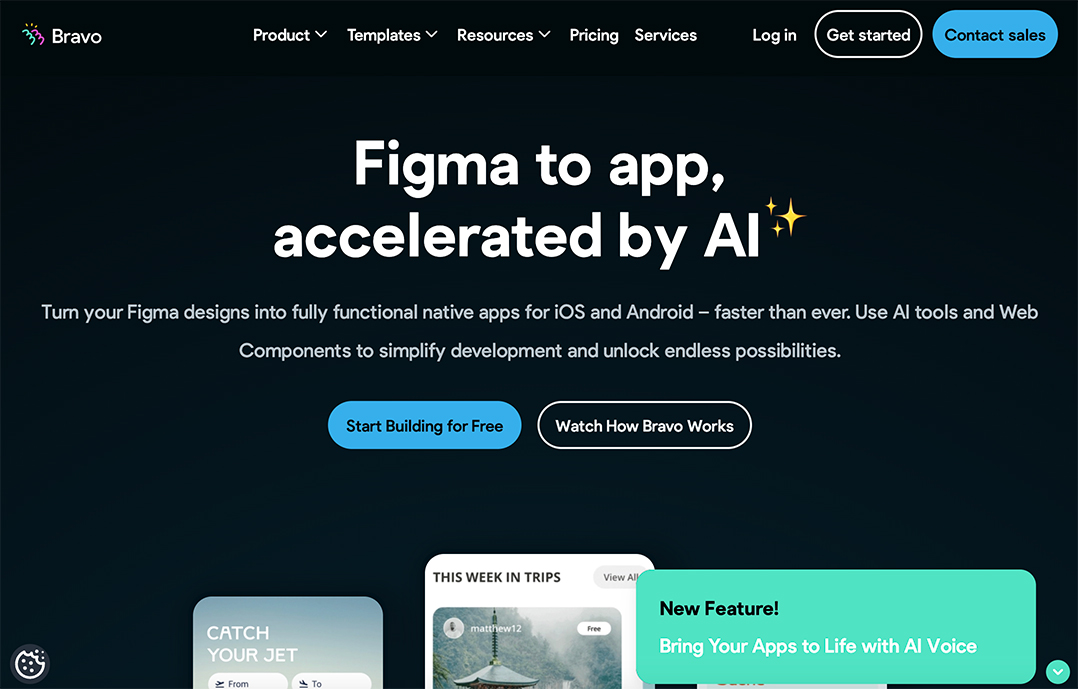
Price: Free, Solo at $24/month, Advanced at $99/month, and Business at $222+/month
Key Features:
- Design-to-App Conversion: The system converts designs from Figma and Adobe XD into functional mobile applications which users can install.
- Native App Publishing: The system enables users to publish their apps directly to the Apple App Store and Google Play Store for iOS and Android platforms.
- API & Backend Connectivity: The REST API connector enables users to link their apps with external data sources including Airtable and Xano and Firebase and third-party services for dynamic content.
- Pre-built Native Components: The Bravo Tags library provides users with functional components that they can use to implement forms and payment integration with Stripe and maps in their applications.
- AI Integration: The system enables users to generate backend code through AI tools and implement custom web components.
What Users Liked 👍 :
“ Designers who used to need developers for app development now have the ability to create and deploy their own functional applications. ”
- Michael
What Users Disliked 👎 :
“The process of debugging data calls and logic becomes complicated because the platform lacks a powerful visual debugging tool."
- Jessica
9. Base44
Base44 enables users to develop complete web and mobile applications through natural language commands which eliminate the need for coding. The platform serves startups and entrepreneurs and small businesses which need to develop MVPs and internal tools at a fast pace.
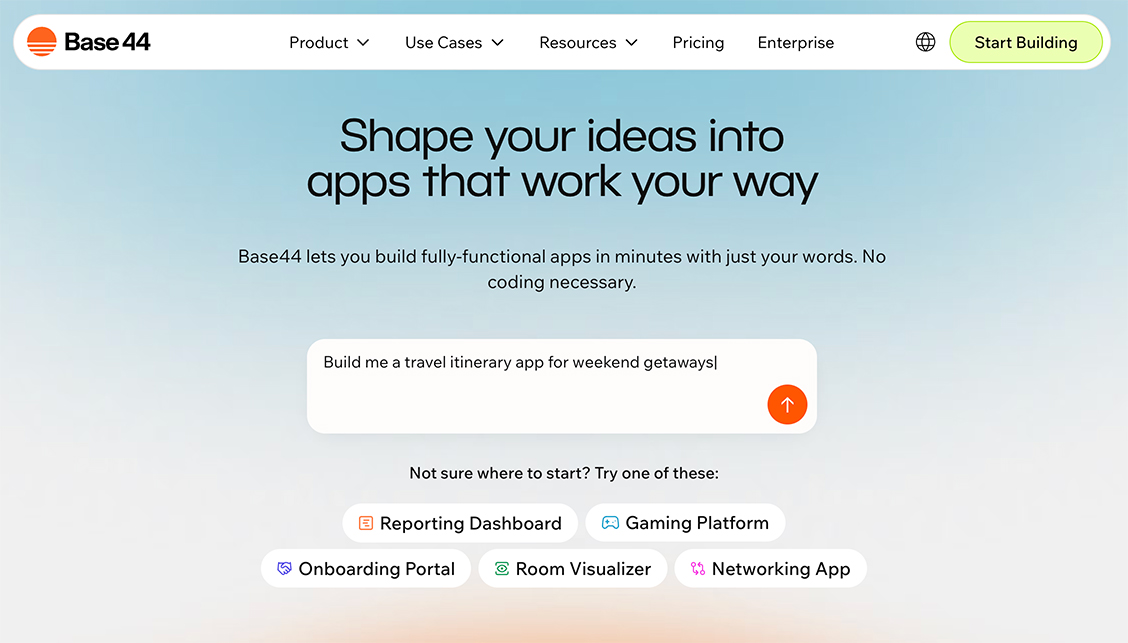
Price: Free, Starter at $20/month, Builder at $50/month, and Pro at $100/month
Key Features:
- The AI-Powered App Builder enables users to develop web and mobile applications through natural language commands which automatically generate backend systems and databases and authentication mechanisms.
- The platform features a drag-and-drop editor and responsive design tools which enable real-time team collaboration and version control for simple application management.
- The platform includes native API support and Stripe payment processing and email functionality and analytics tools and custom domain capabilities and single-button deployment options.
- The platform offers flexible operation through its built-in AI Add-Ons which include chatbot functionality and automation tools and predictive analytics and multiple AI engine options.
What Users Liked 👍 :
“The system enables users to develop complete prototypes and MVPs through fast execution that takes only minutes. ”
- James
What Users Disliked 👎 :
“The AI system fails to understand complex instructions while users need to understand AI communication effectively."
- Emily
10.Knack
The platform Knack operates as a no-code system which enables users to build web applications through its AI App Builder by describing their needs in plain language. The AI system builds the data model structure through table creation and field definition and relationship establishment and generates basic UI pages and workflow systems.
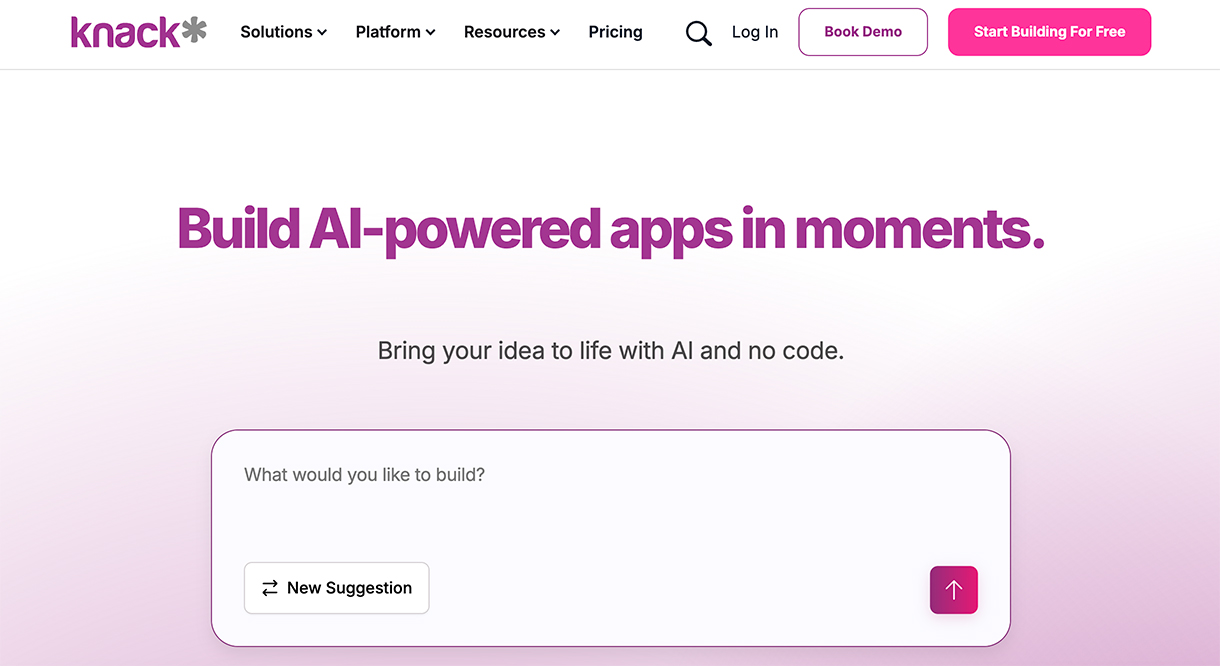
Price: Startr at $59/month, Pro at $130/month, Corporate at $300/month and Enterprise custom pricing
Key Features:
- The system enables users to handle data through its advanced relational database which supports data connection and business rule execution.
- All plans from the platform enable users to create unlimited applications which include complete role-based permission systems.
- Workflows and Business Logic: Users can create automation rules and email notifications and conditional logic to enhance their business operations.
- Users can link their application to external services through API connections to perform data exchange and enhance system capabilities.
- Users can access data export functions to analyze information outside the application while also performing application data backups.
- The system provides enterprise-level security through Single Sign-On (SSO) and HIPAA/GovCloud compliance for Enterprise plans and detailed permission management.
What Users Liked 👍 :
“I love the relational database capabilities, which are great for building internal tools, CRMs, and inventory systems that handle complex data relationships effectively.__”
- Alex
What Users Disliked 👎 :
“It's more complex than a basic drag-and-drop website builder. Understanding database architecture and logic is necessary to build a functional app, which can be a hurdle for absolute beginners."
- Maria
 Have I missed anyone?
The no-code AI app builder market continues to advance at an unprecedented rate so businesses need to capitalize on this expanding trend. You can connect with me through Linkedin or email to recommend additional AI app builder for this list. Your product will be included in this list if it demonstrates effective functionality and supports the precision and value of this resource.
Ready to create your own logo?
Turn your brand name into professional logo concepts in seconds with LogoAI.
Generate my logo