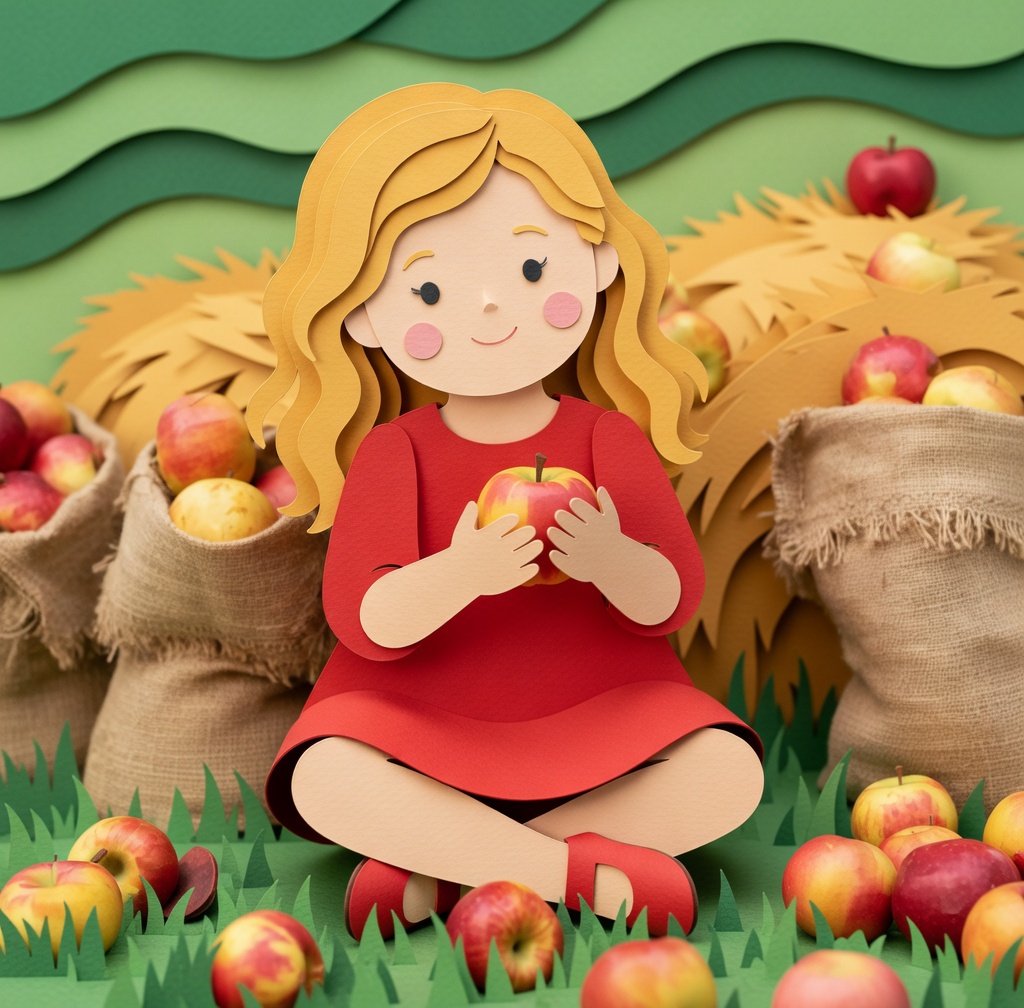
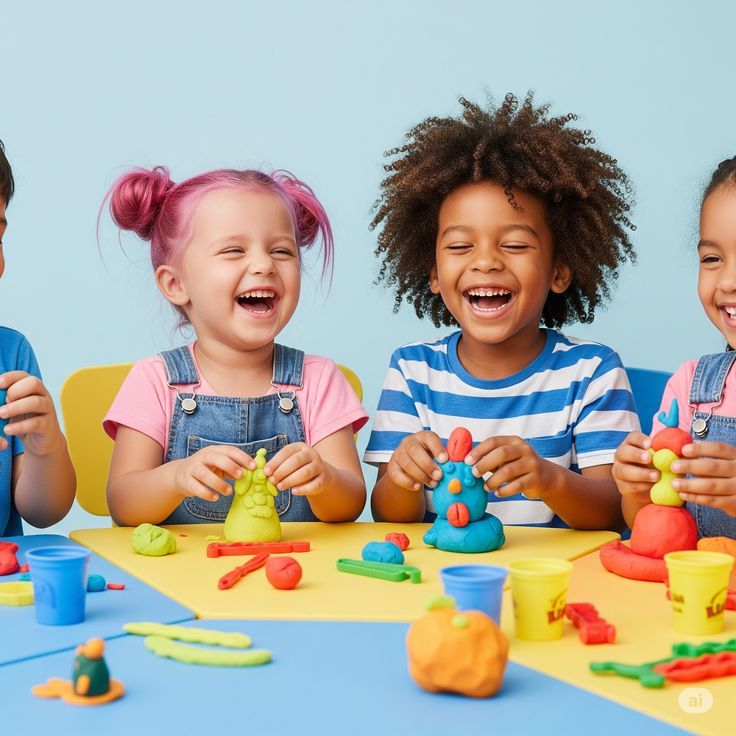
Free Turn Your Photos into Paper Cutout Art with AI
Snap, upload, and see your photos transformed into paper cutout magic.
Convert the uploaded image or object into a soft, handcrafted paper-cut layered illustration style inspired by papercraft diorama aesthetics. Use smooth, rounded shapes, simplified proportions, and minimal details (such as dot eyes or blush accents for characters) to create a warm, charming look. Apply stacked paper layers with visible depth, subtle shadows between layers, and clean cut edges that resemble laser-cut cardstock. All elements in the scene—including characters, objects, and background—should be fully transformed into the same paper-cut style. Do not leave any part photorealistic. Maintain a consistent handcrafted paper texture and simplified shapes throughout the entire image. Transform the background into a stylized layered paper environment, replacing realistic details with simplified paper-cut forms. Ensure the style adapts naturally to whatever objects or scenes are uploaded, preserving the cohesive, handcrafted paper-cut aesthetic.