Turn images into retro MS Paint masterpieces with Nano banana 2
Bring back the 90s! Turn your photos into quirky MS Paint-style art with chunky pixels, messy lines, and retro charm.
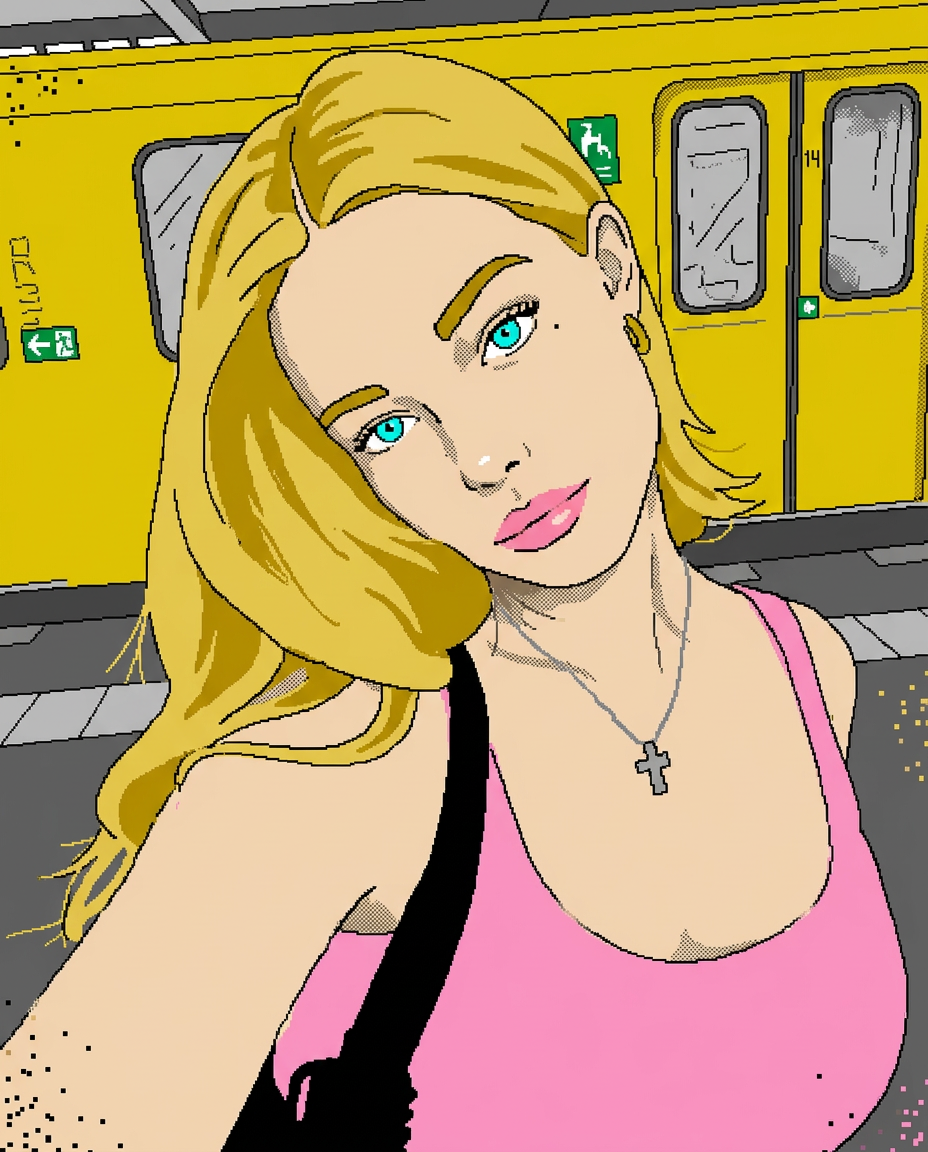
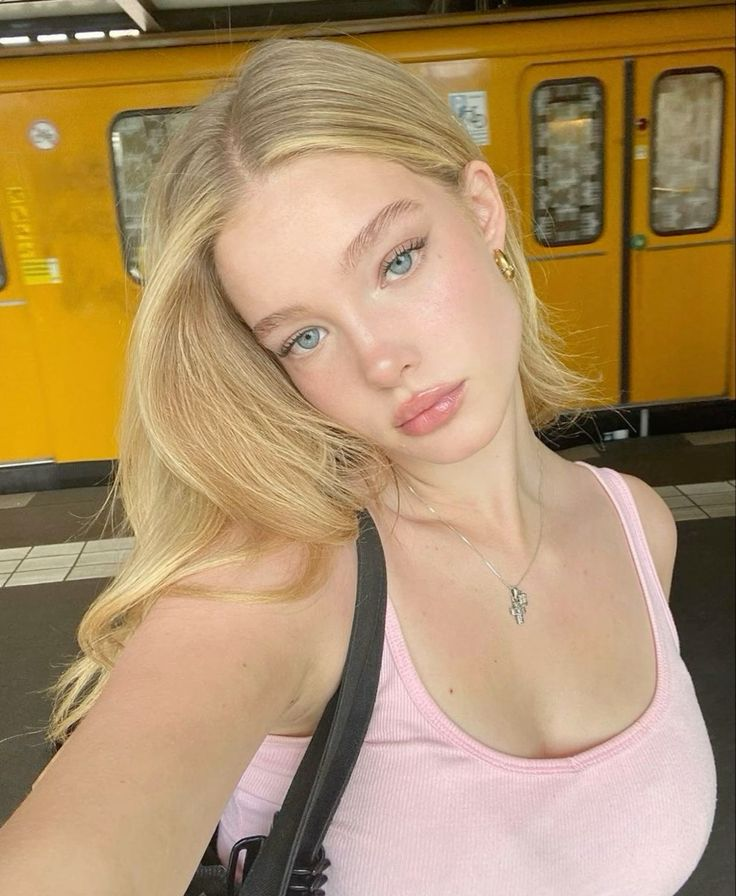
Your result will appear here.
More AI Design Inspirations
Explore more creative tools in the same category.
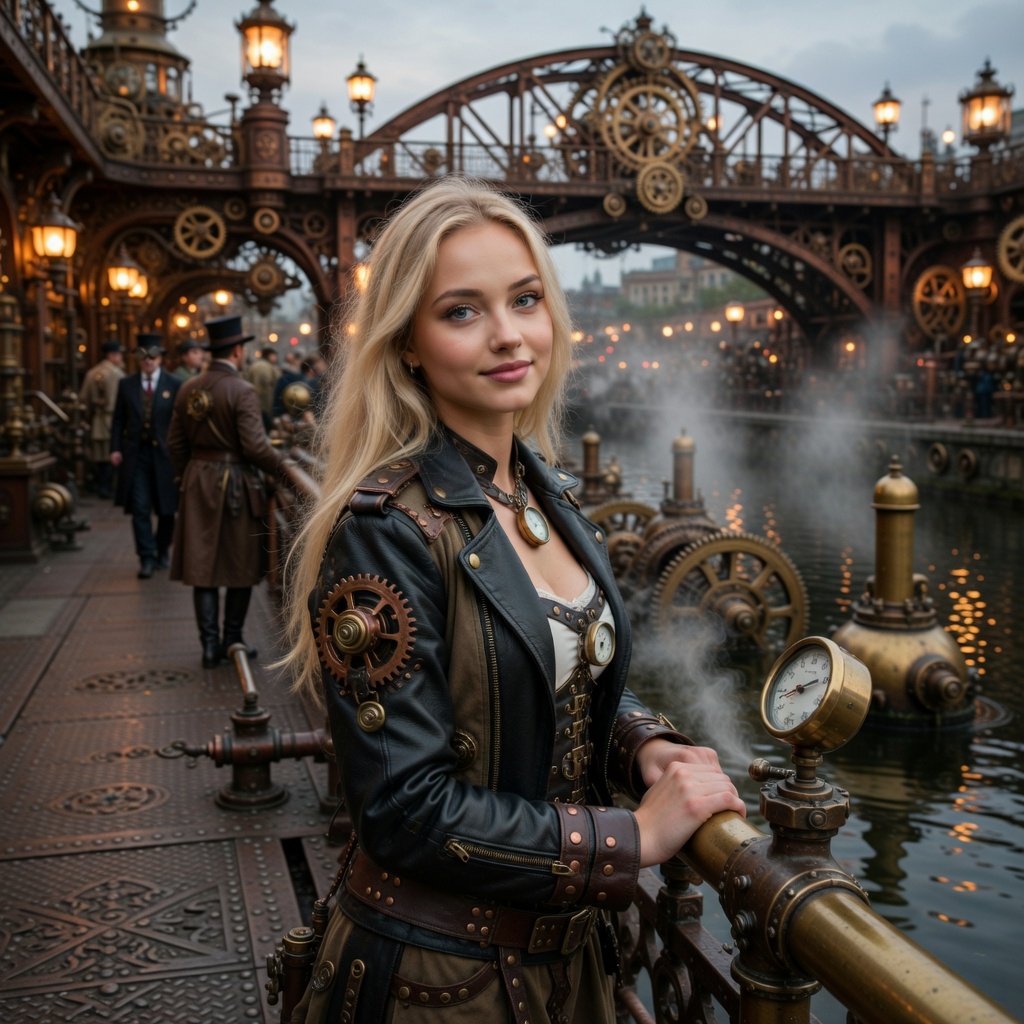
Image
Steampunk AI Generator
Generate intricate steampunk art with AI instantly—gears, cogs, and Victorian-style machinery brought to life in seconds.
Video
Vintage Video Filter
Convert any photo into a 1930s–1940s black-and-white Hollywood-style video with vintage look and cinematic effects.
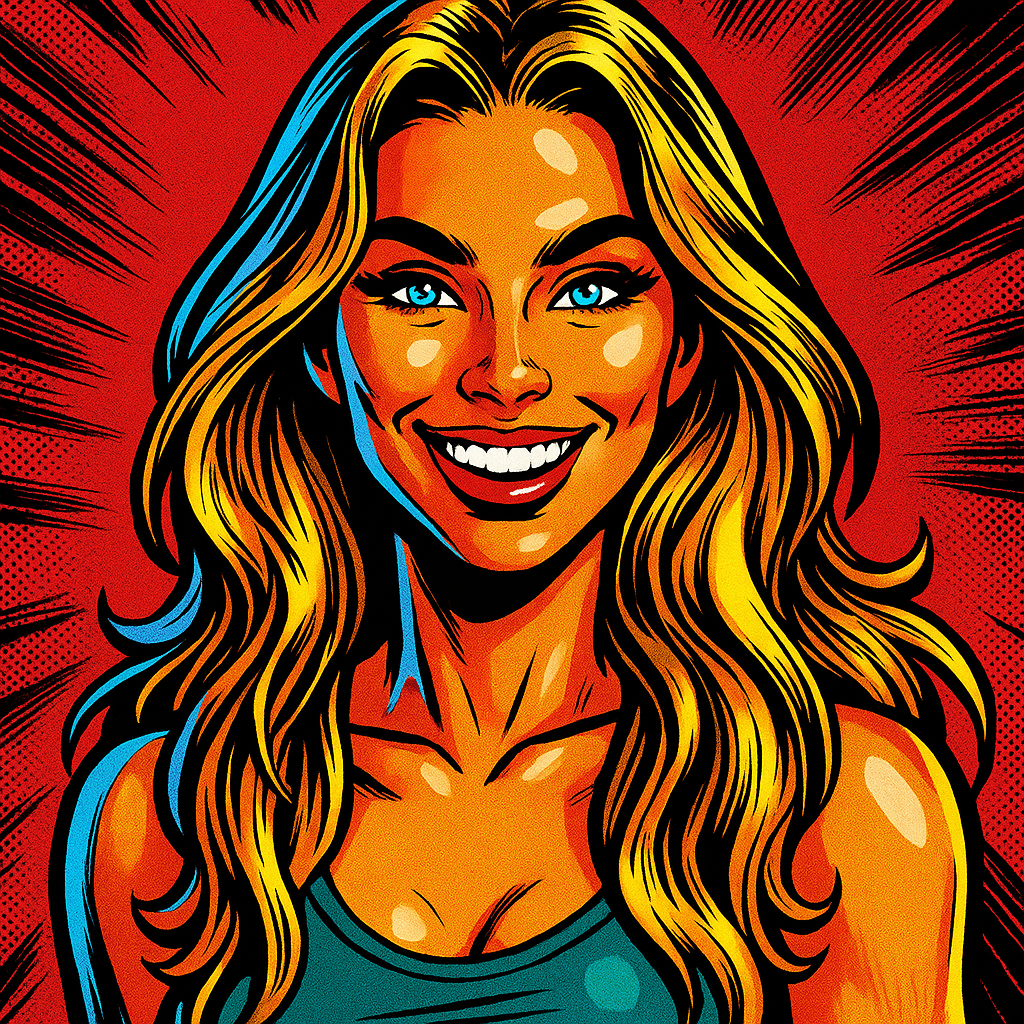
Image
90s Marvel Comic Style
Iconic 90s Marvel comic style — thick outlines, stylized shading, and vivid tones.