Redesign Your Logo with AI
Upload your existing logo and let AI refine it like a professional brand designer — change the icon, colors, typography, layout, and more...


4.9/5 from1783customers
A smarter way to update your existing brand logo
Upload one logo and let AI rework it like a designer, guide you with proven directions, and explore multiple models at once.
Change Icon, Colors, Typography...
Not sure where to start? Pick from guided directions — Simplify, Icon, Colors, Typography, Layout, and Style — each with concrete options and room for your own notes, so you always have a clear next step.
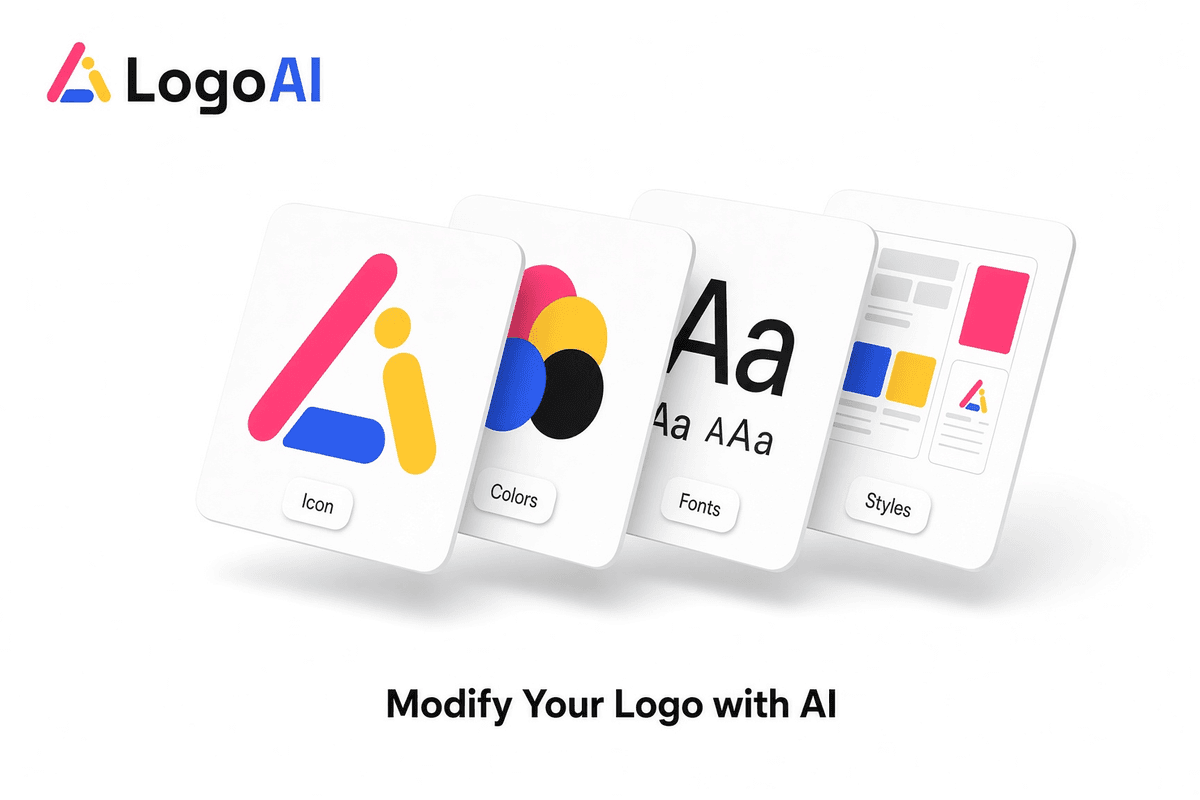
Refine existing logo like a brand designer
AI reads your existing logo and reworks it with a designer’s eye — balancing proportions, spacing, color, and hierarchy so every change looks deliberate instead of a random filter.
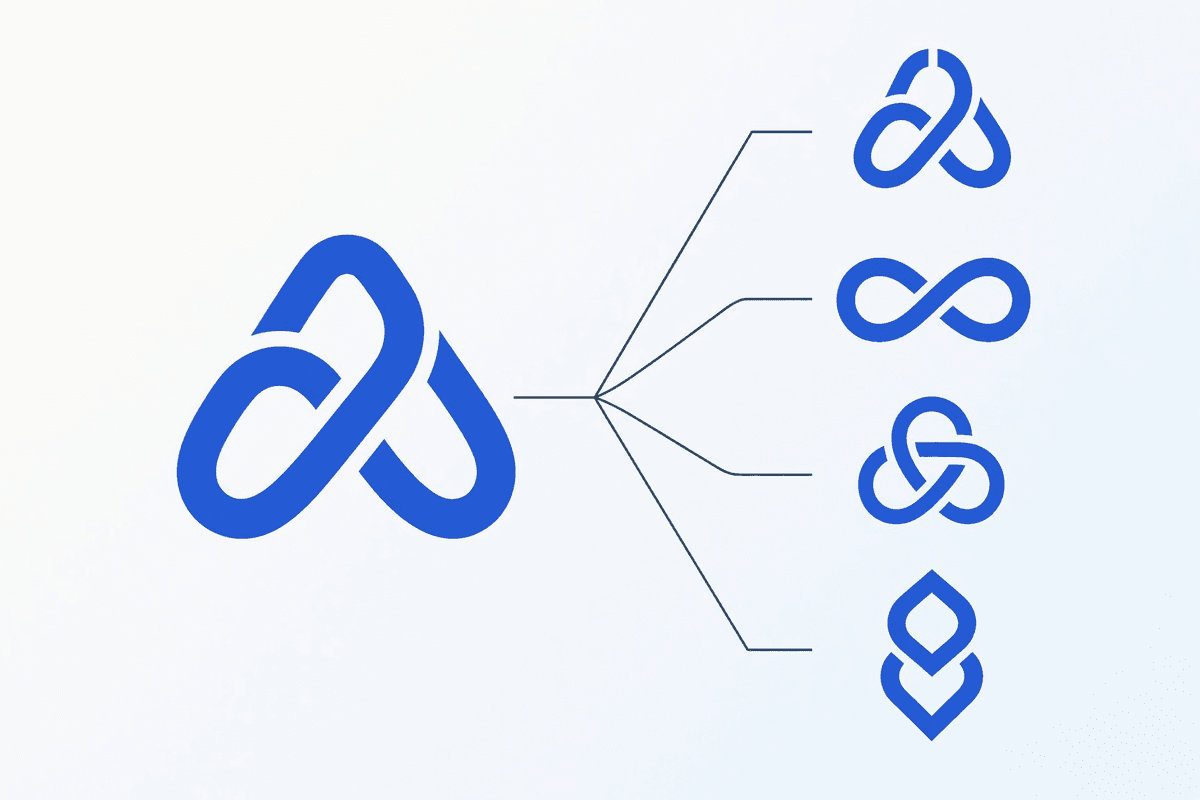
Every modification runs across multiple AI models
One instruction is sent to several image models at once, so you get distinct interpretations of the same idea side by side and can keep the version that fits your brand best.
FAQ
Frequently asked questions
What is the AI logo redesign?
It is a tool that takes a logo you already have and refines it with AI. Instead of starting from scratch, you upload your logo, choose a direction — like simplifying the icon or trying new colors — and AI produces improved versions you can download.
How do I modify my logo?
Upload or paste your logo, then pick a refinement direction and, optionally, add your own notes. LogoAI builds a clear instruction from your choices and generates variations across multiple AI models. Choose a favorite and keep refining or download it.
What kinds of changes can AI make?
You can simplify the design, change or redesign the icon, try new color schemes, switch typography, rearrange the layout, or explore a completely new style. Each direction offers concrete options plus a free-text box for specific requests.
Why does it use multiple AI models?
Different image models interpret the same instruction in different ways. Running your refinement across several models at once gives you a range of distinct results in one pass, so you are more likely to find a version that fits your brand.
What file types can I upload?
You can upload PNG, JPG, or WebP images up to 10MB, or paste an image directly from your clipboard. For the best results, use a clear, reasonably high-resolution version of your logo.
Where do my refined logos go?
Every refinement is saved to your results page automatically, so you can revisit, download, or keep refining your favorites anytime. Your uploaded original stays private to your session.
More ways to create your logo
Start with an image, find your signature style, or give your existing logo a fresh look.