Holiday Logo Maker
Give your logo a festive touch for Christmas, Halloween, Lunar New Year, and more. Your logo stays the same; AI adds the holiday decorations.
1. Your logo
Holiday logo examples
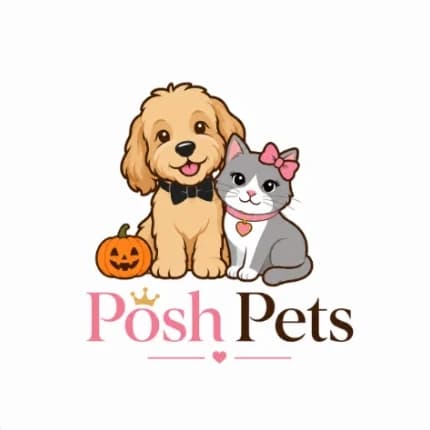
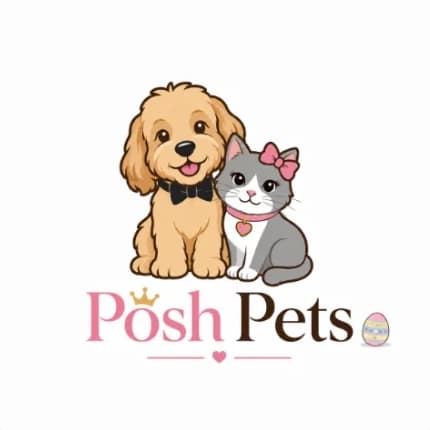
Real results from the holiday logo maker. The logo stays the same; only the holiday touches change, from a single Santa hat to a full Christmas wreath.
- Christmas · Subtle

- Christmas · Festive
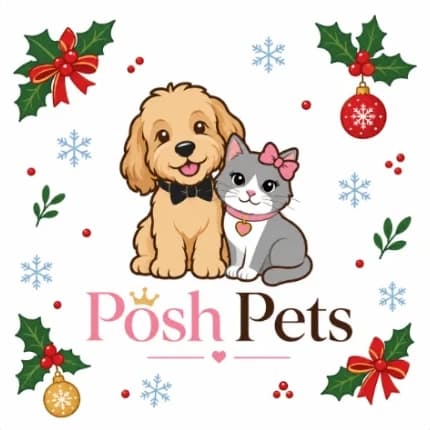
- Christmas · Full

- Thanksgiving · Festive
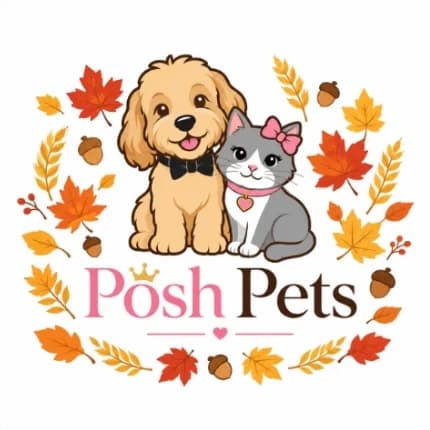
- Halloween · Subtle
- New Year · Festive

- Easter · Subtle
How to make a holiday logo in 3 steps
1. Upload your logo
Drop in, click to choose, or paste a PNG, JPG, or WEBP logo.
2. Pick a holiday and style
Choose the holiday and how festive it should be: a subtle accent, decorations around it, or a full holiday badge.
3. Download your holiday logo
Get a high-resolution PNG. Try another style or holiday any time, and remove the background for a transparent version.
Holiday logo ideas for the whole year
From a Christmas logo with a Santa hat to a Halloween logo with a pumpkin, each holiday comes in three levels of festive.
New Year logo
Jan 1
Gold confetti, streamers, and small fireworks bursts around the logo.
Lunar New Year logo
Jan–Feb
Red lanterns, gold accents, and plum blossom branches around the logo.
Valentine's Day logo
Feb 14
A few small red and pink hearts floating around the logo.
St. Patrick's Day logo
Mar 17
A few green shamrocks and small gold coins around the logo.
Easter logo
Mar–Apr
Pastel eggs and small spring flowers around the logo.
Halloween logo
Oct 31
Small pumpkins, bats, and a hint of spiderweb around the logo.
Thanksgiving logo
Nov
Autumn leaves, small acorns, and wheat sprigs around the logo.
Christmas logo
Dec 25
Holly leaves, small ornaments, and a few snowflakes around the logo.
Tips for a great holiday logo
- Start with Subtle. A small accent keeps your logo instantly recognizable, which matters most at small sizes.
- Use your holiday logo for a limited time: social profiles, email headers, your website, and seasonal packaging.
- Upload a clean PNG with a transparent or plain background for the crispest result.
- Check the result small, like a social avatar or favicon, before you use it everywhere.
- Switch back to your regular logo once the season is over, so the festive version stays special.
Need a transparent version first? Use the logo background remover before you upload.
Holiday logo maker FAQ
How do I add a holiday theme to my logo?
Upload your logo, pick a holiday such as Christmas or Halloween, choose Subtle, Festive, or Full, and click the button. You get a holiday version of your logo in under a minute and can download it as a PNG.
Will it change my logo design?
No. The holiday logo maker only adds seasonal decorations. Your text, symbol, colors, and layout are kept as they are. If a result changes something, try again or choose Subtle.
Which holidays can I choose?
New Year, Lunar New Year, Valentine's Day, St. Patrick's Day, Easter, Halloween, Thanksgiving, and Christmas. The next upcoming holiday is selected for you.
Is the holiday logo maker free?
You can try it free with a LogoAI account. After the free trial, each holiday logo uses a few credits.
Can I get a transparent background?
Yes. Open any result and choose Remove background to download a transparent PNG.
Where should I use a holiday logo?
Social media profile pictures and banners, email newsletters, your website header, online store, and seasonal flyers or packaging are the most common places.