New Feature: Create Unique Icons with LogoAI
Announcing a new way to generate one-of-a-kind icons for your brand directly inside LogoAI.
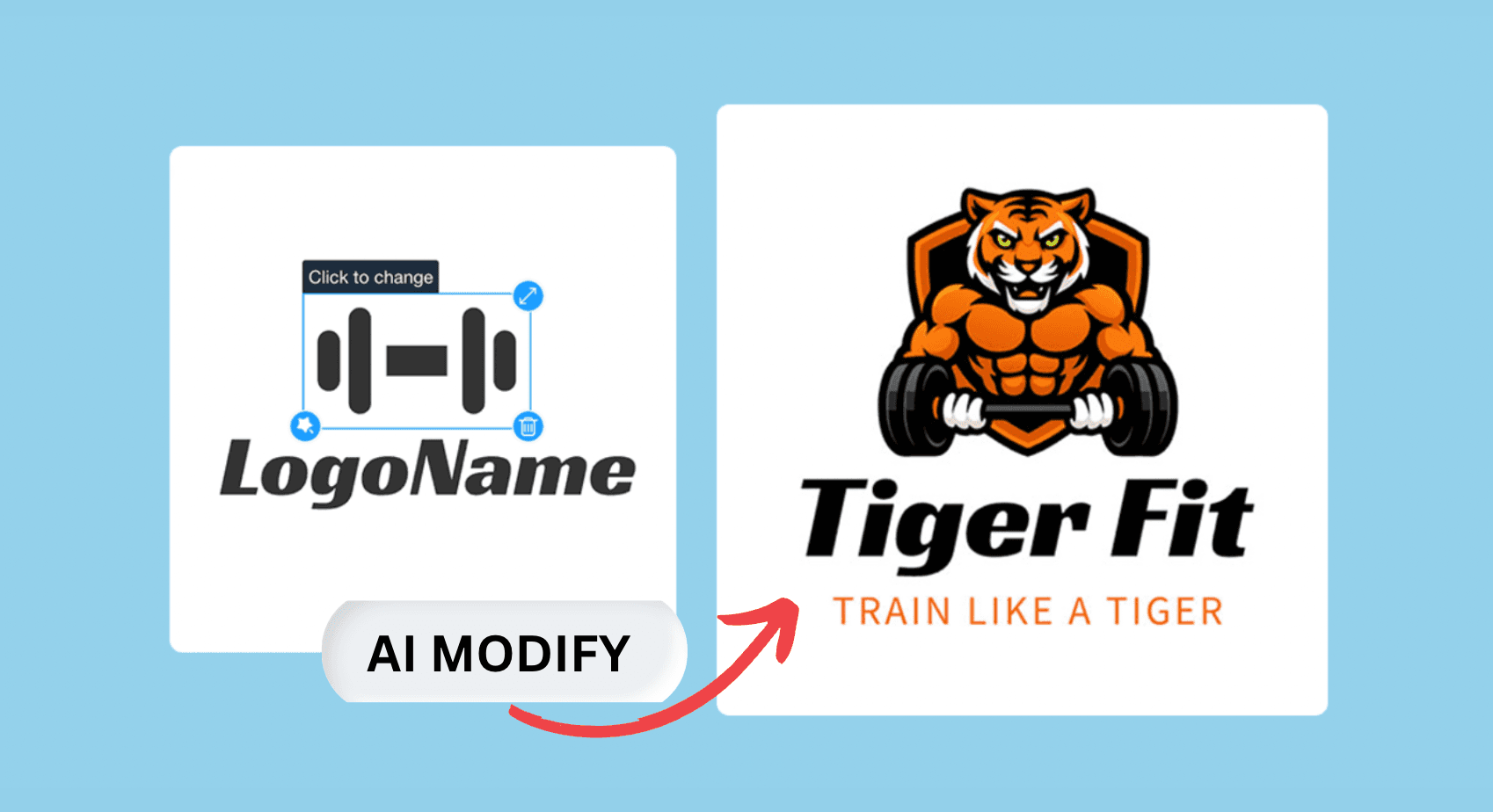
LogoAI just got smarter again. With its new feature, users can now using AI to generated icons directly in the LogoAI editor, getting control of every detail in their logo design. The new features allows users to easily generate icons, using AI to make further edits to change colors and styles to create truly unique logos that fit a brand's specific identity - all without leaving the platform.
Step 1: Turn Templates into Unique Icons
Let's first start with templates. When you choose a pre-made template, you have an excellent starting point. It is quicker than building it from scratch, and helps guide the AI toward the style you want. Then you can use the AI to convert the template into something entirely new that fits with your final logo piece.
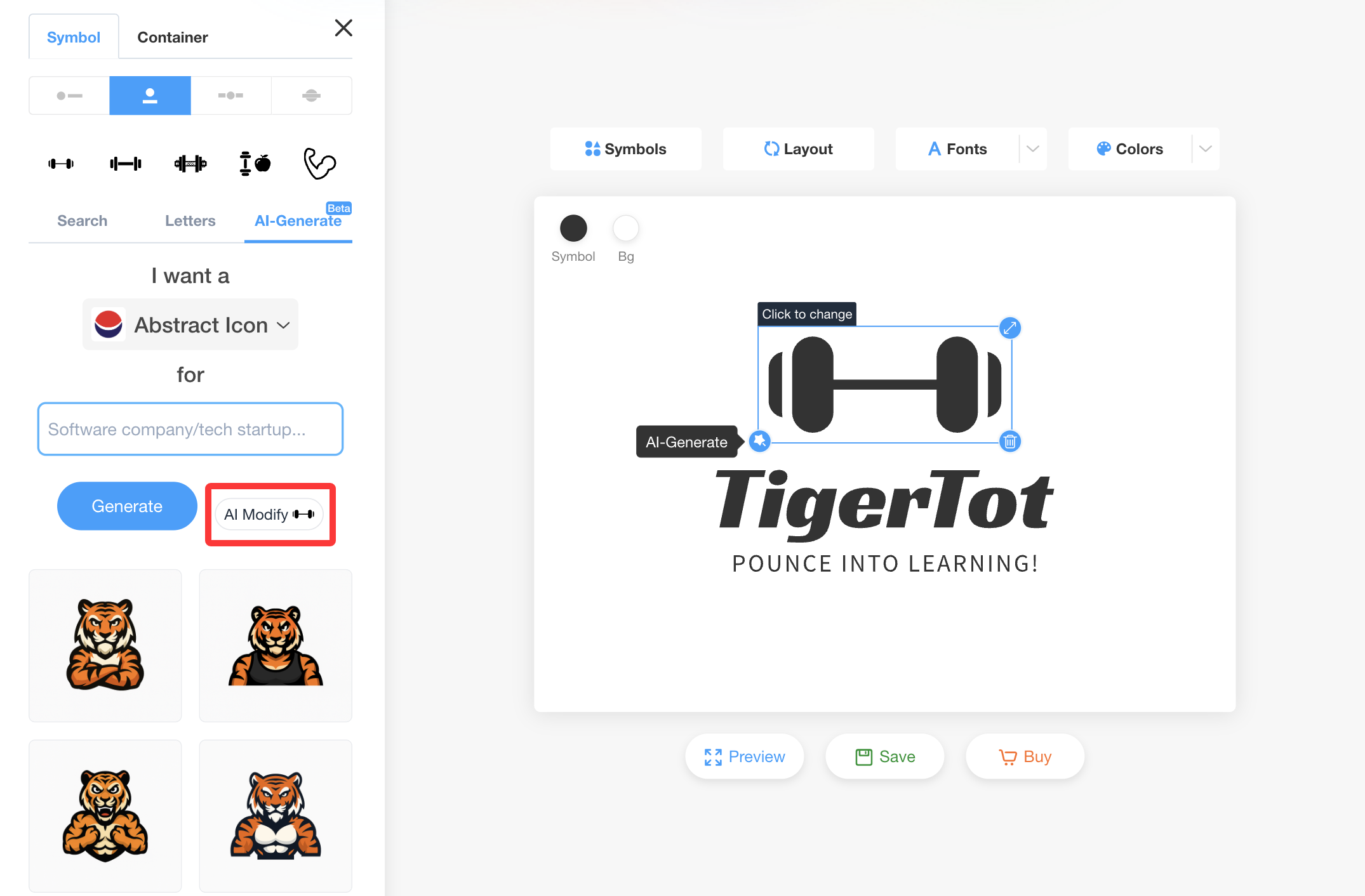
For instance, you want to design a gym logo so you choose a simple generic gym logo template to get started. Simply click on the AI Modify to start edit your current logo icon.
Step 2: Enhance Icons with AI Editing
After generating your initial icon, you can refine it further in several ways.
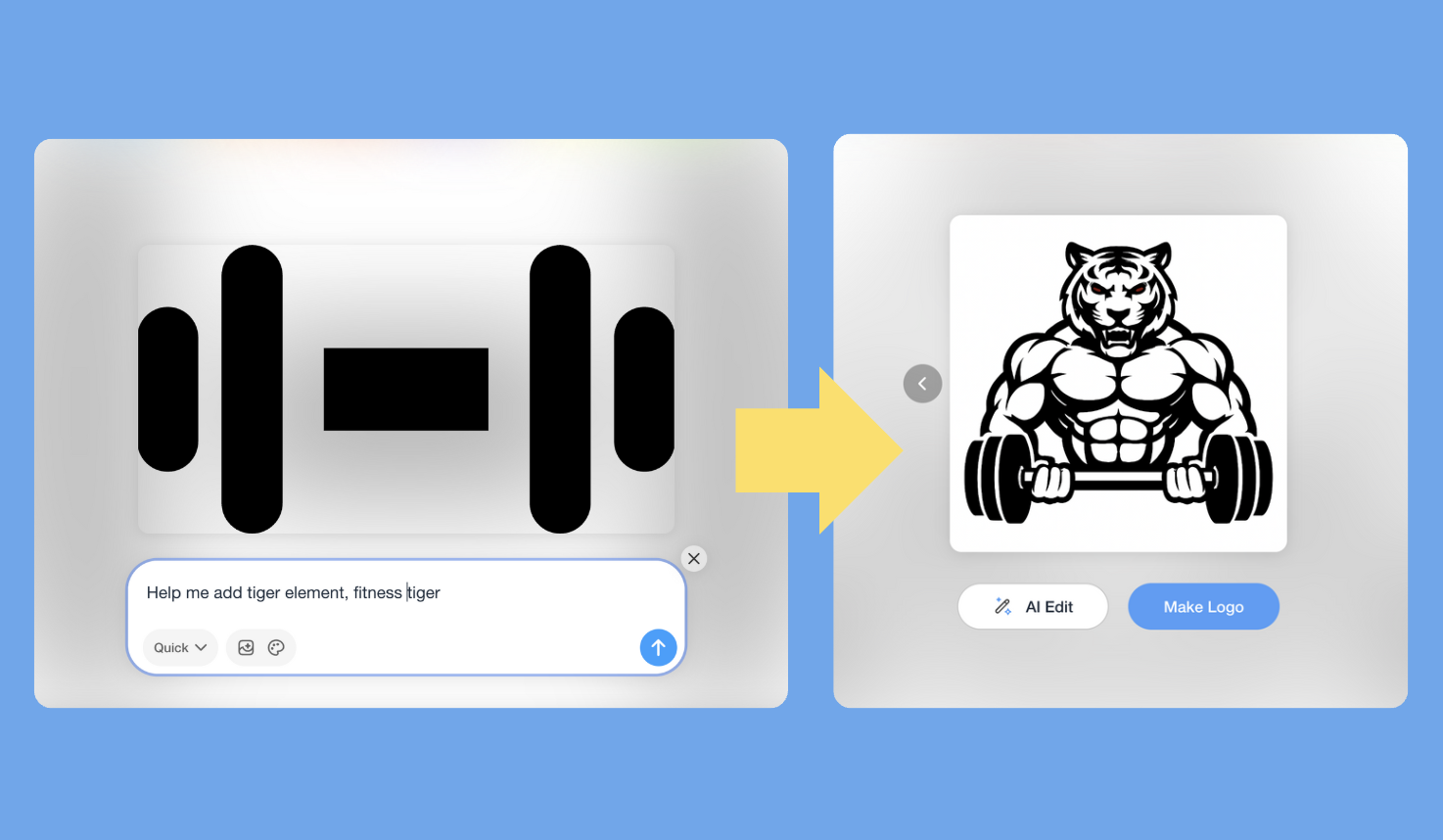
1. Use text prompts to describe the changes you want. Once you click AI Modify, simply type in a text prompt to tell the AI how to proceed. It will edit and modify your current logo icon based on your prompt, helping you change your original design to create the style you want.
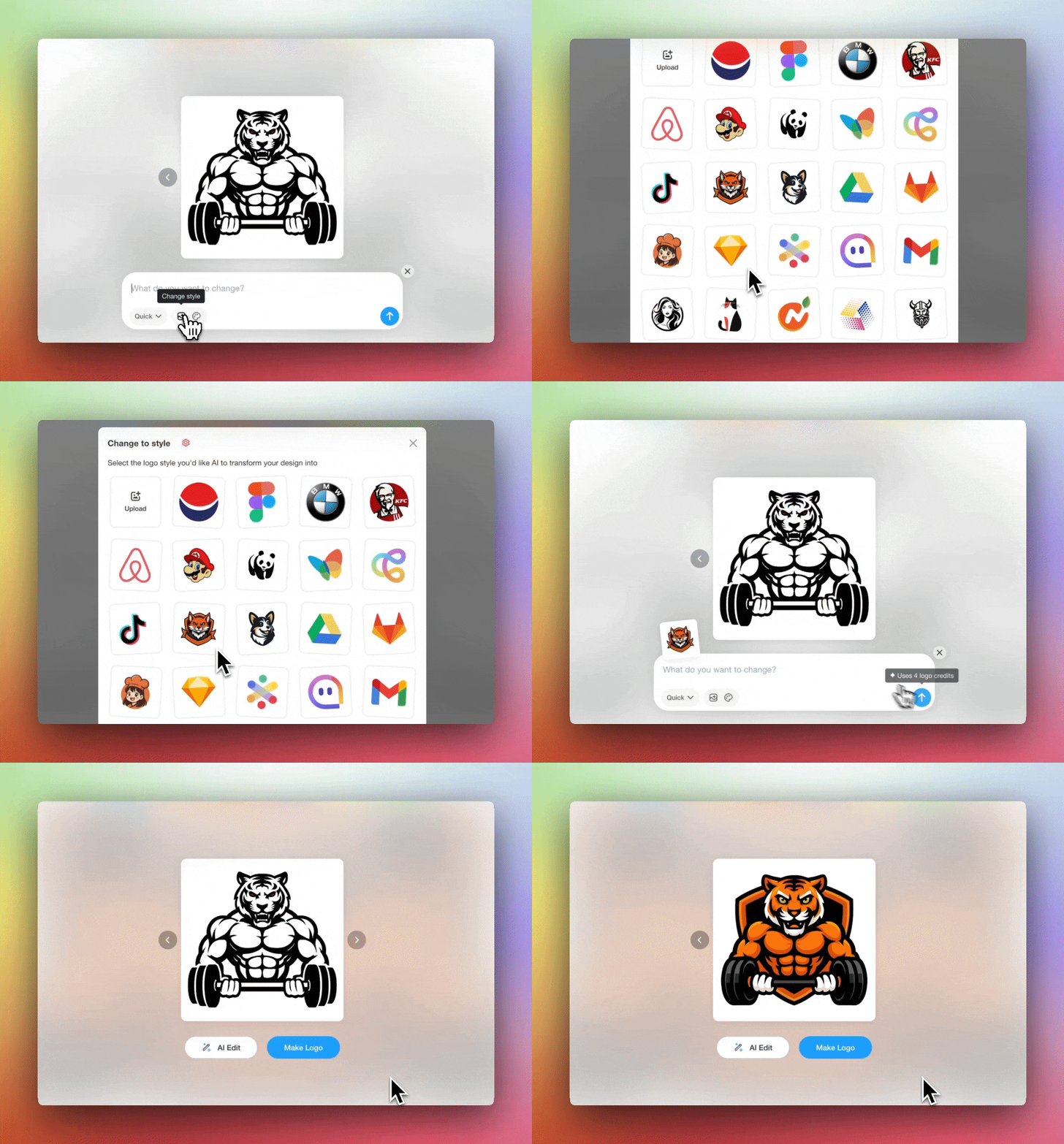
2. Click “Change Style” to explore and instantly apply different design styles. If you already have a preferred style, you can even upload a image reference, so AI can using your reference as guide to adjust the icon to that style.
3. Select “Change Color Palette” to choose a color scheme that best fits your brand.
Step 3: Add Brand Elements and Download
After you satisfied with your icon design, go ahead change your logo name in the top left of the editor. We provide access to over 1500+ Free Google Fonts, which means you can select a typeface that matches your brand's true personality. If your brand comes with a tagline or slogan, simply click "+ slogan" to include it, since it can help show people your brand personality or unique value, making your logo a little more memorable and meaningful.

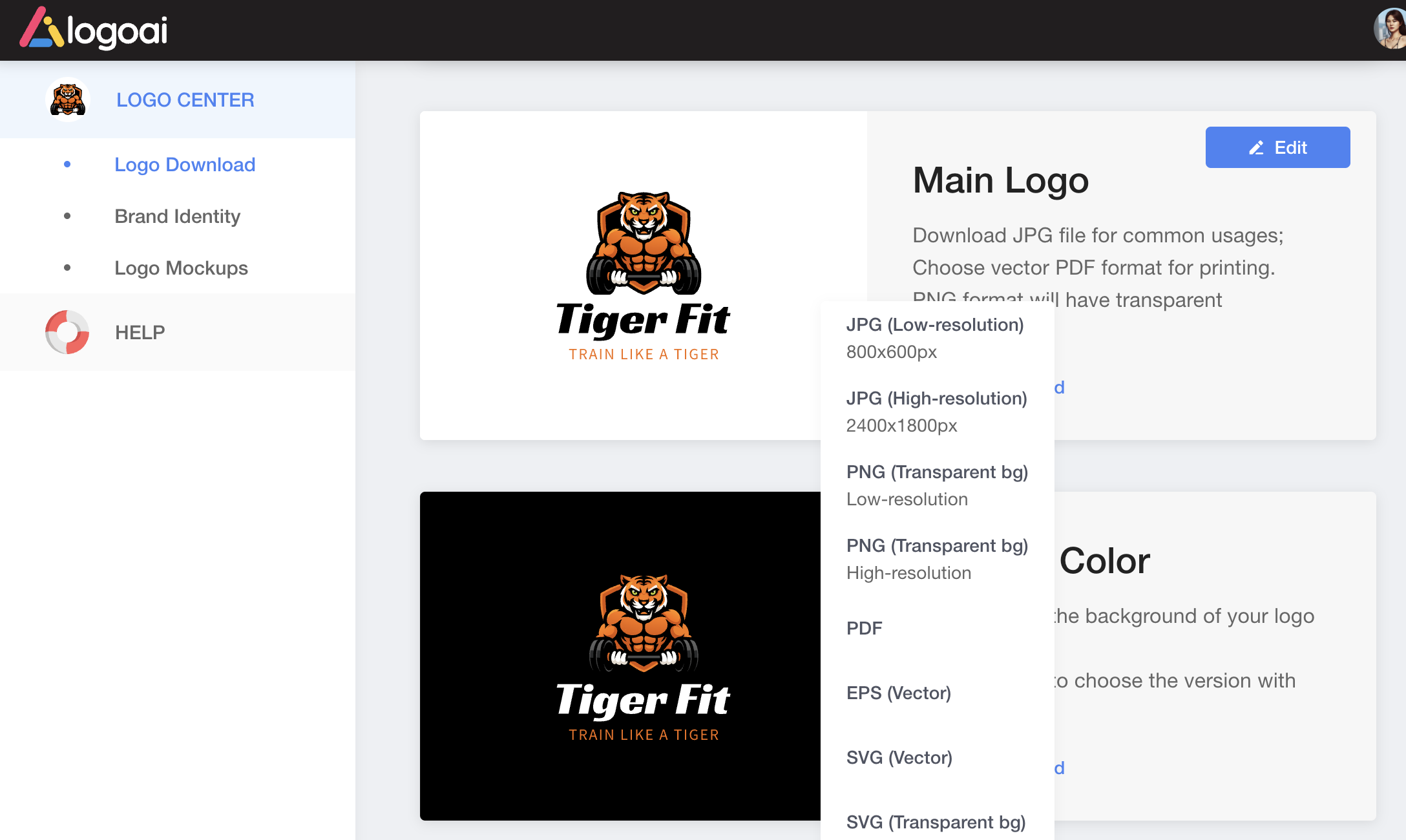
Try out different logo designs until you find the one that feels just right for your brand. Once you've purchased your logo, visit our Logo Download Center to get all of your logo assets (including inverted, white and black versions) in various formats (PNG, JPG, PDF, SVG, etc) for whatever use you need. With LogoAI, your logo is not just a design, but the beginning of a complete and unforgettable brand experience!
Ready to create your own logo?
Turn your brand name into professional logo concepts in seconds with LogoAI.
Generate my logo