New: Animated GIF Logos With GPT Image 2.6
New in LogoAI: turn your logo into a looping animated GIF with GPT Image 2.6. Pick 4 to 16 frames, change the speed anytime, and download a transparent GIF.
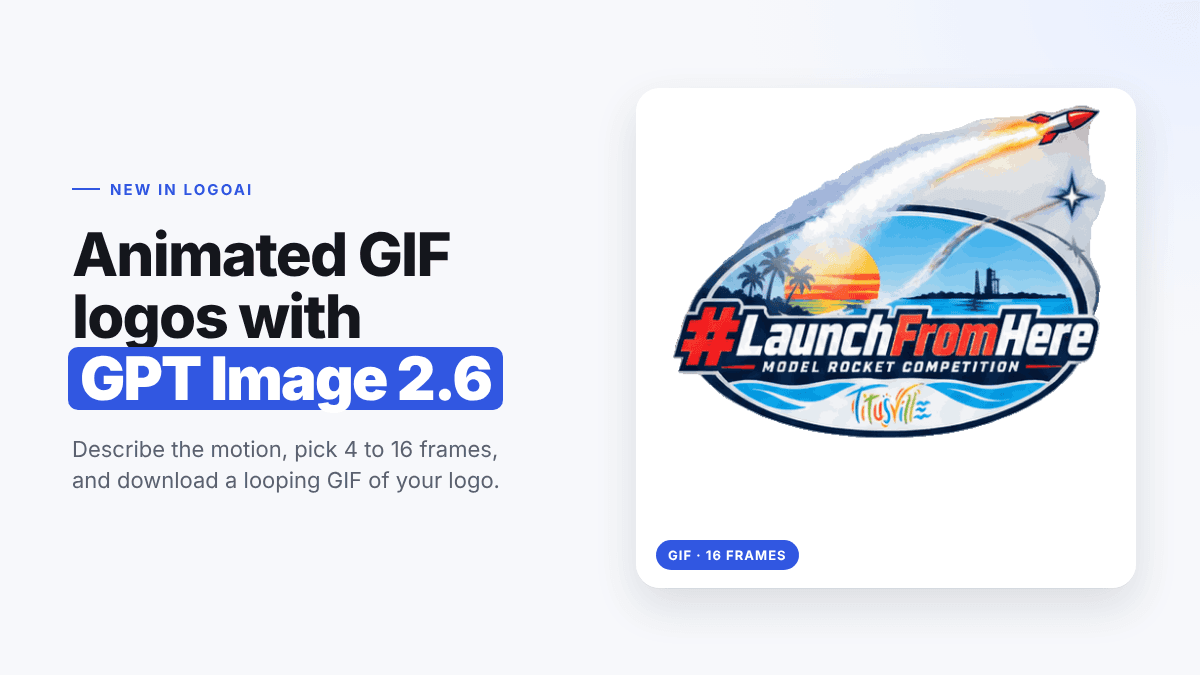
LogoAI's animated logo maker has a new way to bring your logo to life. Alongside the classic motion presets, there's now an AI prompt option powered by GPT Image 2.6, OpenAI's newest image model. Upload your logo, describe the motion you want (or leave it blank), and get back a looping animated GIF of your actual logo.
GPT Image 2.6 can output animated GIFs directly, so the AI draws every frame of the animation itself. That means motion that's specific to your logo: a rocket that actually takes off, a sun that actually rises, a coffee cup that actually steams.
To show what it can do, we animated a real logo: the #LaunchFromHere Model Rocket Competition badge from Titusville, Florida.

What's New: AI Prompt Animation
The animated logo maker now has two tabs after you upload a logo:
- Presets: quick, ready-made motion like zoom, fade, and bounce, rendered in your browser.
- AI prompt (new): GPT Image 2.6 creates a custom animation for your logo, frame by frame.
With the AI prompt tab you can:
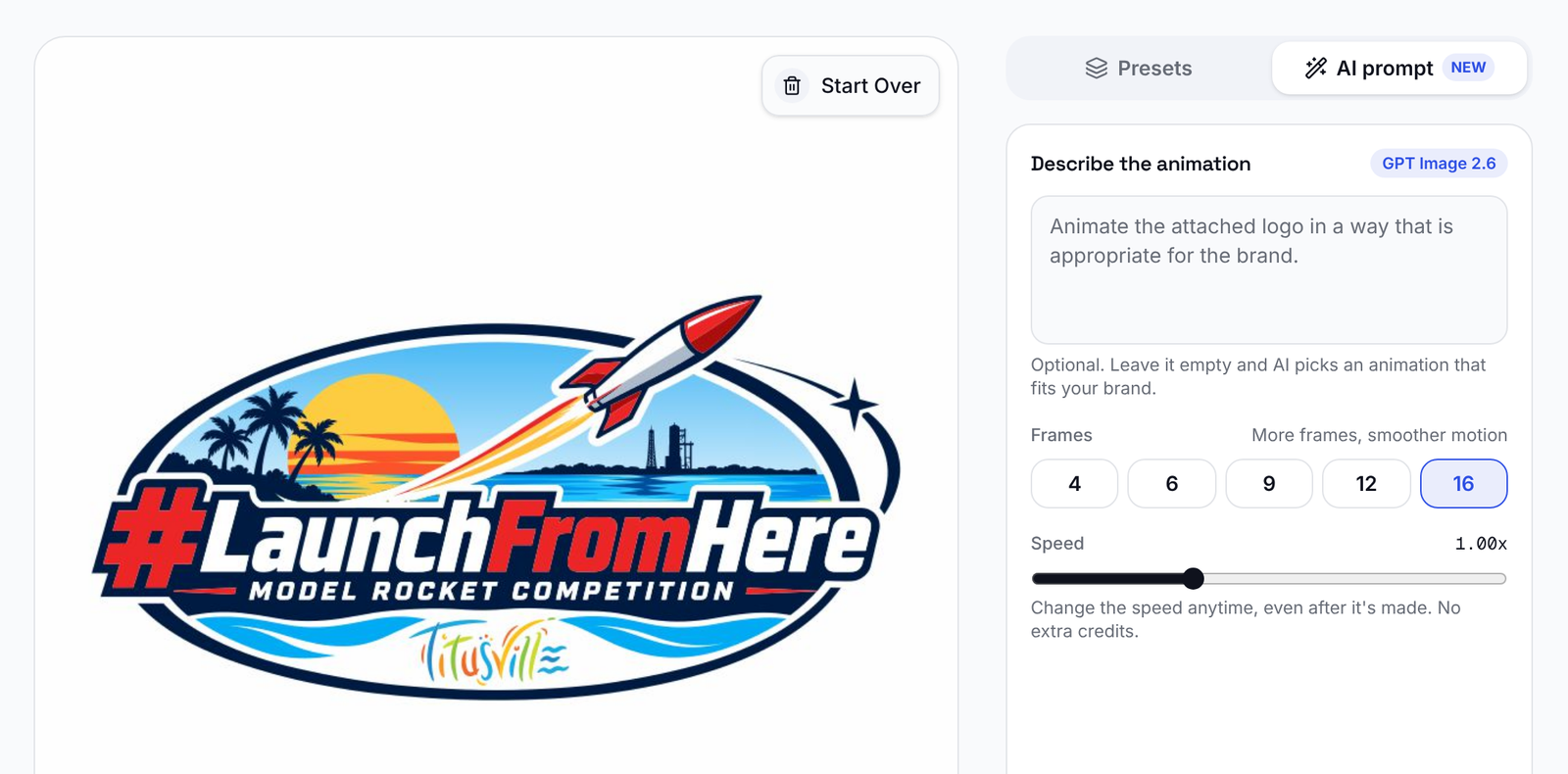
- Describe the motion in your own words, or leave the box empty and let AI pick an animation that fits your brand.
- Choose the number of frames, from 4 to 16. More frames give smoother motion.
- Change the speed anytime, even after the GIF is made, without generating it again.
- Download a GIF with a transparent background, ready for websites, emails, and social posts.
Examples: One Logo, Three Frame Counts
We uploaded the #LaunchFromHere logo and left the prompt empty, so GPT Image 2.6 chose the motion on its own. It picked exactly what you'd hope for: the rocket blasting off across the badge with a bright smoke trail. Each GIF took about 25 seconds.
4 frames
Four frames give a quick, punchy loop. Great for small spaces like email signatures and social media badges.

9 frames
Nine frames is the default and a good balance for most logos. The rocket's smoke trail builds up and fades as it flies.

16 frames
Sixteen frames give the smoothest motion. The rocket rises steadily, the smoke billows across the sky, and the loop settles back to the original logo.

In every frame, the text, colors, palm trees, and Titusville wordmark stay true to the original logo. Only the parts that should move, move.
How Many Frames Should You Choose?
| Frames | Best for |
|---|---|
| 4 | Small badges, email signatures, quick loops |
| 6 | Simple, snappy motion |
| 9 (default) | Most logos: smooth and balanced |
| 12 | Detailed motion |
| 16 | The smoothest animation for hero sections and presentations |
How to Make an Animated GIF Logo With GPT Image 2.6
Step 1: Upload your logo
Open the animated logo maker and upload your logo as a PNG, JPG, WEBP, or SVG. You can also paste it with Ctrl+V or Cmd+V.
Step 2: Switch to the AI prompt tab
Click AI prompt at the top of the right panel. Your logo appears in the preview.
Step 3: Describe the motion (optional)
Write what should move, for example "The rocket blasts off from the launch pad and streaks across the badge with a bright smoke trail." Or leave the box empty and AI will animate your logo in a way that suits your brand.
Step 4: Pick the number of frames
Choose 4, 6, 9, 12, or 16 frames. Fewer frames make a quick loop; more frames make smoother motion.
Step 5: Generate, adjust the speed, and download
Click Generate with AI. When your GIF is ready, it plays in the preview. Drag the speed slider from 0.5x to 2x until it feels right, then click Download GIF.
Tips for Better Animated Logos
- Name the part that should move. "The rocket takes off" or "the steam rises from the cup" works better than "make it exciting."
- Keep the motion simple. One clear action loops better than several at once.
- Start with the empty prompt. GPT Image 2.6 is good at guessing the right motion for a logo. Add a prompt only if you want something specific.
- Use 9 frames first. Try an idea at the default, then go to 16 frames for the final version.
- Use a clean logo file. A sharp logo on a plain background keeps the letters accurate in every frame.
Presets or AI Prompt: Which Should You Use?
Use Presets when you want a fast, classic effect like a zoom or fade, or when you need a WebM video. Use the AI prompt when you want motion that's unique to your logo, like an object in your logo coming to life. For longer video intros with sound, try the AI logo animation tool instead.
Frequently Asked Questions
What is GPT Image 2.6? GPT Image 2.6 is OpenAI's newest image model. Besides regular images, it can create animated GIFs, which is what powers the AI prompt option in LogoAI's animated logo maker.
Do I have to write a prompt? No. Leave the box empty and AI animates your logo in a way that's appropriate for your brand. Our rocket example was made with an empty prompt.
Can I change the speed after it's generated? Yes. The speed slider changes how fast your GIF plays, from 0.5x to 2x, without generating it again.
Will my logo stay the same? GPT Image 2.6 is asked to keep your logo's design, text, and colors exactly the same in every frame, and to loop seamlessly back to the start.
Does the GIF have a transparent background? In our tests, yes. The GIF came back with a transparent background, so it sits cleanly on any web page or email.
Animate Your Logo Today
A moving logo grabs attention on websites, in emails, and on social media, and now it takes about half a minute. Try the new AI prompt animation with your logo and see what GPT Image 2.6 comes up with.
Don't have a logo yet? Create one free with the AI logo maker, then bring it to life.
Ready to create your own logo?
Turn your brand name into professional logo concepts in seconds with LogoAI.
Generate my logo