ChatGPT Image Generator
Try GPT Image 2.5 and 2.0 free online. Use the same prompt across models, compare images side by side, and refine your favorite—all in one place.
Try GPT Image 2.5 and 2.0 free online. Use the same prompt across models, compare images side by side, and refine your favorite—all in one place.
Use the newest GPT Image 2.5 Flare and Sunburst models, explore more variations without waiting, and create with multiple references for more controlled results.
Generate with the newest GPT Image 2.5 models — Flare and Sunburst — for sharper detail, stronger prompt accuracy, and better text rendering. Compare them side by side, or seamlessly switch to Nano Banana, Grok, Flux, Seedream, Midjourney, and more—all in one place.
Try ChatGPT Image Generator ↗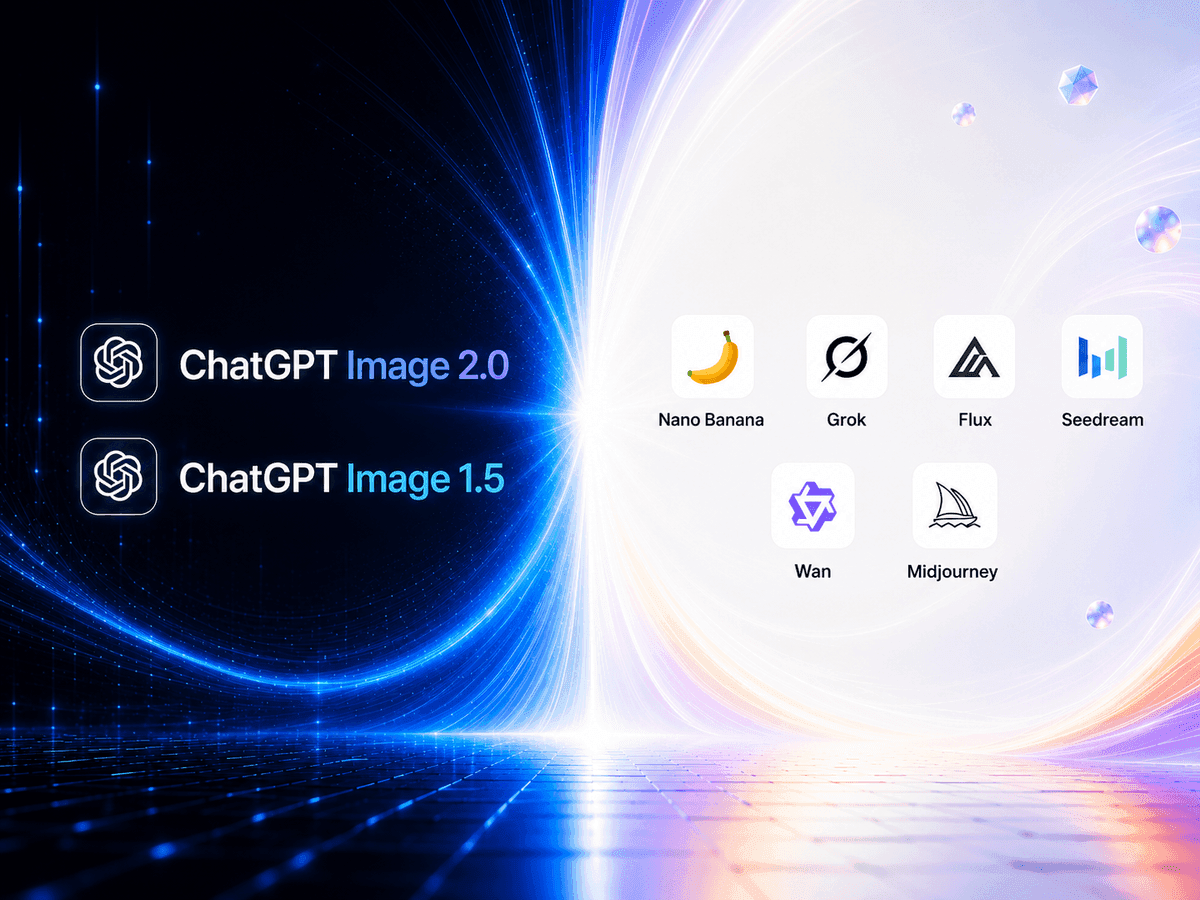
Keep submitting new image tasks without waiting for the previous one to finish. Explore more prompts and variations in parallel, then compare all your results together to quickly find the best one.
Try More Variations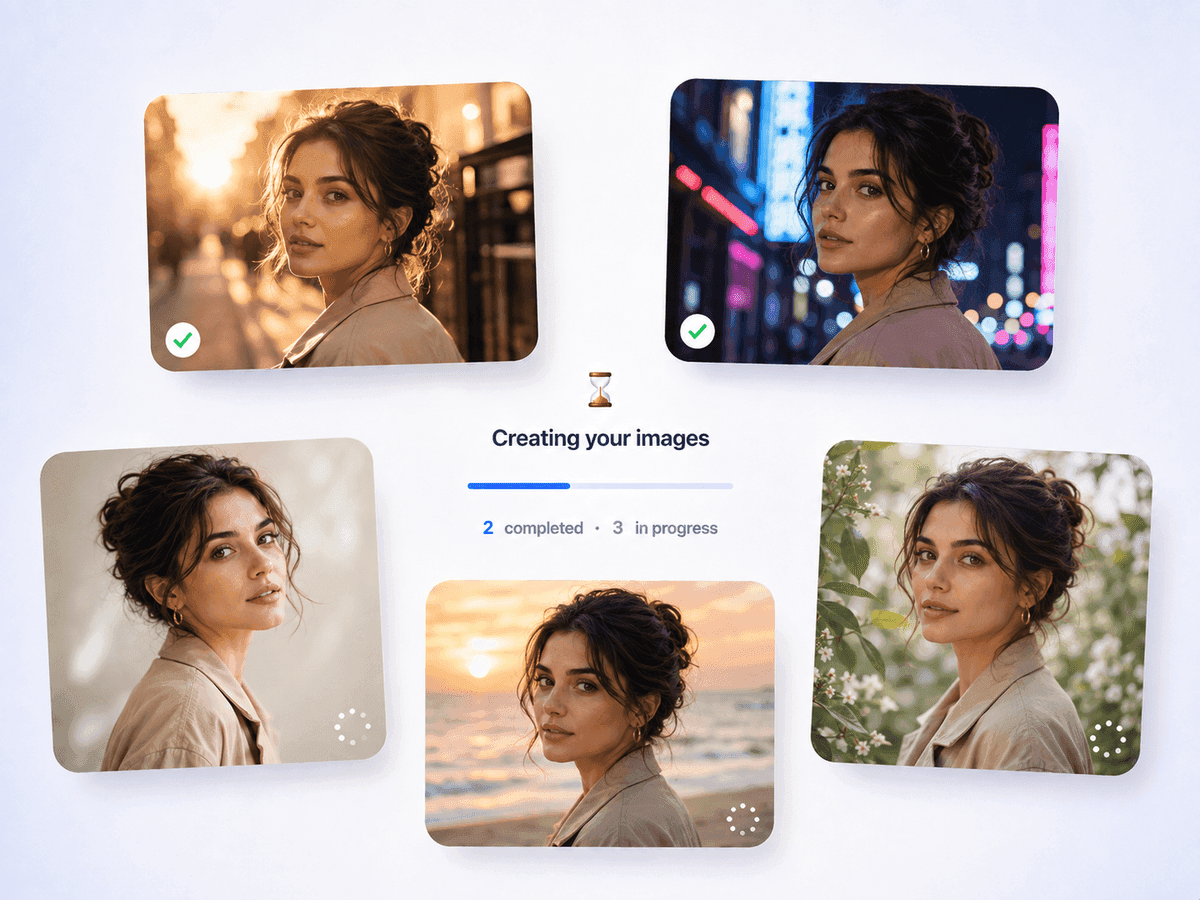
Upload multiple reference images to guide the subject, style, composition, colors, and other visual details. Combine different references in one generation for more precise and creative results.
Add references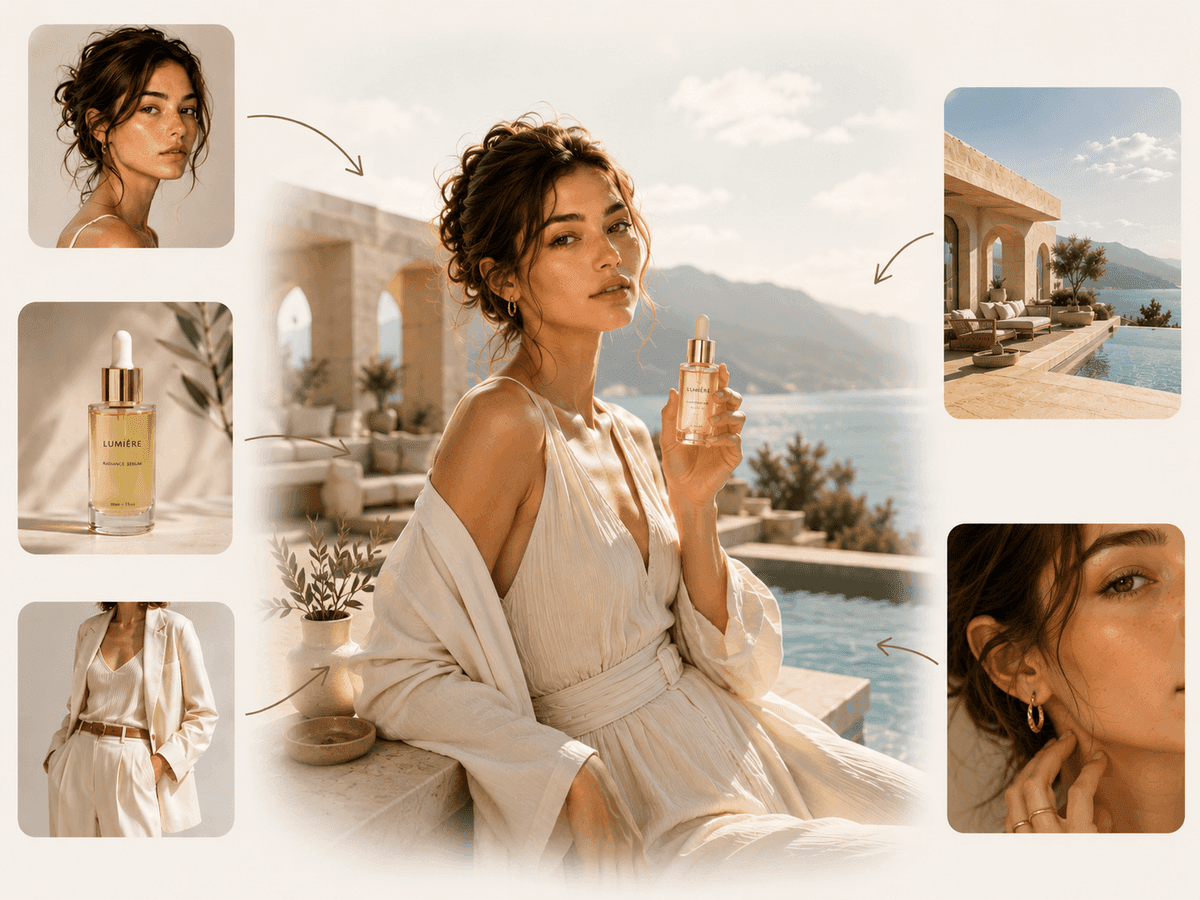
FAQ
ChatGPT Image Generator lets you create and edit images with natural-language prompts. Describe what you want to generate, upload reference images, or continue refining an existing result with simple instructions — now powered by the newest GPT Image 2.5 Flare and Sunburst models.
Flare and Sunburst are the two newly available GPT Image 2.5 models. Both deliver sharper detail, stronger prompt accuracy, and improved text rendering over earlier ChatGPT image models, and each brings its own look — so you can generate with whichever fits your idea, or run both and compare.
Yes. Use the same prompt with both Flare and Sunburst to generate multiple images at once, then compare the results side by side and choose the one you prefer.
Start with a clear description of the subject, style, composition, lighting, and important details. You can then use follow-up prompts to refine the result without starting over.
Yes. You can upload multiple images as references for the subject, style, composition, colors, or other visual details, giving you more control over the final result.
Yes. You can switch between the GPT Image 2.5 models and other supported AI image models in the same workspace, making it easy to compare different models and creative results.