How to Design a Hair Salon Logo and Build a Matching Brand Kit
Choose a recognizable hair salon logo, build a matching set of colors and assets, then preview the identity in signage mockups and social formats.
A hair salon logo has to work beyond the design canvas. Choose a mark that fits the salon, create only the versions it needs, then review the matching colors and assets in the places clients will see them.
What should a hair salon logo say at a glance?
Choose one clear impression for the salon to communicate. A modern color studio, a neighborhood barber, and a bridal styling salon need different visual cues, so begin with the service and atmosphere clients should recognize. Keep the salon name easy to read and let one or two choices carry the style, such as the lettering, a distinctive symbol, or the palette.
If you’re starting from scratch, LogoAI’s logo maker lets you begin with your salon’s name, explore styles, and refine a concept before turning it into a broader brand kit.
Avoid asking a logo to describe every service at once. Generic scissors or combs can be hard to distinguish from other salon marks unless they have a specific role in the design. The logo should help the right clients recognize the salon, not list everything it offers.
Which logo versions does a salon actually need?
Start with one primary logo, then make alternate versions for placements where the full design will not fit. A horizontal version can work on a storefront or booking header; a compact symbol can fit a social profile; a one-color or reversed version can help when a background or print method limits color.
The goal is recognition, not a different logo for every channel. Choose only the formats that solve a real placement problem. Check that the salon name remains legible before treating a symbol-only version as a substitute. For a step-by-step walkthrough, see this guide to creating logo variations.
How do you build a salon brand kit and preview it in context?
Once you have chosen the salon logo, use it as the starting point for a small set of matching assets. LogoAI’s Brand Kit takes an uploaded logo and can generate brand colors, downloadable logo files, symbol and alternate-logo versions, signage mockups, social covers, and ready-to-post graphics. These mockups and social formats let you review the identity in context instead of judging the logo on a blank canvas.
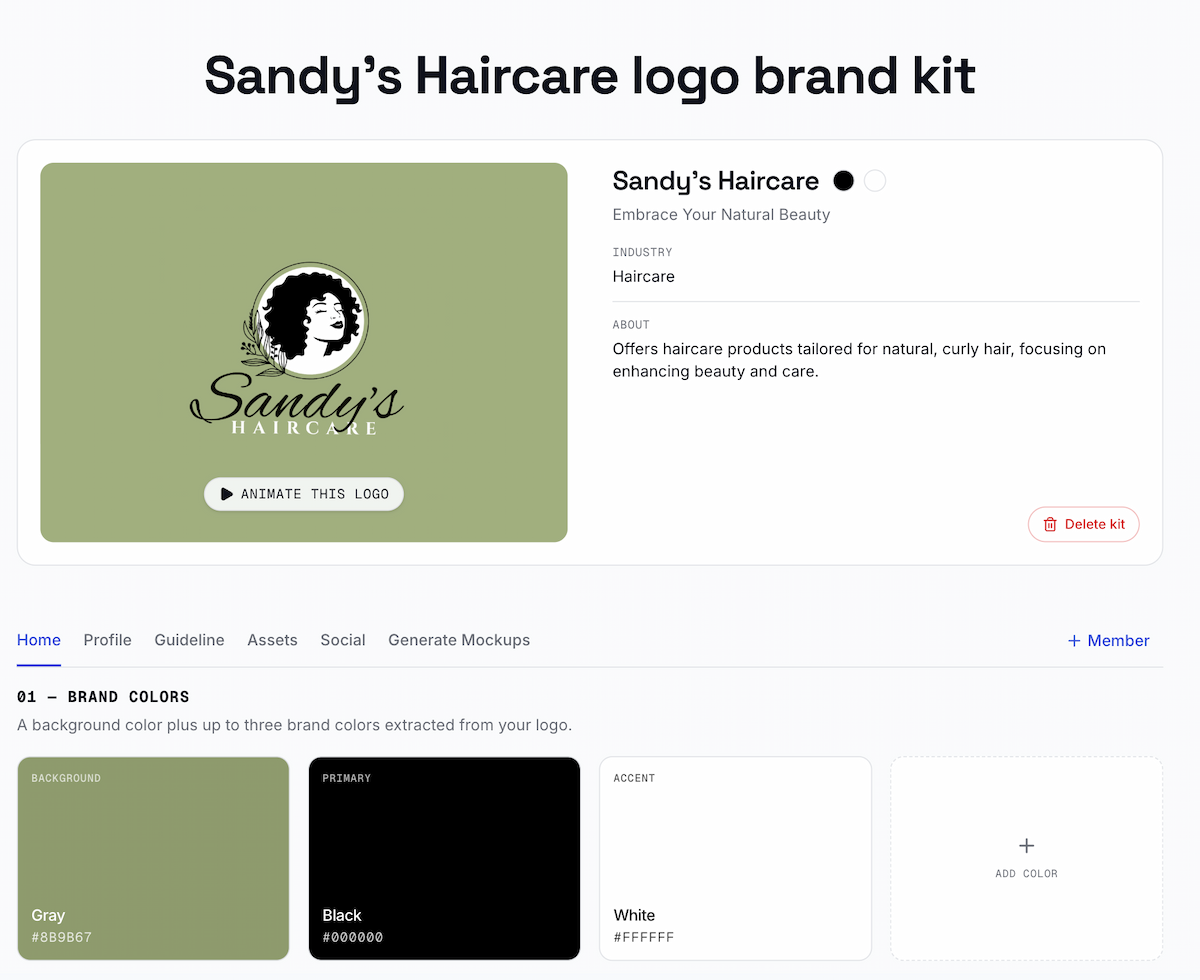
Check the kit where the salon will use it:
- Storefront: Review the signage mockup for contrast, placement, and whether the salon name reads at a glance. It is a visual preview, so confirm actual dimensions, materials, lighting, and production files with the sign vendor.
- Social profiles: Check the compact logo in a square crop and preview cover banners on desktop and mobile. Make sure small lettering does not disappear.
- Booking page and price list: Apply the same logo and palette, then check that names, prices, and buttons remain readable. These are real usage checks; they are not necessarily files produced by a brand-kit tool.
- Single-color use: Check a one-color logo on a plain background before using it on receipts, forms, or other limited-color materials.
- Google Business Profile: Check the image against Google’s current Business Profile photo and logo guidelines.
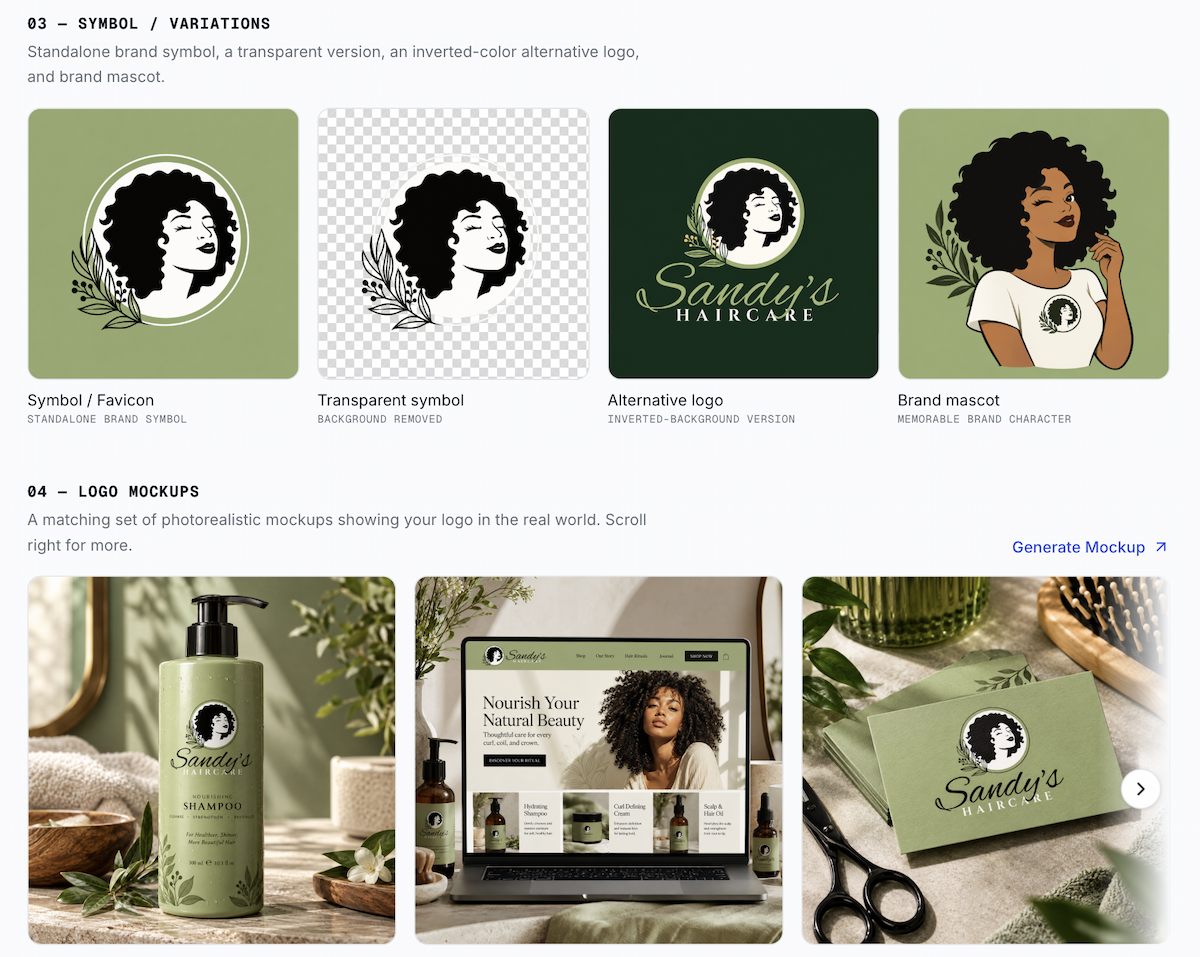
Click the image to view the full Sandy’s Haircare Brand Kit example.
If one version fails a placement check, use a better-fitting logo variation or refine that asset before saving the kit. Check that the palette remains readable against both light and dark backgrounds. A mockup can show how a design may look in use, but it does not replace a printer’s or sign maker’s production proof.
Ready to create your own logo?
Turn your brand name into professional logo concepts in seconds with LogoAI.
Generate my logo