Is There a Standard Logo Size? How to Choose the Right Dimensions for Web, Social, and Print
There is no single standard logo size. Learn how to choose dimensions for websites, social profiles, and print by separating file pixels, display space, and physical output.
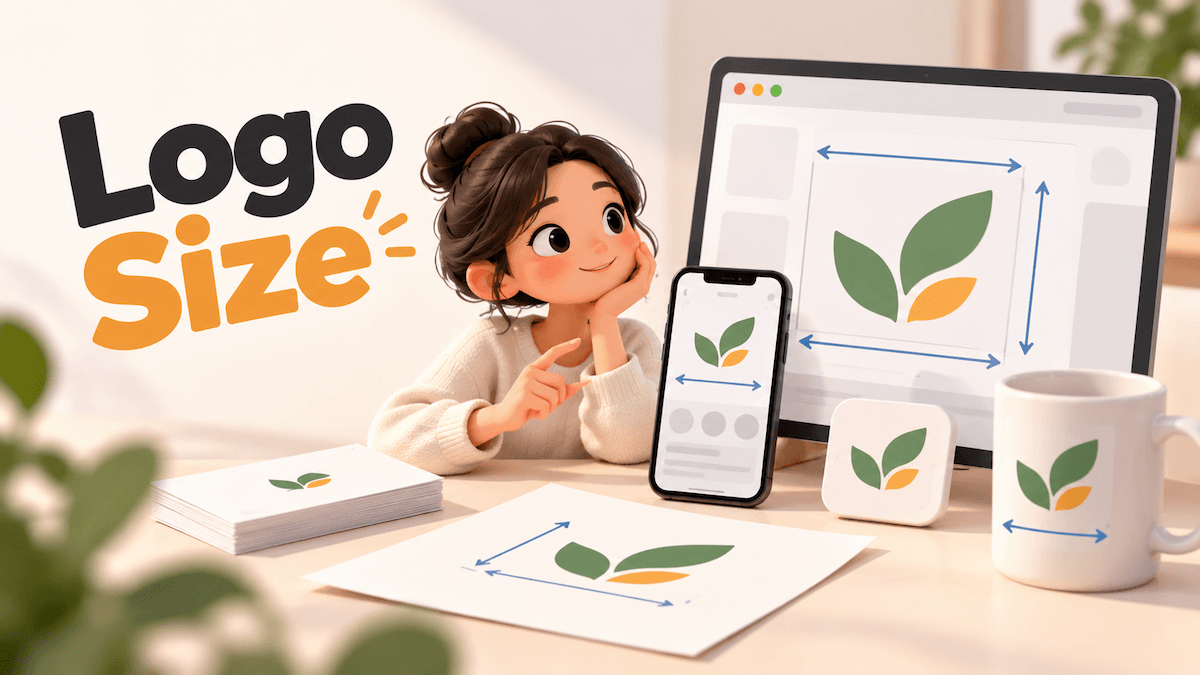
There is no single standard logo size. Choose a logo version for the shape and background of each placement, then match its export to the space and file requirements. A 1,200-pixel-wide PNG can appear at 200 pixels wide on a website, or print at four inches wide at 300 pixels per inch. Those numbers describe different things. Once you separate the logo file, its display space, and its final physical size, choosing dimensions becomes much easier.
Why do logo size guides recommend different numbers?
Many guides use “logo size” to mean different measurements. Check which one a recommendation describes before applying it:
| Measurement | What it describes | When it matters |
|---|---|---|
| File dimensions | The pixel width and height of a raster image, or the page/artboard in a design file | Upload limits and image sharpness |
| Display dimensions | The width and height the logo occupies in a website layout or platform frame | Whether it fits and stays legible in context |
| Print dimensions | The logo’s physical width and height on the finished item | Whether the artwork is large enough for the intended output |
A logo with a square 1,000 × 1,000-pixel canvas may still look small if the artwork sits in the middle with wide transparent margins. The file dimensions include that empty area; the visible mark does not fill the whole canvas. This is why a “standard logo size” in pixels can be a poor shortcut. It may describe an upload file, a website header, or a print result, even though each asks a different question.
How should you size a logo for a website?
Start with the space the logo is meant to occupy in the actual page layout. Check the header or navigation area at desktop and mobile widths, then preserve the logo’s proportions as you fit it into that space. Do not stretch a horizontal logo to fill a square, or a square mark to fill a wide header. If the file has excess transparent padding, crop or adjust the artwork bounds so the visible mark sits at the intended size. Then preview it at its real on-screen size. A file can be large in pixels and still appear too small when it contains too much empty space. For web images, pixel dimensions describe the image data; a resolution label such as 72 PPI does not make the image look sharper on screen by itself. The layout and the pixel data determine what visitors see.
What should you use for social profile images?
Use the current upload requirements for the platform, then inspect its preview or crop before saving. Profile images may appear inside a circular or otherwise constrained frame, so a logo that fills the upload canvas can lose parts of its lettering or symbol. Keep the important artwork inside the visible area and leave enough breathing room around it. If a full wordmark becomes hard to read in a small profile slot, use a compact mark that is already part of your identity rather than shrinking every element until it fits. A separate icon or favicon has its own design decisions; see our guide to choosing a mark for a browser tab.
How do you calculate logo size for print?
For print, start with the final physical space: for example, the width available on a business card, package, sign, or shirt. Ask the printer which file type and image resolution they need for that job. For a raster file, the basic relationship is:
Pixel width ÷ pixels per inch (PPI) = printed width in inches.
For example, 1,200 pixels ÷ 300 PPI = 4 inches. The same 1,200-pixel file printed at 150 PPI would be eight inches wide, with fewer pixels per inch. Adobe explains how pixel dimensions, resolution, and physical size work together in its guide to image size and resolution. A 300 PPI target is common for detailed, close-viewed print work, but it is not a universal requirement for every logo or print method. Large signs viewed from farther away may work at a lower effective resolution. Follow the printer’s specifications, especially for unusual materials or production methods. If you have a vector master and the printer accepts it, it can be output at different physical sizes without choosing a fixed pixel width first. The finished job still has practical production constraints, so confirm the required file format and minimum detail with the print provider.
Prepare different logo sizes and versions in one place
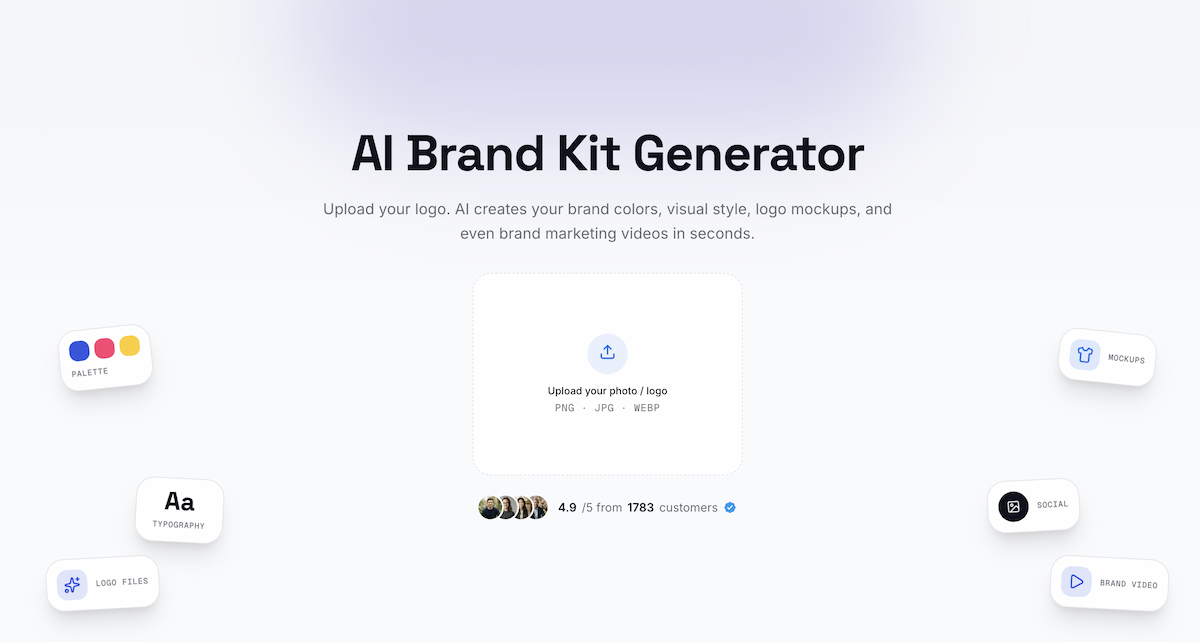
A brand kit makes it easier to prepare a coordinated set for wide headers, small square spaces, dark backgrounds, social media, and print without rebuilding each version from scratch. In LogoAI Brand Kit, the primary logo, transparent logo, single-color mark, white-on-color version, and standalone symbol stay together with social assets such as a wide profile cover and square posts. The primary logo’s download options include JPG, PDF, a sharper high-resolution PNG, and SVG, which can scale to the dimensions a platform or printer requests. You can also download the available logo-file versions together as a ZIP.
Use this quick workflow:
- List the placements. Note the actual space and file requirements for your website header, profile avatar, social cover, and print job. Use each platform’s current upload specs and ask the printer about production files.
- Choose the matching version. Use the primary logo in wide spaces, a standalone symbol in small square spaces, a transparent version over a chosen background, and a white-on-color version when the background is dark. For a favicon, keep the mark simple enough to remain recognizable at tiny sizes.
- Choose the export for the required size. Use SVG when the destination accepts vector artwork and you need flexible scaling. Choose the high-resolution PNG when you need a sharper raster image, or follow an exact pixel-size requirement when a platform specifies one. For print, confirm the accepted format and resolution with the printer.
- Keep the set together. Download the available logo-file versions as a group, then test each one in its real placement. Check the smallest on-screen version for legibility and review a proof before approving a print run.
The Brand Kit puts the different logo versions, export choices, and social layouts in one workspace. You still need to match the final file to the dimensions and production rules of its destination; mockups are useful for reviewing the identity in context, but they do not replace upload specifications or a printer’s proof.
Is there a standard logo size in pixels?
No. A logo does not have one standard pixel size for every website, social profile, and print job. Start with the destination’s available space and file requirements, then export or place the artwork to fit.
Is 300 PPI necessary for every printed logo?
No. It is a common target for detailed print viewed up close, but the right resolution depends on the final size, viewing distance, production method, and printer requirements. Ask the print provider before preparing the final raster file.
Why does my logo look too small even when the file has many pixels?
The image may have large empty margins around the artwork, or the layout may display the file in a smaller box than expected. Check the visible bounds and the actual rendered size before increasing pixel dimensions.
Ready to create your own logo?
Turn your brand name into professional logo concepts in seconds with LogoAI.
Generate my logo