AI Logo Maker 2.0
Try our all-new AI logo generator and watch your complete brand identity take shape in a matter of seconds!
AI-native logo generator powered by top image models
Start with your business name and a few details. Explore AI-generated logo concepts, refine your favorite, and build a coordinated brand kit around it.
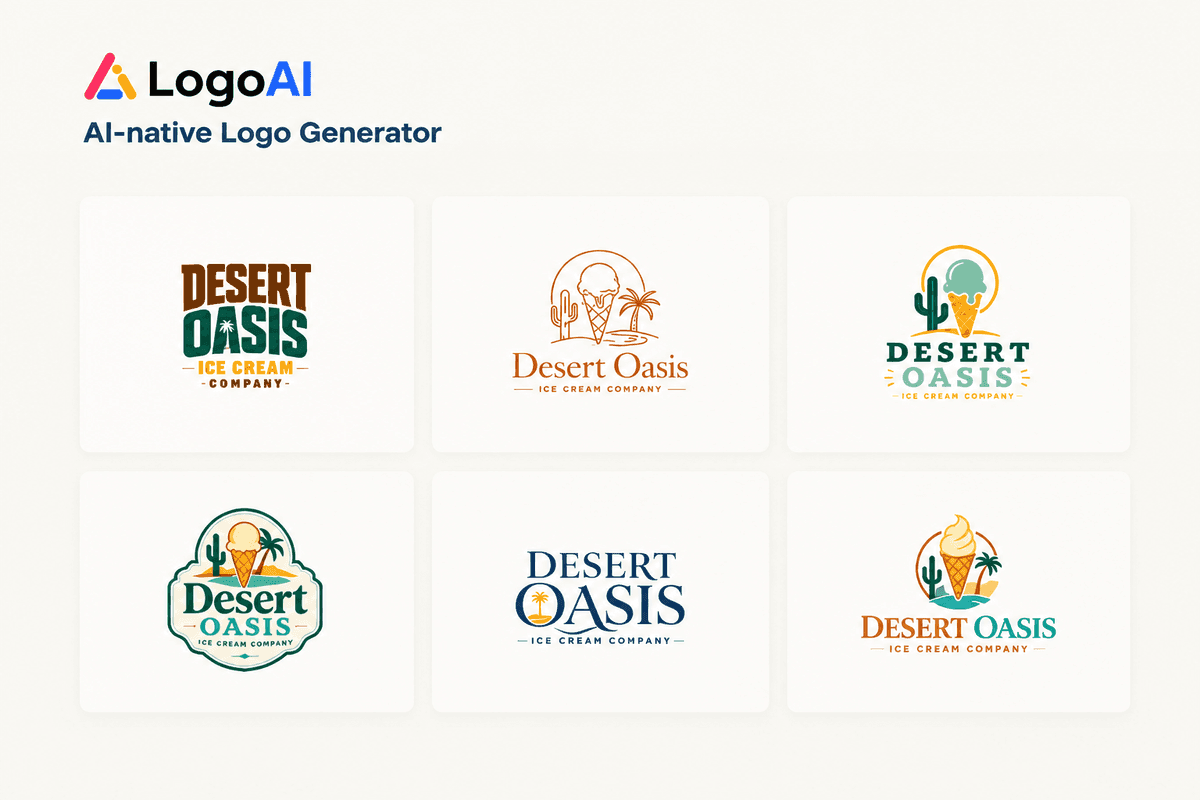
Original logos, not template swaps.
LogoAI generates logo concepts from your business name, description, and selected styles. Explore different symbols, lettering, and compositions, then refine the direction that fits your business.
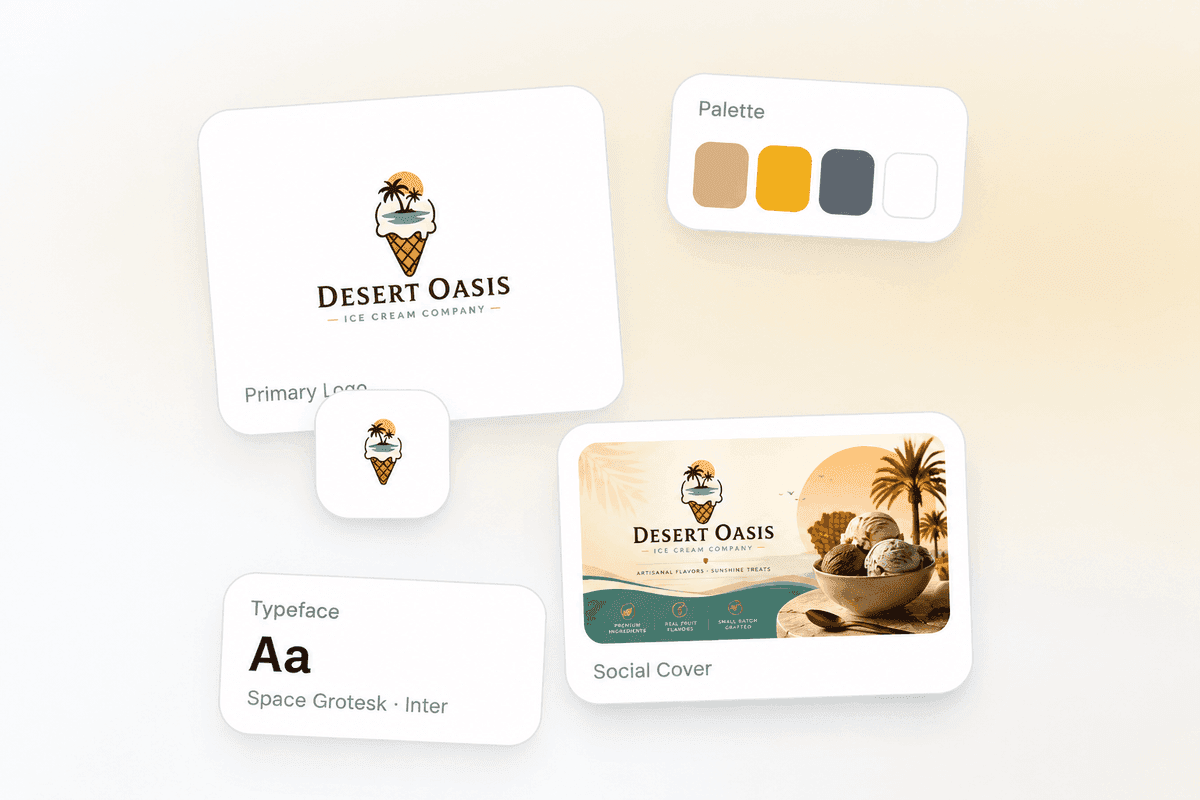
A brand kit that grows with you.
Bring your chosen logo into the Brand Kit Studio to work with colors, fonts, and matching graphics. Create assets for your website, business cards, and social media in one place.
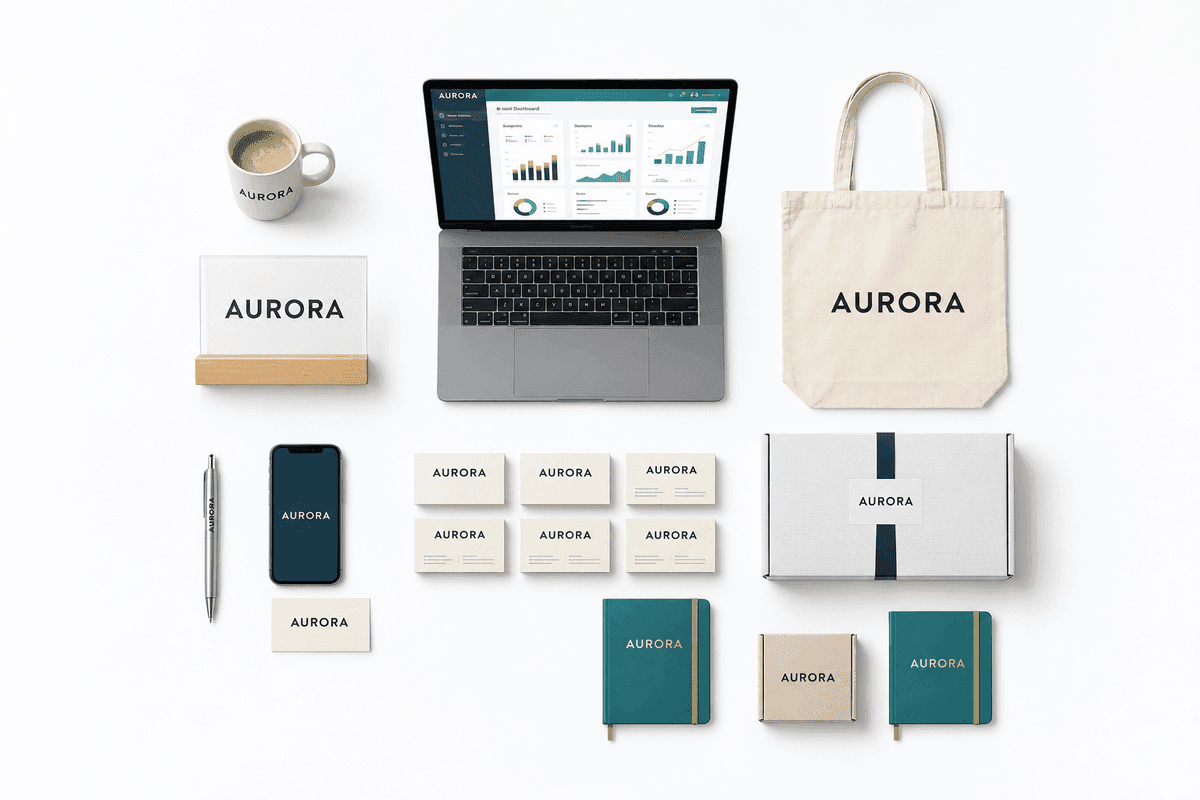
From idea to launch-ready brand.
Create a visual starting point for a new business, freelance service, community project, or online store. Try different directions before choosing the logo and brand assets you want to use.
How to create a logo with AI
Go from a business name to a logo you can refine and use across your brand. No design experience needed.
1. Describe your brand
Enter your business name. Add a short description of your industry, audience, and preferred colors to give the AI a clearer direction.
2. Choose your logo styles
Pick a wordmark, monogram, combination mark, or another style. Unsure where to start? Choose “Surprise me” and let AI select two styles for you.
3. Refine your favorite
Compare the generated concepts and choose one to refine. Describe the changes you want, such as a simpler symbol or a different color palette.
4. Download and build your brand kit
Select Download to open your logo in the Brand Kit Studio. Choose your files and create matching assets for your website, business cards, and social profiles.
AI logo generator FAQ
Answers to common questions about creating, editing, and downloading your logo.
How does LogoAI generate a logo from my business name?
Can I create and download a logo for free?
What should I include in my logo description?
Can I change the colors, text, or style after generation?
Which file formats can I download? Can I get a transparent background?
Can I use my AI-generated logo for my business?
Is my logo unique, and can I trademark it?
What is included in the brand kit?
How does LogoAI compare?
Choosing the right tool for your brand identity matters. Compare LogoAI to the most popular logo design services and see which one is the best fit for your project.
- Comparison
Looka Alternative
If you've been looking for a Looka alternative that offers transparent pricing, professional results, and a complete brand kit, here's how LogoAI compares.
Read comparison - Comparison
Canva Logo Alternative
Canva is great for social media graphics, but its logo maker is largely template-based and not a dedicated brand-identity tool. Here's how a purpose-built brand identity tool compares.
Read comparison - Comparison
Design.com Alternative
Design.com is subscription-only, with each plan covering just one logo and editor access tied to staying subscribed. Here's how LogoAI lets you own your brand instead of renting it.
Read comparison
3 ways to create your logo
Pick your starting point — begin from your business name, refine a logo you already have, or turn any image into one. LogoAI does the rest in seconds.