How to Fix an AI-Generated Logo Without Starting Over
What to do when the text, font, spacing, or colors in an AI-generated logo still need work.
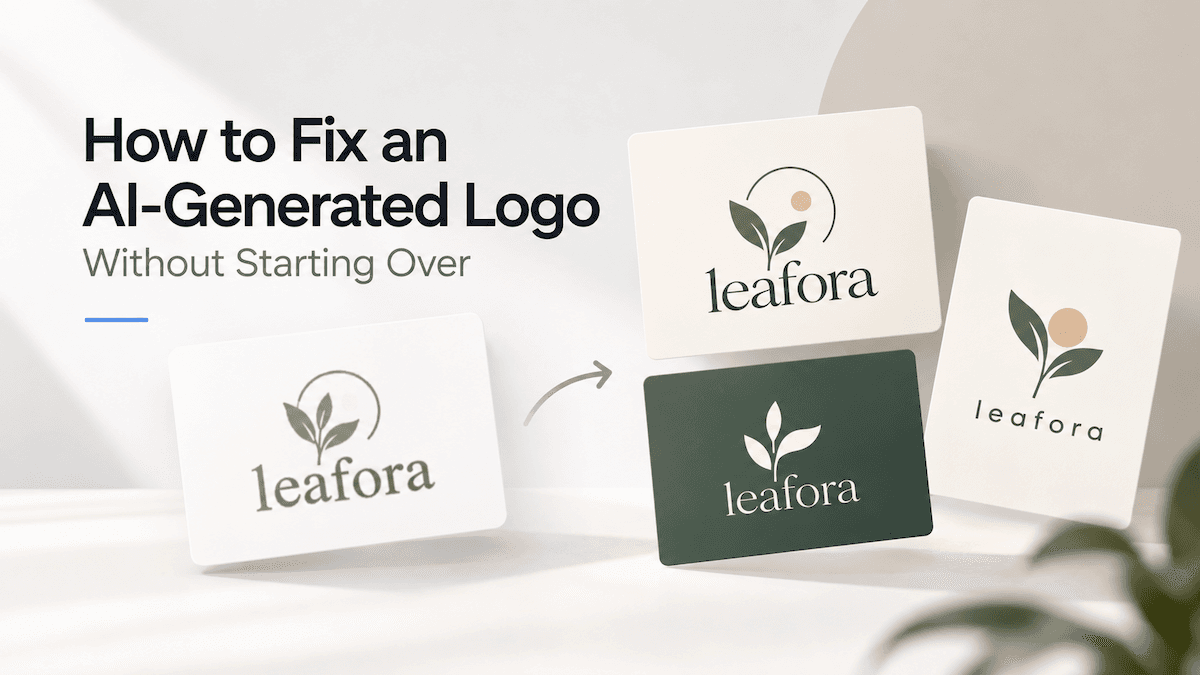
If an AI-generated logo is already close to what you want, small problems with typography, spacing, or color usually do not mean you need to start over.
In LogoAI, you can select the closest result and use Refine to explore a different Typography, Colors, Layout, Icon, or Style direction. Presets guide the change, while an optional instruction lets you add more specific requirements.
When the logo is close but not ready
AI-generated logos often get the main idea right before all the details are fully resolved.
The symbol may fit the business, while the brand name contains an incorrect or distorted letter. The font may feel too playful or too heavy. Letter spacing can look uneven, or the colors may not quite match the rest of the brand.
These problems do not necessarily mean the entire logo needs to be replaced.
In most cases, the best starting point is the version that is already closest to what you want.
Take the “Groceries on Wheels” logo as an example. The food truck immediately communicates the business, while the rounded lettering creates a friendly and energetic identity. The idea is already working, but the same logo could still be explored in a softer, simpler, or more mature direction.
After choosing the closest result from your logo options, open Refine to continue working from that design.
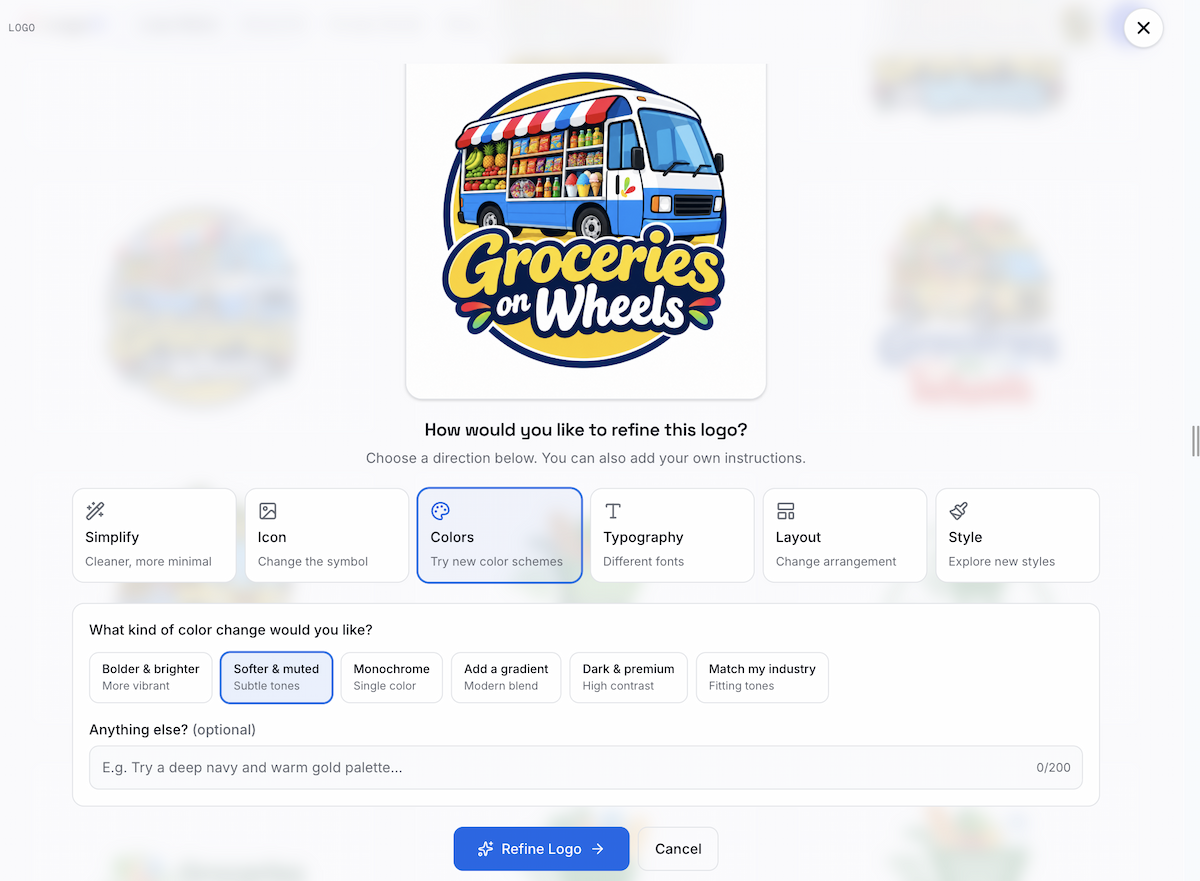
The selected logo becomes the starting point for the next round of refinement.
Refine provides guided directions including Simplify, Icon, Colors, Typography, Layout, and Style. Choose the area that matches the problem you want to fix, then select one of the available presets.
For example, choosing Colors → Softer & muted explores a gentler version of the existing palette, while Monochrome creates a simpler single-color direction.
Typography can explore different font personalities, while Layout can make the composition more compact or rearrange the relationship between the symbol and the lettering.
You do not need to write a prompt for these changes. The presets already guide the refinement.
The optional instruction field is useful when you have a more specific requirement, such as a particular brand color or a background where the logo needs to remain readable.
If the problem is the lettering itself, Typography can help explore a clearer or more suitable treatment. Since Refine generates a new visual version rather than editing individual letters like a traditional vector tool, always check the spelling and letter shapes in the result.
One logo can lead to several better directions
After choosing a direction, click Refine Logo.
Several interpretations of the selected design are generated so you can compare them side by side.
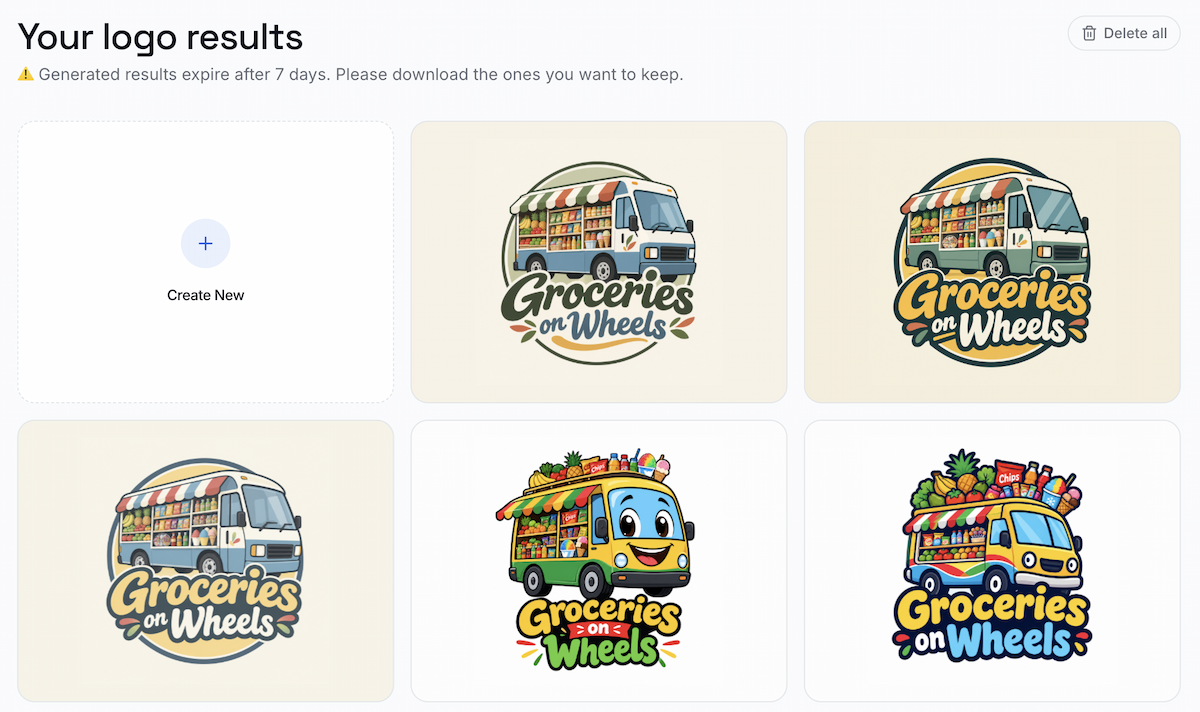
Several versions of the same logo can be reviewed and compared.
The results may differ in color balance, lettering, illustration style, layout, or visual weight.
One version may feel softer. Another may have stronger contrast. A more compact version may work better in a website header or at a smaller size.
In some cases, you may also need different logo variations for different placements, rather than forcing one layout to work everywhere.
The goal is not simply to accept the first result. Compare the options and choose the version that works best for both the brand and the places where the logo will actually appear.
If one version is almost right, you can continue refining from there instead of returning to the beginning. This lets you improve the details while keeping the core idea that already works.
If your logo was created somewhere else, you can also modify your logo by uploading it and exploring new typography, color, layout, or style directions.
An AI-generated logo does not need to be perfect in its first generation. It needs a strong direction and a way to develop that direction.
If the concept is right, refine the details. If the concept itself is wrong, generate a new direction.
Ready to create your own logo?
Turn your brand name into professional logo concepts in seconds with LogoAI.
Generate my logo