Christmas Logo Ideas: How to Give Your Logo a Festive Makeover
Christmas logo ideas that keep your brand recognizable, plus how to make a subtle, festive, or full Christmas version of your logo in about a minute.
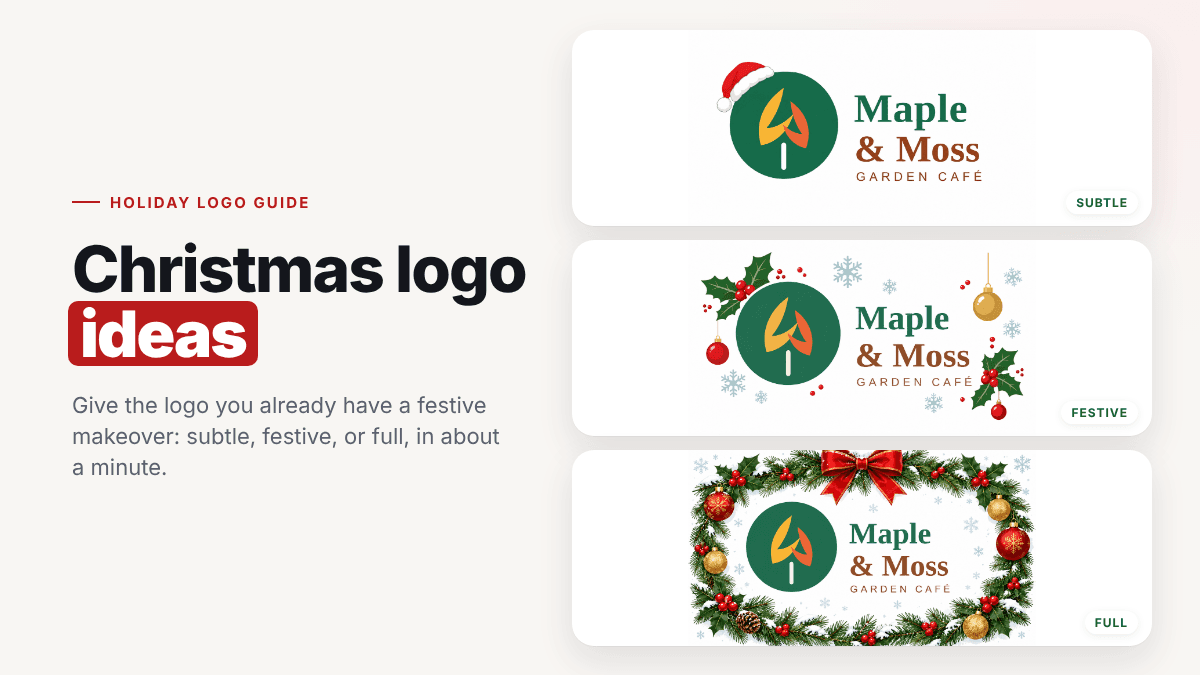
Every December, your customers' feeds fill up with red, green, and gold. A Christmas logo, a festive version of the logo you already have, is one of the simplest ways to join in. A Santa hat on your symbol or a wreath around your name tells people you're open, cheerful, and paying attention, without a rebrand.
In this guide you'll find Christmas logo ideas that keep your brand recognizable, the three levels of "festive" to choose from, and how to make a Christmas version of your logo in about a minute. We tested every step with a real logo.
What Is a Christmas Logo?
A Christmas logo is your normal logo with a temporary holiday touch: a Santa hat, a dusting of snow, a few ornaments, or a full wreath. Your name, symbol, and colors stay the same. You use the festive version for the season, from late November to early January, and then switch back.
That last part matters. A holiday logo is a seasonal variation, like the different versions of your logo you already use for dark backgrounds or small icons. It's not a new identity.
Why Make a Christmas Version of Your Logo?
- It's a scroll-stopper. A small change to a familiar logo gets noticed, especially in a profile picture people see every day.
- It signals you're open for the season. Cafés, shops, and service businesses use it to announce holiday hours, gift cards, and seasonal menus.
- It ties your holiday marketing together. One festive logo across your social profiles, email header, website, and gift tags makes every campaign feel planned.
- It costs almost nothing. No new photo shoot, no redesign, and you can switch back on January 2.
Christmas Logo Ideas That Keep Your Brand Recognizable
The best Christmas logos change very little. Here are proven ideas, from smallest to boldest:
- A Santa hat on your symbol, a letter, or the corner of a badge. It's the classic for a reason.
- Snow on top of your lettering or icon, like a fresh dusting.
- One ornament hanging from a letter, or replacing the dot on an "i".
- Holly leaves and berries tucked beside your symbol.
- Snowflakes scattered around the logo, a good choice if you'd rather keep it wintery than Christmassy.
- String lights draped along your wordmark.
- A wreath framing the whole logo, the boldest option and perfect for a seasonal banner.
- Red, green, and gold accents around the logo rather than recoloring the logo itself.
Pick decorations that fit your brand's personality. A playful bakery can go all-in, while a law firm might stop at a single sprig of holly.
Subtle, Festive, or Full: Choose Your Level
To see how these ideas look on a real brand, we used a demo logo for a café called Maple & Moss Garden Café:
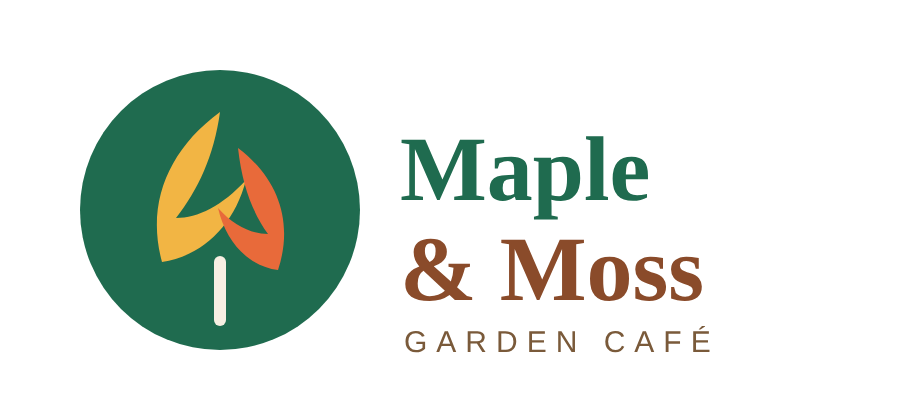
Then we ran it through LogoAI's free holiday logo maker three times, once at each level.
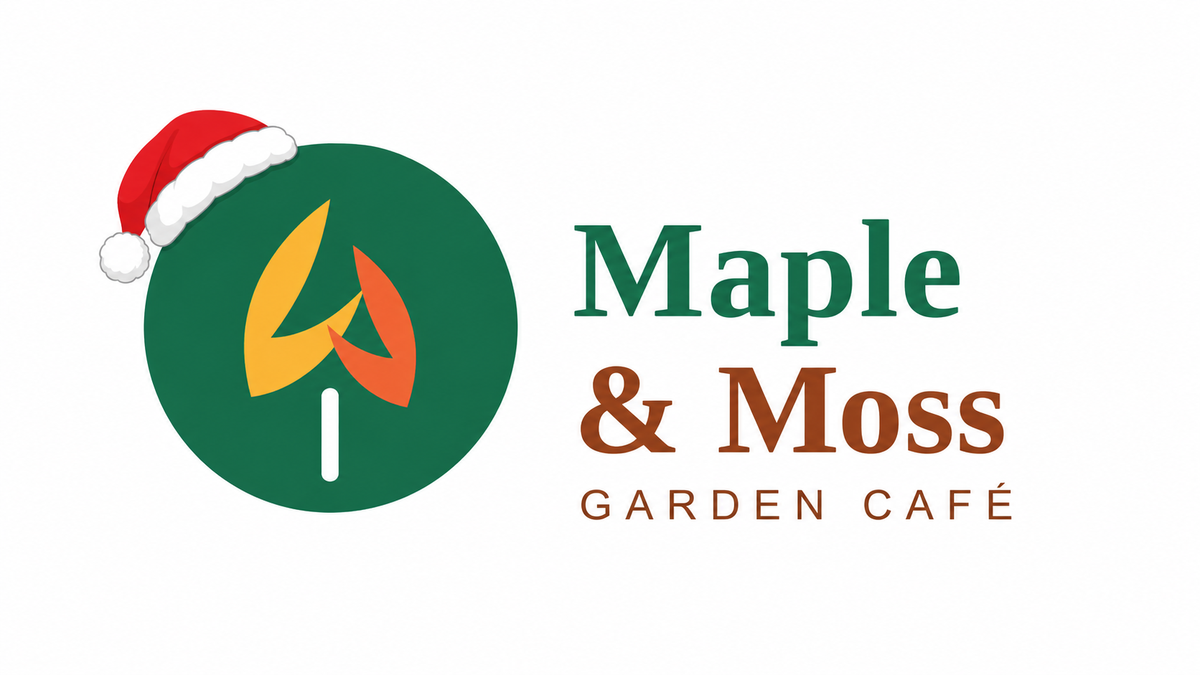
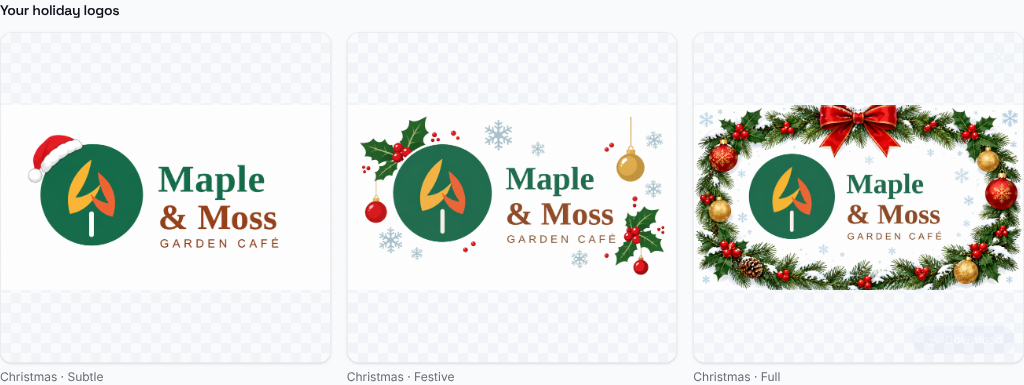
Subtle: one small accent
A single Santa hat on the symbol. Everything else is untouched, so the logo is instantly recognizable, even as a tiny profile picture. This is the safest choice for most businesses.
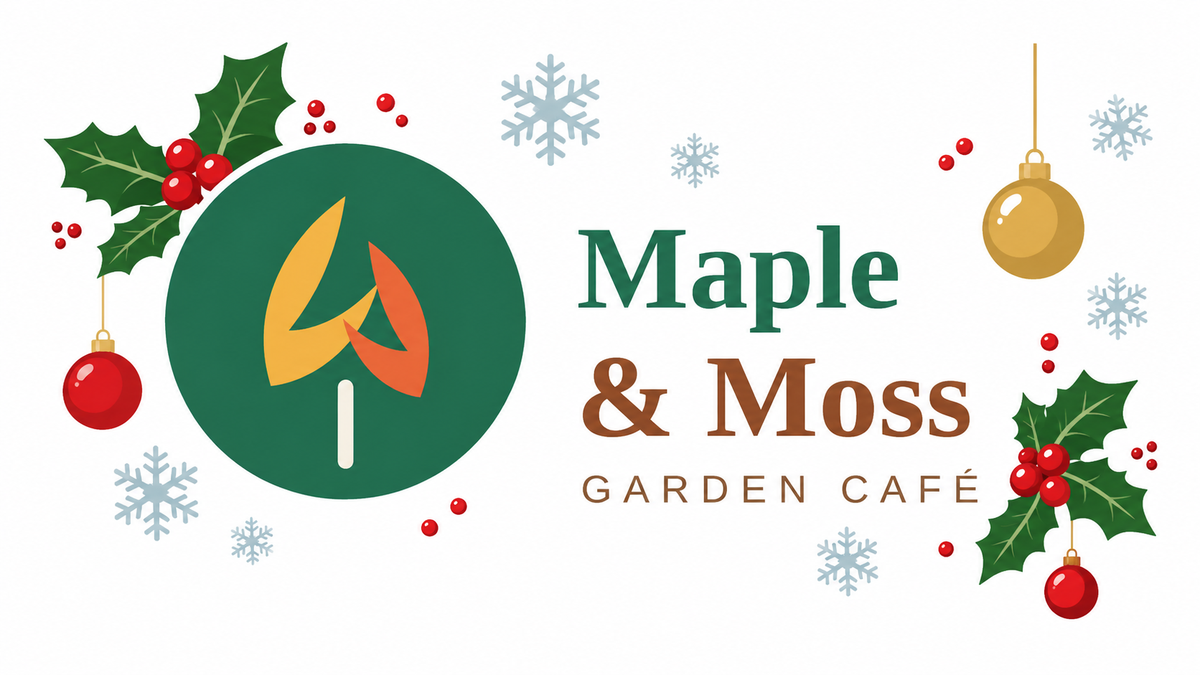
Festive: decorations around the logo
Holly, ornaments, berries, and snowflakes around the logo, while the logo itself stays clean. Great for social posts, email headers, and your website banner.
Full: a Christmas edition
The logo framed by a snowy wreath with a red bow and ornaments. It's bold and celebratory, and works best large: banners, gift cards, window posters, and seasonal packaging.
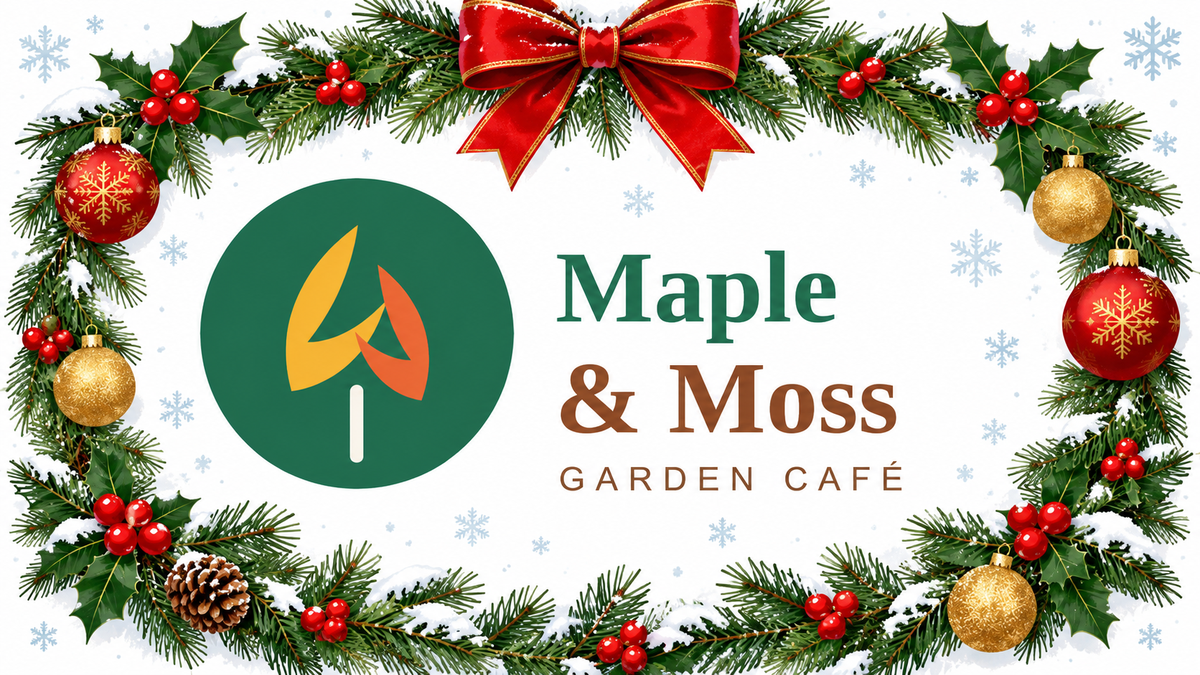
In all three versions, the symbol, the "Maple & Moss" lettering, and the colors are exactly as they were. Only the holiday decorations were added.
How to Make a Christmas Logo (Step by Step)
Step 1: Upload your logo
Open the holiday logo maker and drop in your logo, click to choose a file, or paste it. A PNG or JPG works.
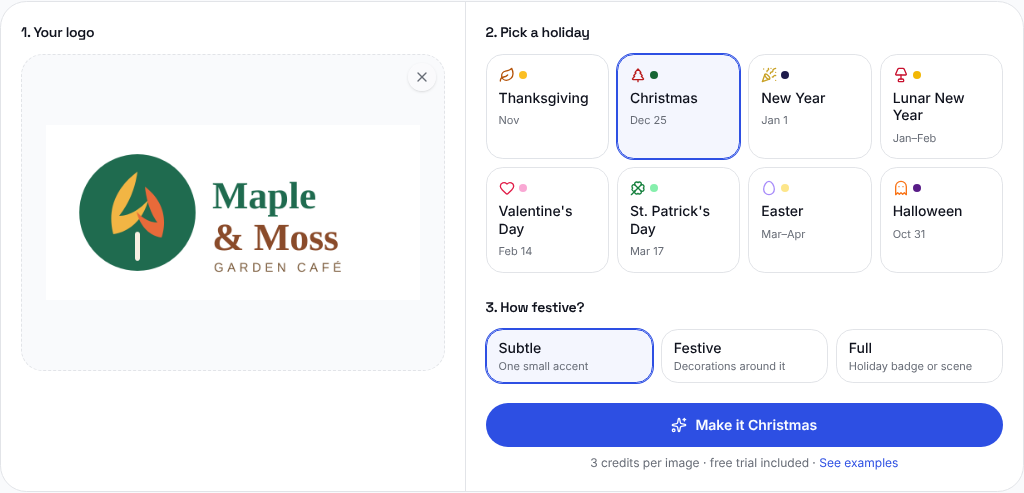
Step 2: Pick Christmas and how festive it should be
Choose Christmas from the holidays, then pick Subtle, Festive, or Full. Start with Subtle if you're not sure.
Step 3: Generate and compare
Click Make it Christmas. Your Christmas logo is ready in under a minute. Each new version appears next to the previous ones, so you can try all three levels and compare them side by side.
Step 4: Download, or make it transparent
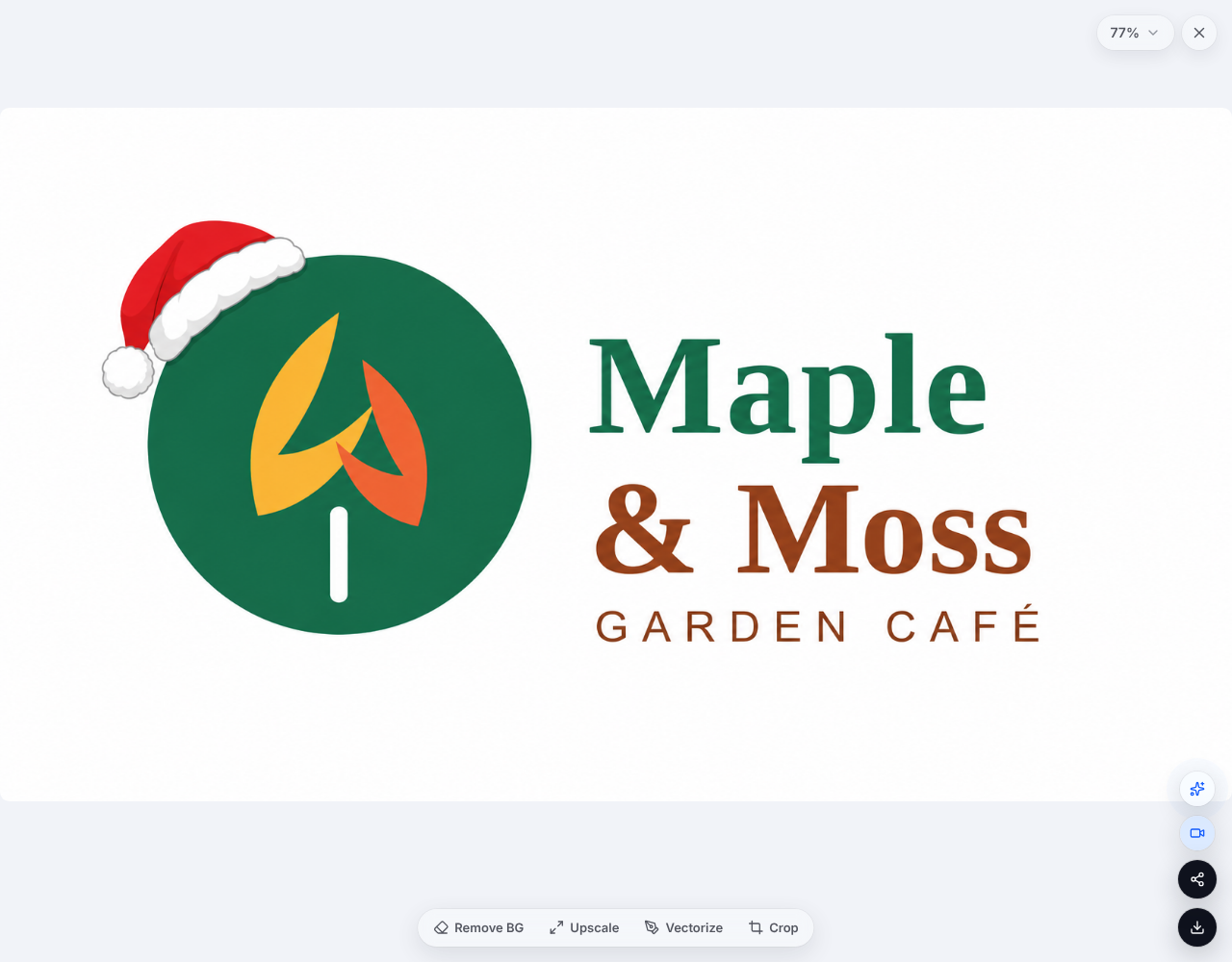
Click a result to open it. From there you can download it, remove the background for a transparent PNG, upscale it for print, or convert it to a vector.
You can try it free with a LogoAI account. After the free trial, each Christmas logo uses a few credits.
Where to Use Your Christmas Logo
- Social media profile pictures: the highest-impact spot, since people see it next to every post. Check it at small sizes first.
- Cover photos and banners: use the Full version here, where there's room for the wreath.
- Email newsletters: a festive logo in the header of your holiday emails.
- Your website: the header logo, and a festive favicon. You can turn your Christmas logo into one with the logo to favicon tool.
- Print and packaging: gift cards, stickers, receipts, and window posters.
Need the right dimensions for each platform? See our guide to standard logo sizes for web, social, and print.
Tips for a Great Christmas Logo
- Keep it recognizable. Customers should know it's you at a glance. If the decorations steal the show, go one level down.
- Test it small. Look at it as a 40-pixel avatar. A Santa hat survives; tiny snowflakes may turn into dots.
- Start from a clean file. A sharp PNG or JPG of your logo gives the cleanest result. If yours sits on a busy background, remove the background first.
- Set a start and end date. Switch it on in late November and back to your regular logo after New Year's Day, so the festive version stays special.
- Think about your audience. If many of your customers don't celebrate Christmas, the snowflake ideas keep it wintery without religious symbols.
Frequently Asked Questions
How do I make a Christmas version of my logo? Upload your logo to LogoAI's holiday logo maker, choose Christmas, pick Subtle, Festive, or Full, and click Make it Christmas. You'll get a festive version of your logo in under a minute.
Will adding a Christmas theme change my logo? No. Only decorations like a Santa hat, holly, or a wreath are added. Your name, symbol, and colors stay the same.
Can I get a Christmas logo with a transparent background? Yes. Open your result and choose Remove BG to download a transparent PNG.
When should I start using my Christmas logo? Most brands switch around the start of the holiday shopping season in late November and change back in early January.
Is the holiday logo maker free? You can try it free with a LogoAI account. After the free trial, each image uses a few credits.
Can I make logos for other holidays too? Yes. The same tool also does New Year, Lunar New Year, Valentine's Day, St. Patrick's Day, Easter, Halloween, and Thanksgiving.
Make Your Christmas Logo Today
A Christmas logo is a small touch that makes your brand feel part of the season, and it takes about a minute to make. Upload your logo, pick a level of festive, and get ready for the holidays.
Don't have a logo yet? Create one free with the AI logo maker, then give it a Christmas makeover.
Ready to create your own logo?
Turn your brand name into professional logo concepts in seconds with LogoAI.
Generate my logo