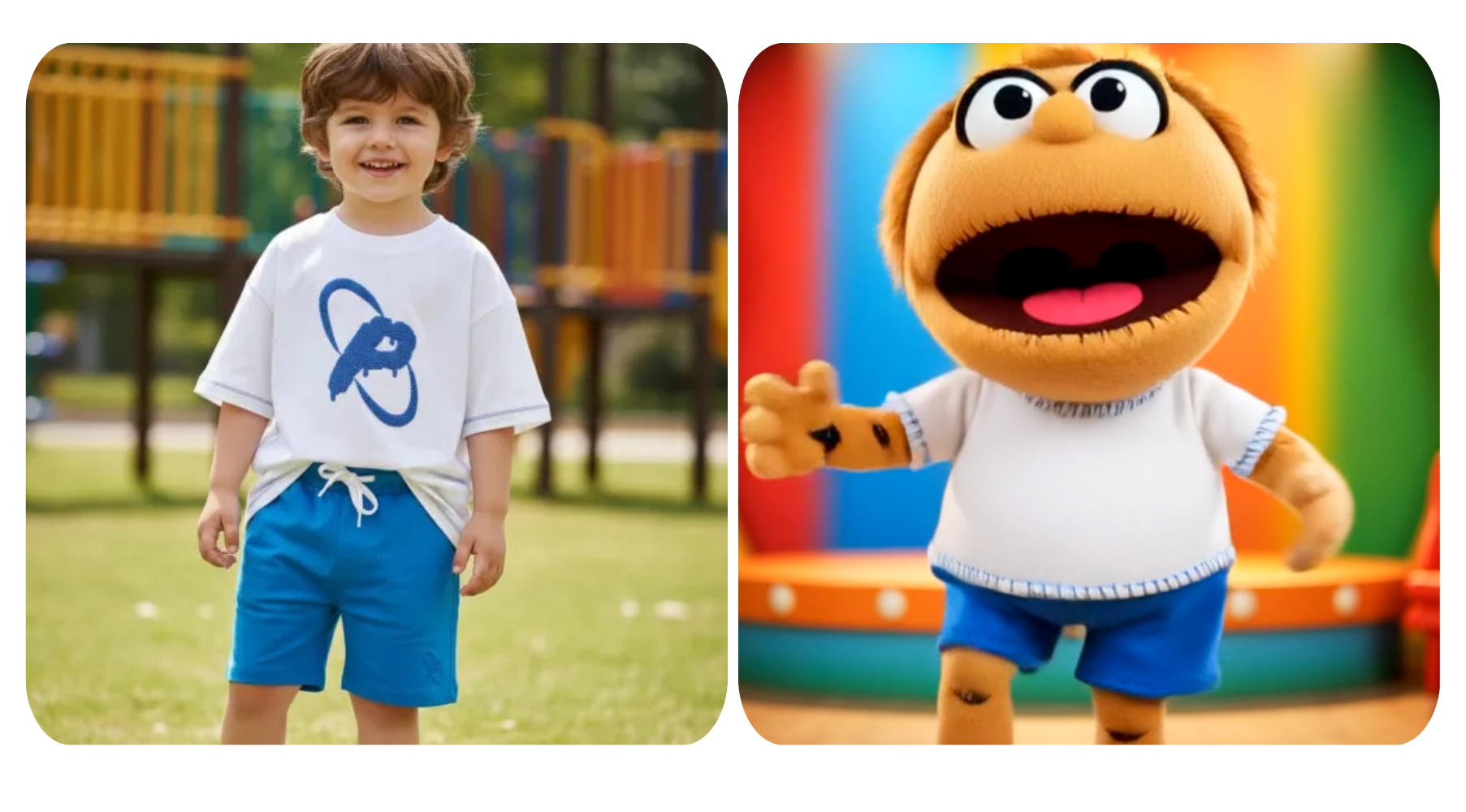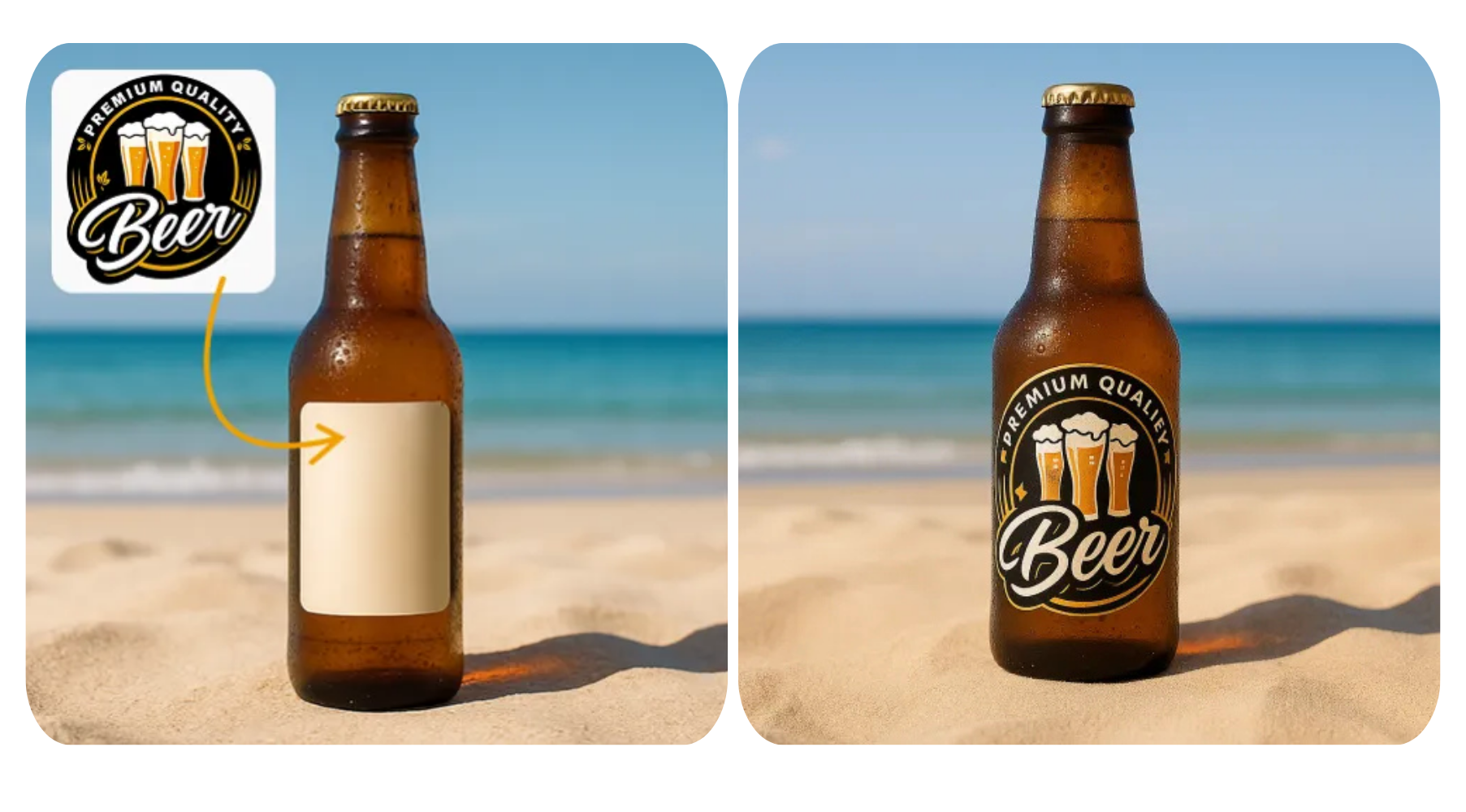


In today's competitive digital landscape, it's important to have amazing product photography. No matter if you're a small business owner, an Etsy seller, or just launching your first online store, professional imagery is often the reason why a customer chooses to buy or not. Unfortunately, most people do not have the budget for a studio shoot or a professional photographer.
The good news is that Nano Banana AI is making excellent, high-quality images possible at a very reasonable price — quickly and without all the hassle. In this article, we'll highlight 5 of the best tools for AI product photography to help you create gallery-worthy images without an exorbitant cost.
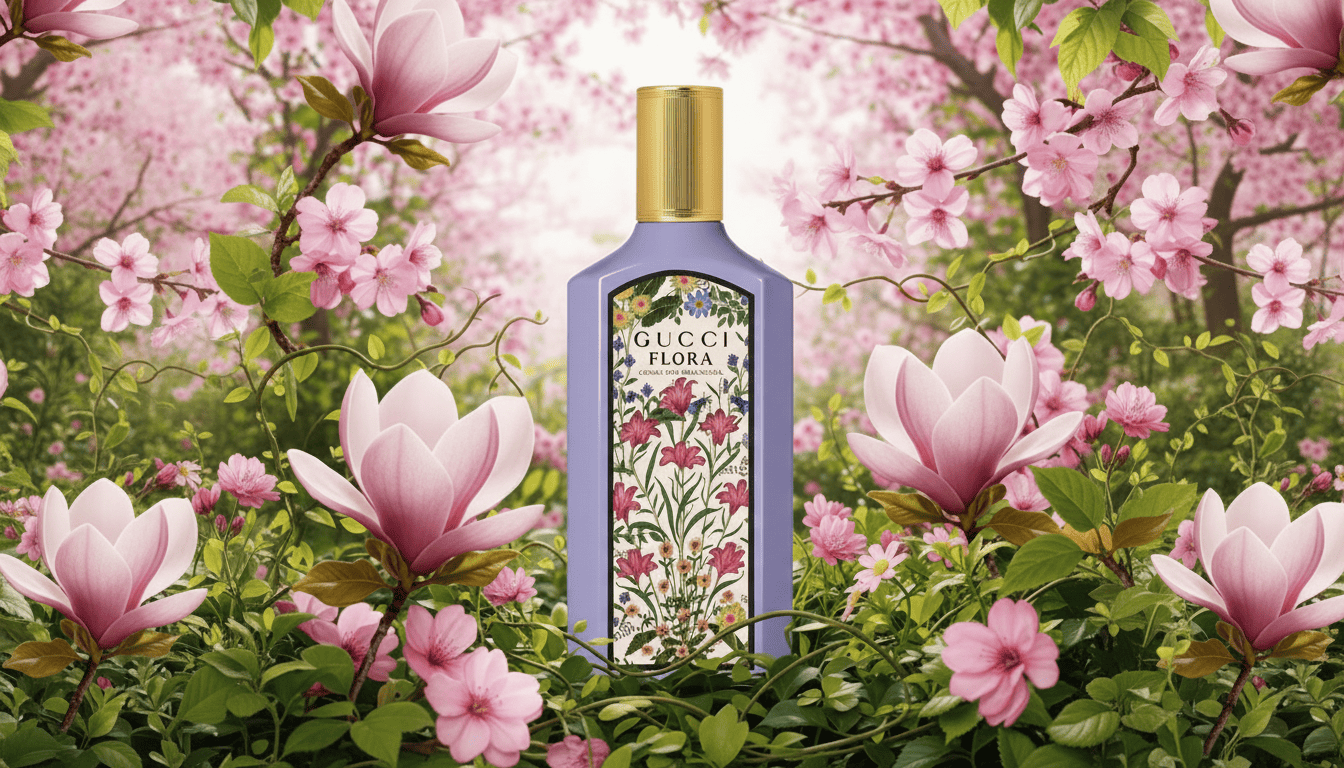
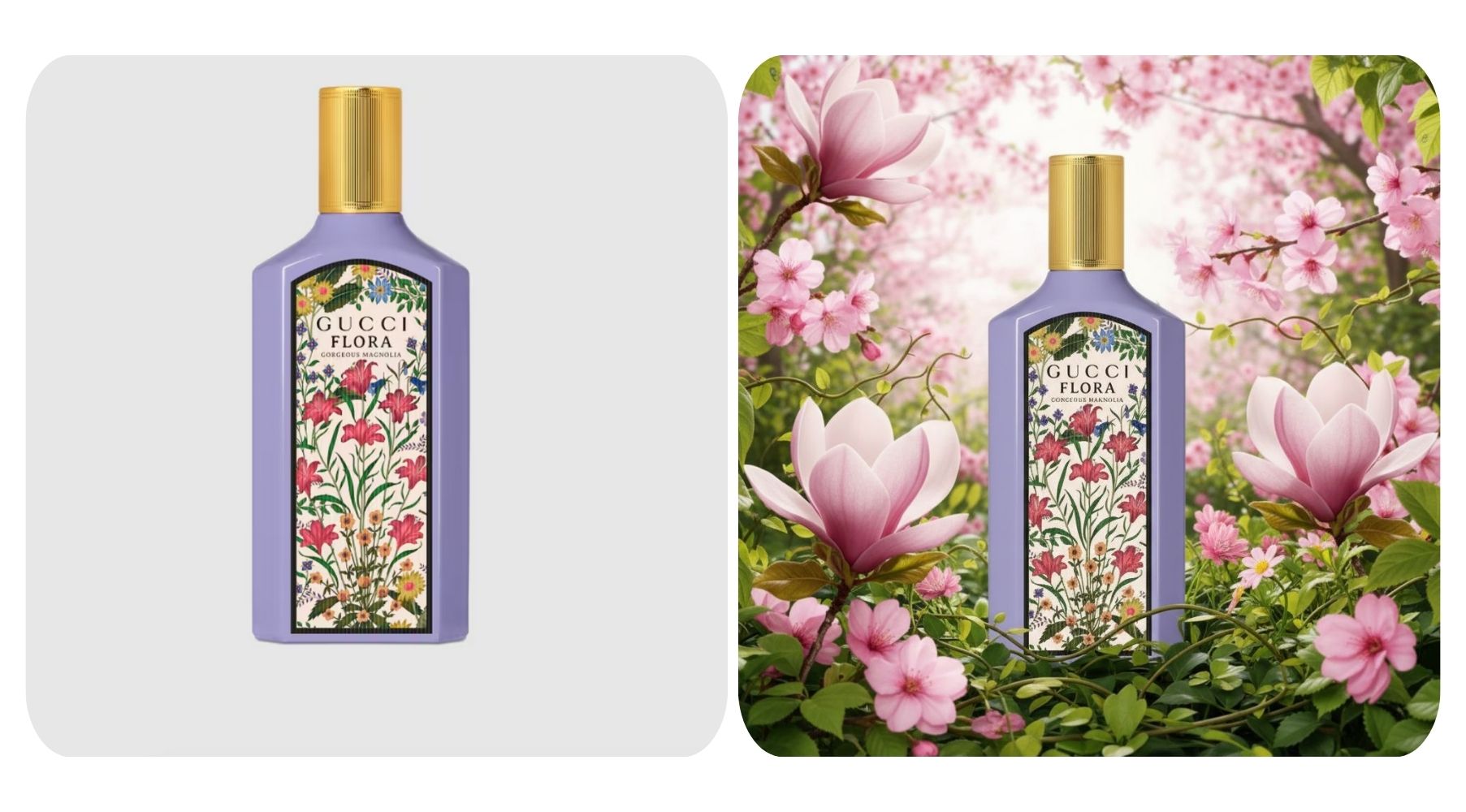
1. Creative Background Replacement
You just upload your image of your product and enter a prompt that describes the type of background you want - studio, lifestyle, or creative. The tool creates a realistic, high-quality product photo in seconds.
✅ Nano Banana Prompt:
Add [describe background elements or theme] as background for [describe your product], creating a [style type — e.g., realistic / creative / lifestyle / studio] look.
Apply prompt to generate instantly
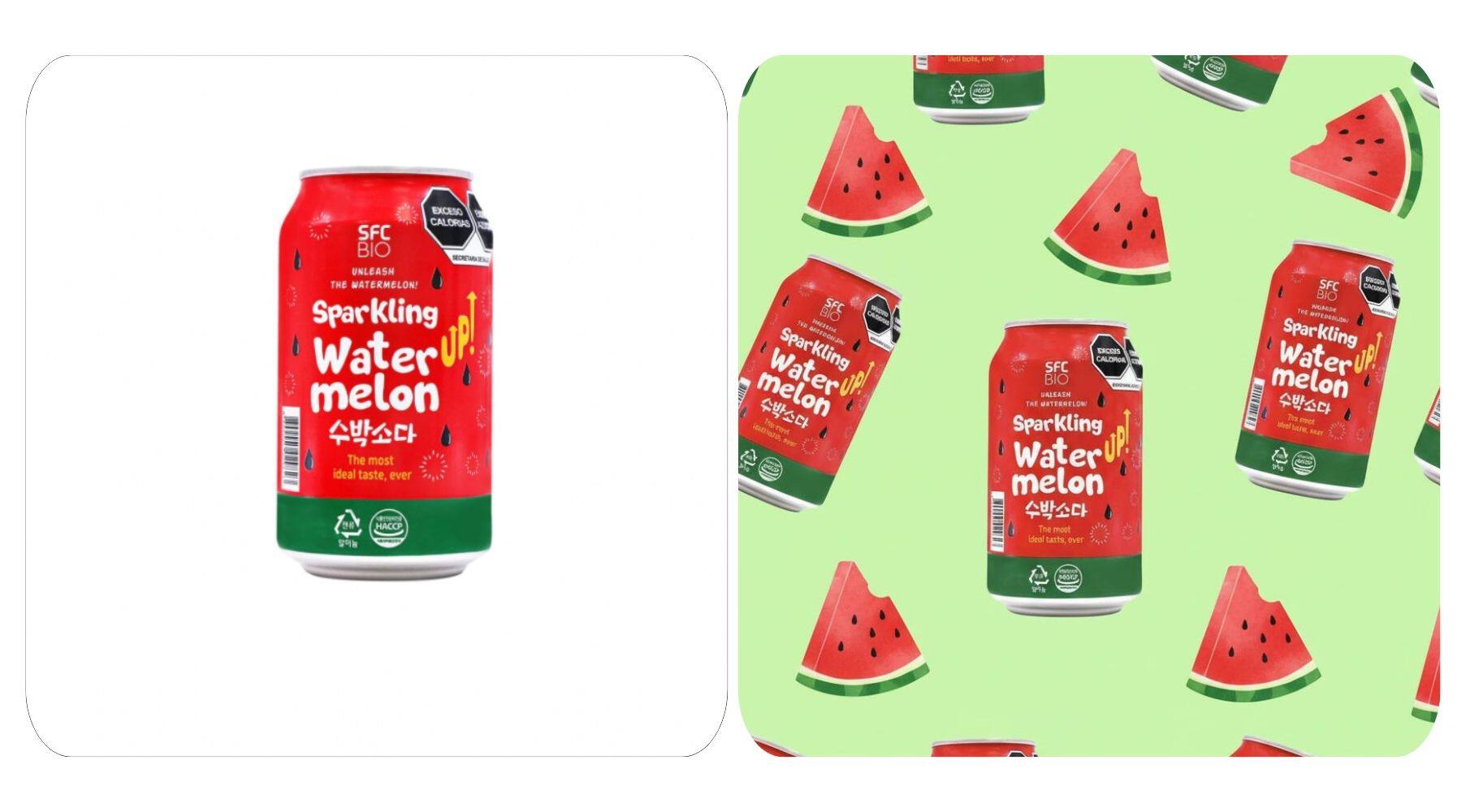
2. Pattern Layout (Product Repetition)
Make your products visually stunning by exploring repetition or symmetry! This is a great way for banners, social media posts, or website backgrounds, creating some fun elements for your e-commerce photos.
✅ Nano Banana Prompt:
Create a seamless repeating pattern of [your product] with [optional complementary elements] on a [background color or style] background.
Apply prompt to generate instantly
3. Model Showcase (AI-generated Model)
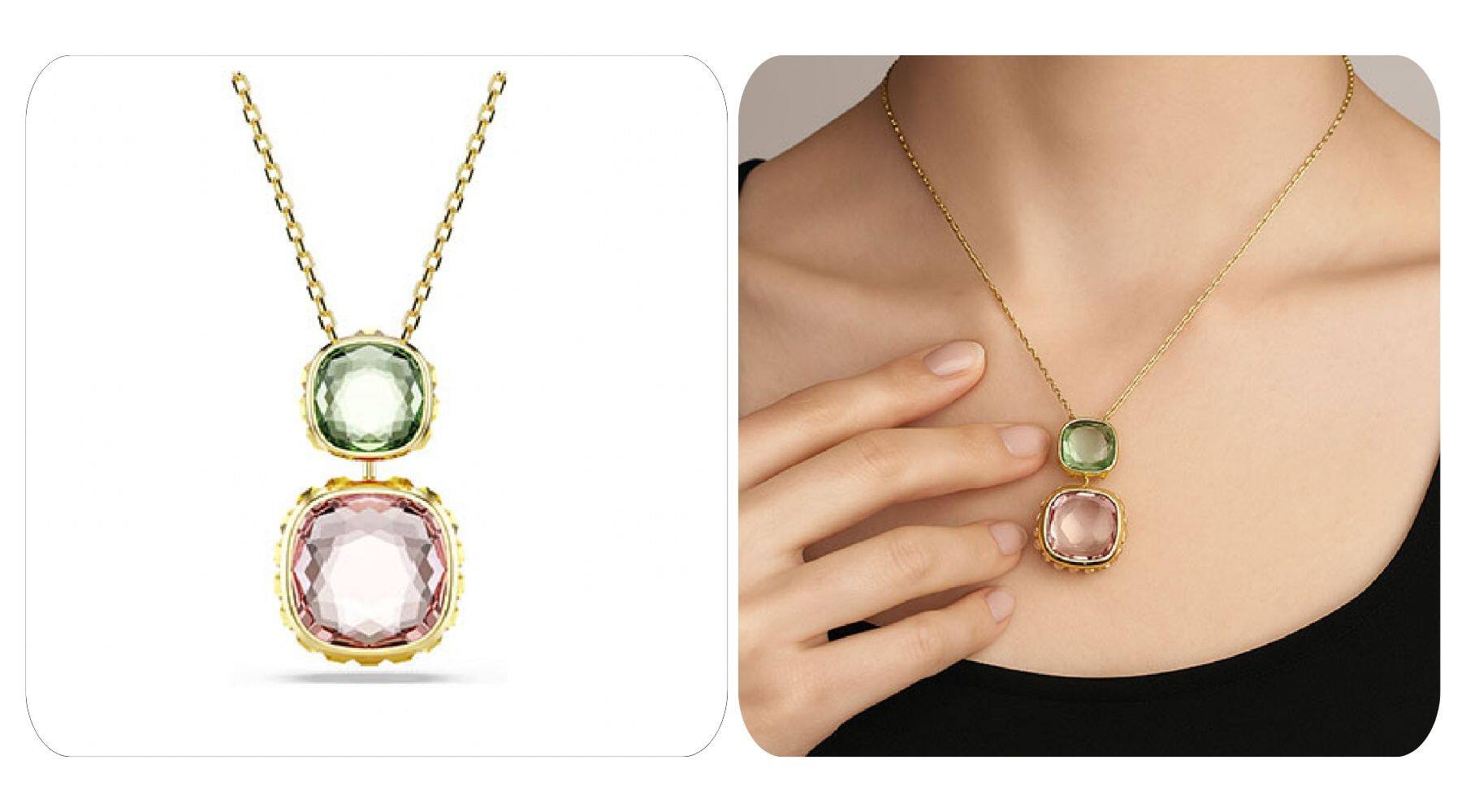
Display your products in action by placing them on a realistic AI-generated model. This aids customers in visualizing how the product looks in reality and gives a human touch to your e-commerce images.
✅ Nano Banana Prompt:
Place this [product name] on a [describe the model — e.g., male/female, age, ethnicity, style, pose] to make it look natural and realistic.
Apply prompt to generate instantly
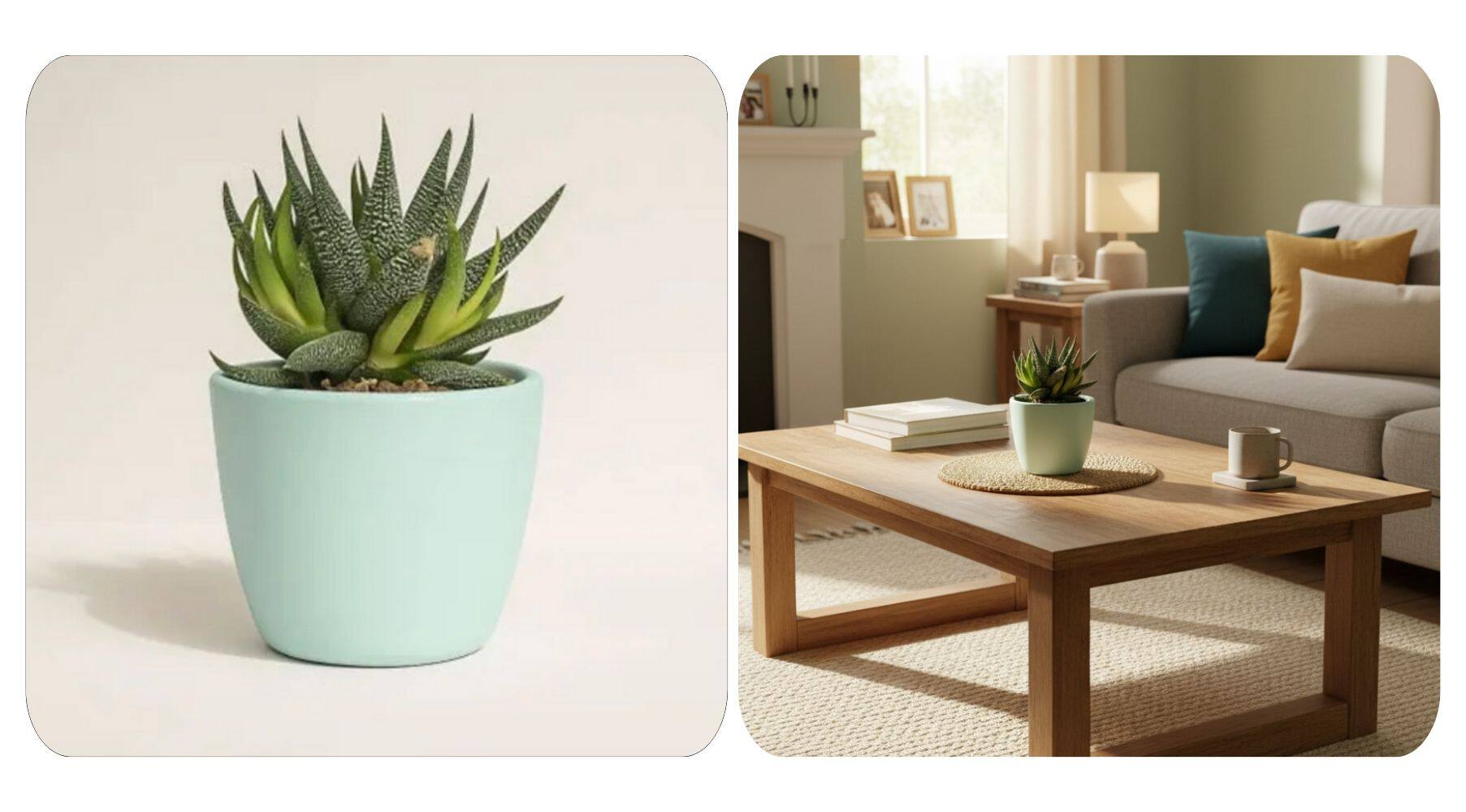
4. Realistic Placement (Environmental Scene)
✅ Nano Banana Prompt:
Place this [product name] in [describe the environment or setting], creating a [mood or atmosphere — e.g., cozy, modern, minimalist, natural] scene.
Apply prompt to generate instantly
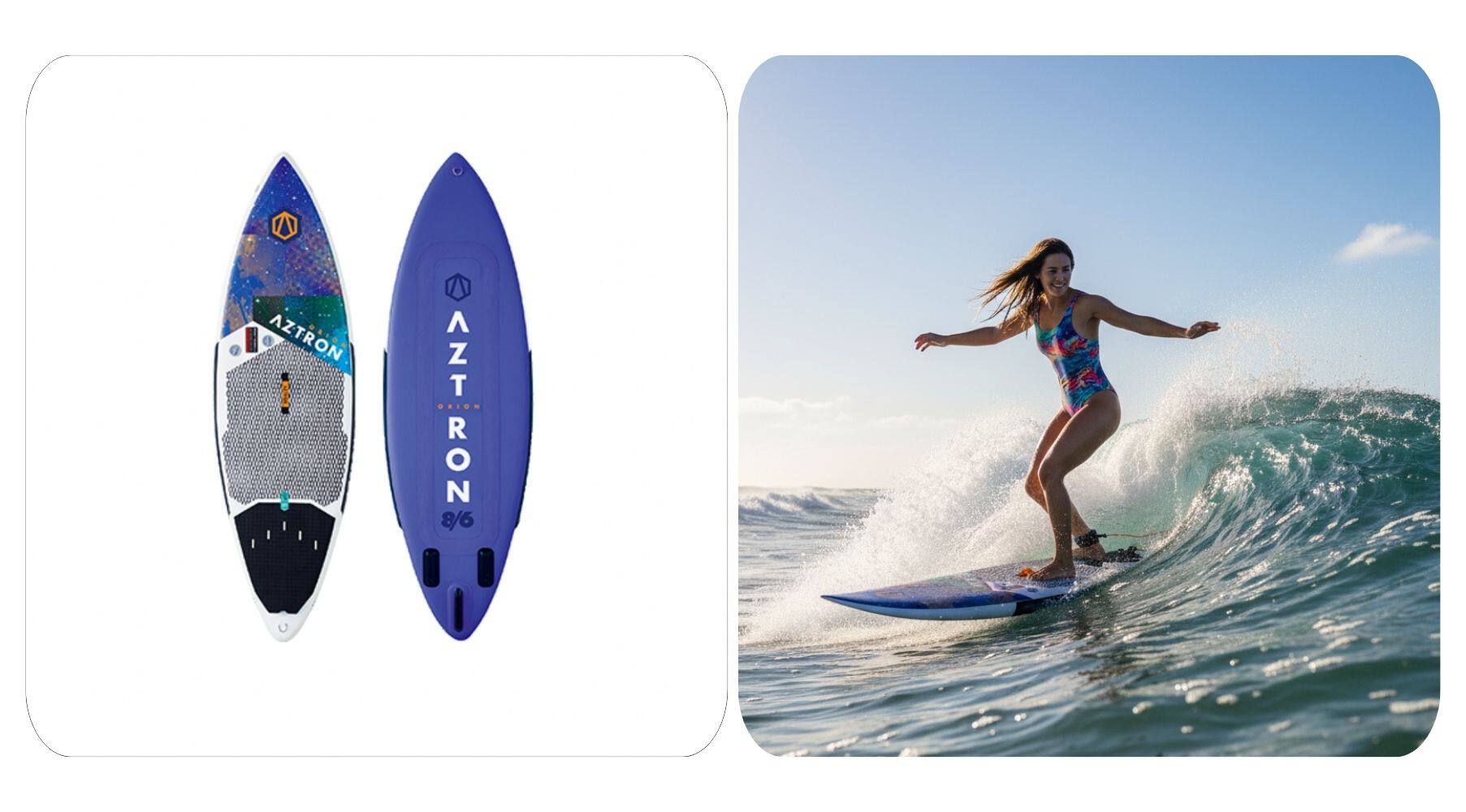
5. Action Moment (Product in Use)
✅ Nano Banana Prompt:
Show [your product] being used by [person or subject] in [describe the activity or setting], creating a [describe the mood — e.g., dynamic, energetic, joyful, natural] scene with [optional lighting or atmosphere details].
Apply prompt to generate instantly
We’ll keep sharing more fun and creative scenarios with Nano Banana. You can also try the Nano Banana generator online — give it a go! Follow our AI Design platform — brings together powerful video and image generation models to help you create visuals with ease !