Top AI Presentation Maker for 2026 (Free & Paid)
The best AI presentation makers of 2026, compared across features, quality, and pricing.
Want to make a presentation look professional but don't want to spend many hours working on your slides? AI presentation makers have brought a new approach to how users create their decks. Generative AI enables users to transform basic concepts and text inputs into professional-looking presentations which they can create in seconds.
The following post will identify the top AI presentation makers for 2026 which include both cost-free and paid solutions. These tools enable you to work at increased speed while maintaining professional appearance during the creation of pitch decks and business reports and classroom presentations. Let's dive in!
What Is an AI Presentation Maker?
AI presentation maker is a tool that help you to create professional slide decks through basic text input or document upload (including PDFs and documents). Most AI presentation tools allow you to export your slides as PPTX or PDF files.
AI presentation makers need users to perform less work than traditional presentation software does. They can help with:
- Organizing content into clear slide sections.
- Designing consistent layouts and visual styles
- Suggesting icons, images, and charts
- Improving clarity and flow of information
AI presentation makers serve as a useful tool which helps users generate presentations at speed while reducing their work and producing better outcomes.
Best AI Presentation Makers You Should Be Using Today
The guide try out current AI presentation tools by examining their pricing structures and feature sets and gathering feedback from users. Let's dive in!
Tool
Best For
Key Feature (Summary)
Free
Price
Pitch
Team collaboration and branded presentations
Strong collaboration features, built-in animations, large asset library with custom branding
✅
Plus $20/month
Business $80/month
Prezi
Visual storytelling and animated presentations
AI-assisted layout, animated visual storytelling, AI image generation
✅
Plus $15/month, Premium $25/month, Teams $39/month
Canva
All-in-one design + AI presentations
AI-generated draft slides, Magic Write AI, Brand Kit integration
✅
Pro $15/month, Business $20/month, Enterprise custom
PopAi
Simple, fast slide creation for non-designers
Very fast slide generation, smart layouts, idea structuring help
✅
Pro $10/month
Unlimited $37/month
beautiful.ai
Automated slide design for business use
Smart Slides that auto-adjust layout, AI draft generation, automatic animations, and analytics
✅
Pro $12/month
Team $40/month
Enterprise custom
Gamma
Web-style presentations with AI control
One-prompt deck generation, AI agent for editing, and one-click restyling
✅
Plus $8/seat/month, Pro $18/seat/month, Ultra $90/seat/month
presentations.ai
PowerPoint-compatible AI decks
Personalized design suggestions, strong PPT export, and multi-device editing
✅
Pro $198/year, Enterprise custom
Skywork
Research-heavy presentations
Deep multi-source research, specialized AI agents, strong PPT/Google Slides export
✅
Pro $19.9/month, $39.99/quarter, $149.99/year
1. Pitch
Pitch is the AI presentation platform that helps professionals collaborate on, create, and deliver winning slide decks — all while staying on brand.
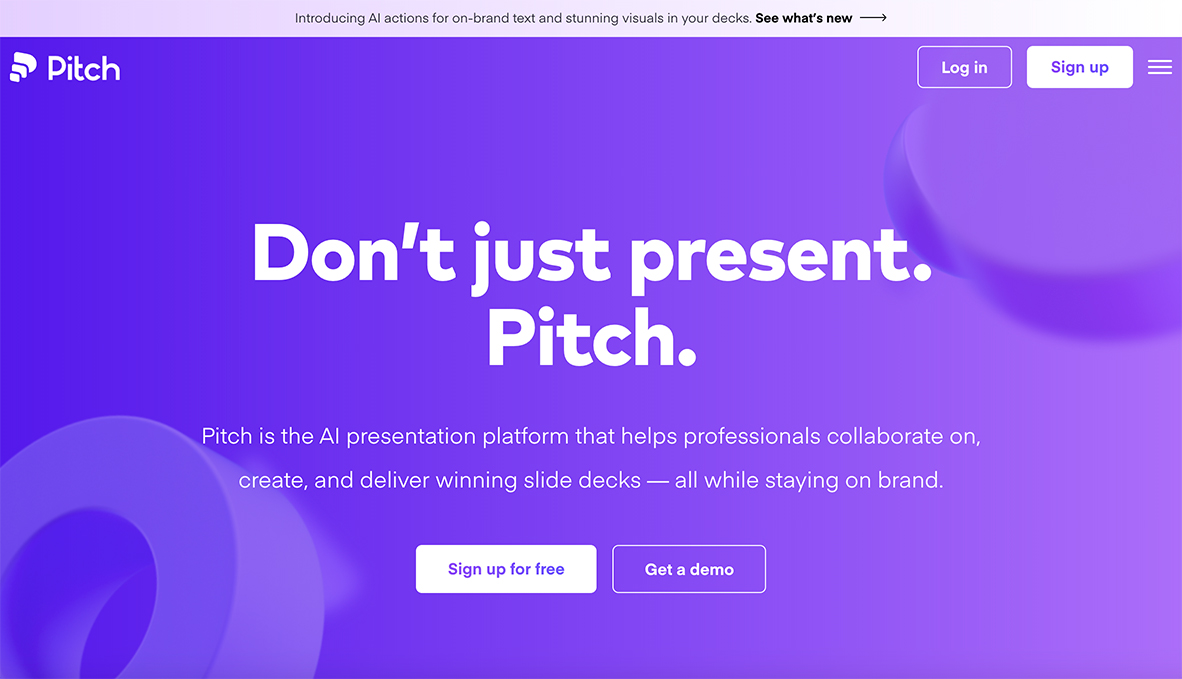
Price: Free, Plus $20/month, Business $80/month
Key Features:
The application includes animation features and design tools which users can use to add pre-installed animation effects for creating more interactive presentations.
- The editor provides users with access to millions of assets which include photos and GIFs and icons and logos.
- Interactive embeds — Users can embed videos and forms and maps and other interactive content which comes from well-known applications.
- Central workspace — All decks and templates and assets need to be stored in a single shared environment.
- Custom branding — Users can upload their fonts and brand colors to generate templates with their company identity.
What Users Liked 👍 :
“Even on the free plan you can use it for good quality presentations. It’s great for startups and internal meetings.”
- Oksana Fedoseeva
What Users Disliked 👎 :
"Exporting isn’t perfect. The files can get pretty large, and sometimes I still need to tweak things after download."
- Yu Pan
2. Prezi
Whether you have a full outline or a spark of an idea. Prezi AI turns it into a visually moving presentation that captures your audience.
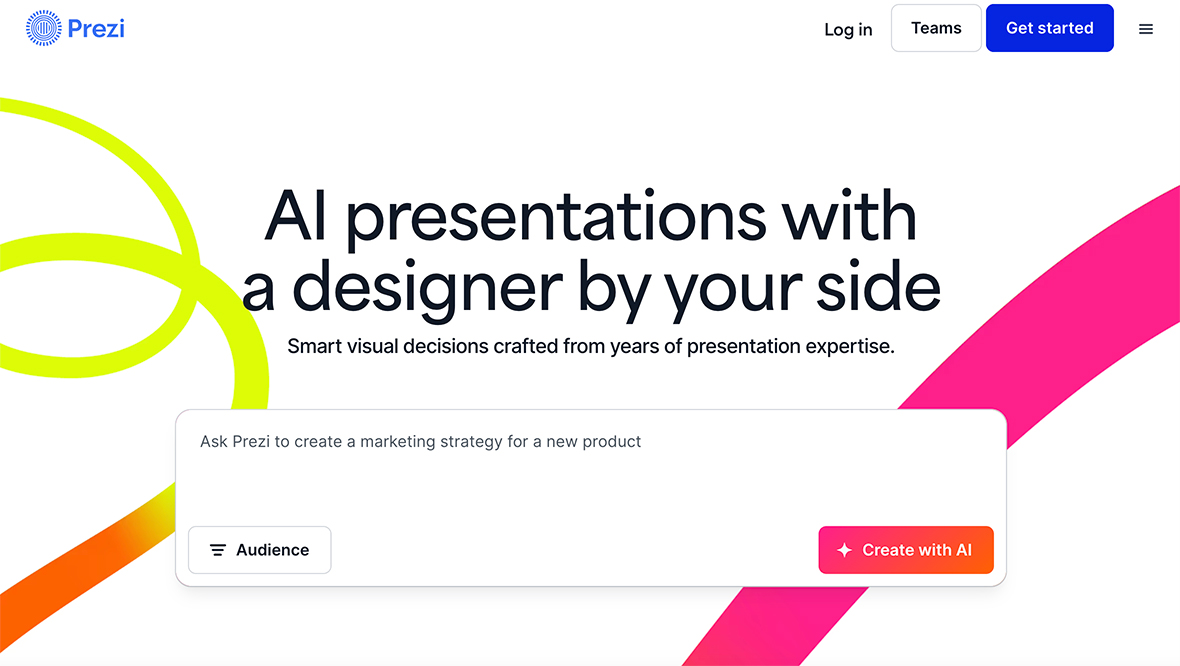
Price: Free, Plus $15/month, Premium $25/month, Teams $39/month
Key Features:
- Smart Design Suggestions: The Prezi AI system provides users with automatic suggestions about how to arrange their content and which colors and themes and visual elements to use.
- Text Refinement & Optimization: The AI tool helps users to edit their content while it refines and simplifies and expands their work and transforms paragraphs into easy-to-read bullet points.
- Visual Storytelling & Animation: The content requires bullet points to transform into animated visual elements which will enhance the presentation of concepts.
- Support for Multiple Input Types: Users can begin their presentation process through either selecting a text prompt or by uploading their files in PPTX, PDF or Word document formats.
- Integrated Asset Library & AI Images: The presentation becomes more interesting through the use of AI-generated visuals and a wide selection of graphics from the library.
What Users Liked 👍 :
“With Prezi’s AI image generation, I no longer waste time searching for the perfect visual — I just describe what I want and it creates it.”
- Yousif Memon
What Users Disliked 👎 :
"Prezi can lag or glitch if you have lots of media in your presentation — it sometimes slows down at the worst times."
- Zee
3. Canva
Turn any concept into a stunning presentation in a flash. Magic Design for Presentations quickly brings your ideas to life, giving you the headstart you need. The AI tool generates professional, high-quality draft presentations complete with content.
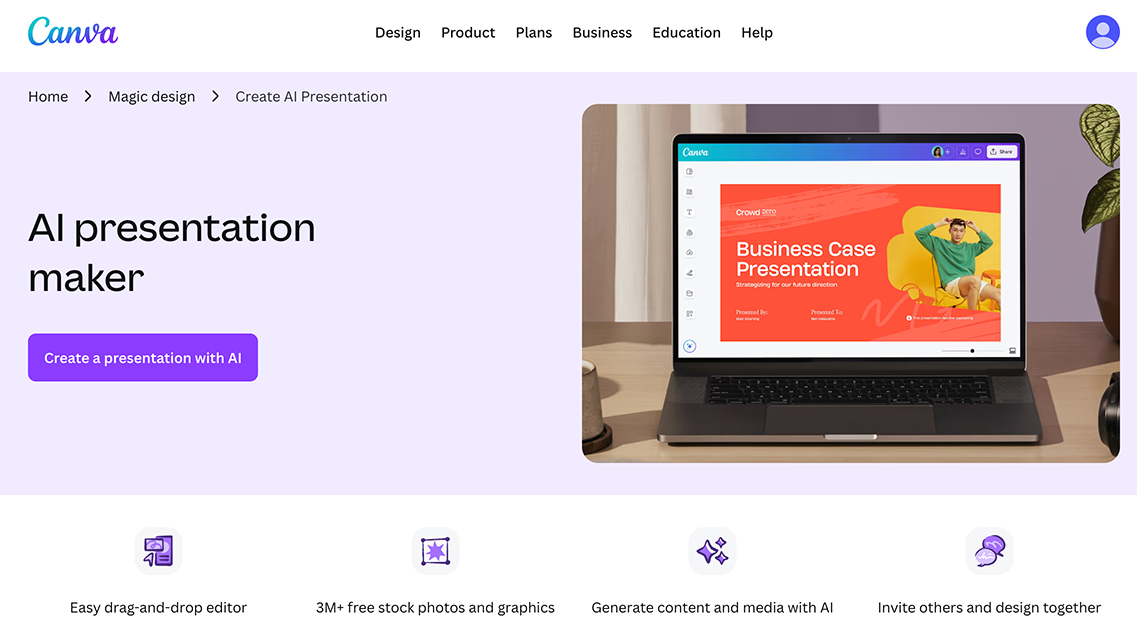
Price: Free, Pro $15/ month, Business $20/ month, Enterprise Custom pricing
Key Features:
- High-quality draft content: The tool produces outlines and slide content and flow organization which enables you to begin with an established foundation.
- Magic Write™ (AI writing assistant): The text needs transformation into a natural human voice which maintains its original language throughout the process. The output needs to match the input length while avoiding excessive explanations during brief inputs.
- Brand Kit integration: Easily apply your brand colors, fonts, and styles to stay on-brand.
- Multilingual support: The Translate feature enables users to convert their presentations into more than 100 different languages.
- Flexible layouts & styles: The system provides users with automatic layout suggestions which they can access through one click and it instantly finds matching styles between different design elements.
What Users Liked 👍 :
“What I really like is how well it works with Canva’s existing tools. Having access to their huge icon and graphic library, plus the background remover, makes it feel much more complete than using a standalone AI tool.”
- Samir Rahed
What Users Disliked 👎 :
"The AI-generated text is often "too general" or "generic, it's needs lots of human adjustment to actually get a good content output"
- Nway
4. PopAi
PopAi (popai.pro) is a fast and smart AI Presentation Agent that can create slides in seconds. Simply describe what you want for the slides, the agent will generate a full presentation for you like a human assistant.
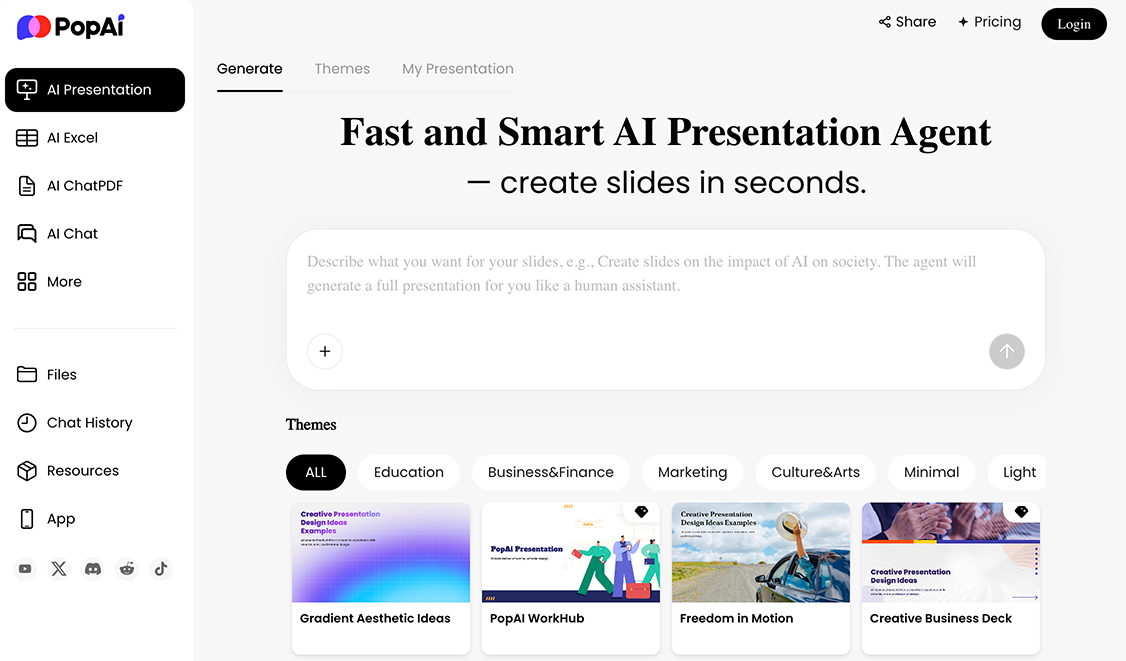
Price: Free, Pro $10/month, Unlimited $37/month
Key Features:
- Speed: Presentations in minutes
- Design Intelligence: Smart layouts and visuals built-in
- Creative Boost: Helps structure and articulate your ideas clearly
- No Design Skills Needed: Anyone can create professional-grade slides
What Users Liked 👍 :
“PopAi covers all the basics, including hosting, templates, plugins, SEO tools, and backups, which makes it easy to get started.”
- Stella.W
What Users Disliked 👎 :
"Customer service was very slow"
- Ahona
5. beautiful.ai
Simply enter your prompt and watch our AI slide generator transform your idea into a presentation draft in seconds. This presentation software’s smart slides and templates will help you design polished, work-ready slideshows faster and make visual communication effortless.
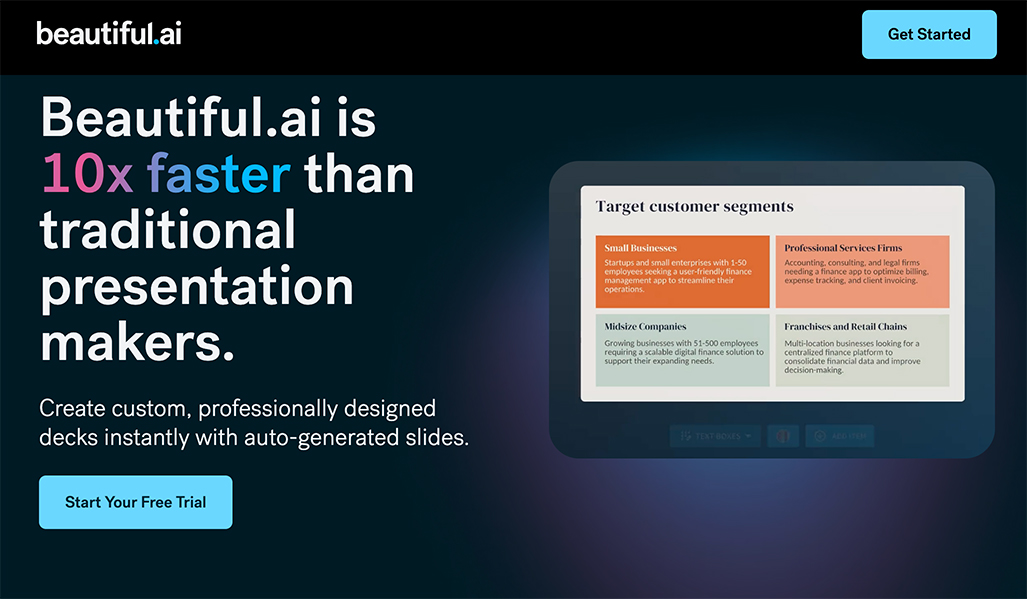
Price: 14-Day Free Trial, Pro $12/monthly, Team $40/monthly, Enterprise Custom
Key Features:
- AI-driven Smart Slides for automated design/formatting.
- AI assistant to generate first drafts from prompts or documents.
- Automatic animations, design/branding controls, and viewer analytics.
What Users Liked 👍 :
“The “smart slides” automatically adjust layout and design as you add content, helping users save significant time.”
- Vasilii
What Users Disliked 👎 :
"Even after i canceling during a free trial, still got charged."
- Dai Naw
6. Gamma
Gamma functions as an AI-based presentation solution which enables users to work at high speed while providing them with a web-based interactive interface that functions like digital documents or web pages. The tool provides users with tools to create contemporary presentations.
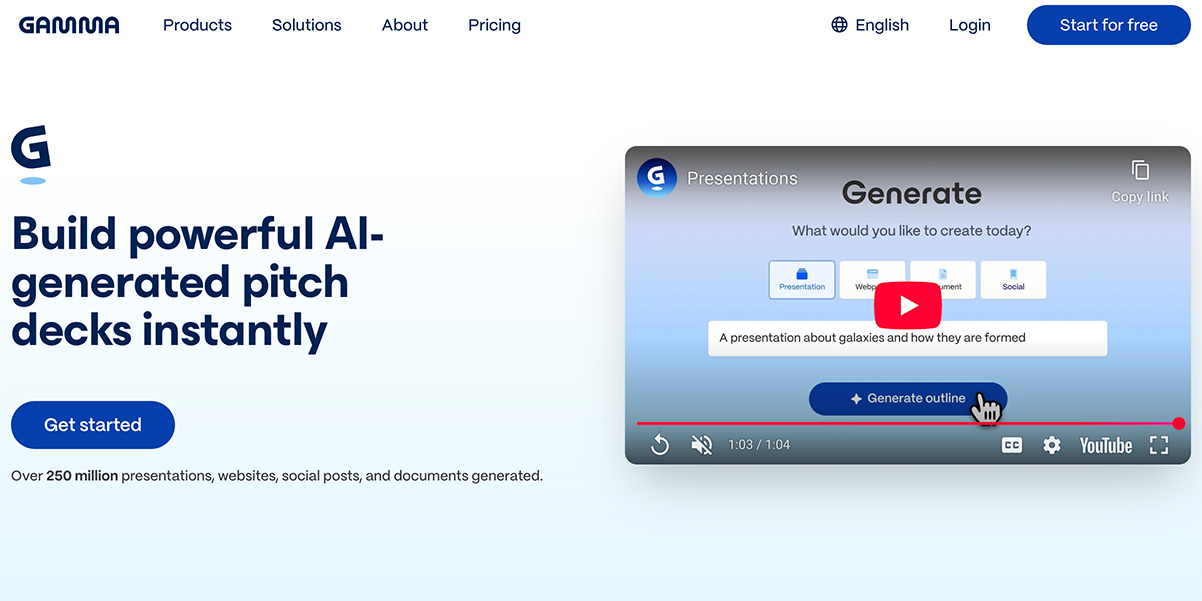
Price: Free, Plus $8 / seat / month, Pro $18 / seat / month, Ultra $90 / seat / month
Key Features:
- The system enables users to produce a complete presentation outline with structure and their first draft through a single natural language input.
- The Gamma Agent functions as an advanced AI chat assistant which was first released in 2025 to perform multiple card editing tasks and offer suggestions for better clarity and complete deck redesign through a single command such as "make this more minimalist".
- Smart Layouts: The application includes built-in blocks which include timelines and funnels and pyramids and multi-column grids that will adjust their size when you insert new content.
- One-Click Restyling: The application enables users to transform their entire visual design through more than 100 available themes which automatically change fonts and colors and layouts.
What Users Liked 👍 :
“With just a simple prompt to a polished 10-page draft in under three minutes, that's incredible.”
- Alice
What Users Disliked 👎 :
"When i exporting to PowerPoint (PPTX) it shows "broken layouts "
- Mee Mee
7. presentations.ai
Use AI to create PPTs, infographics, charts, timelines, project plans, reports, product roadmaps and more - effortless, engaging, and free to try.
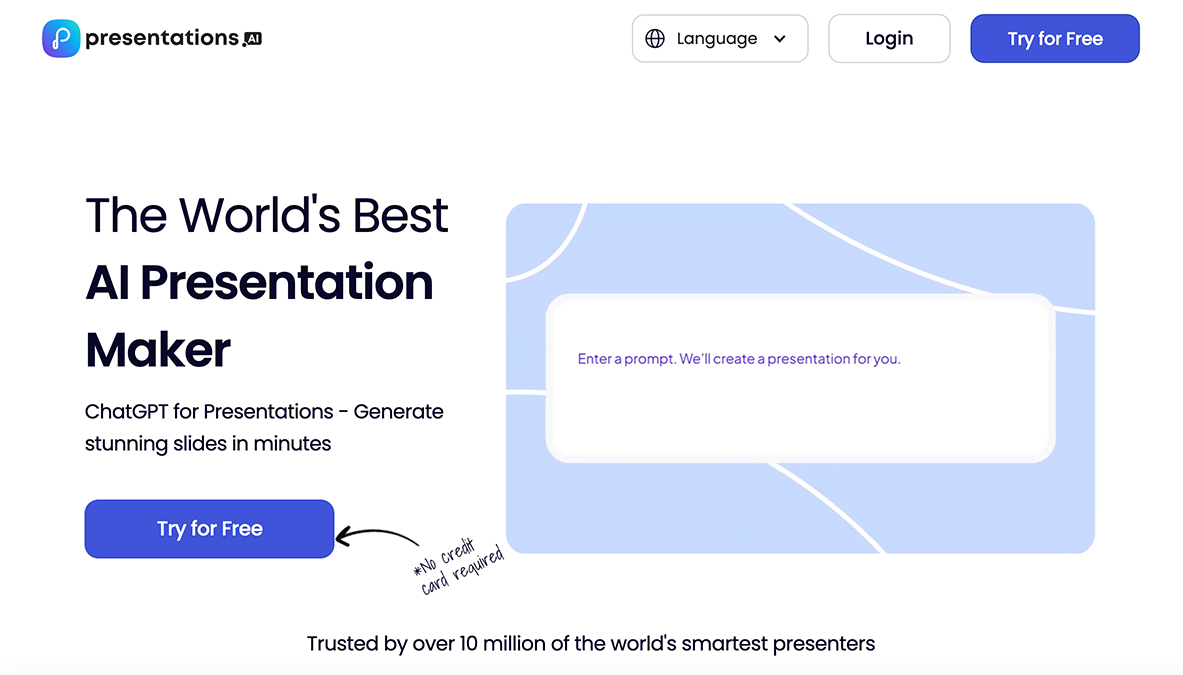
Price: Free, Pro $198/ year, Enterprise Custom Pricing.
Key Features:
- Personalized Design: Automatically receive design suggestions tailored to your unique style and content.
- PowerPoint Compatibility: Efficiently export your presentations to PowerPoint format, ensuring compatibility and convenience for all users.
- Seamless Sharing: Share your presentations effortlessly, with real-time sync and comprehensive access control
- Multi-device Compatibility: Edit and present from anywhere, with seamless access across all your devices.
What Users Liked 👍 :
“Interface is really easy to navigate.”
- Molly
What Users Disliked 👎 :
"The tech team update the feature frequently, its hard to catch up."
- Sunil
8. Skywork
Skywork creates professional slides using AI by taking a topic or file, researching it deeply from multiple sources, and generating a structured, well-designed presentation with visuals, layouts, and citations, allowing for easy editing and export to PowerPoint/Google Slides, functioning as an all-in-one agent for content, research, and design. 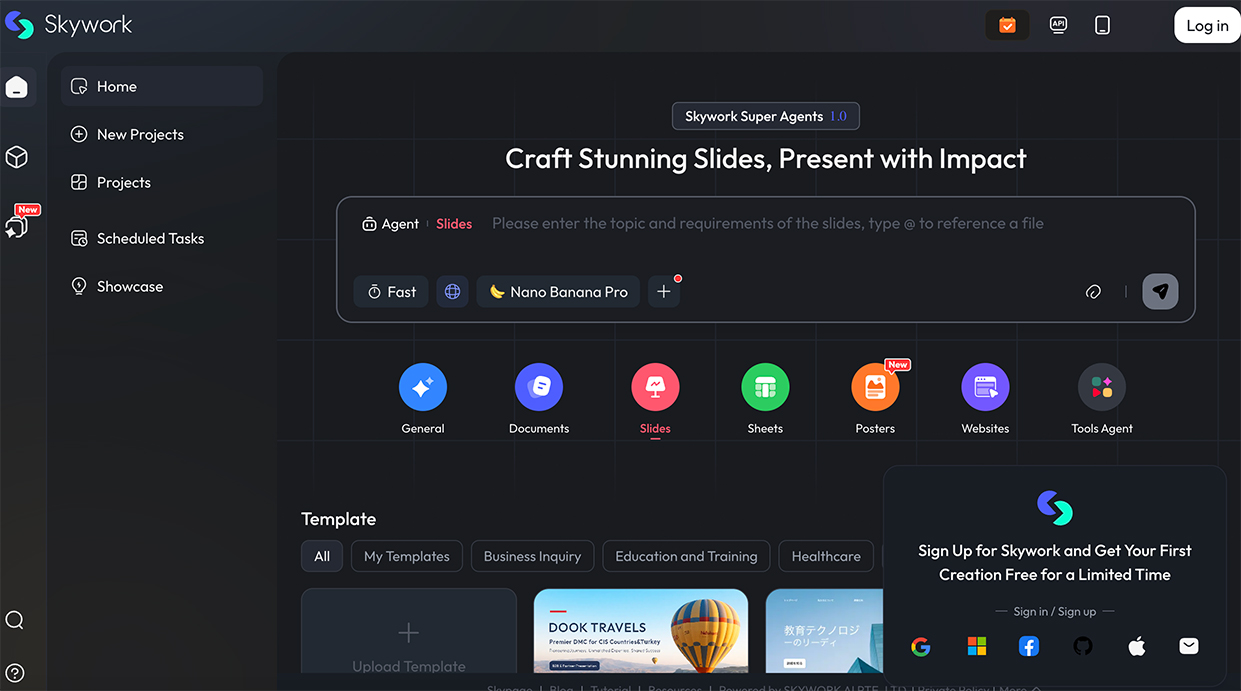
Price: Free, Pro $19.9/ month, $39.99/quarterly, $149.99/yearly
Key Features:
- Deep Research: The research extends past basic information by using trustworthy sources for its evidence.
- Specialized Agents: The system uses dedicated agents to handle slides and documents and tables and additional content types.
- Customization: The system enables users to create their own brand templates and formatting options.
- Export Options: The tool provides users with three export options which include PPTX and Google Slides and PDF formats.
- The system operates at high speed because it transforms extensive work periods into brief periods which require only basic finishing work.
What Users Liked 👍 :
“was pleasantly surprised by the PPTX export. The slides open cleanly in PowerPoint and Google Slides without breaking fonts or layouts, which is a common issue with other AI tools.”
- Chris
What Users Disliked 👎 :
"This isn’t a simple drag-and-drop designer. Once I realized it works more like a research assistant, it made sense, but it did take some time to get used to the Super Agent prompts."
- Evgenii
 Have I missed anyone?
The AI Presentation market continues to advance at an unprecedented rate so businesses need to capitalize on this expanding trend. You can connect with me through Linkedin or email to recommend additional Presentation Maker for this list. Your product will be included in this list if it demonstrates effective functionality and supports the precision and value of this resource.
Ready to create your own logo?
Turn your brand name into professional logo concepts in seconds with LogoAI.
Generate my logo