

 (2)-1764877831.jpg)
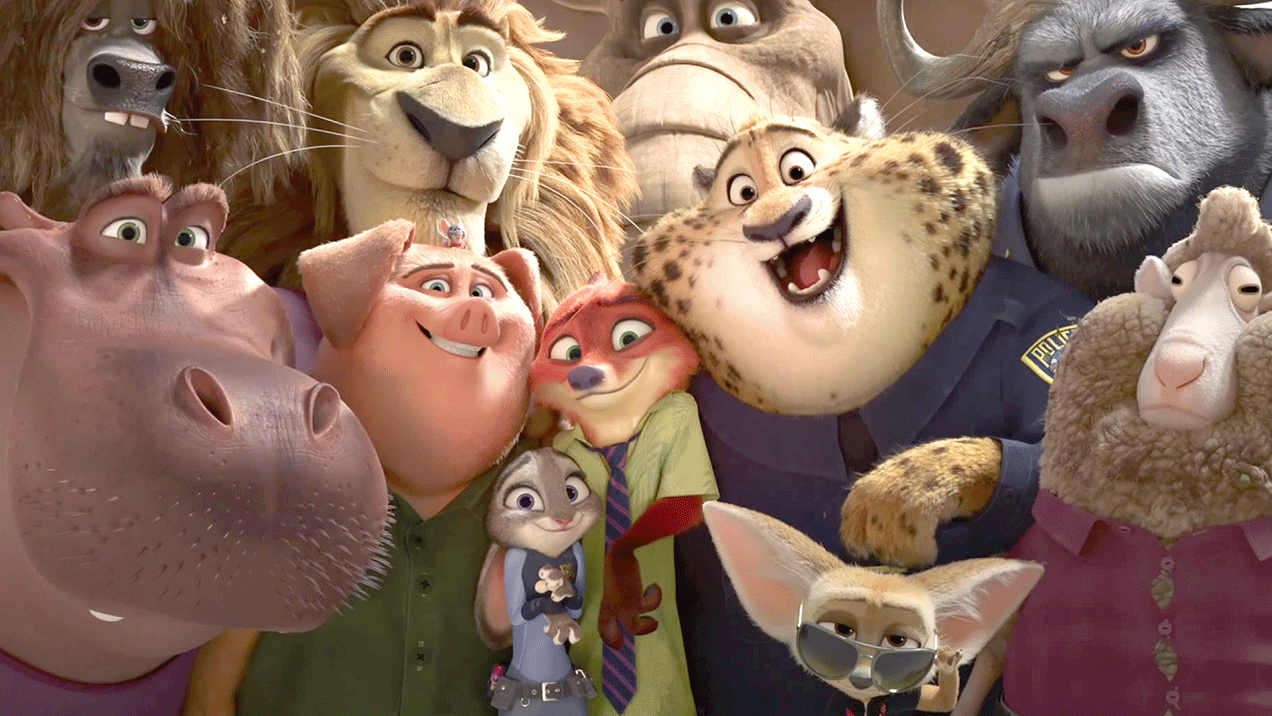
The Zootopia 2 AI Filter has become a social media sensation because it converts regular selfies into Zootopia-inspired cinematic moments. The AI filter enables users to become part of Zootopia scenes with Judy Hopps and Nick Wilde or to transform into Zootopia-inspired animal characters using only one photo. The viral AI trend unites nostalgic elements with creative possibilities through modern technological advancements to create an entertaining social media experience.
How to Create Selfies with Zootopia Characters
You can start your Zootopia trend journey by uploading a photo and entering a brief description to generate your own Zootopia-style selfie within minutes. The following steps will guide you through the process.
Step 1: Upload Your Photo & Add a Prompt
Visit the Free Zootopia 2 Filter page👇 and upload a clear front-facing picture. Then adding your custom prompt to the prompt box which should describe your desired scene such as a selfie with Judy or Nick or Officer Clawhauser.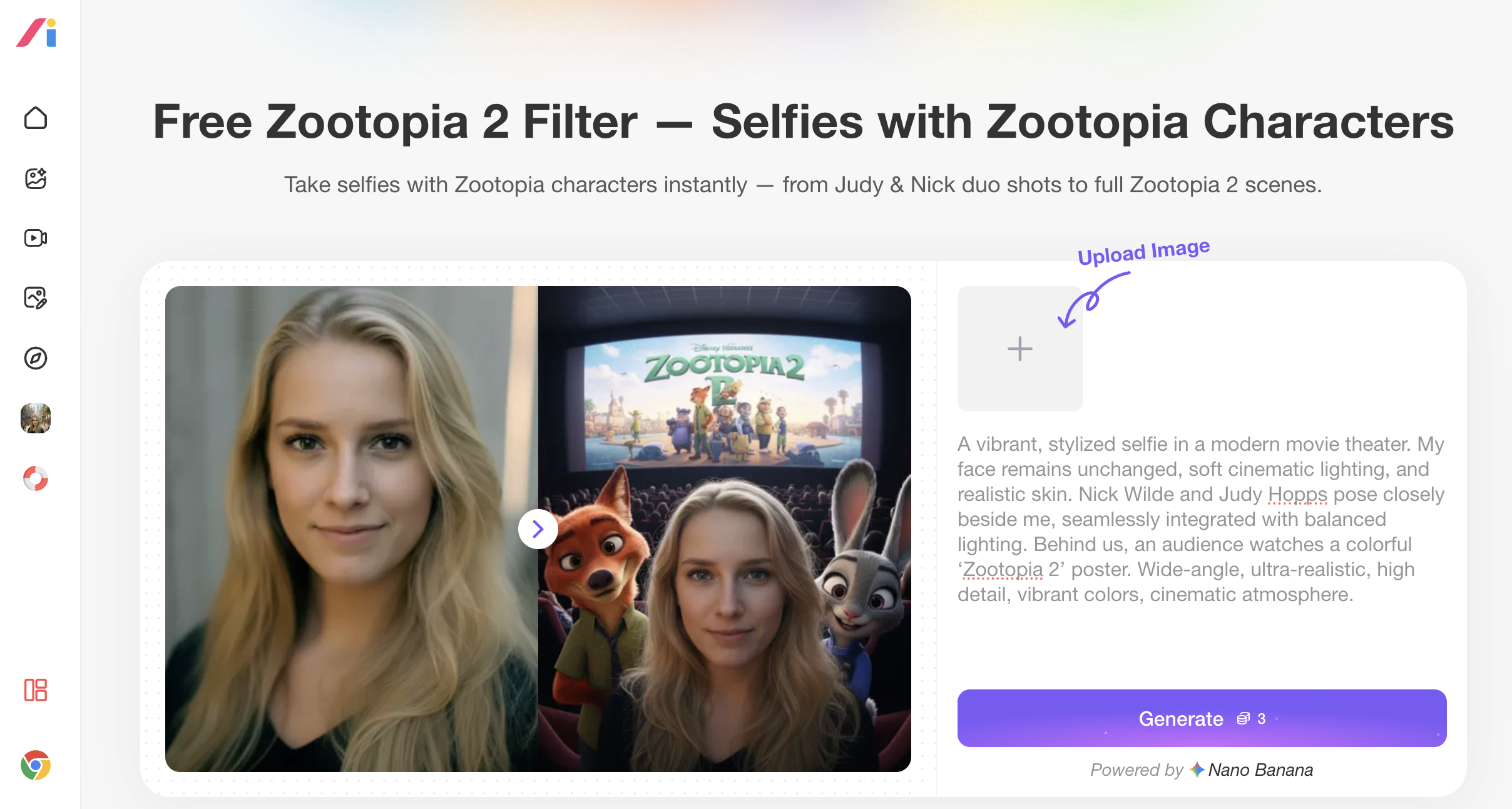
Step 2: Download or AI Edit Again
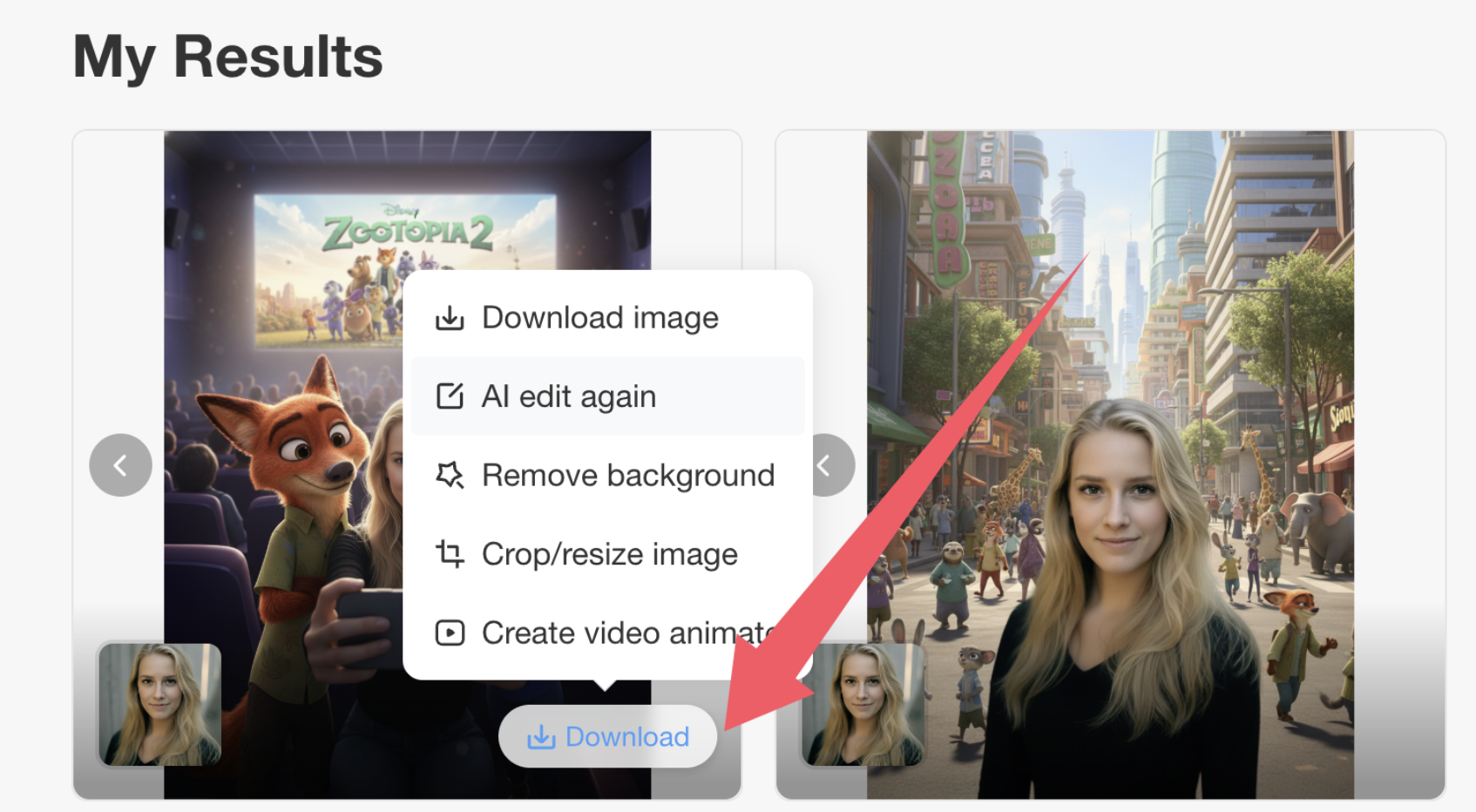
The generated image will appears below the page. You can save the image by clicking Download or use AI Edit to improve your prompt and create a new version.
Fun Zootopia AI Prompts Ideas to Try
The process of creating photos with animated characters leads to unlimited creative opportunities. The following Zootopia ideas will help you generate creative concepts for your photos:
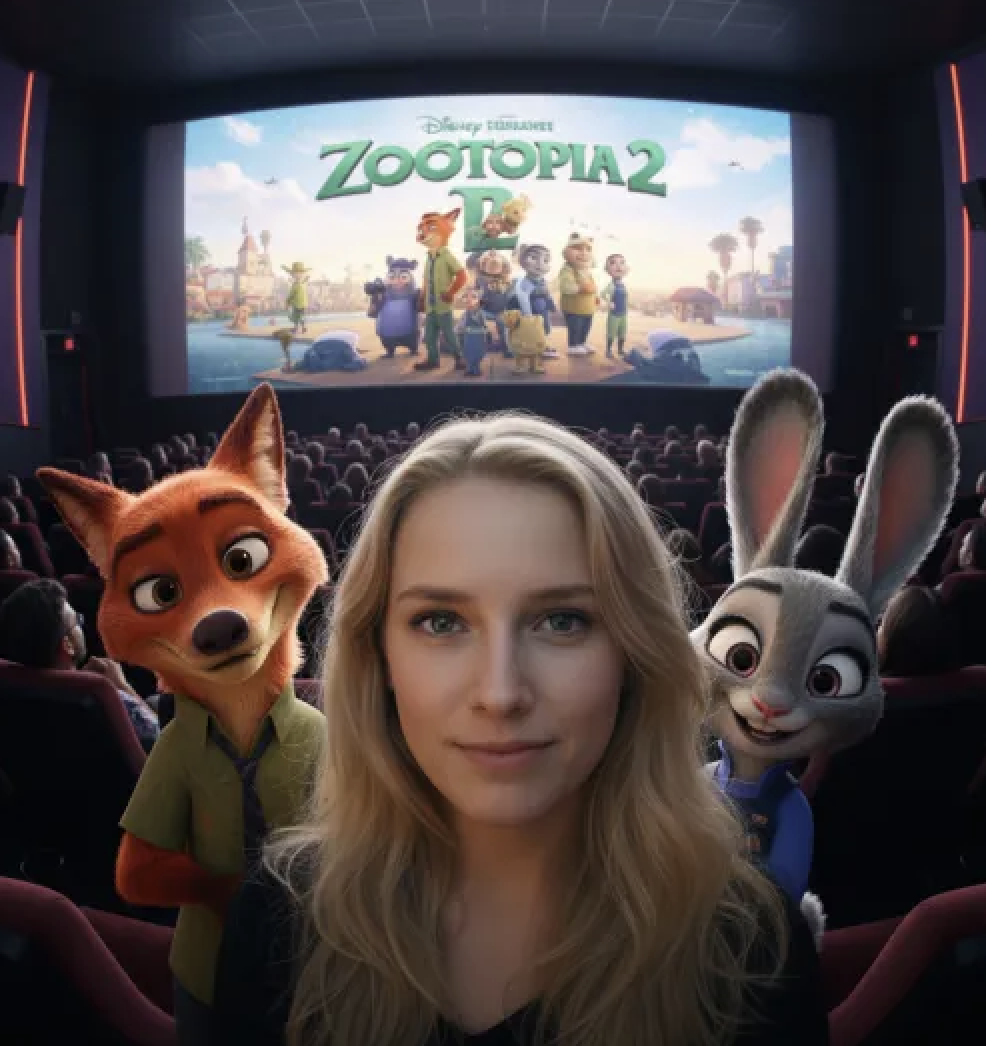
✅ Prompt Idea: Selfies with Judy and Nick
A vibrant, stylized selfie in a modern movie theater. My face remains unchanged, soft cinematic lighting, and realistic skin. Nick Wilde and Judy Hopps pose closely beside me, seamlessly integrated with balanced lighting. Behind us, an audience watches a colorful ‘Zootopia 2’ poster. Wide-angle, ultra-realistic, high detail, vibrant colors, cinematic atmosphere.
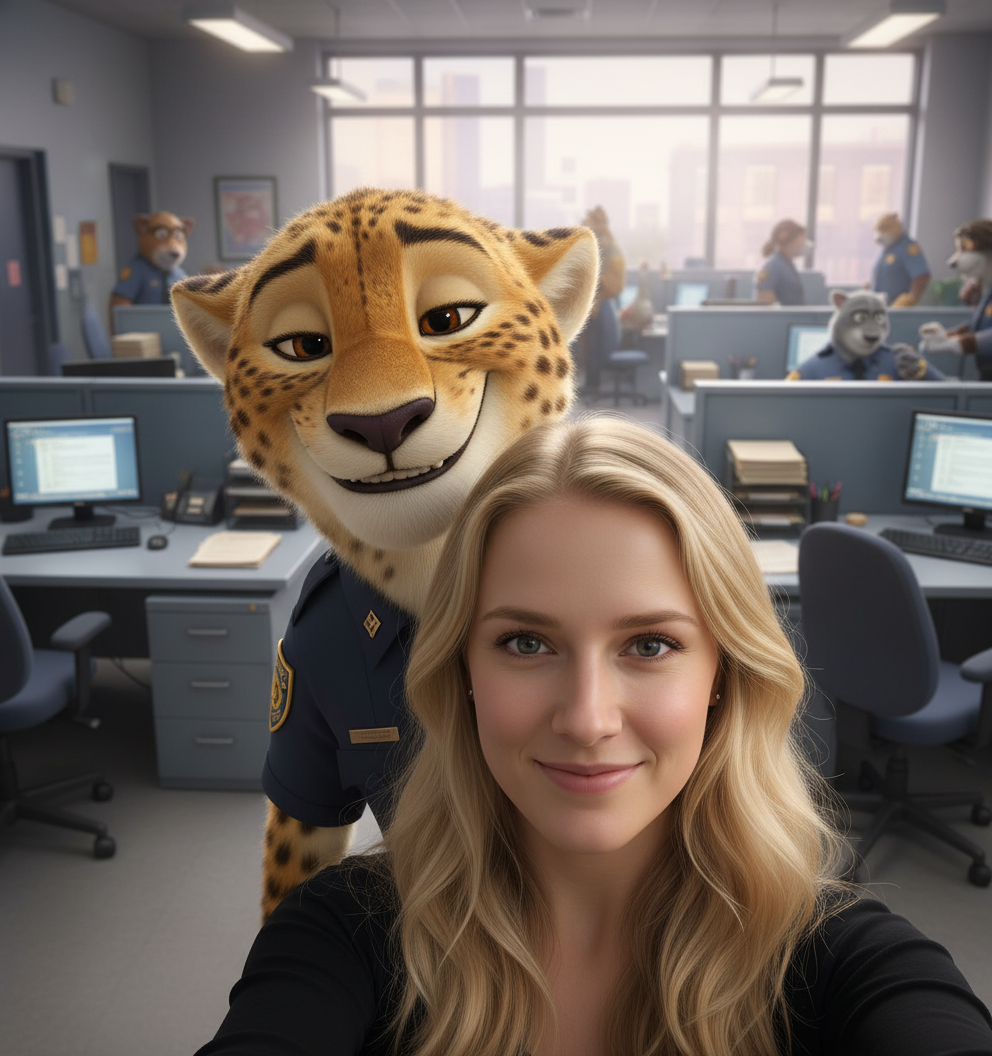
✅ Prompt Idea: Selfie with Officer Clawhauser
The Zootopia police office contains the casual natural selfie I took. The camera shows my face in perfect condition with authentic skin appearance and gentle indoor illumination. Officer Clawhauser stands beside me while we take the selfie because he leans in to share a warm smile. The police office appears active through its desks and computers and paperwork while soft daylight enters through the windows. The camera shows both faces in perfect balance while capturing a phone-wide angle with hyper-realistic elements and authentic colors that create a comfortable relaxed mood.
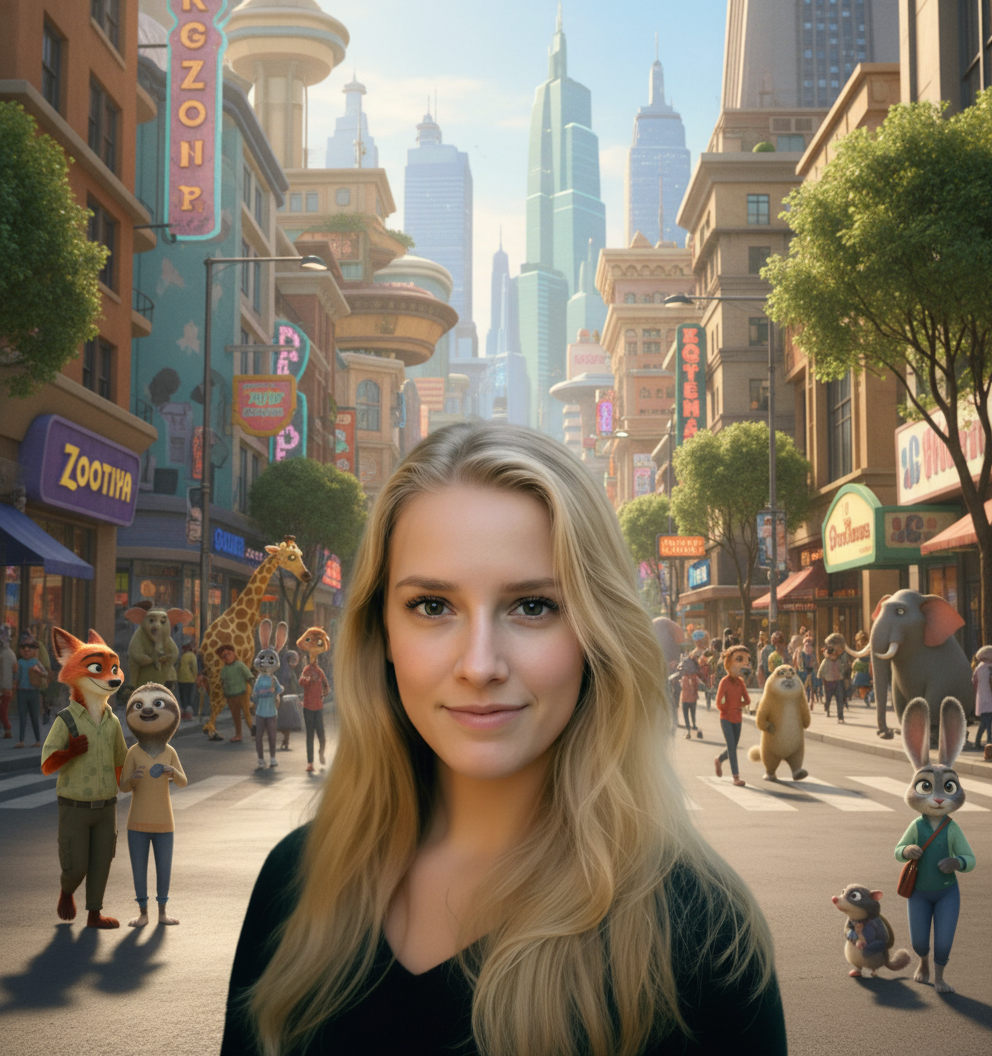
✅ Prompt Idea: Put youself into Zootopia
The image shows me standing in the center of Zootopia city street which appears as a realistic depiction of the area. The skin on my face shows no alteration while my facial features remain crisp and detailed. The area surrounding me shows Zootopia-style animated creatures moving through the space while they talk to each other and navigate across the street. The scene displays a mix of colorful shops and distant futuristic buildings under bright sunlight. The image shows cinematic depth of field and hair rim light while using natural colors and realistic facial details with animated elements and wide-angle cinematic perspective and high definition and social media optimization.
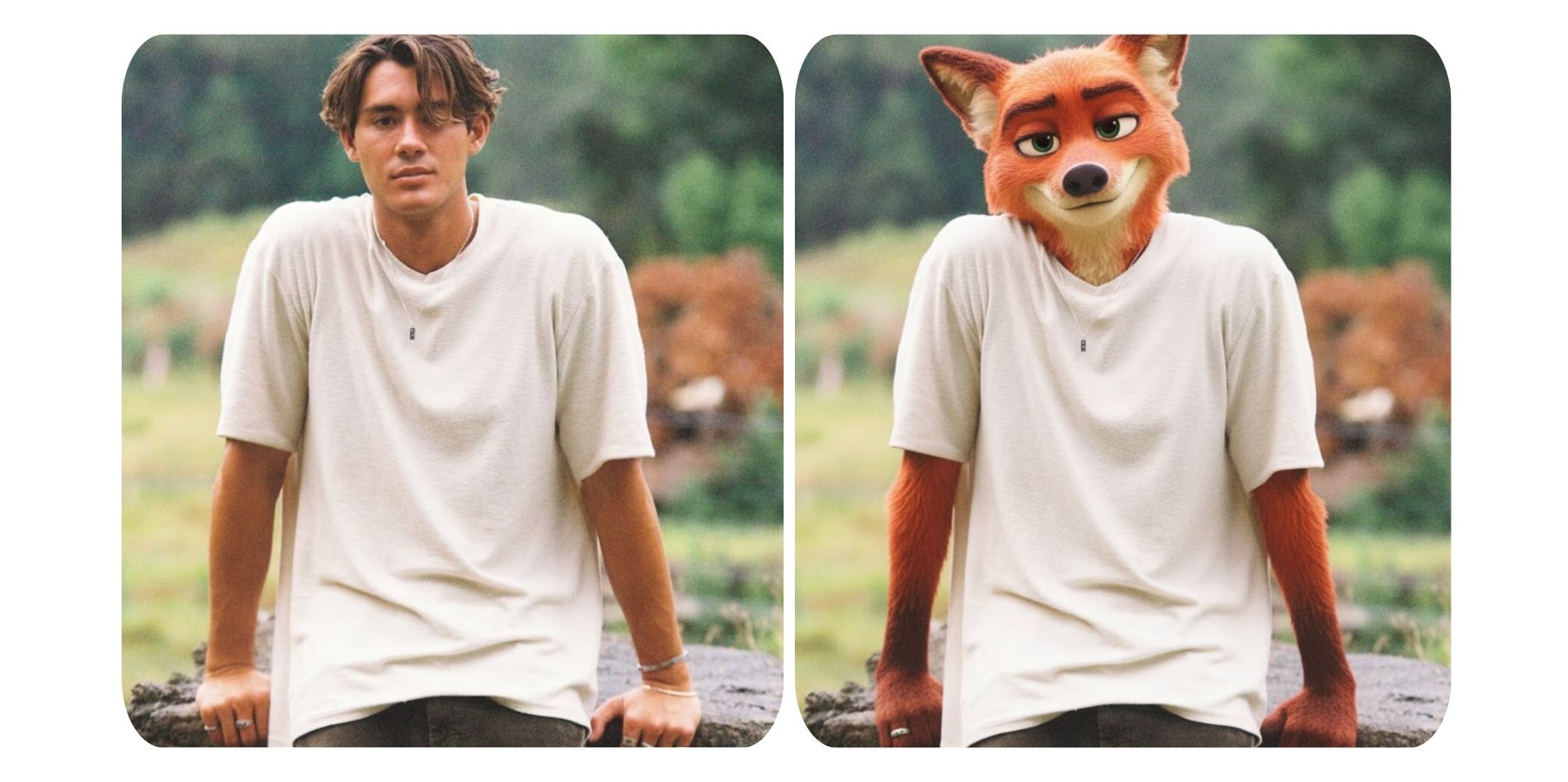
✅ Prompt Idea: See Yourself as a Zootopia Character
Transform the person in the photo into Nick Wilde from Zootopia, while keeping the original cloth, pose and positioning.
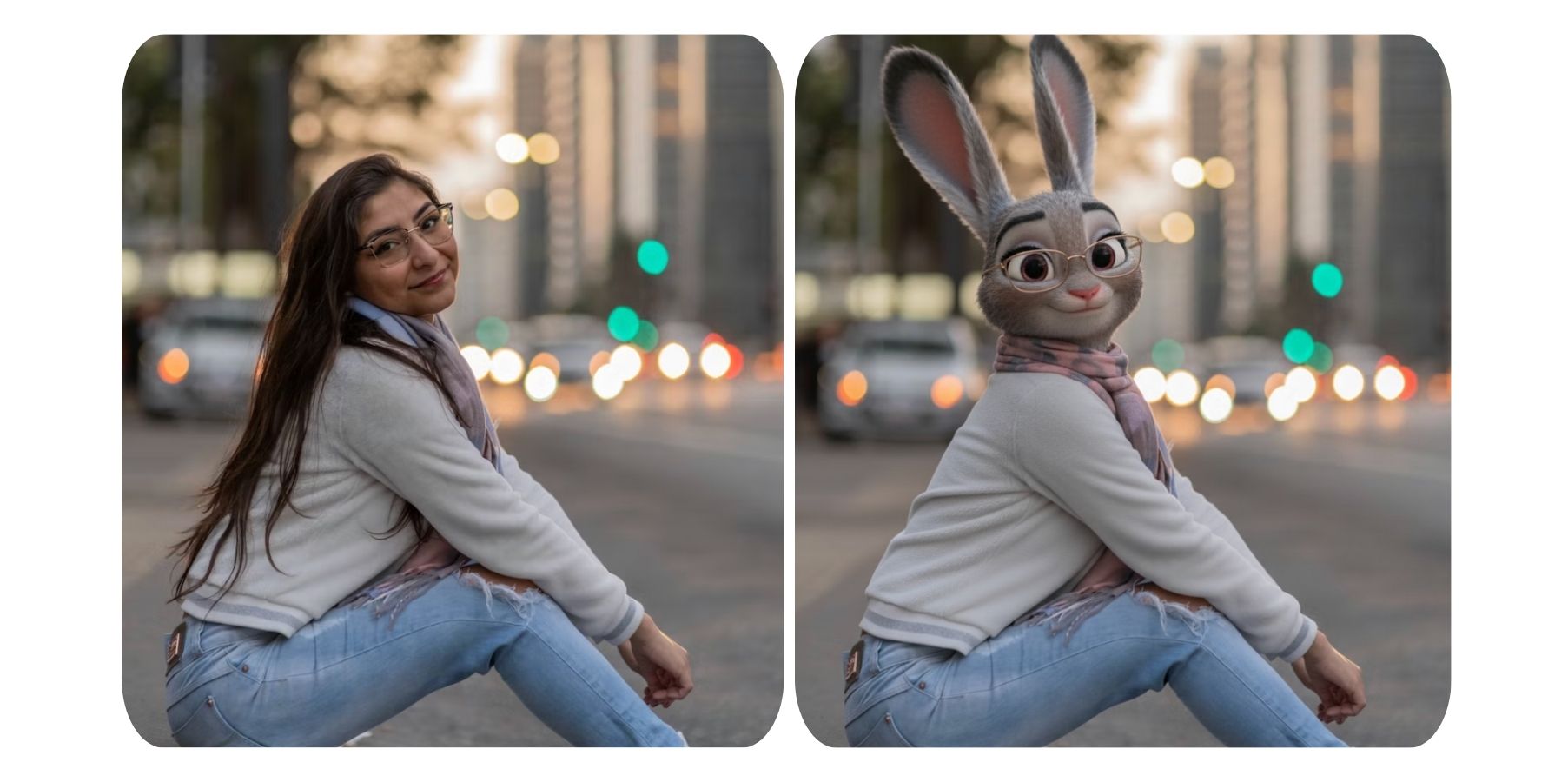
✅ Prompt Idea: See Yourself as a Zootopia Character
Transform the person in the photo into Judy Hopps from Zootopia, while keeping the original cloth, pose and positioning.
Ready to Make Your Own Zootopia 2 AI Photo?
You can now try creating your own Zootopia 2 AI photo because you understand how simple the process is. You can become part of the Zootopia universe by uploading your photo and selecting a fun prompt which will transform your image in only a few steps. The process is quick and costs nothing while offering an excellent way to share your creation with TikTok friends.