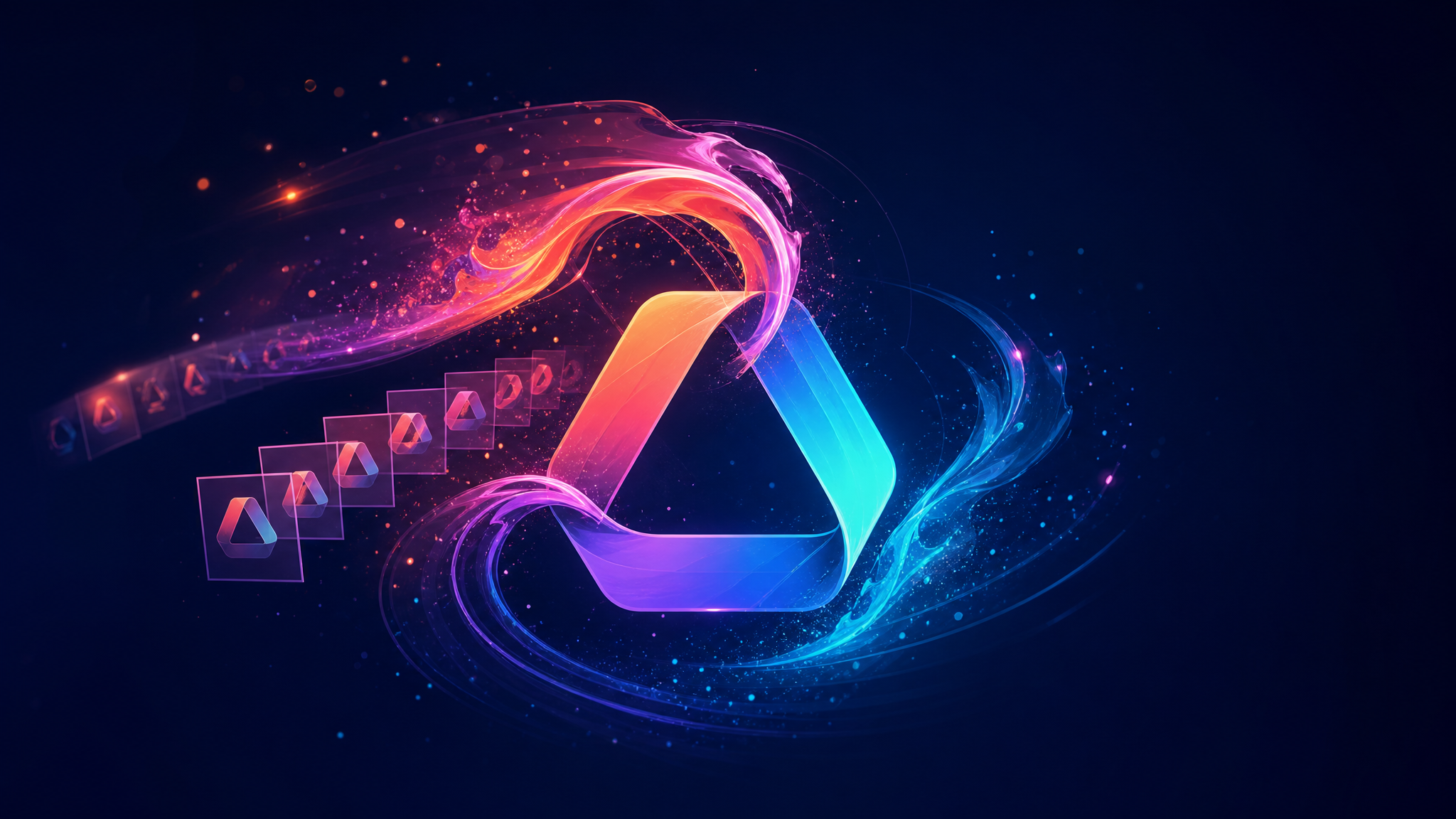
A static logo establishes recognition. A short, purposeful animation can add the feeling behind the mark: precision, energy, craftsmanship, playfulness, or scale. The key is not to add motion for its own sake. It is to choose a movement and material that make sense for your brand wherever the logo appears—an intro, social post, launch video, presentation, or product page.
These AI logo animation ideas help you match a visual style to the impression you want to create. You do not need editing skills, a special file format, or a video timeline: upload a regular logo image, pick one style, and AiDesign handles the animation automatically. Keep the motion short and use one strong concept rather than layering too many effects together.
How to choose the right logo animation style
Begin with the personality of the brand. Premium and established brands usually benefit from restrained materials and slower reveals. Technology, entertainment, and creator brands can carry more energy, contrast, and transformation. If your logo includes fine detail, use a high-contrast source file and simplify the animation so the mark remains legible at small sizes.
Getting started is intentionally simple: no editing, format conversion, or timeline setup is required. Upload a regular logo image, choose one direction below, and AiDesign creates the animation for you automatically.
1. Leather emboss for heritage and craftsmanship
Leather embossing gives a logo weight, texture, and a tactile sense of quality. It suits artisanal brands, hospitality, fashion accessories, premium food, and any business that wants to feel established rather than flashy. Keep the logo simple and let the material do the storytelling.
Try the AI Leather Logo Emboss Animation Generator when you want a subtle reveal with a crafted finish.
 |
Prompt: Create a premium leather logo stamp reveal animation using the uploaded logo. Start with a blank realistic leather surface. A plain leather stamping tool presses down onto the surface, transferring the uploaded logo onto the leather. After the stamp lifts away, reveal the exact logo permanently debossed into the leather with realistic depth, shadows, and natural leather grain. Preserve the original logo shape, typography, and proportions. The logo should only appear as a mark on the leather, not on the stamp. Smooth cinematic motion, luxury craftsmanship style. No hands, no logo redesign, no extra elements, no scene changes.
2. Embossed metal for a confident premium look
Use a metallic emboss when you need the logo to feel engineered, precise, or high-value. It works especially well for architecture, automotive, luxury services, finance, and modern consumer technology. The movement should be controlled: a light sweep or shallow depth reveal is usually enough.
Create this material-led treatment with the AI Embossed Logo Animation Maker.
 |
Prompt: Create a premium copper embossed logo reveal animation from the uploaded logo. Start with a realistic copper surface, then reveal the logo as raised metal details gradually form from the material with engraved edges, dimensional depth, and metallic reflections. Preserve the exact logo shape, colors, and proportions from the reference image. Smooth continuous reveal motion, luxury craftsmanship style, cinematic lighting, realistic metal texture. No redesign, no scene changes, no cropping.
3. 3D acrylic for a modern product-first brand
Transparent acrylic creates depth without looking heavy. It is a strong fit for design-led apps, beauty, food and drink, lifestyle products, and brands with bright color systems. Pair it with a soft studio background so the translucent edges and reflections remain easy to read.
Use the 3D Acrylic Logo Reveal to create a polished, dimensional logo moment.
 |
Prompt: Create a realistic 3D acrylic logo reveal animation from the uploaded reference image. Keep the camera, framing, background, and lighting unchanged. Start with an empty wall, then smoothly extrude the logo from the surface into raised 3D acrylic letters, revealing from left to right with realistic depth, shadows, and reflections. Preserve the exact logo shape and placement. End with the complete logo fully visible. No redesign, no scene changes, no cropping.
4. Embroidery for apparel, events, and maker brands
An embroidered reveal makes a logo feel physical and personal. It is ideal for clothing, team merchandise, cafés, clubs, outdoor brands, craft businesses, and event identities. This style works best with bold shapes and limited details, just as it would in real thread.
Bring a stitched effect to your brand with the AI Embroidery Logo Animation Generator.
 |
Prompt: A realistic 3D acrylic logo reveal on a clean wall surface. The wall starts empty, then the uploaded logo smoothly emerges from the surface, gradually extruding into raised transparent acrylic letters from left to right. The logo develops realistic thickness, reflections, shadows, and glass-like depth as it forms. Keep the exact logo shape, colors, and placement from the reference image. Smooth continuous reveal animation, steady camera, consistent lighting and framing. No redesign, no scene changes, no cropping. End with the complete logo fully visible.
5. Liquid glass for fresh, digital-forward launches
Liquid glass is expressive without being chaotic. The reflective, fluid surface can make a logo feel innovative, polished, and contemporary—useful for software launches, design portfolios, digital products, and creator brands. Keep the color palette tight so the effect does not overpower the mark.
For this light-catching motion, use the AI Liquid Glass Logo Reveal Generator.
 |
Prompt: Preserve the exact shape, typography, and colors of the logo. The logo elements dissolve into liquid glass, flowing into frame with smooth, fluid, cinematic motion. A bright refractive light sweeps across the metallic edges, causing them to glow. The animation slows down gently and snaps perfectly into place, holding a steady state at the center for 3 seconds on a clean black background.
6. Cinematic micro-world reveal for storytelling
A miniature scene creates curiosity before the logo arrives. This is useful when a brand has a strong product world or narrative: travel, food, toys, entertainment, retail, education, and experiential campaigns. The logo should still be the payoff, not a small detail hidden inside the scene.
Build this narrative treatment with the Cinematic Micro-Product Logo Reveal.
 |
Prompt: Create a cinematic brand reveal from the uploaded logo.
Generate small branded products inspired by its colors and style. Show them floating and rotating, then smoothly assembling into the exact logo shape. End with a clean pullback showing the completed logo while keeping the products visible.
Use premium studio lighting, reflections, depth of field, smooth motion, and a clean background. Do not distort or redesign the logo.
7. 3D depth for a polished brand introduction
A dimensional 3D reveal gives a simple mark more presence without relying on a busy scene. It is a flexible option for apps, agencies, technology brands, and product launches that need a concise, high-production-value introduction. Keep the background clean so the camera movement and depth stay focused on the logo.
Create this versatile treatment with the 3D Logo Animation Video Maker.
 |
Prompt: Apply a smooth 360° camera orbit around the uploaded logo while keeping the logo completely static. The camera moves slowly and evenly to showcase depth and form. Clean studio background, soft professional lighting, subtle shadows, premium 3D presentation style.
8. Elastic bounce for playful and high-energy brands
A bouncy reveal adds momentum and approachability. It is a natural fit for apps, games, kids' products, food and beverage, creator brands, and event campaigns. Use it when the brand voice is upbeat; avoid it for formal services where the movement could undermine trust.
Try the AI Elastic Logo Bounce Animation Generator when your logo needs a quick burst of personality.
 |
Prompt: Each letter of the logo appears in sequence with a soft, graceful bounce. Letters slightly stretch and compress on arrival, then settle smoothly with natural easing, creating an elegant, flowing rhythm. Motion is refined and sophisticated, playful yet polished. Timing is staggered for a continuous, harmonious flow, and the final logo holds steady at the end. Ultra-smooth, cinematic animation suitable for branding or intros.
9. Minimal geometry for technical clarity
Geometric animation is built around order: lines, circles, grids, and measured transitions. It is well suited to software, architecture, fintech, industrial design, and brands with a rational, systems-led identity. This is one of the most flexible styles for motion that still feels modern years later.
Create a structured reveal with the AI Minimal Geometric Logo Animation Generator.
 |
Prompt: Minimalist logo reveal. Fluid colorful geometric shapes (circles, squares, lines) bouncing and merging rapidly into a logo. Clean white background, high-speed motion, smooth easing.
10. Fire reveal for bold entertainment moments
Fire creates immediate intensity. Use it for gaming, music, sports, festivals, action content, and limited-edition campaigns where a dramatic entrance supports the brand. Keep the logo silhouette clear and use the effect sparingly so the animation stays recognizable rather than becoming visual noise.
For a high-impact version, use the AI Fire Logo Animation Generator.
 |
Prompt: Animate the uploaded logo with intense fiery motion and glowing sparks.
Reveal it through flames, drifting embers, and rising heat waves.
Use vivid orange-red glow, dynamic lighting, and realistic smoke effects.
End with the logo stabilizing sharply on screen.
Make every animation usable after it is generated
Once you have selected a style, export a short version for intros and social posts, plus a calmer version for presentations or website sections. Keep a static logo alongside the motion asset so your identity remains clear in spaces where video cannot play. If you need a general-purpose sequence rather than a style-specific reveal, the AI Logo Intro Maker is a useful next step.
The best AI logo animation is the one that looks unmistakably like your brand after the movement stops. Choose one material or motion principle, protect the clarity of the logo, and use the result consistently across the places people meet your business.
Explore more brand motion tools in AiDesign and turn a static mark into a memorable brand moment.