

Most people do not need a new wardrobe to imagine a different look. They need a quick, believable way to see whether a suit, cocktail outfit, or festive styling feels right before they commit time or money. That is where an AI outfit generator is useful. Start with a clear photo, pick a direction, and let the AI Image Editor do the visual heavy lifting. The examples below use real AiDesign scenario pages, so you can see the source photo and matching result side by side.
The point is not novelty for novelty’s sake. One ordinary portrait can become a more confident work profile, a wedding guest idea, or a themed social post in a few clicks. These results are for visual inspiration rather than fit or sizing decisions, and you can begin with the photo already on your phone—no special file format or editing background required.
A few things that make the result feel believable
- Choose a photo where the person, shoulders, and upper body are easy to see.
- Start with the occasion. A clear direction almost always works better than several competing style ideas.
- Simple poses give the generated clothing a more natural structure to follow.
- Think of the result as visual direction for a profile, post, invite, or concept—not a promise of real-world fit.
1. A More Polished Profile Photo
A good headshot does not have to feel stiff. When a resume, speaker bio, or professional profile needs a lift, Formal Attire Editor keeps the person familiar while giving the photo a sharper, more put-together wardrobe.
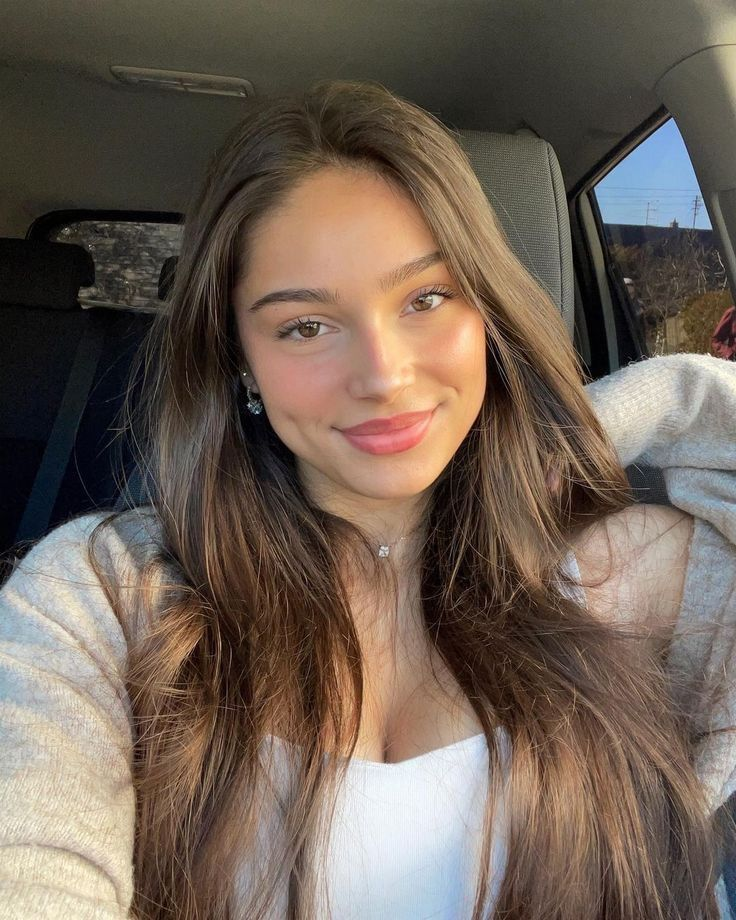 | 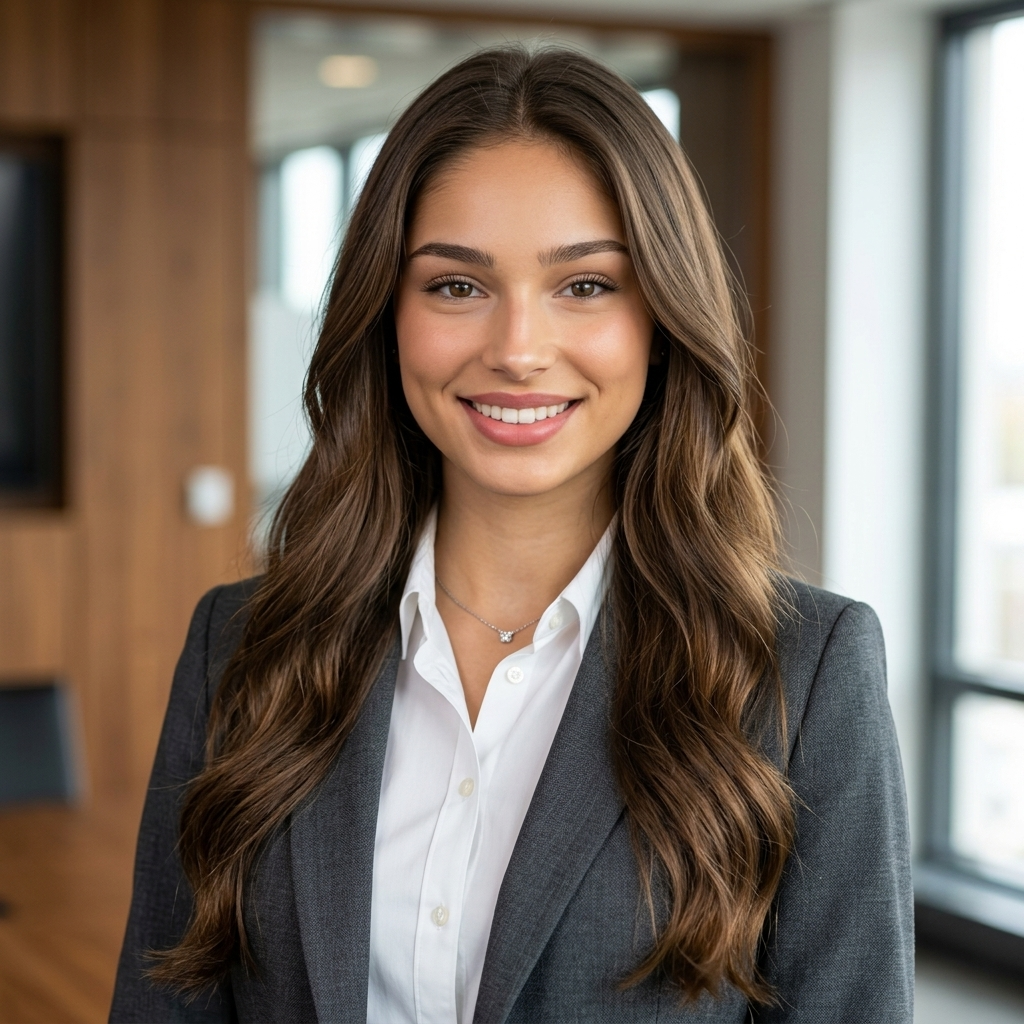 |
Prompt: Transform the uploaded photo into a professional portrait with formal attire. Keep the person’s face, hairstyle, and expression unchanged while replacing the outfit with elegant business clothing such as a suit, blazer, dress shirt, or professional dress. Ensure the clothing fits naturally with realistic fabric textures, proper lighting, and accurate shadows. Maintain a clean, polished look suitable for corporate profiles, LinkedIn photos, or professional headshots. Use a neutral or studio-style background and produce a high-resolution, photorealistic result.
2. The Classic Business Look for Women
For an interview update, leadership bio, or company introduction, Formal Attire for Women gives a plain portrait the quiet confidence of a tailored business look—without arranging another shoot.
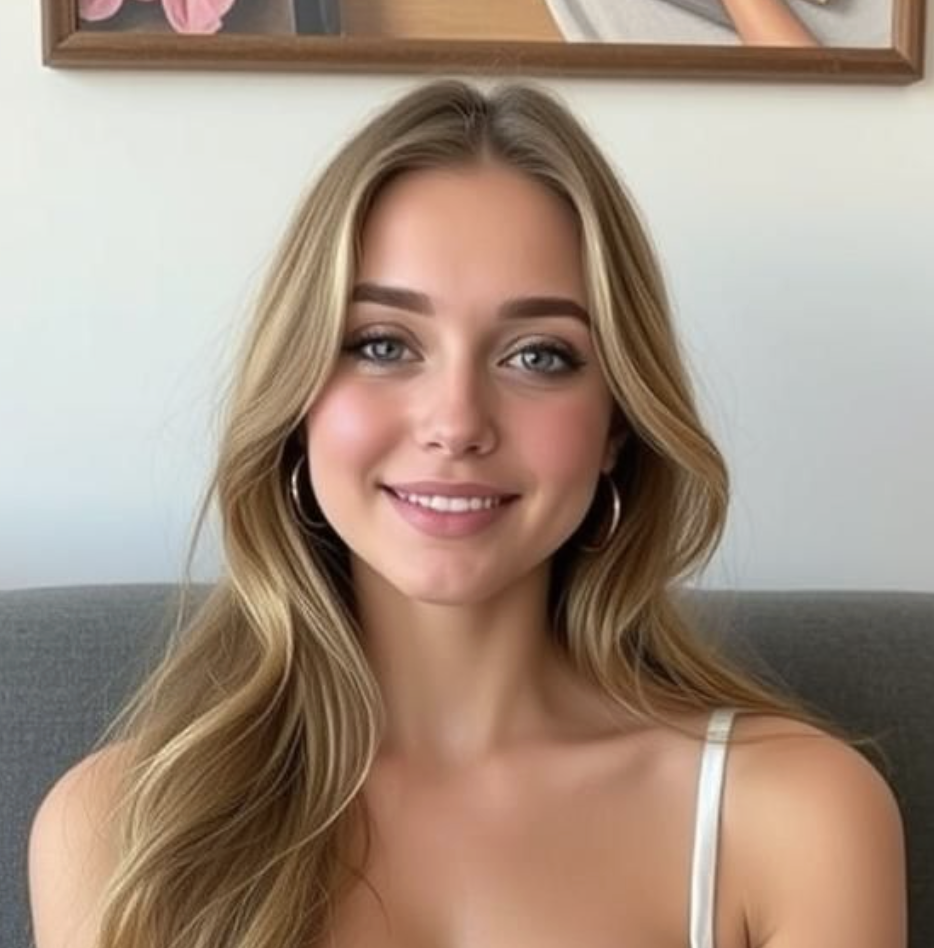 | 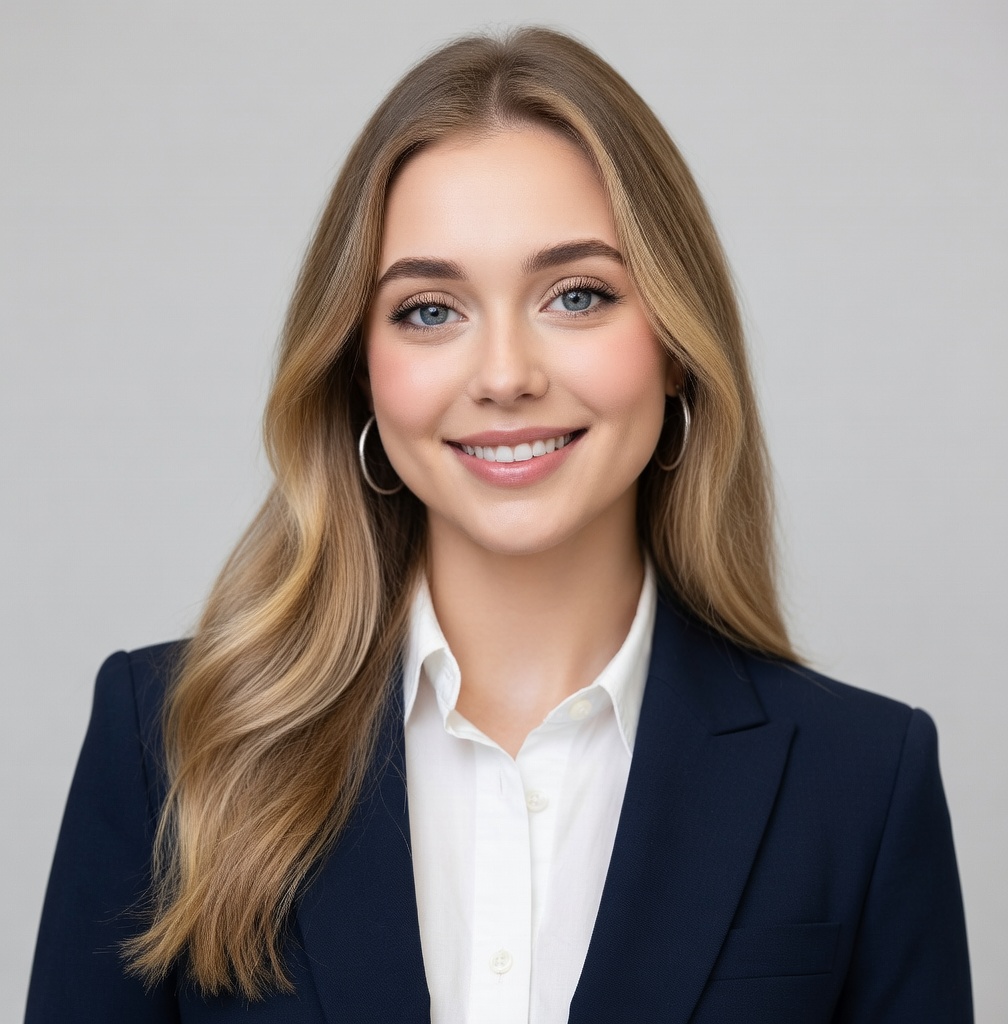 |
Prompt: Transform the uploaded photo into a professional woman wearing a classic business outfit, including a tailored blazer, dress shirt, and pencil skirt or trousers. Preserve the person’s facial features, pose, and proportions. Photorealistic headshot style with a clean studio background, natural lighting, and realistic shadows and textures. Outfit colors can be navy, black, or gray.
3. The Classic Business Look for Men
Sometimes a simple suit is exactly the point. Formal Attire for Men is a quick way to see a more formal version of an existing headshot before you spend time coordinating a new one.
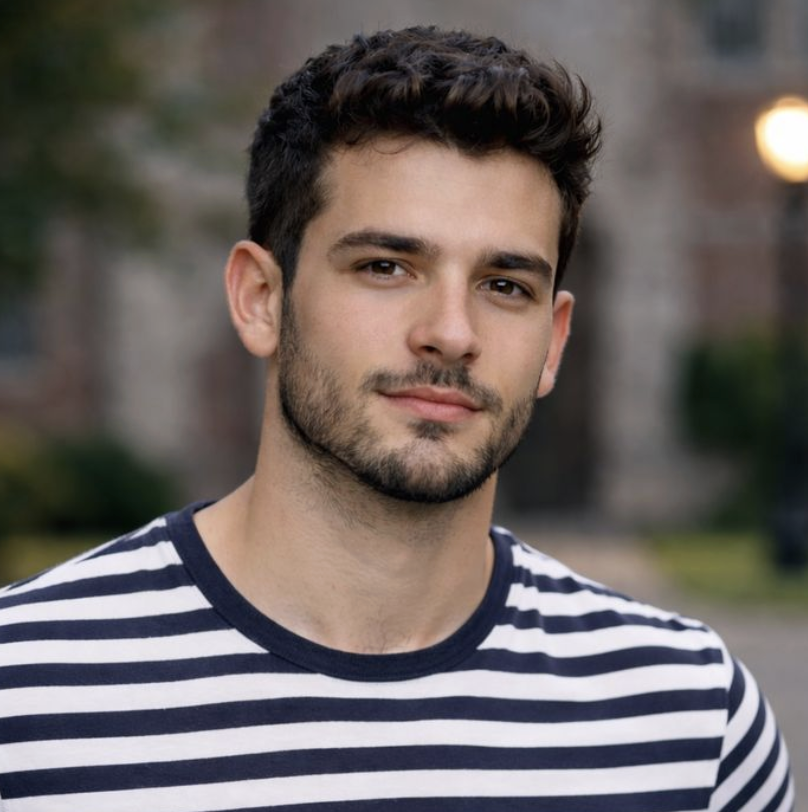 |  |
Prompt: Transform the uploaded photo into a professional man wearing a classic business suit, including a tailored suit jacket, dress shirt, and tie. Preserve the person’s facial features, pose, and proportions. Photorealistic headshot style with a clean studio background, natural lighting, and realistic shadows and textures. Suit colors can be navy, black, or gray.
4. The In-Between Event Outfit
Not every invitation calls for jeans or black tie. AI Semi Formal Attire is useful for those occasions where you want to look considered, but not overdone.
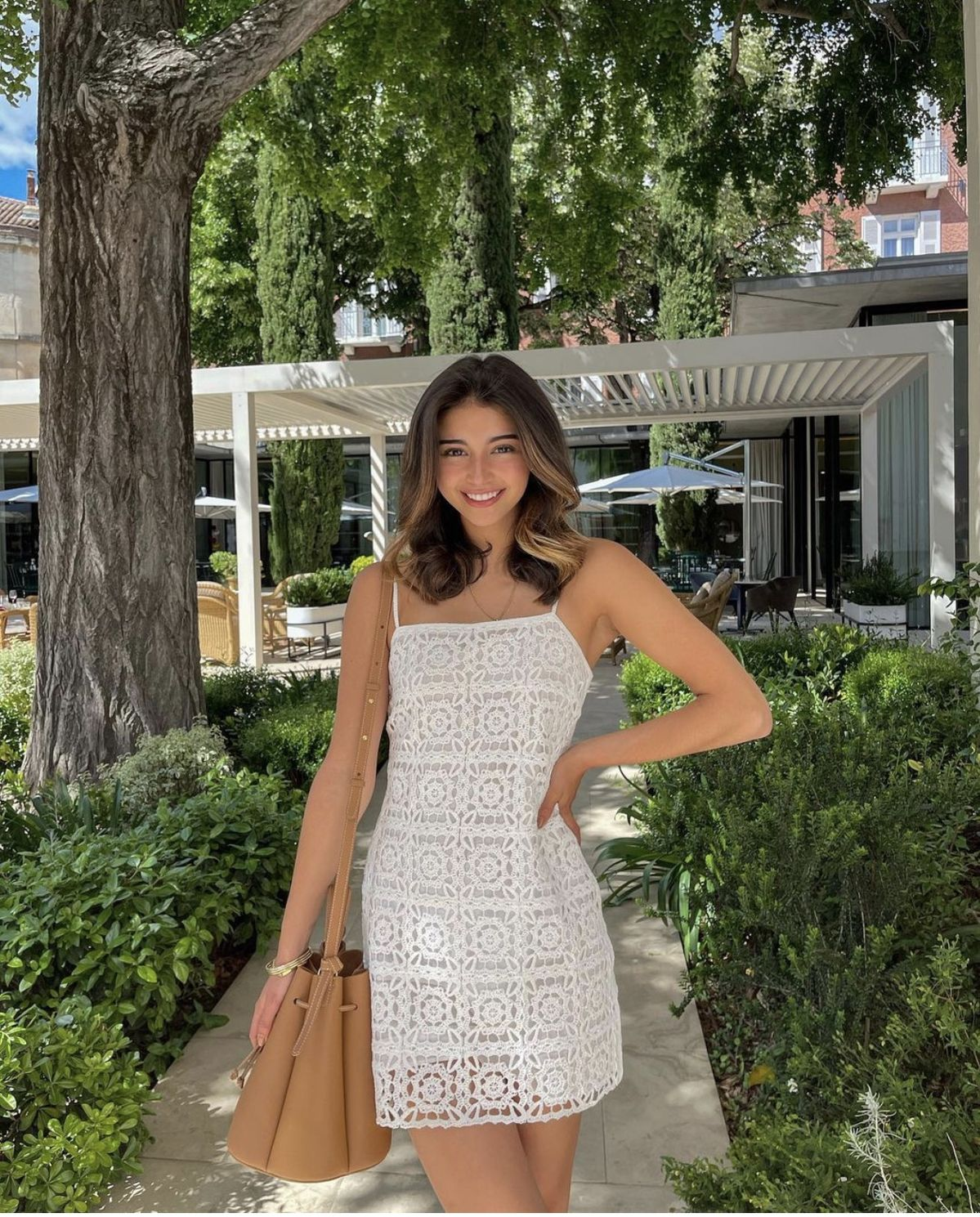 | 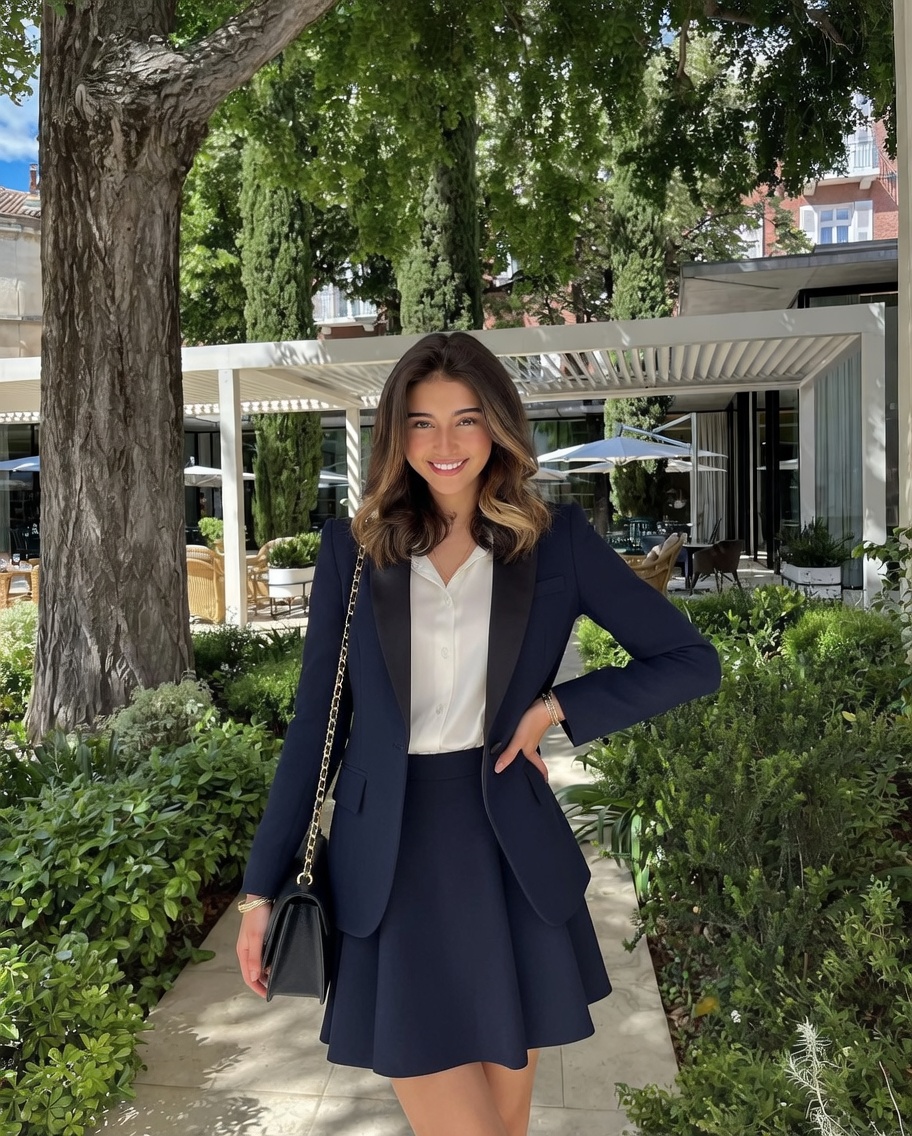 |
Prompt: Transform the uploaded photo into a stylish semi-formal outfit for men or women. For men, include a blazer, dress shirt, trousers, and optional tie; for women, include a blazer, blouse, skirt, or dress. Preserve the person’s facial features, pose, and proportions. Photorealistic rendering, suitable for full-body or half-body views, with a clean studio or neutral background, natural lighting, and realistic shadows and textures. Colors can be navy, gray, black, or subtle pastels. Ensure the outfit looks well-fitted, polished, and natural on the person.
5. A Cocktail Look With Some Drama
For an evening invitation, a creator post, or simply a little style play, Cocktail Formal Attire brings in richer color, softer lighting, and a more editorial finish.
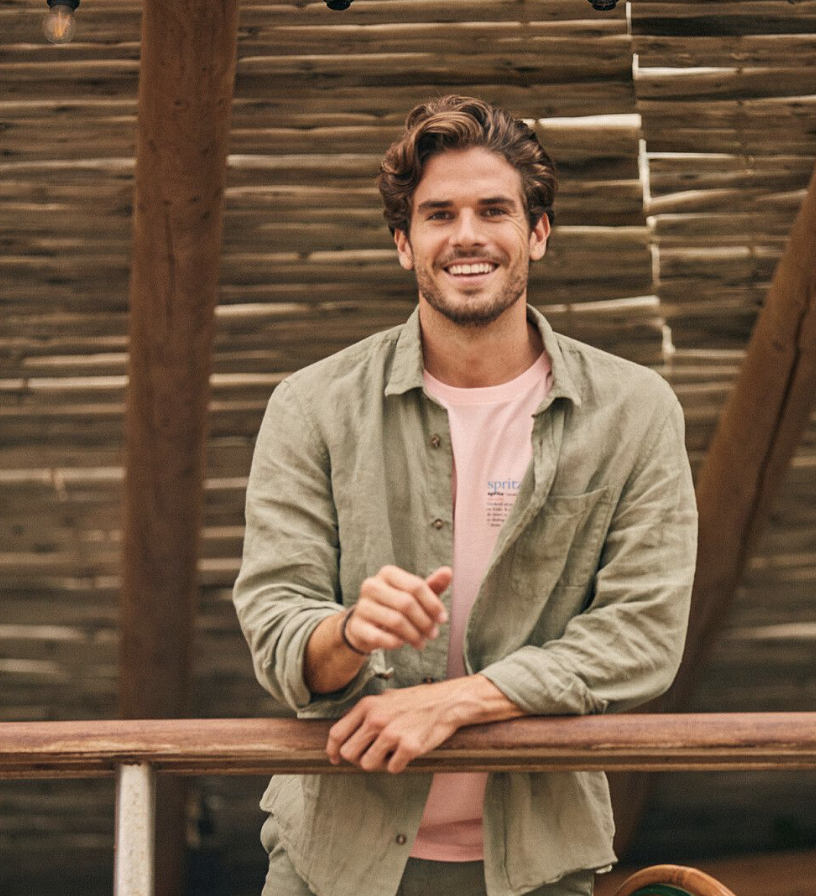 | 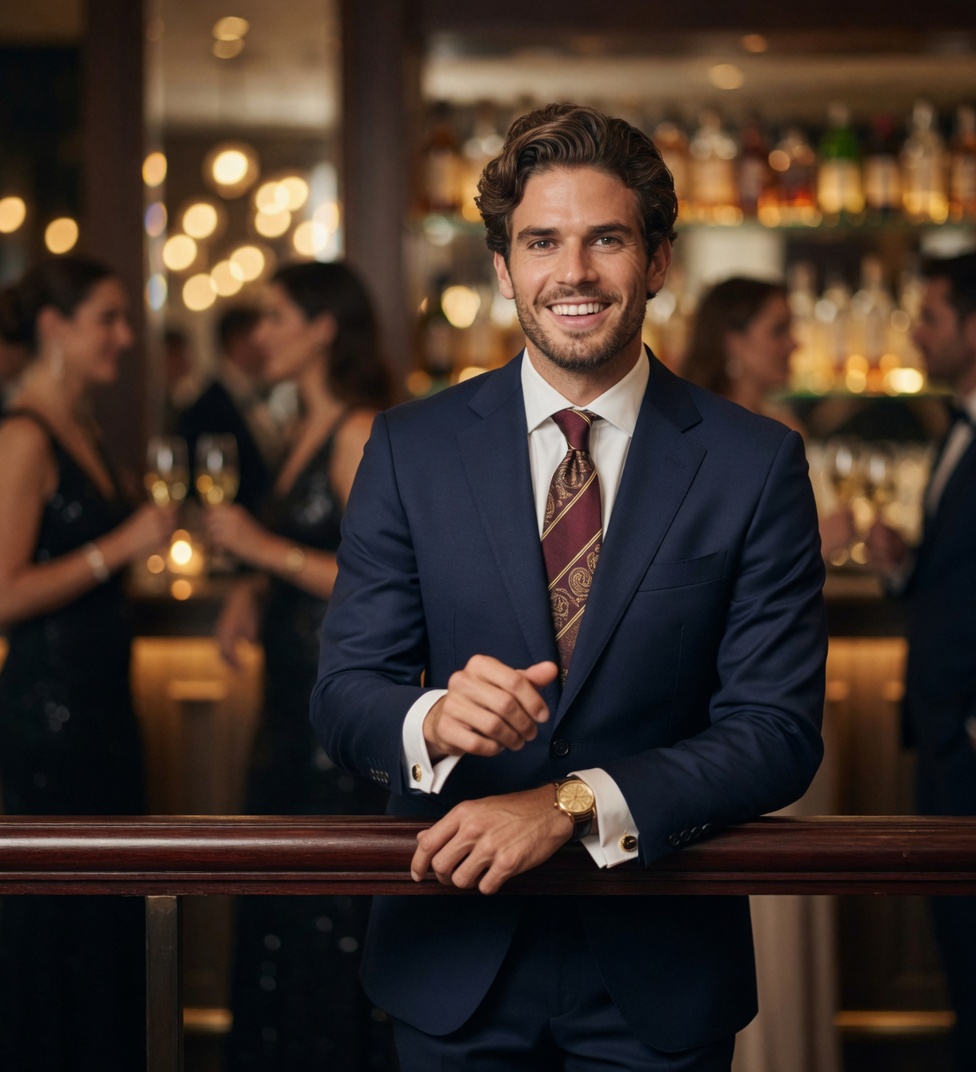 |
Prompt: Transform the uploaded photo into a sophisticated cocktail formal outfit. Apply a tailored suit, blazer, dress shirt, tie, elegant dress, blouse with skirt, or chic trousers depending on the person, paired with polished hairstyle, refined makeup, and tasteful accessories. Preserve facial features, pose, and proportions. Photorealistic rendering suitable for full-body or half-body views, with soft, elegant lighting and a chic cocktail-party-inspired background. Colors can include classic black, navy, jewel tones, or soft pastels, creating a polished, festive, and magazine-worthy look.
6. Wedding Guest, Not Wedding Day
Choosing a wedding guest outfit is mostly about getting the mood right: polished, celebratory, and never too much. AI Formal Attire Wedding gives you a fast visual starting point while keeping the original person recognizable.
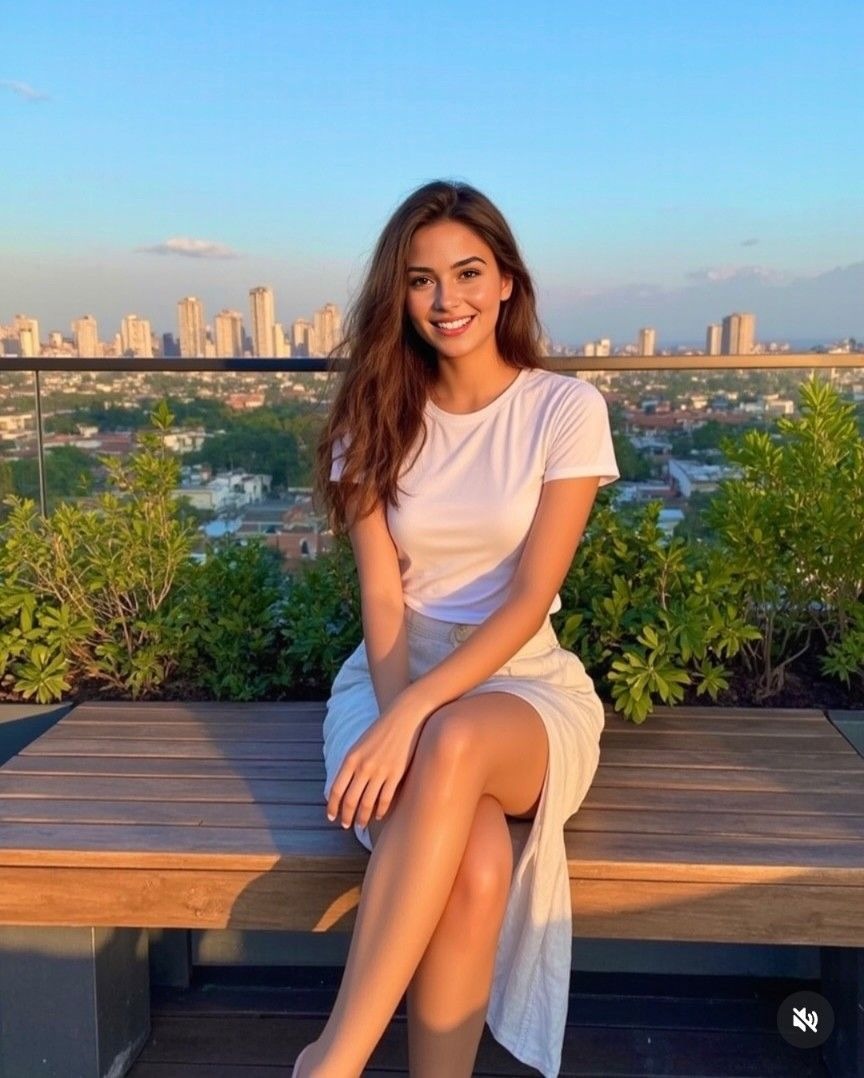 | 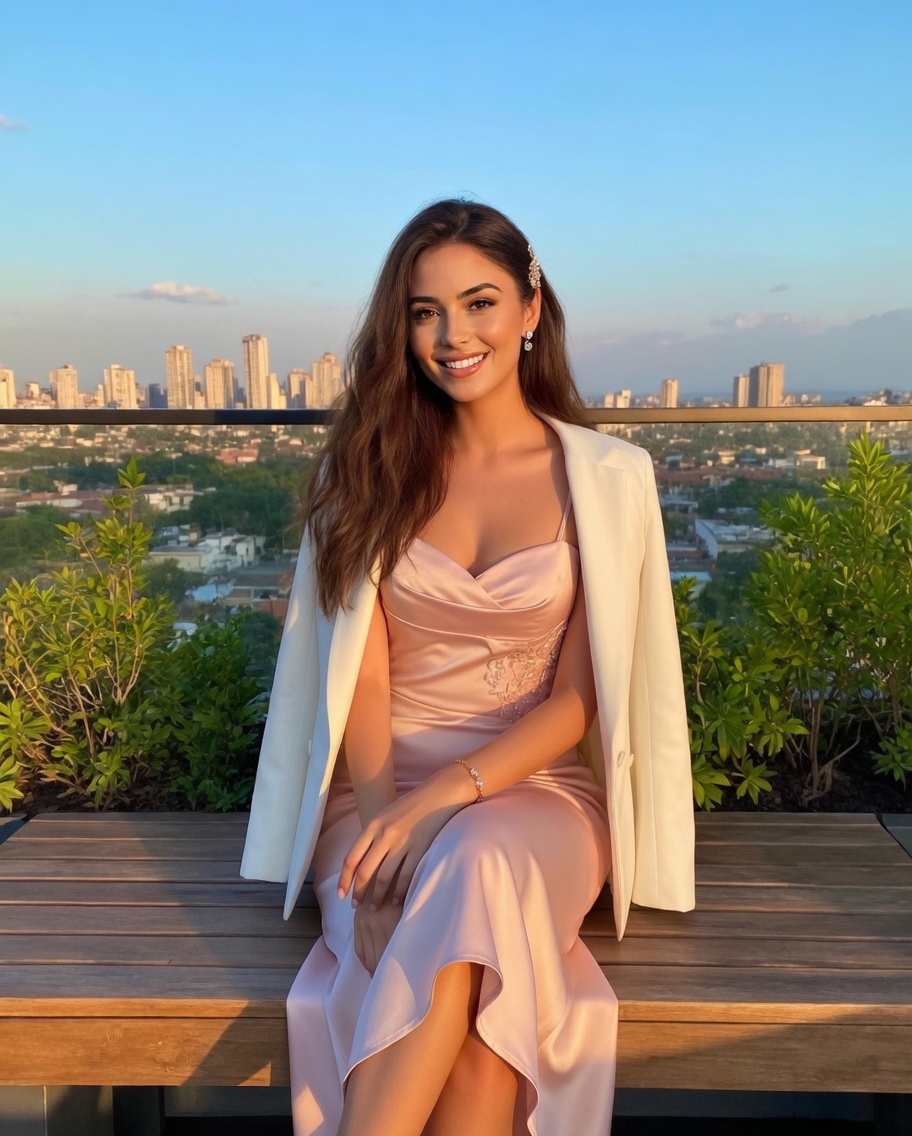 |
Prompt: Transform the uploaded photo into a sophisticated wedding guest look for men or women. For men, feature a perfectly tailored suit with a crisp dress shirt, tie, and neat hairstyle, complemented by subtle accessories like a pocket square or cufflinks. For women, include an elegant dress, tailored blazer, or stylish blouse with skirt, paired with a polished hairstyle, refined makeup, and tasteful jewelry. Preserve facial features, pose, and proportions. Photorealistic rendering for full-body or half-body views, with soft, elegant lighting and a wedding-inspired background. Colors can include classic black, navy, gray, or soft pastels, creating a polished, festive, and magazine-worthy appearance.
7. When the Rest of the Photo Already Works
Sometimes the background, pose, and expression are already right—the clothing is the only thing getting in the way. AI Clothes Swapper is made for that kind of focused change. Add a reference garment when the tool asks for one, and leave the rest alone.
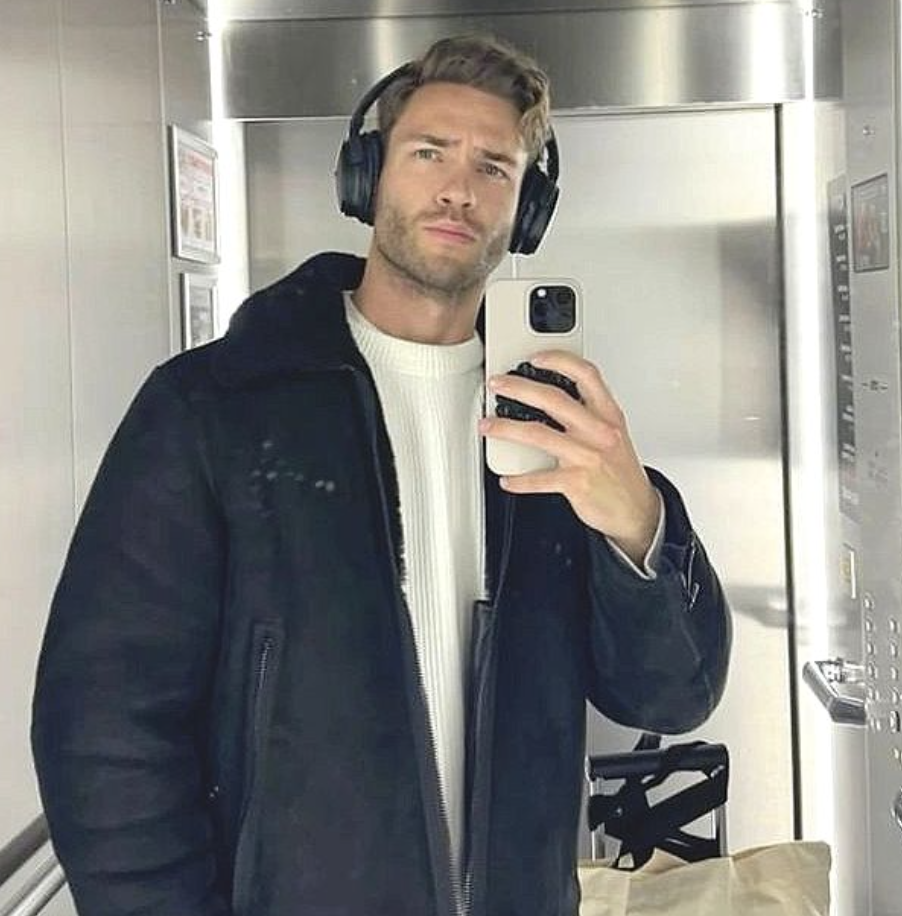 | 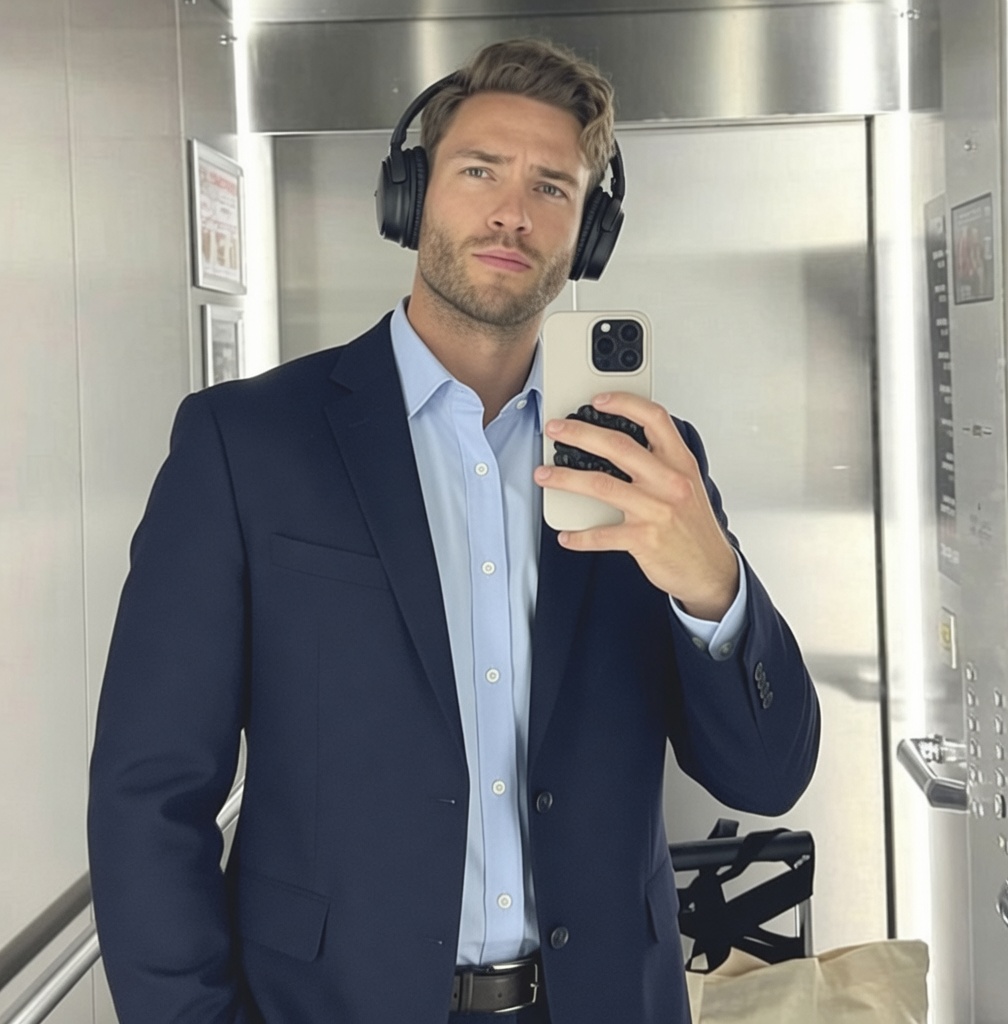 |
Prompt: Don’t change anything else in the image.
8. Go Big for Carnival
This one is for color, movement, and a little joyful excess. AI Brazilian Carnival Filter turns a familiar portrait into a parade-ready image that works well for a themed post or festival moodboard.
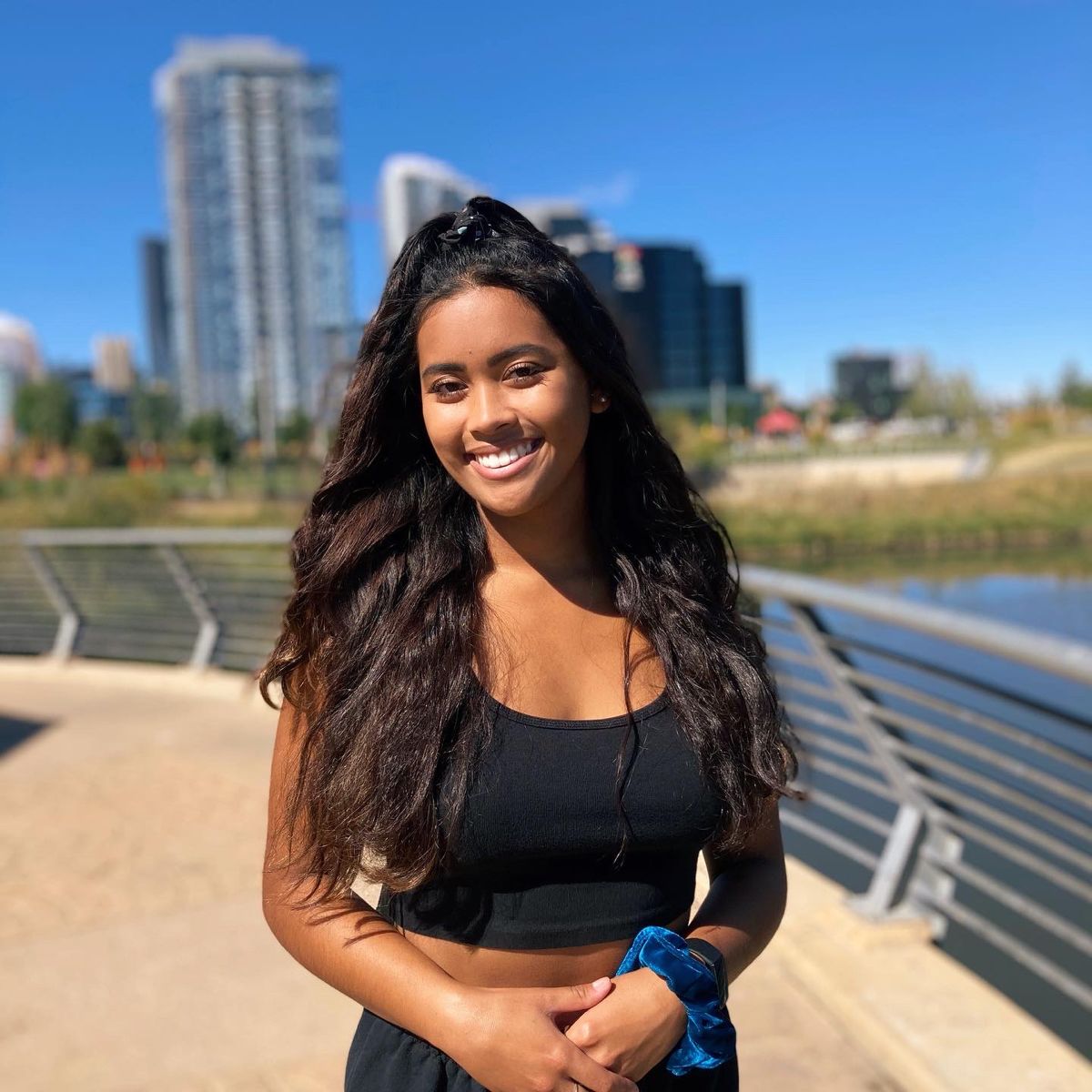 | 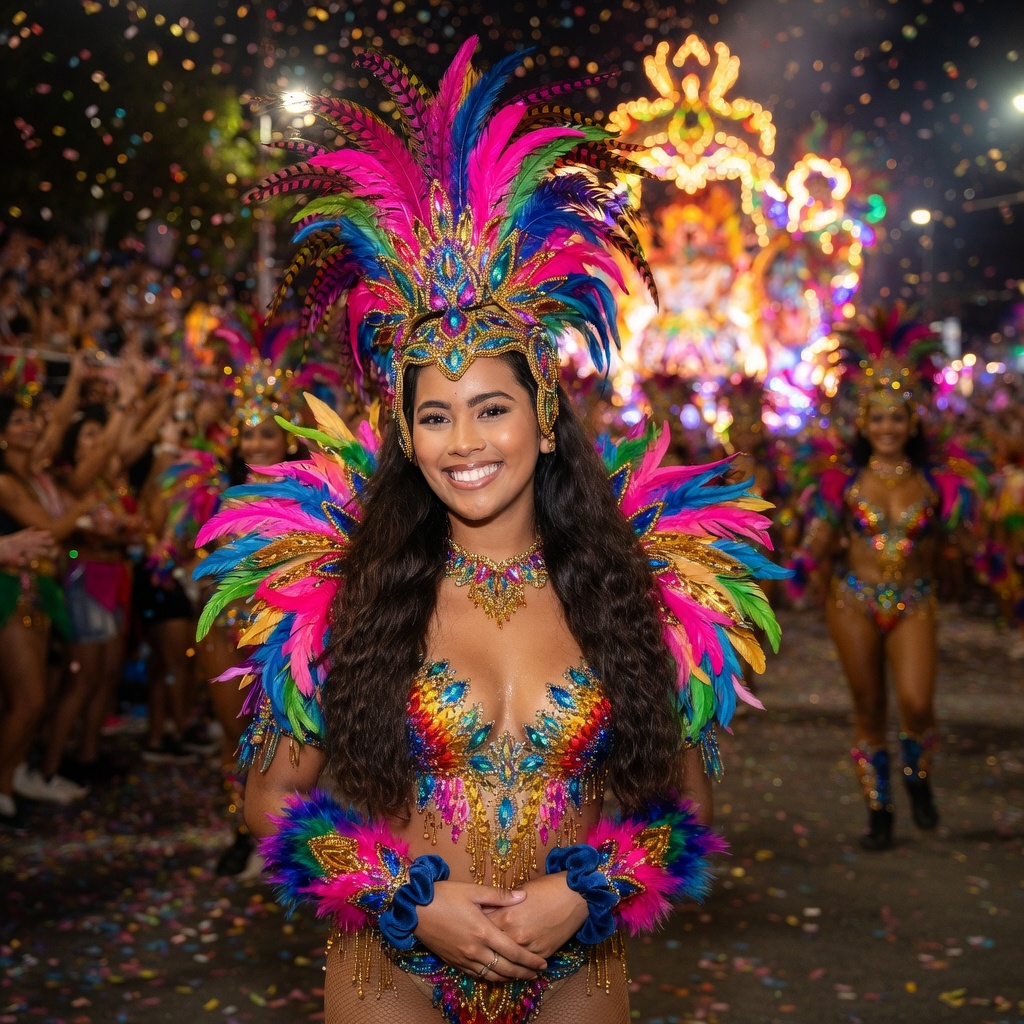 |
Prompt: Carnival samba dancer profile, feather costume, vibrant, real carnival parade background with crowd and lights, natural depth of field, realistic parade background with layered crowd, dancers and carnival float in distance, natural depth of field, background slightly out of focus, candid street photography style, cinematic lens, bokeh, photorealistic, keep original face, consistent identity
9. A Refined Chinese-Style Portrait
For a cultural celebration, invitation, or editorial social post, Chinese Style Effect Photo adds traditional clothing and a richer palette without losing the person at the center of the image.
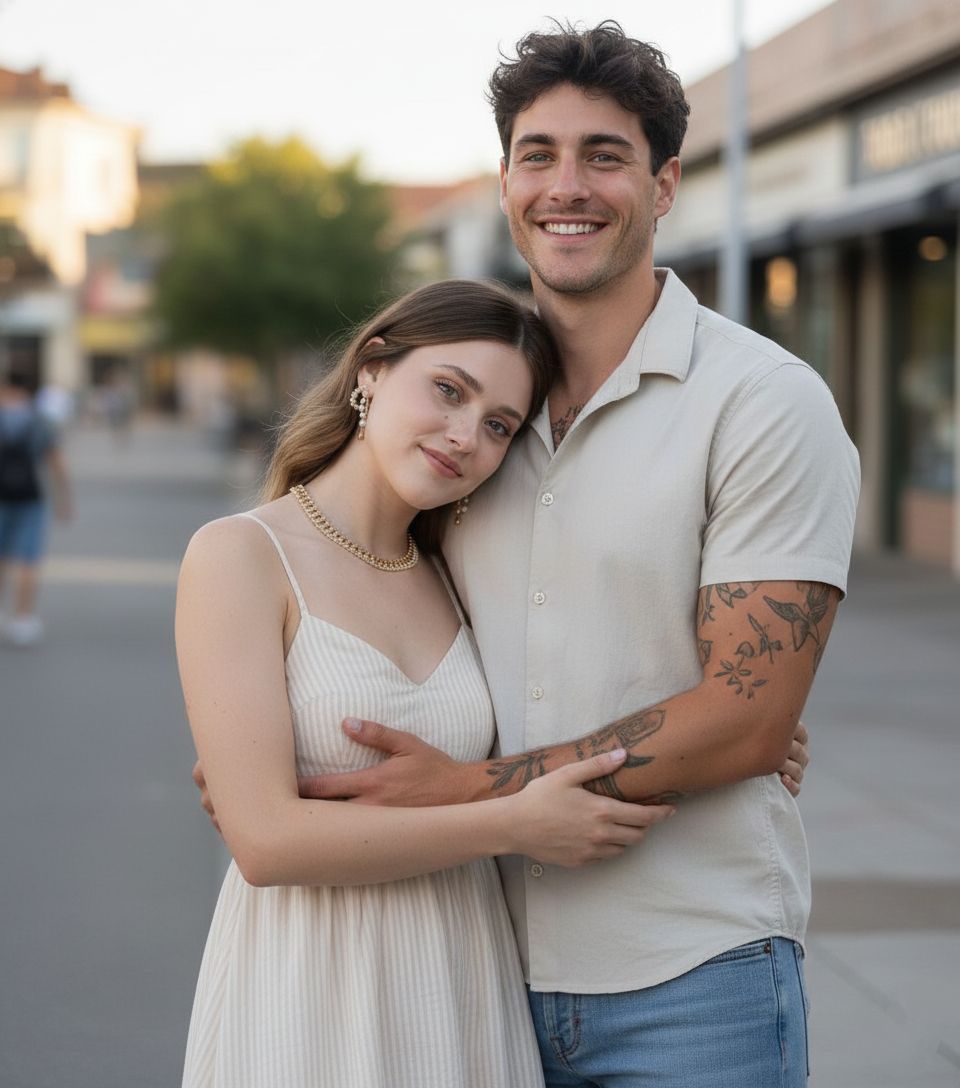 | 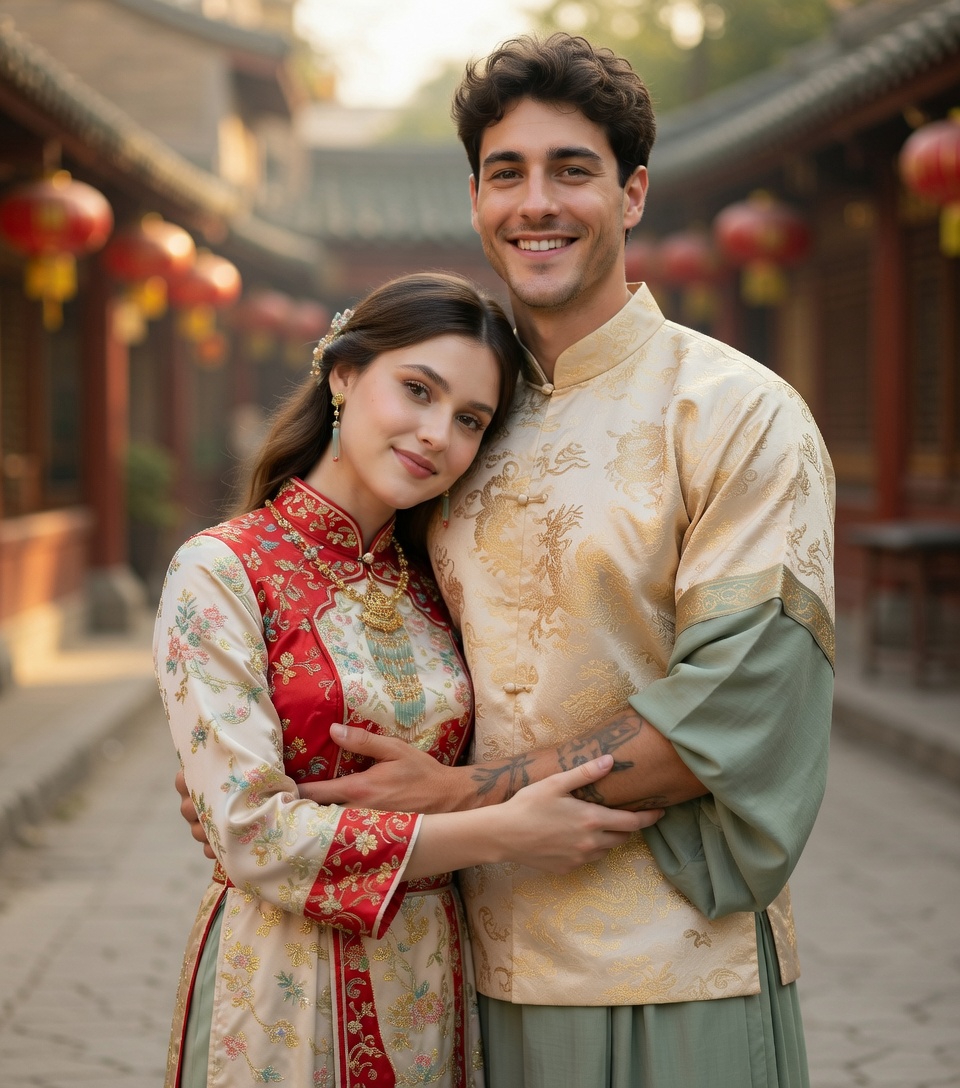 |
Prompt: Transform the uploaded photo into a Chinese-style portrait. Keep the person’s facial features recognizable while adding elegant traditional clothing, subtle patterns, and soft red, gold, and green tones. Refined digital painting style with smooth lighting and delicate details. Avoid cartoonish exaggeration, blurriness, or text.
10. A Little St. Patrick’s Day Magic
Seasonal content can be playful without looking throwaway. AI Leprechaun Generator adds an emerald-and-gold transformation with real motion, so the final scene feels more like a tiny celebration than a static filter.
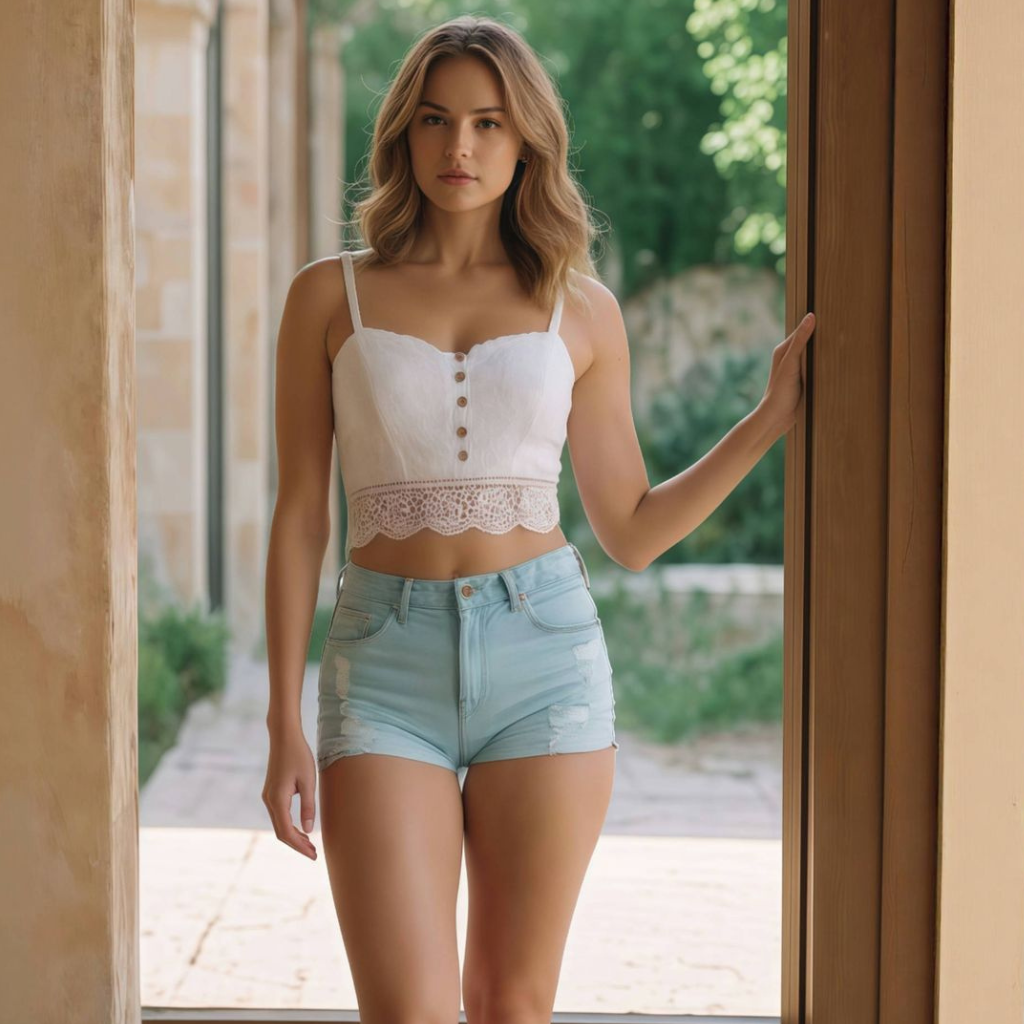 |
Prompt: Green glowing particles burst and swirl around the subject, revealing a full St. Patrick’s Day transformation: emerald green outfit with gold embroidery, matching top, gold accessories, and a tall green leprechaun hat with a gold buckle and shamrock details. Add a magical background floating with shamrocks, golden sparkles, and green bokeh. Cinematic emerald and gold lighting, high contrast, dreamy fantasy atmosphere. Keep face sharp, one subject only, no zoom or crop, no distortion. Smooth motion, photorealistic, highly detailed, clean final frame with full transformation visible.
Start with the moment, not the wardrobe
- Choose the scene that feels closest to the moment you have in mind.
- Upload an ordinary photo; add a reference garment only when that scene asks for one.
- Keep the provided Prompt, then let the generator do its thing.
- Use the version that feels most like you for a profile, post, invitation, or creative brief.
Whether you are polishing a work profile or just playing with a festive visual direction, the quickest route is simple: start with one clear photo, choose the scene that matches your moment, and see where it takes you. When you want to try a look of your own, explore AiDesign’s current image tools.