

A single product image can become much more than a store listing.
With an AI product photography generator, you can explore different campaign directions without rebuilding every visual from scratch. Create polished eCommerce images, seasonal ads, social media content, and short product videos from the same starting image.
Here are 10 AI product photography ideas to try for your next launch.
1. Make Your Product Float
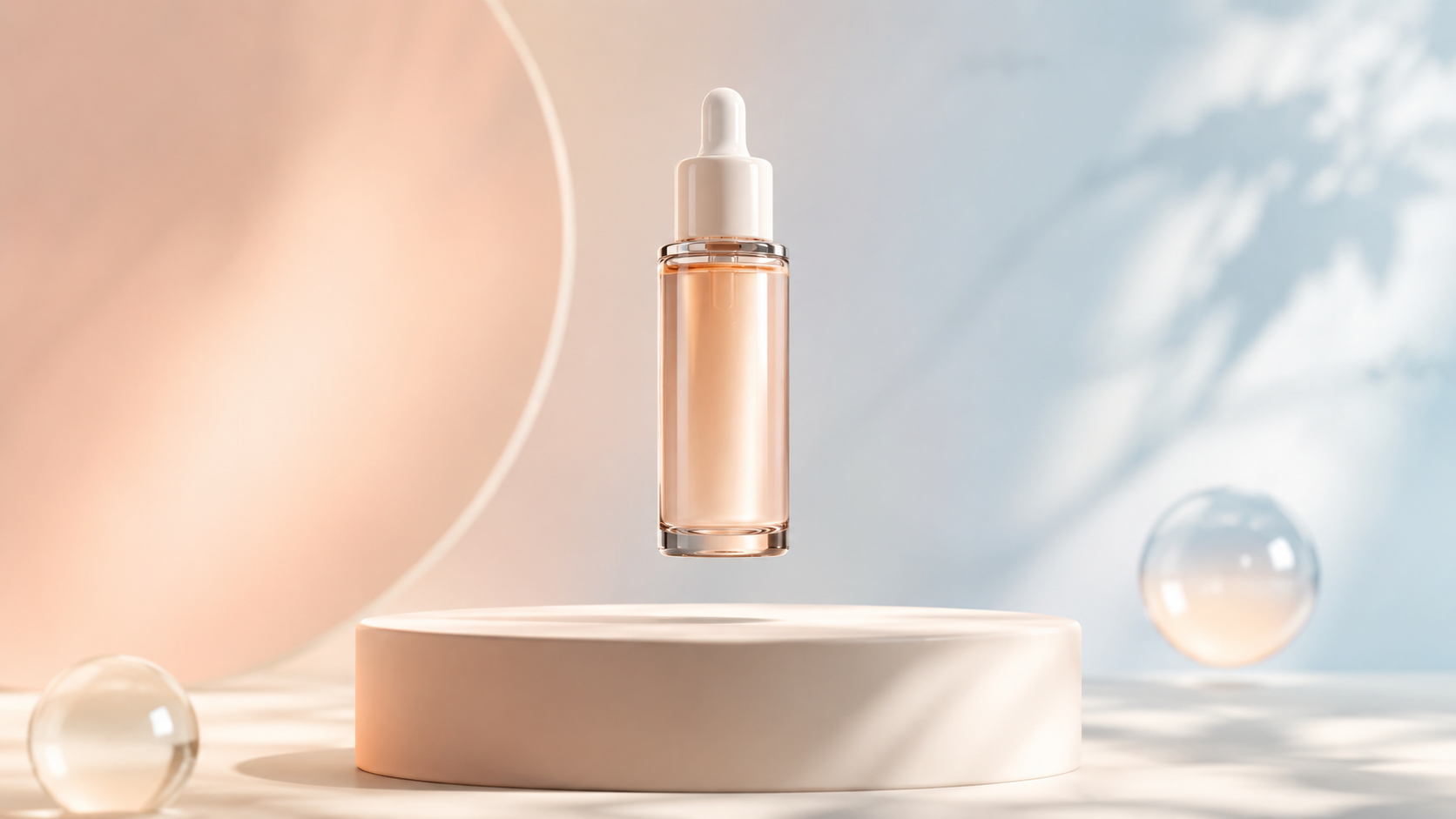
Floating product visuals are simple, bold, and instantly eye-catching. They work especially well for beverages, beauty products, apps, electronics, and new product launches.
Use a clean background, strong lighting, and a little space around the product to make the composition feel premium. For a more dynamic campaign visual, try Floating Product Photography to place your product in a striking suspended scene.
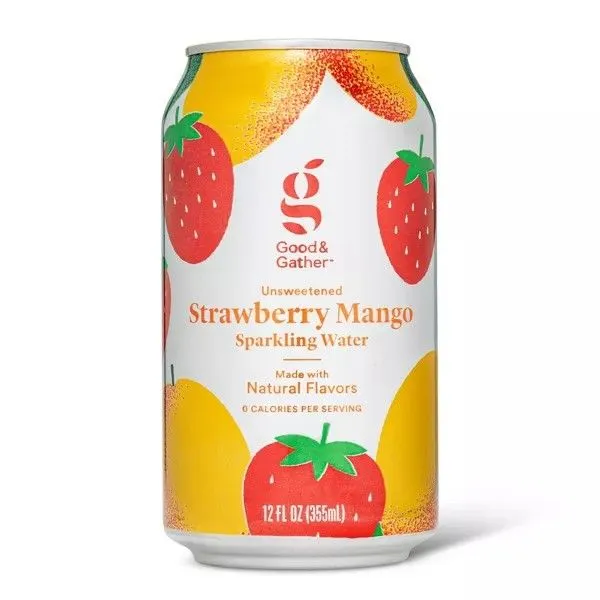 | 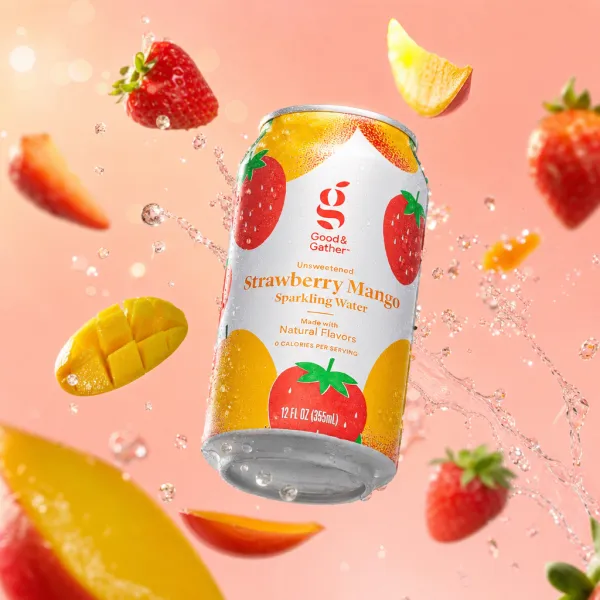 |
Prompt idea: Create a premium floating product advertisement. Place the uploaded product in mid-air with soft realistic shadows, a clean pastel background, dramatic studio lighting, and subtle abstract shapes. Keep the packaging, label, logo, and proportions unchanged.
2. Create a Clean eCommerce Hero Shot
Your main product image should help shoppers understand the product immediately. A hero shot works best when the product is clear, centered, well-lit, and free from distracting elements.
For a polished studio-style image, create a clean eCommerce hero shot with a focused product setup and minimal composition.
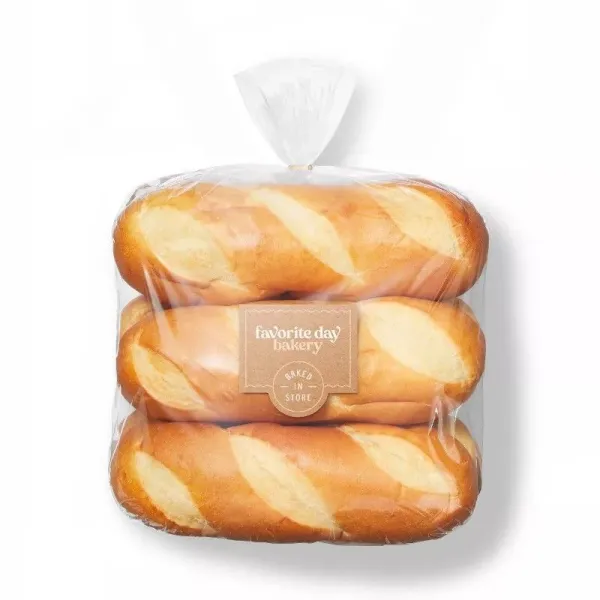 | 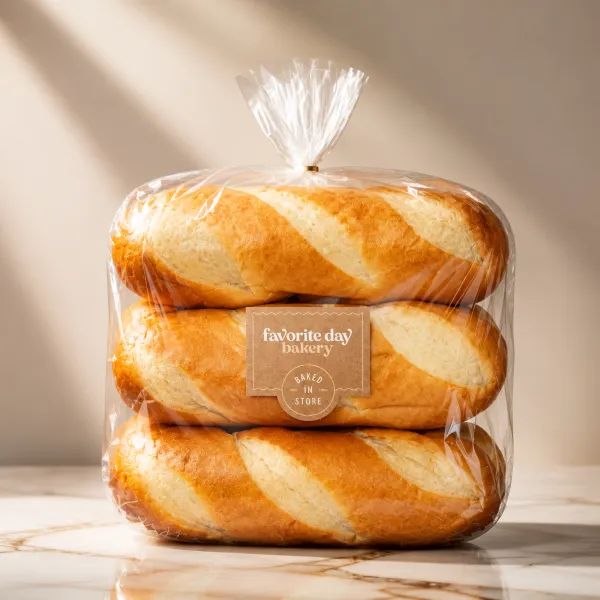 |
Prompt idea: Create a professional eCommerce hero image of the uploaded product. Use a clean white studio background, soft natural shadows, balanced front lighting, and a premium commercial photography style. Keep all product text, label details, colors, and proportions exactly unchanged.
3. Build a Luxury Product Campaign
Luxury visuals are not only for expensive products. A refined visual direction can make skincare, candles, jewelry, fragrance, accessories, and packaged goods feel more elevated.
Focus on soft reflections, natural stone, warm light, elegant fabric, and plenty of negative space. To create this direction, generate luxury product photography with editorial styling and refined campaign lighting.
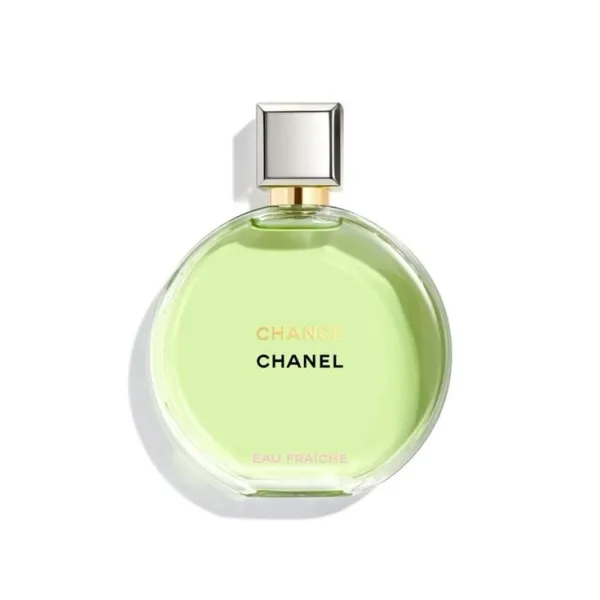 | 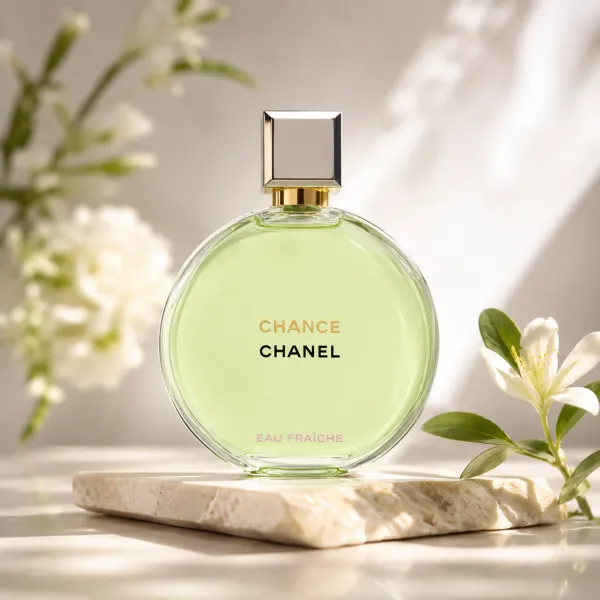 |
Prompt idea: Create a high-end luxury campaign image featuring the uploaded product on a natural stone pedestal. Add soft cream fabric, warm sunlight, subtle reflections, and elegant botanical shadows. Premium editorial product photography, minimal composition, realistic materials.
4. Try a Flat Lay Composition
Flat lay photography is ideal for social posts, gift guides, product bundles, stationery, food, beauty products, and seasonal campaigns. Place the product among objects that help tell a story.
For overhead product arrangements, make an AI flat lay product photo that feels organized, realistic, and ready for social media.
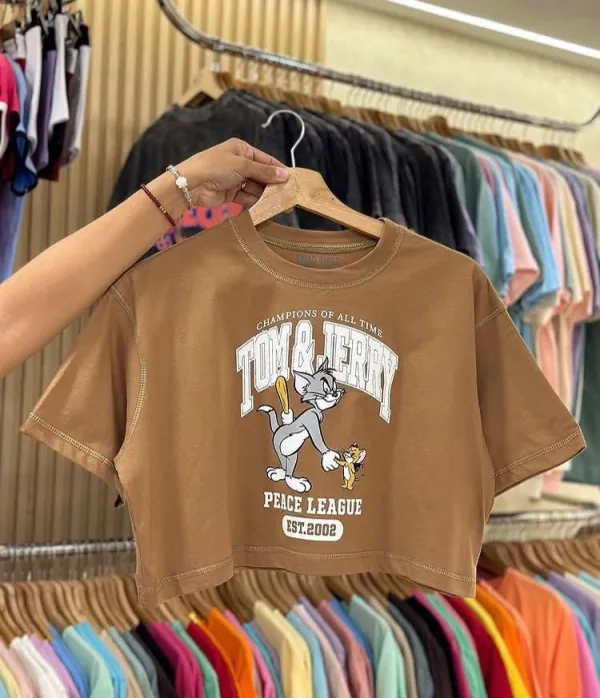 | 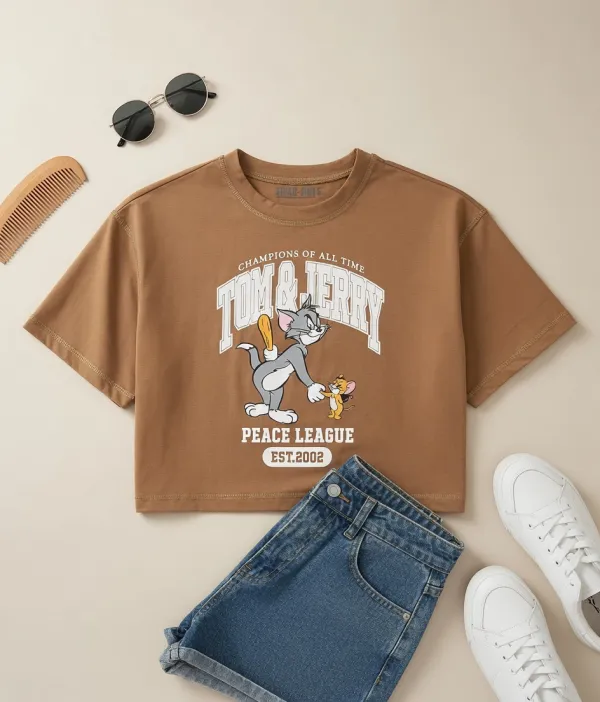 |
Prompt idea: Create a stylish top-down flat lay image using the uploaded product. Arrange it with relevant lifestyle props, soft natural shadows, clean color coordination, and an editorial social media composition. Keep the product packaging and branding unchanged.
5. Add a Splash of Energy
Splash photography is a strong choice for drinks, skincare, food, sports products, and anything that should feel fresh, active, or refreshing. The key is contrast: a sharp product against water, liquid, fruit, color, or motion.
For a more energetic advertising look, create splash product photography around your product image.
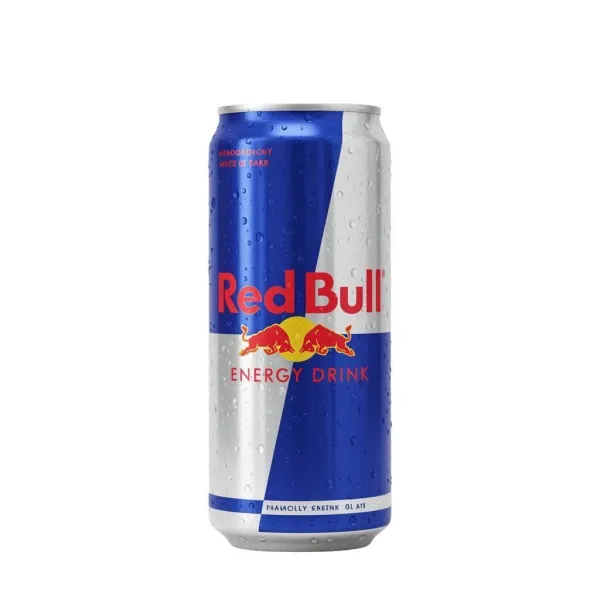 | 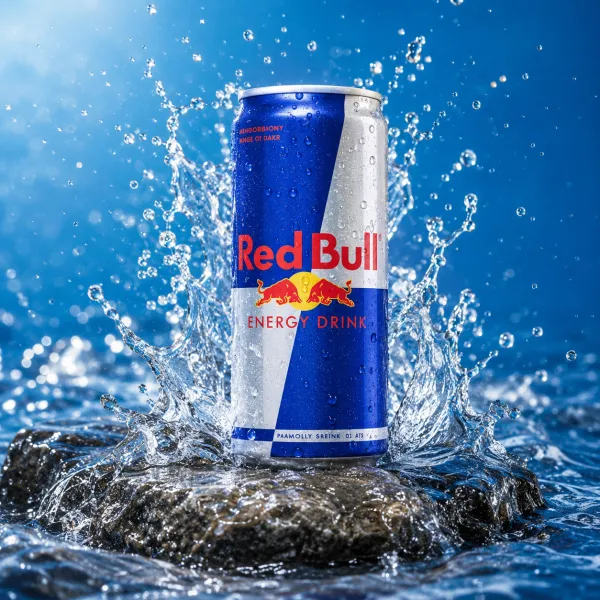 |
Prompt idea: Create a dynamic splash advertising image featuring the uploaded product. Add realistic water splashes, frozen liquid motion, bright lighting, and a bold commercial background. Keep the product centered, crisp, and unchanged.
6. Show the Product in Everyday Life
Customers often want to imagine how a product fits into their own routine. Lifestyle product photography helps turn a simple item into a story by showing it on a bathroom shelf, kitchen counter, work desk, beach bag, or bedside table.
To create a more relatable setting, generate lifestyle product photos with natural environments and everyday context.
 | 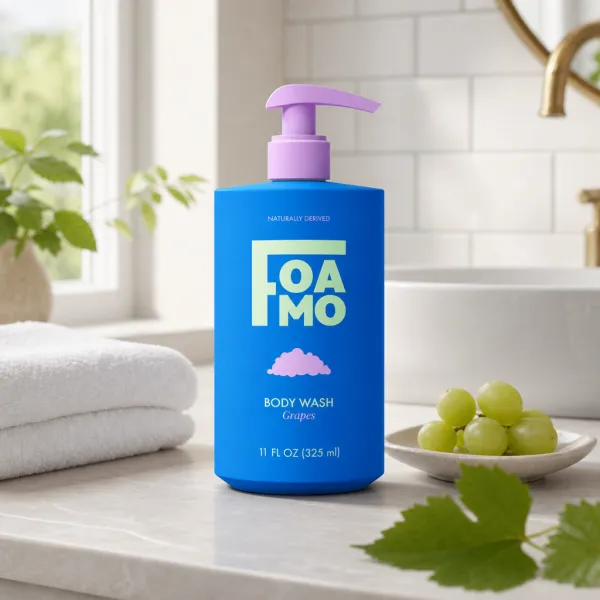 |
Prompt idea: Place the uploaded product naturally in a bright modern home environment. Use warm daylight, realistic styling, soft depth of field, and a clean lifestyle photography composition. Keep the product as the main visual focus.
7. Stage Your Product in a Retail-Ready Scene
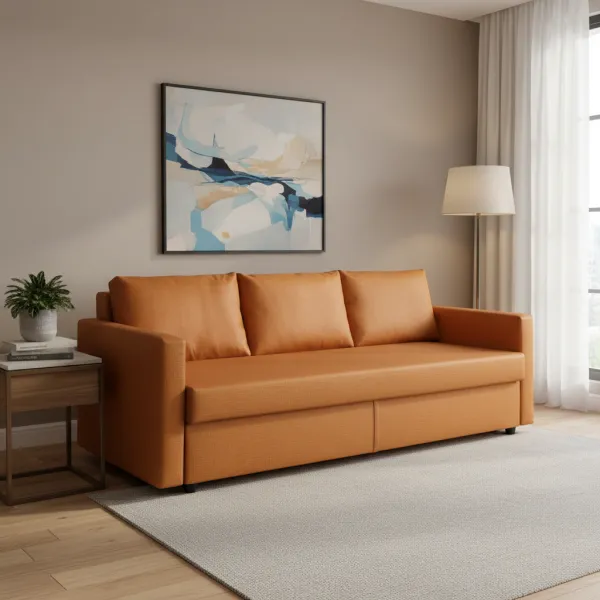
Product staging is useful when you want the image to feel more aspirational than a basic studio photo. Think storefront displays, hotel lobbies, modern bathrooms, luxury counters, kitchen shelves, or creative workspaces.
You can stage your product in a real-world setting to create a campaign image with more context and atmosphere.
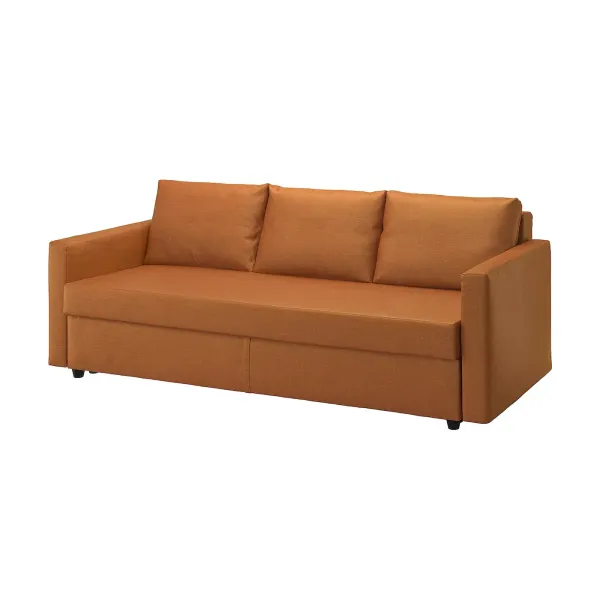 |  |
Prompt idea: Stage the uploaded product in a sophisticated retail display environment. Use realistic materials, soft directional lighting, clean architecture, and premium commercial styling. Keep the product packaging, logo, and label text unchanged.
8. Turn Product Images Into Social Content
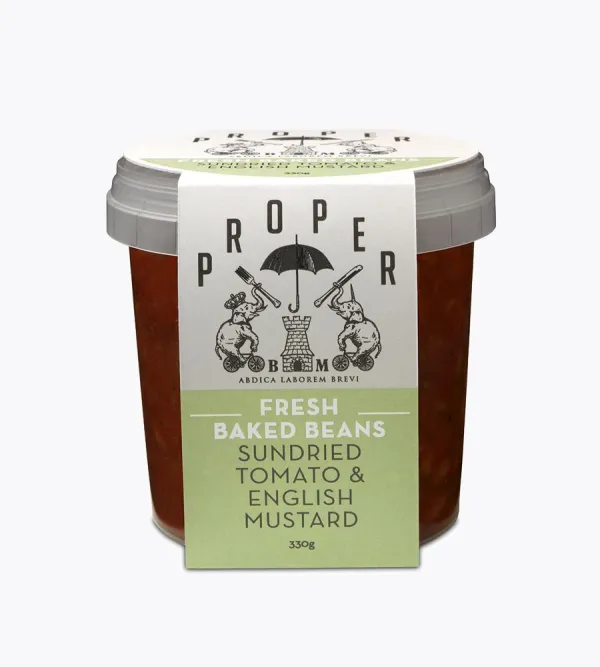
A strong product image can also become the foundation for a full social media presence. Create a consistent set of colors, backgrounds, product angles, and visual themes so your brand looks more recognizable when people visit your profile.
Use Product Instagram Profile to explore how your product can appear across a cohesive social grid.
 | 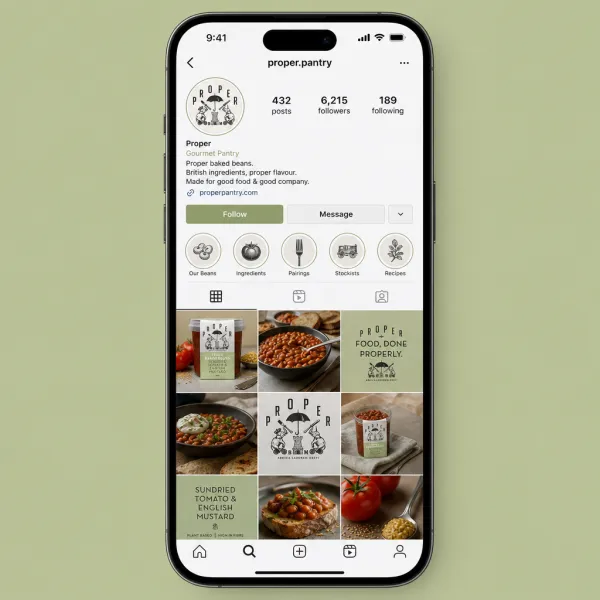 |
Prompt idea: Create a polished Instagram profile concept for the uploaded product brand. Show a cohesive nine-post visual grid with product images, lifestyle scenes, simple graphic posts, and a consistent premium color palette.
9. Put the Product in Someone's Hand
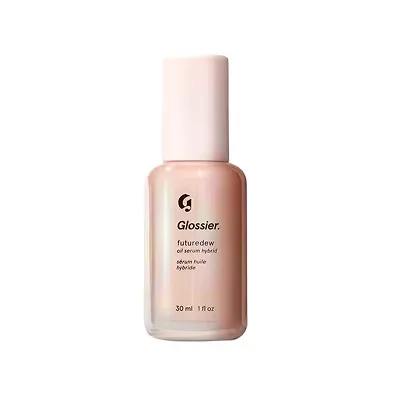
For cosmetics, wellness products, beverages, accessories, and small electronics, showing the product in use can make its scale and purpose much clearer. A hand-held visual can also feel more personal than a plain product cutout.
Use AI Product in Hand to create a more human-centered visual direction.
 | 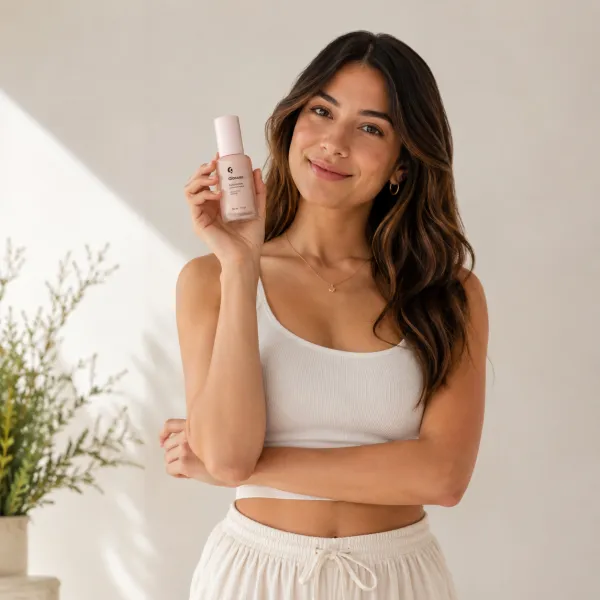 |
Prompt idea: Create a realistic lifestyle image of a person naturally holding the uploaded product. Use soft daylight, authentic hand placement, clean styling, and a premium social advertising look. Keep the product packaging and label details unchanged.
10. Turn Your Best Product Image Into a Video Ad
Once you have a visual direction you like, do not stop at a static image. A short product video can add motion, depth, and energy to a launch campaign for social ads, landing pages, marketplace listings, and brand announcements.
When your final image is ready, turn product images into a 3D ad video for a more dynamic campaign asset.
 |
Prompt idea: Create a short premium 3D product advertisement video using the uploaded product. Show a smooth camera orbit, subtle floating motion, realistic reflections, soft studio lighting, and a clean branded background. Keep the product design and packaging unchanged.
Create More Than One Product Photo
The best product campaigns rarely rely on one image. Start with a clean hero shot, then explore a floating ad, a lifestyle scene, a flat lay, a luxury visual, and a short video. Each format gives you a new way to tell the product story across your store, ads, and social media.
Ready to explore more creative directions? Visit AIDesign and turn your product image into a complete visual campaign.