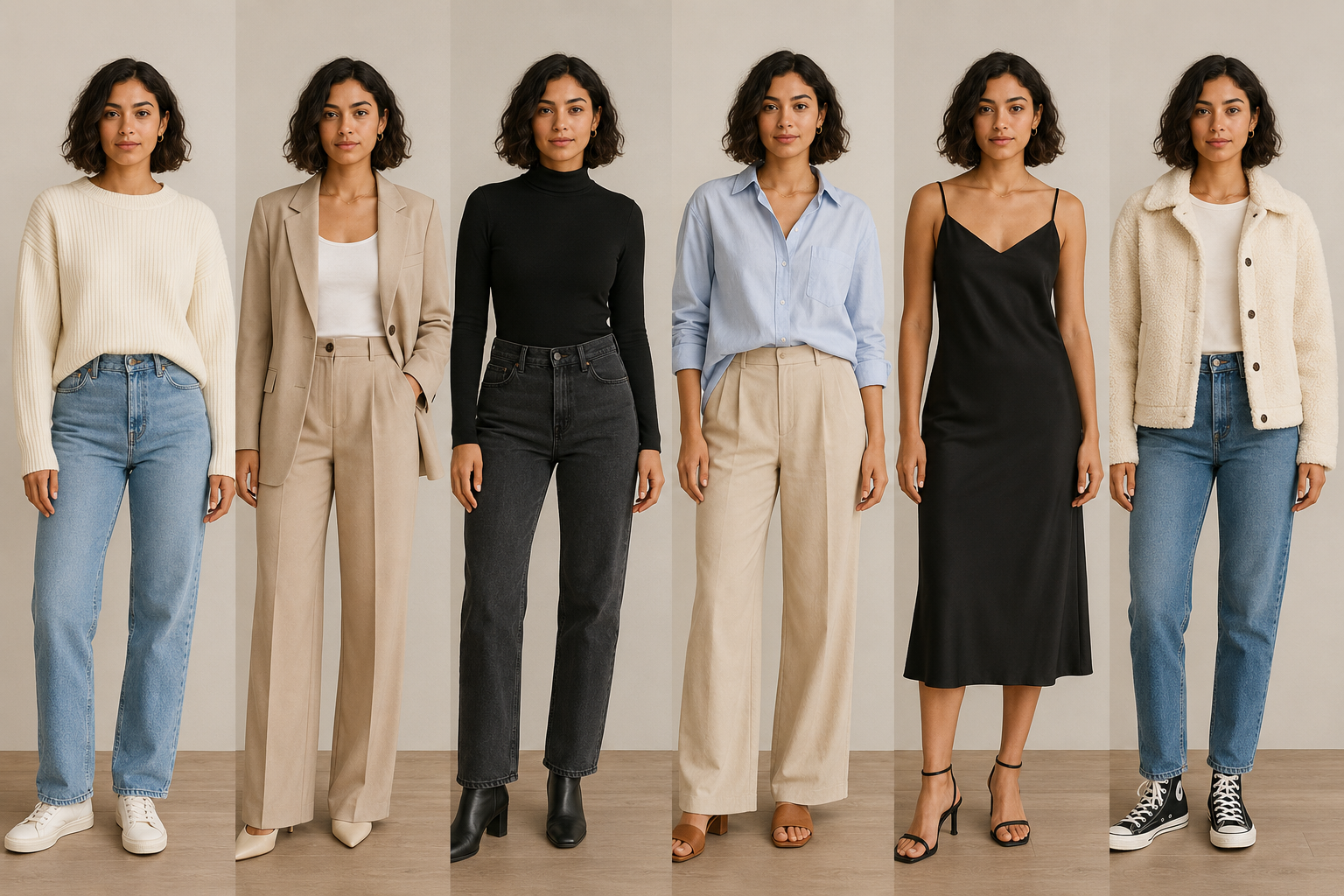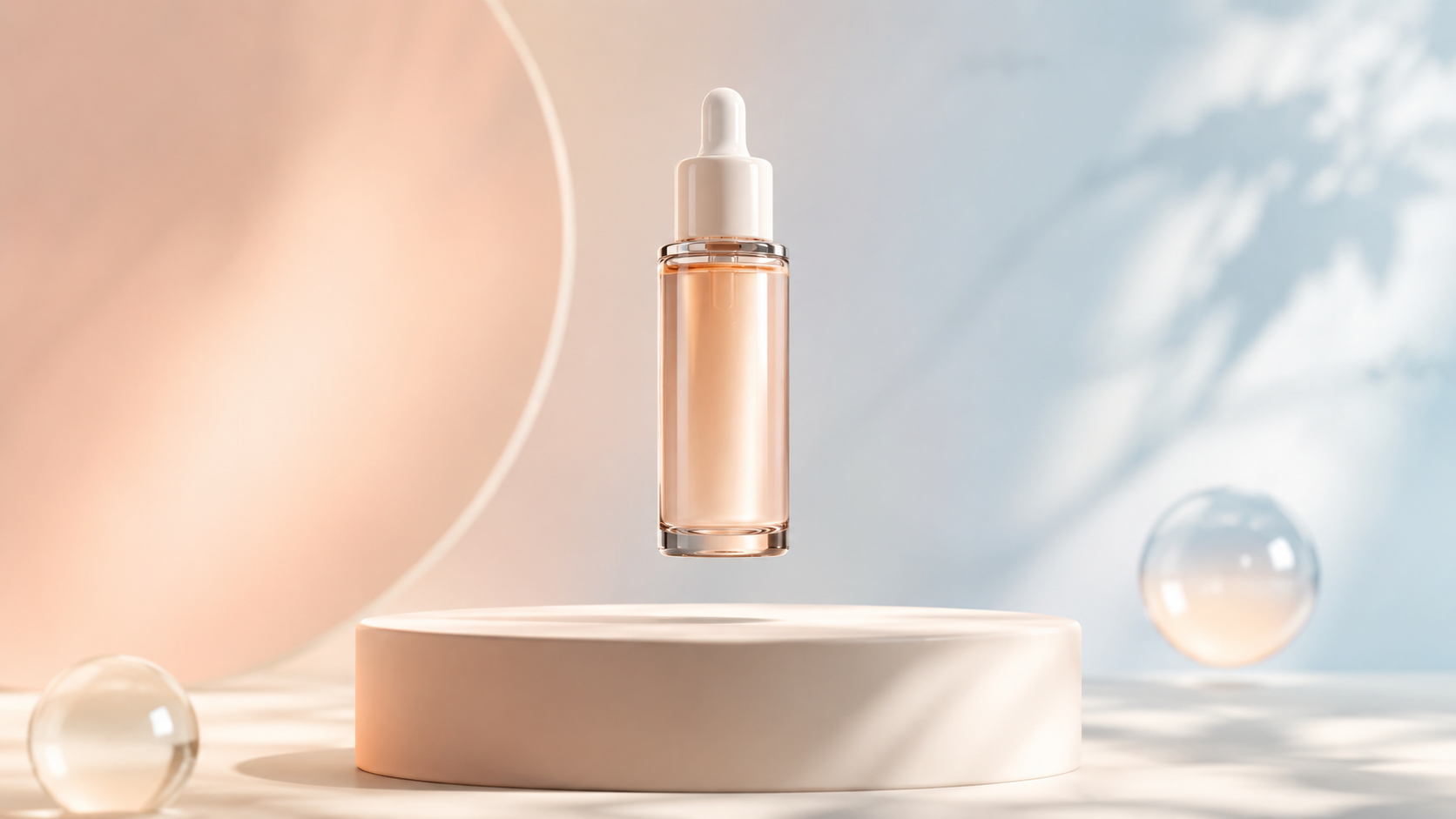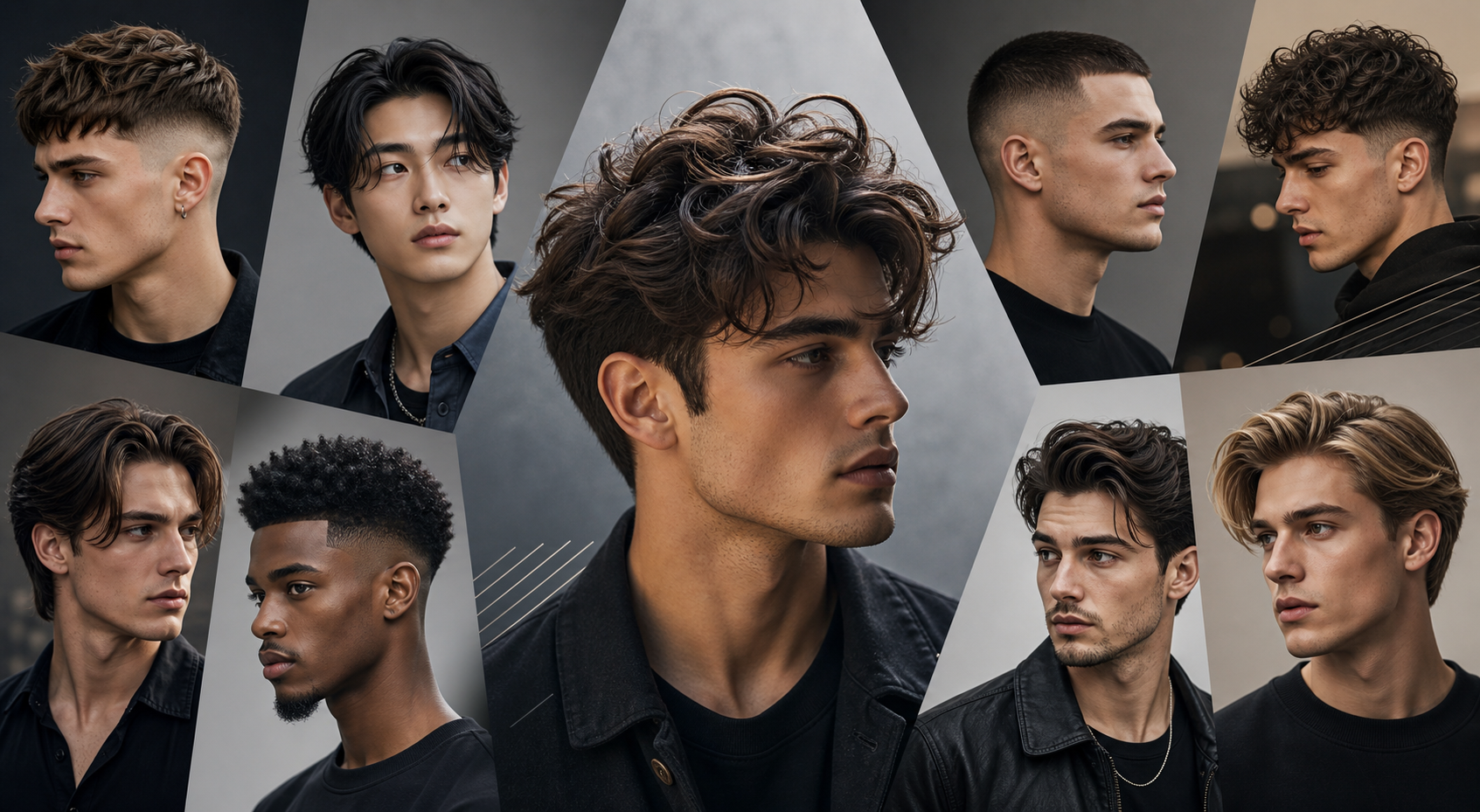

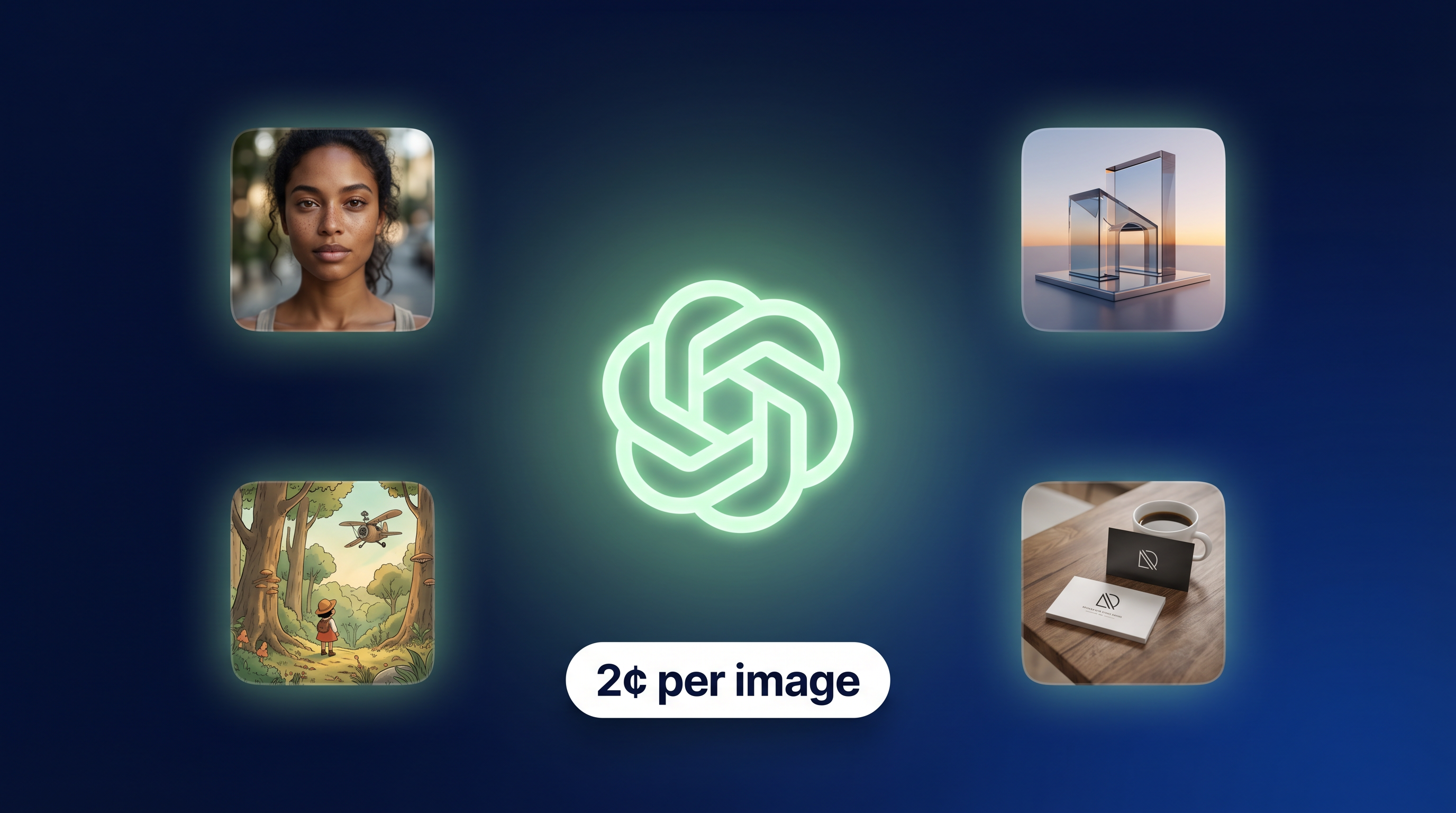
We are excited to announce that ChatGPT Image 2 — OpenAI's most advanced image generation model — is now available on AiDesign at just 2 cents per image. Whether you are a designer, marketer, content creator, or small business owner, this is one of the most significant upgrades to hit the AI image generation space in 2026 — and you can access it right now as part of our Multi-mode AI image editor
What Is ChatGPT Image 2 (GPT-Image 1.5)?
GPT-Image 1.5 is OpenAI's flagship image model, representing a major leap forward from the original DALL-E series. It delivers faster generation speeds, dramatically improved instruction following, and the ability to make precise edits that preserve original image details. In practical terms, this means you can describe exactly what you want — down to specific colors, compositions, lighting conditions, and text elements — and the model will execute it with a level of accuracy that was previously impossible with consumer AI tools.
The model excels at three areas in particular: realistic photo-quality transformations, clear and accurate text rendering within images (a long-standing weakness of AI image generators), and production-ready creative workflows where consistency and editability matter. For brand designers and marketers, this last point is especially significant — GPT-Image 1.5 can generate images that are immediately usable in professional contexts without extensive post-processing.
What You Can Create with ChatGPT Image 2 on AiDesign
The AiDesign platform combines GPT-Image 1.5's raw generation power with a curated library of purpose-built templates and style presets that make it easy to produce specific types of content. Here is what you can create:
Brand and Marketing Visuals
Generate on-brand social media posts, promotional banners, product showcases, and brand testimonial cards in seconds. The model's strong instruction-following means you can specify your brand colors, typography style, and layout preferences and get consistent results across a batch of images.
Photo Transformations and Style Transfers
Upload an existing photo and transform it into a Ghibli-style illustration, a 3D Pixar character, a vintage film still, an anime portrait, or dozens of other styles. GPT-Image 1.5's ability to preserve the original subject's likeness while applying a new aesthetic is noticeably superior to previous models.
Product Mockups and Presentations
Place your logo or design into realistic mockup environments — business cards, iPhone screens, laptop displays, packaging, billboards, and more — using AiDesign's AI mockup generator. The combination of GPT-Image 1.5's realism and AiDesign's mockup templates produces results that are indistinguishable from professionally photographed product shots.
AI Headshots and Profile Pictures
Create polished, professional headshots or stylized profile pictures from a single selfie. This is one of the most popular use cases on AiDesign, and GPT-Image 1.5's improved face rendering and detail preservation makes the results significantly more natural and usable than previous generations.
How to Get Started
Getting started with ChatGPT Image 2 on AiDesign takes less than a minute. Visit the AiDesign ChatGPT Image Generator, describe your idea in the prompt box (optionally upload a reference image), select your preferred style, and hit Generate. Your first images are free to try, and when you are ready to go further, credits are available at just 2 cents each.
For teams and agencies looking to integrate AI image generation into their production workflows, AiDesign also offers the full AiDesign suite — combining ChatGPT image generation with video creation, brand kit generation, mockup tools, and more under one roof. It is the most complete AI creative platform available at this price point, and with GPT-Image 1.5 now in the mix, it has never been more powerful.
The future of visual content creation is here — and it costs 2 cents.