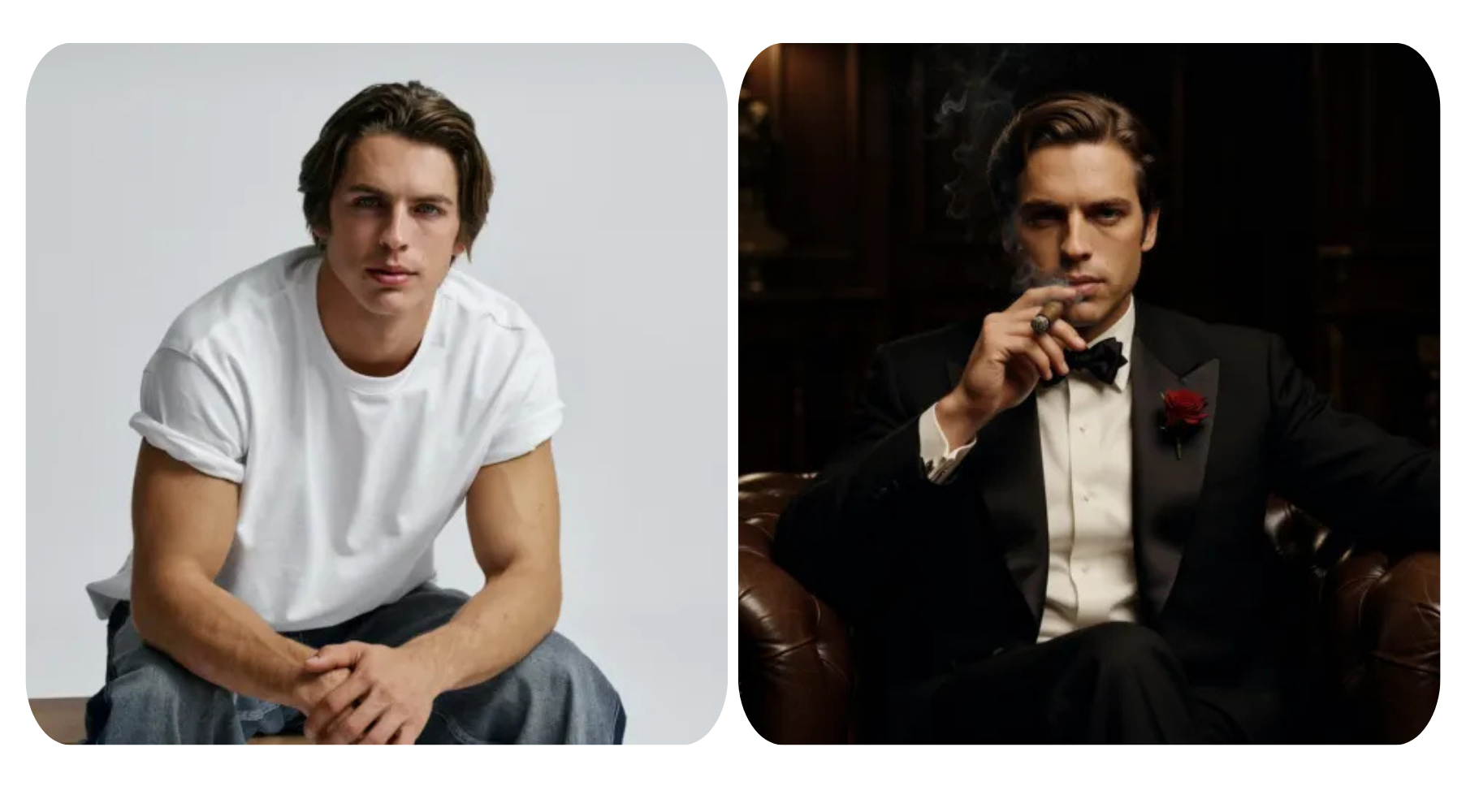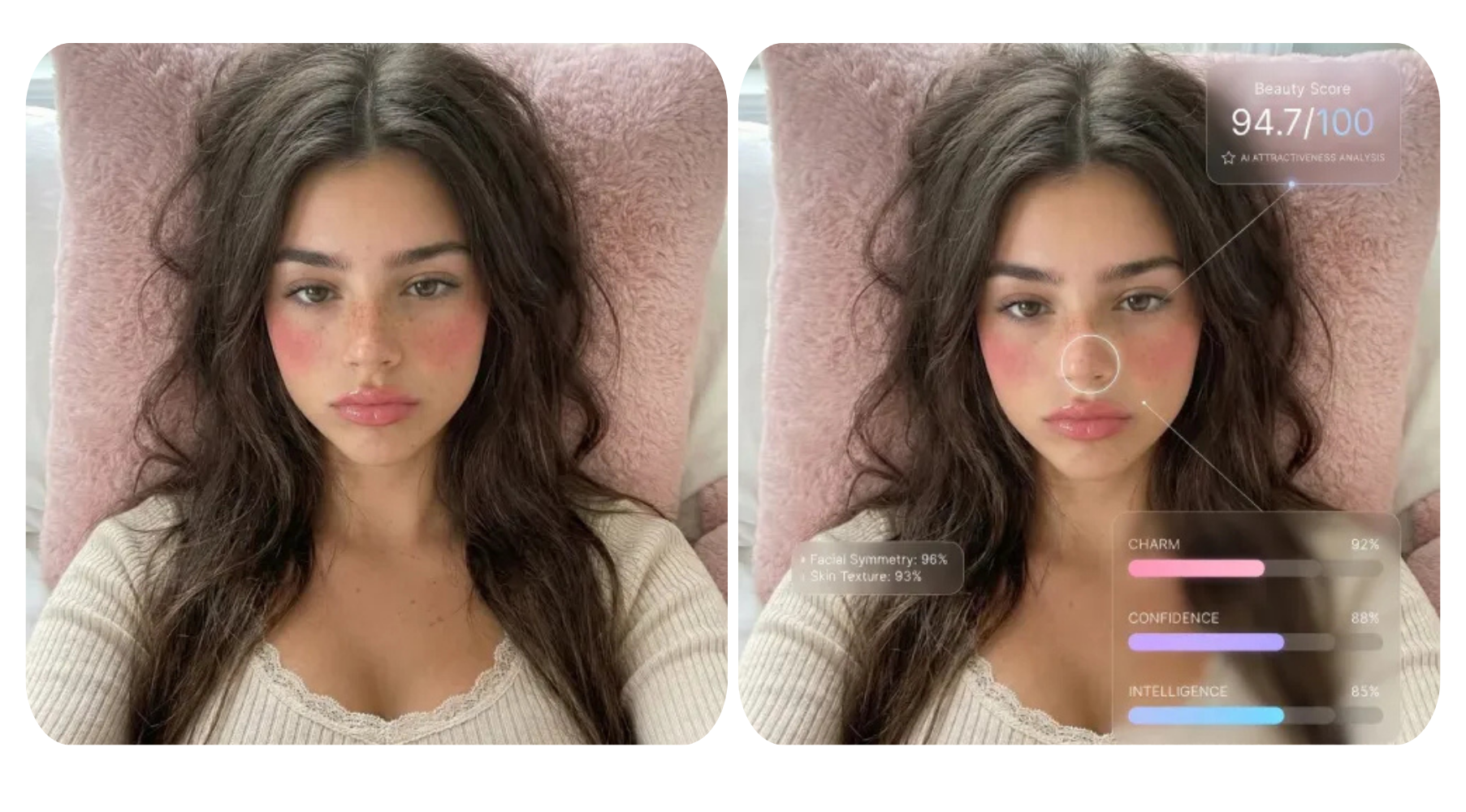


Your profile photo doesn’t have to stay static anymore. Thanks to powerful AI video generator, a single image can now be transformed into eye-catching, share-worthy videos that feel dynamic, personal, and creative. Whether you want to boost your social media presence, experiment with futuristic visuals, or just have fun bringing your photo to life, AI makes it possible in just a few clicks. In this article, we’ll explore 10 creative AI videos you can make from your profile photo—no filming, no editing skills, just imagination.
1. AI Photo to Anime Video
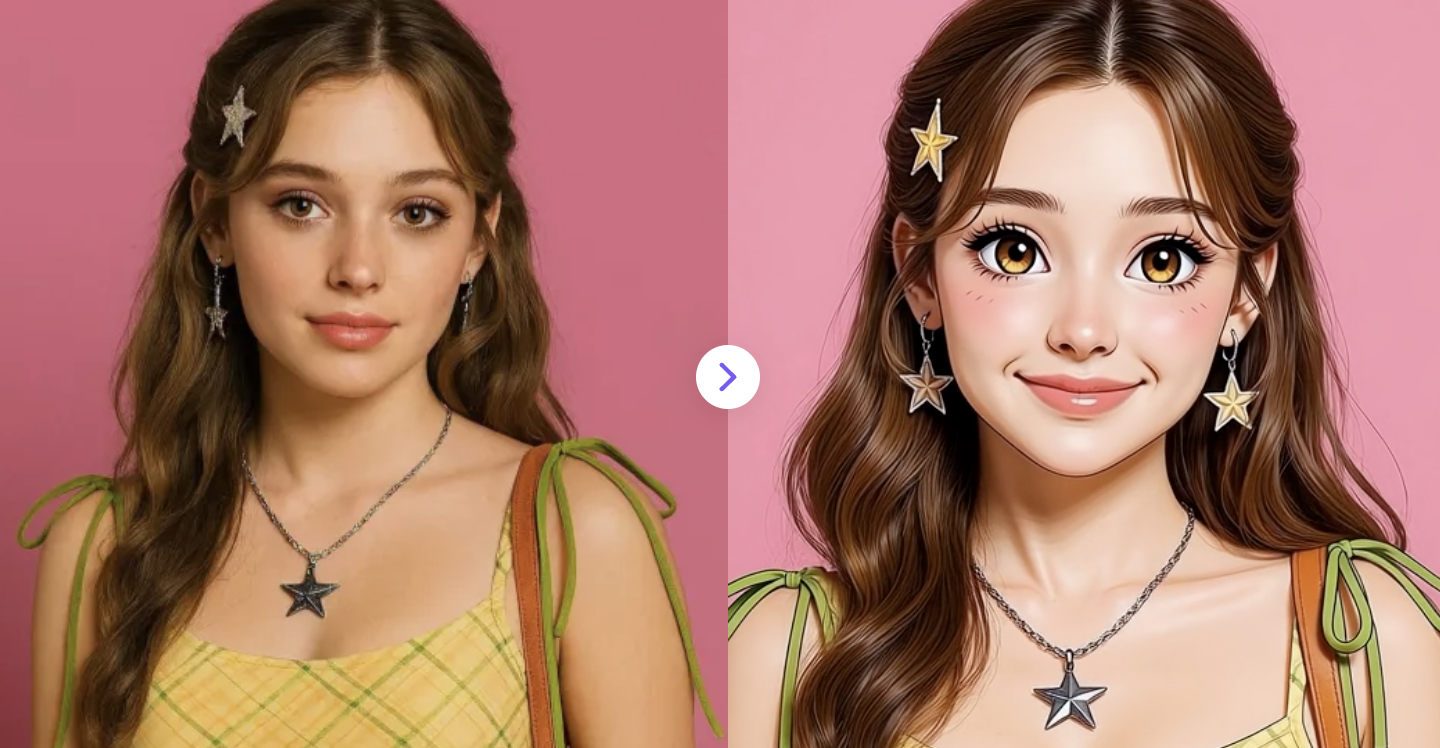
Instantly transform any photo into a dynamic, anime-style video using AI.
✅ Prompt:
Restyle the uploaded photo into an anime-style video with a smooth, natural transition morph from the original image into anime form. Clean anime line art, soft shading, expressive eyes. Gentle facial motion with subtle head movement and blinks. Seamless morphing animation, no distortion.
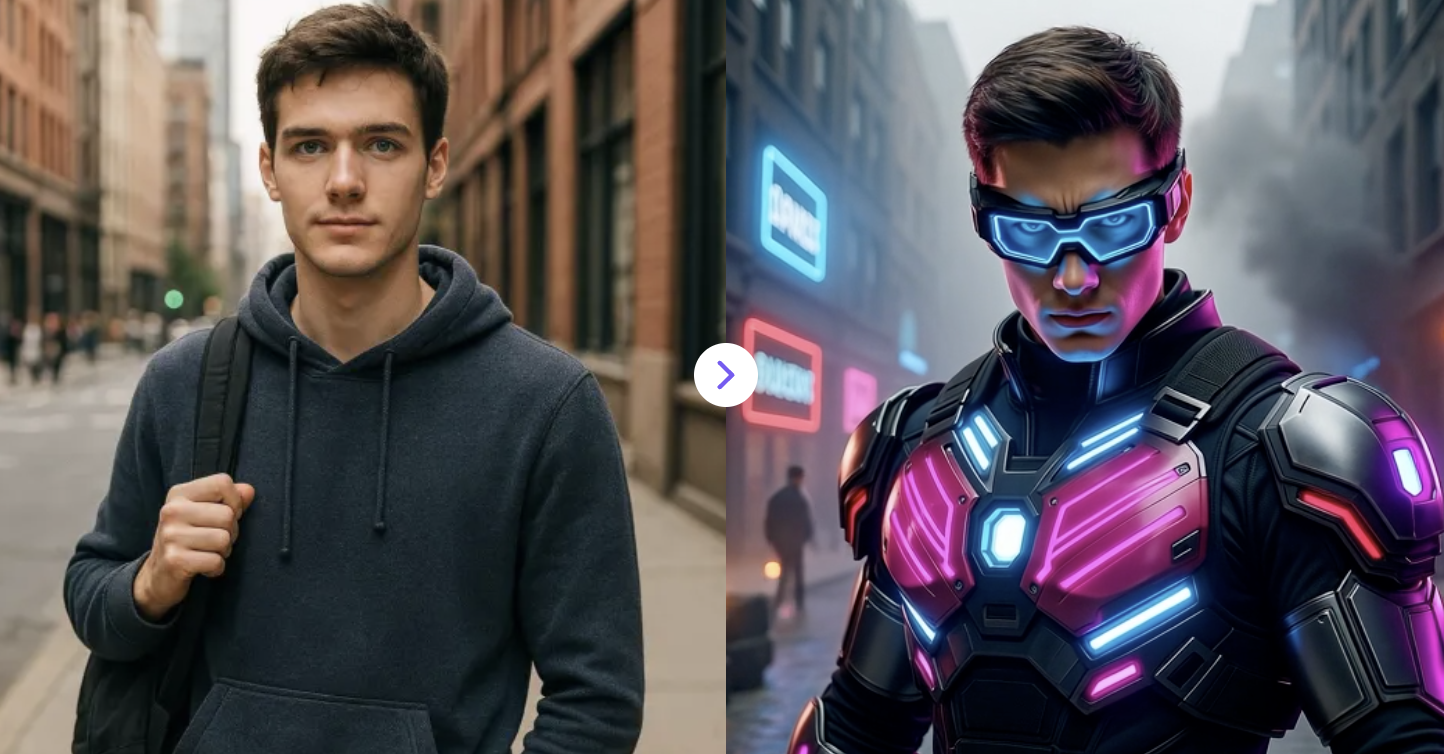
2. Cyberpunk Portrait Video Maker
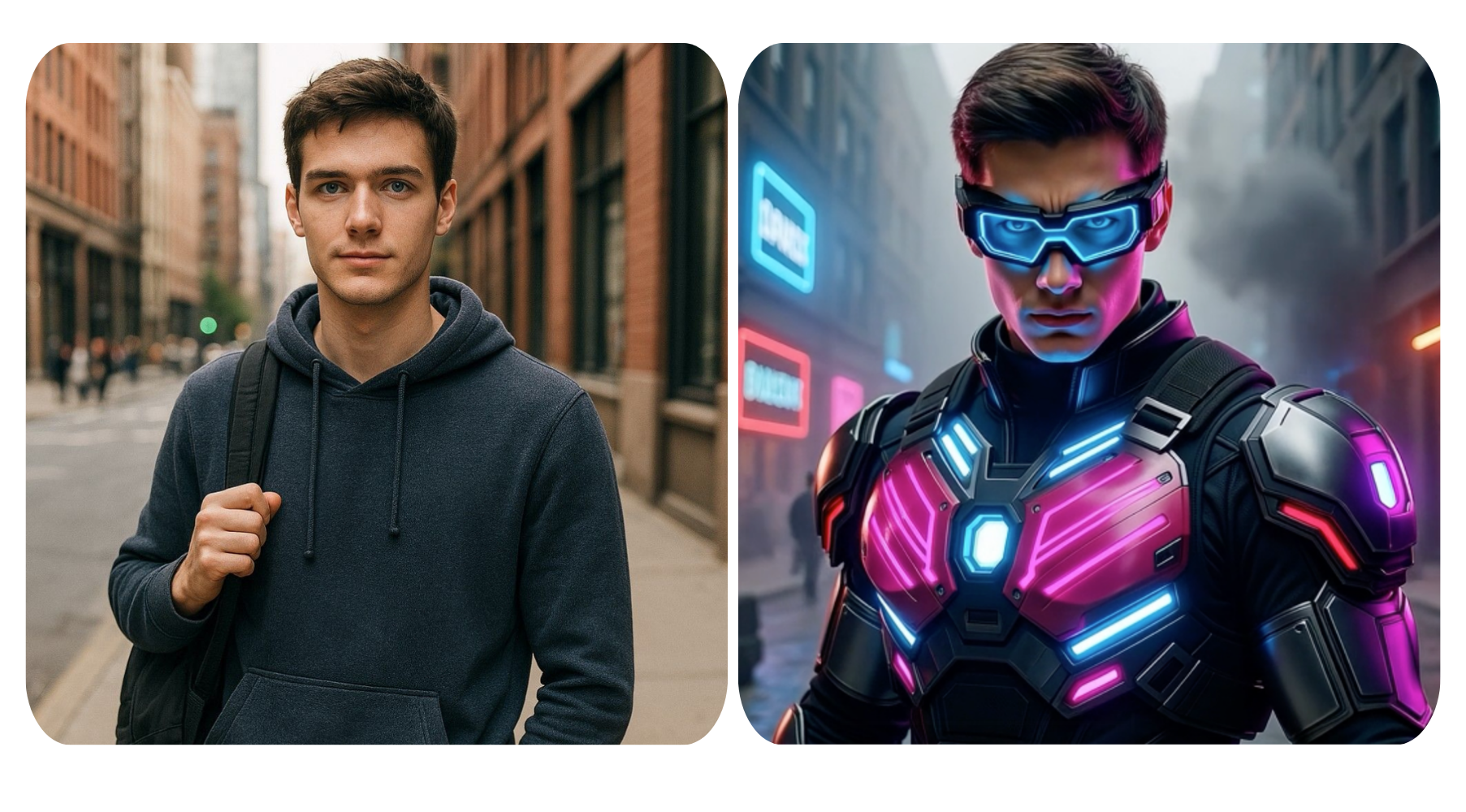
Transform any portrait into a photorealistic cyberpunk video with neon armor and futuristic tech.
✅ Prompt:
Transform the uploaded portrait into a photorealistic cyberpunk video with a sudden glitch cut. After a brief moment of the original image, instantly reveal the same real person with preserved facial identity, now enhanced with cyberpunk elements. The subject appears as a fierce cyberpunk warrior with tactical armor, neon accents in electric blue and hot pink, and subtle futuristic tech like smart goggles or a HUD visor. The original pose and posture are preserved, with no body movement after the transformation. Determined expression with neon light highlighting facial contours. Dystopian urban battlefield background with smoke and neon signs. Sharp focus, dramatic side lighting, cinematic depth, photorealistic 8K quality.
3. AI Vintage Video Filter
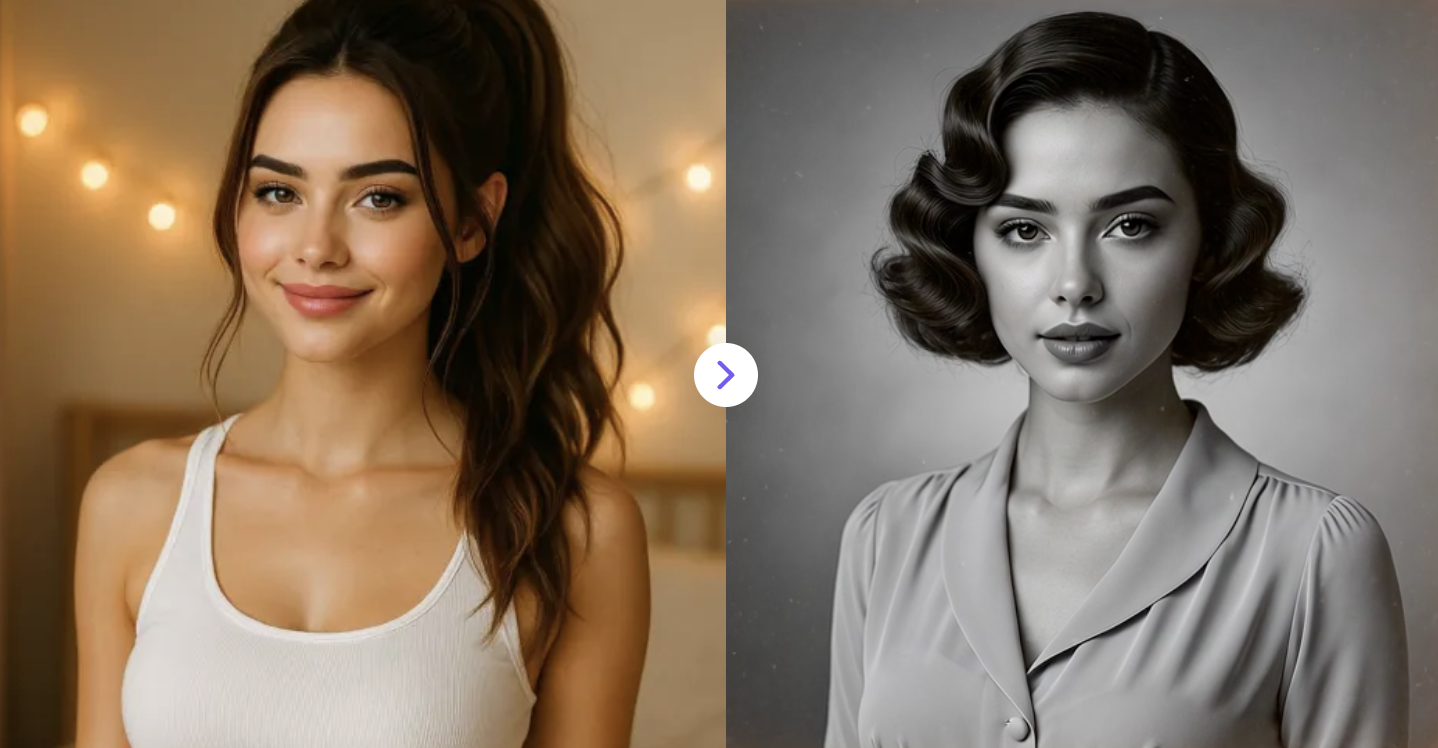
Convert any photo into a 1930s–1940s black-and-white Hollywood-style video with vintage look and cinematic effects.
✅ Prompt:
Transform the uploaded photo into a 1930s–1940s old Hollywood black-and-white cinematic video with a smooth, natural transition morph. The subject’s appearance gradually adapts to the era with vintage hairstyles, classic makeup or facial styling, and period-accurate clothing and neckline. The background transforms into a 1930s–1940s studio portrait backdrop. Strict monochrome grayscale. Aged film texture with subtle grain, dust, tiny scratches, and light film flicker.
4. South Park Style Photo to Video Generator
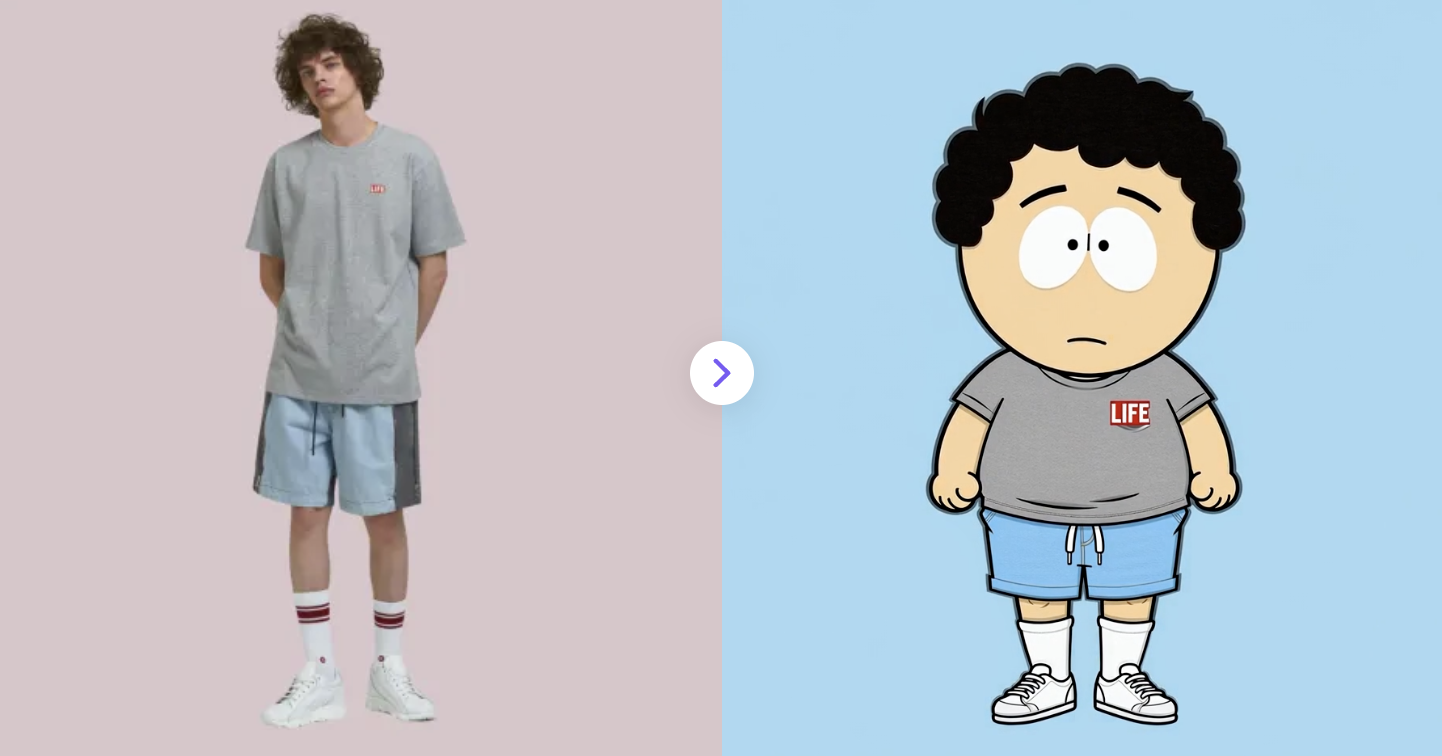
Upload a photo and transform into a classic South Park–style character with a fast, smooth paper-cut animation.
✅ Prompt:
Image-to-video transition from a realistic photo into a South Park–style cartoon using a fast paper-cut reveal. The person starts realistic and front-facing. A single clean tear opens in the center, revealing a flat 2D South Park–style character underneath. Preserve identity, hairstyle, clothing, and proportions. Keep classic South Park features: round head, simple hair shapes, bright circular eyes, minimal nose and mouth, bold black outlines, and flat colors with no shading. Camera stays steady. Final frame shows the fully revealed cartoon on a clean background.
5. Labubu AI Video Generator
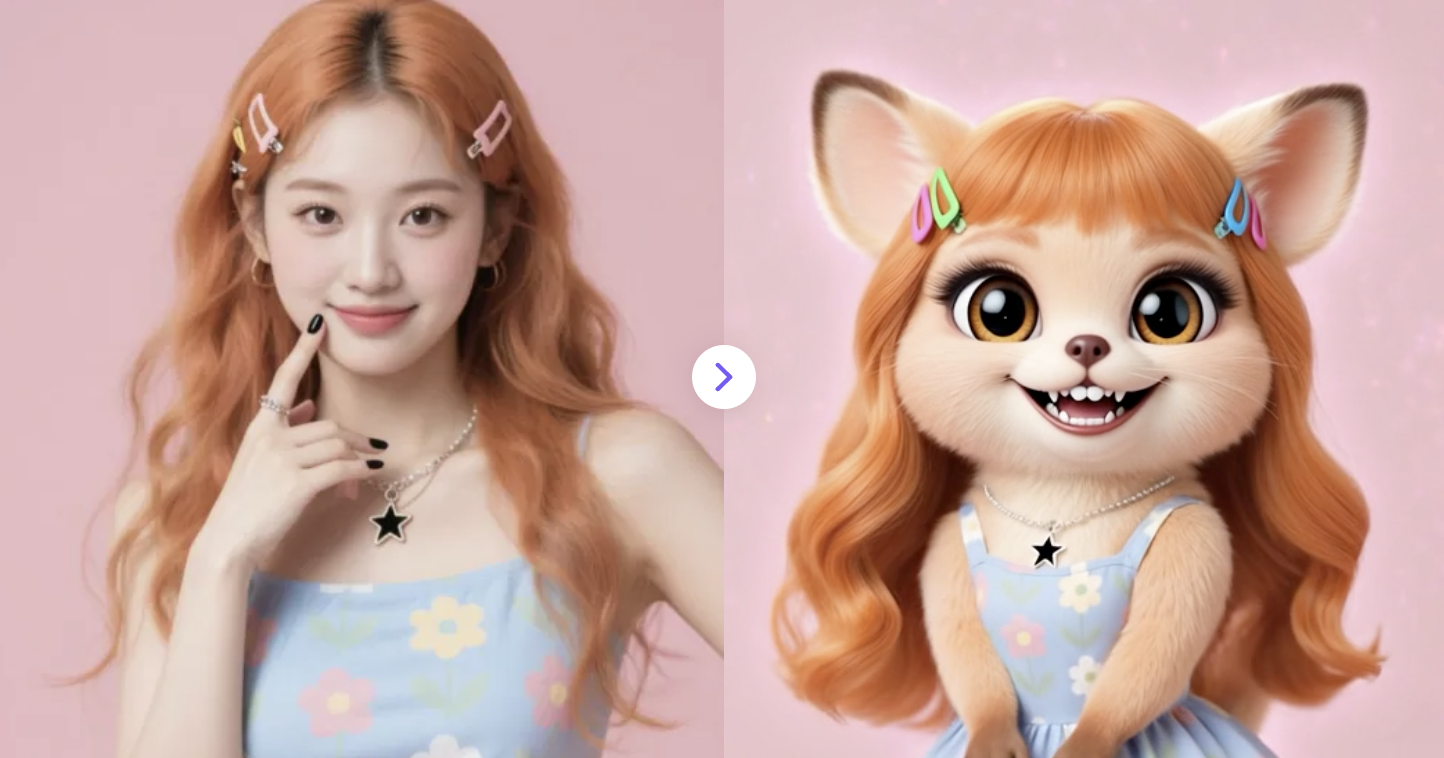
Upload any photo and watch it come alive as a playful, animated Labubu video in seconds – free and super easy!
✅ Prompt:
The person slowly turns around with smooth, natural motion. As they rotate, magical transformation effects appear — glowing particles, soft light distortions, and gentle motion blur wrapping the body. Their features gradually morph into a highly detailed, realistic Labubu character, preserving the same hairstyle, face shape, pose, and personality from the original photo. Capture Labubu’s signature colors, textures, expressions, and playful charm for an authentic, lifelike transformation.
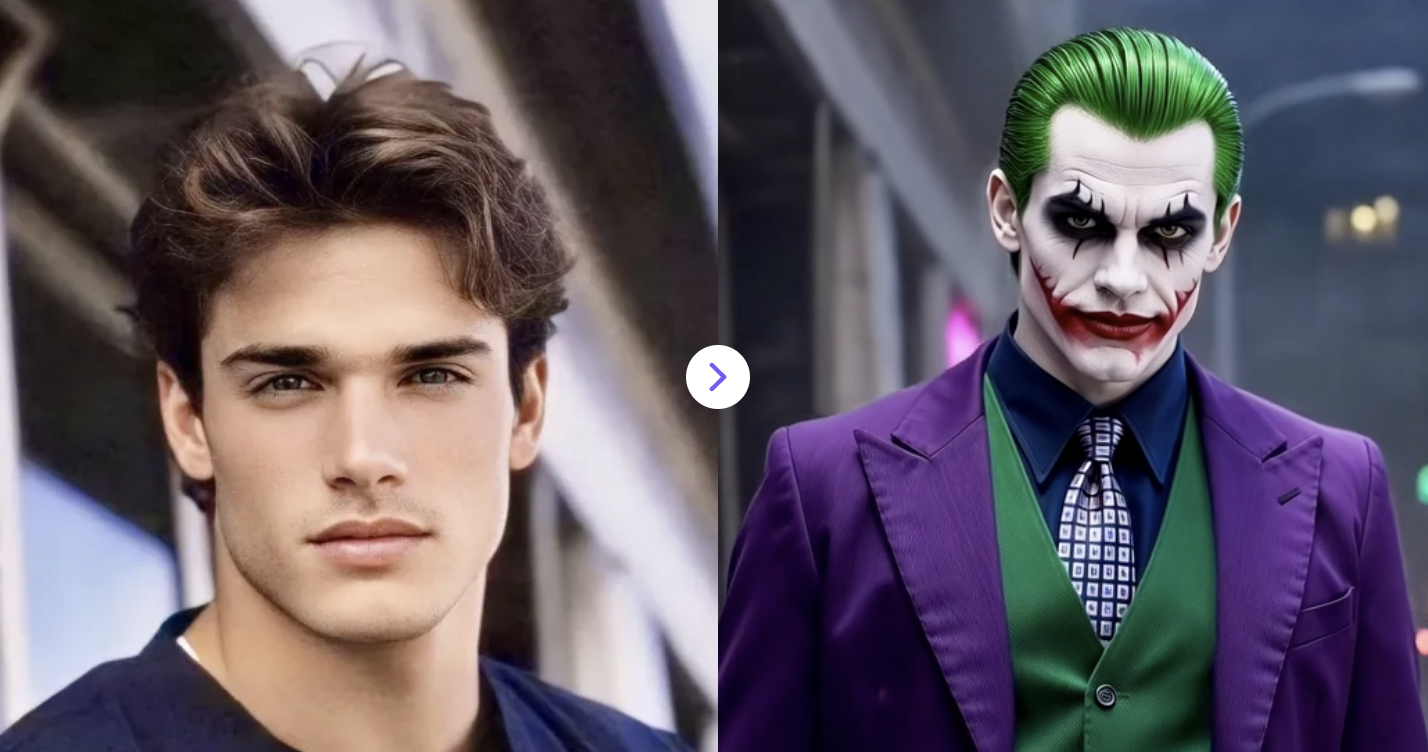
6. AI Joker Transformation
Turn your photo into a chaotic, cinematic Joker transformation video. High-detail, moody neon lighting, and dramatic cinematic realism.
✅ Prompt:
A cinematic video using the uploaded portrait, instantly transformed into the Joker. The subject has pale white makeup, red smeared grin, dark eye makeup, slicked-back green hair, and wears a purple suit jacket, green vest, and patterned tie. They perform a subtle turn, completing the face and clothing transformation. Dramatic moody lighting with neon highlights, blurred urban night background, slow zoom-out, slight handheld motion, dark gritty cinematic style. High detail, smooth motion, suitable for any gender.
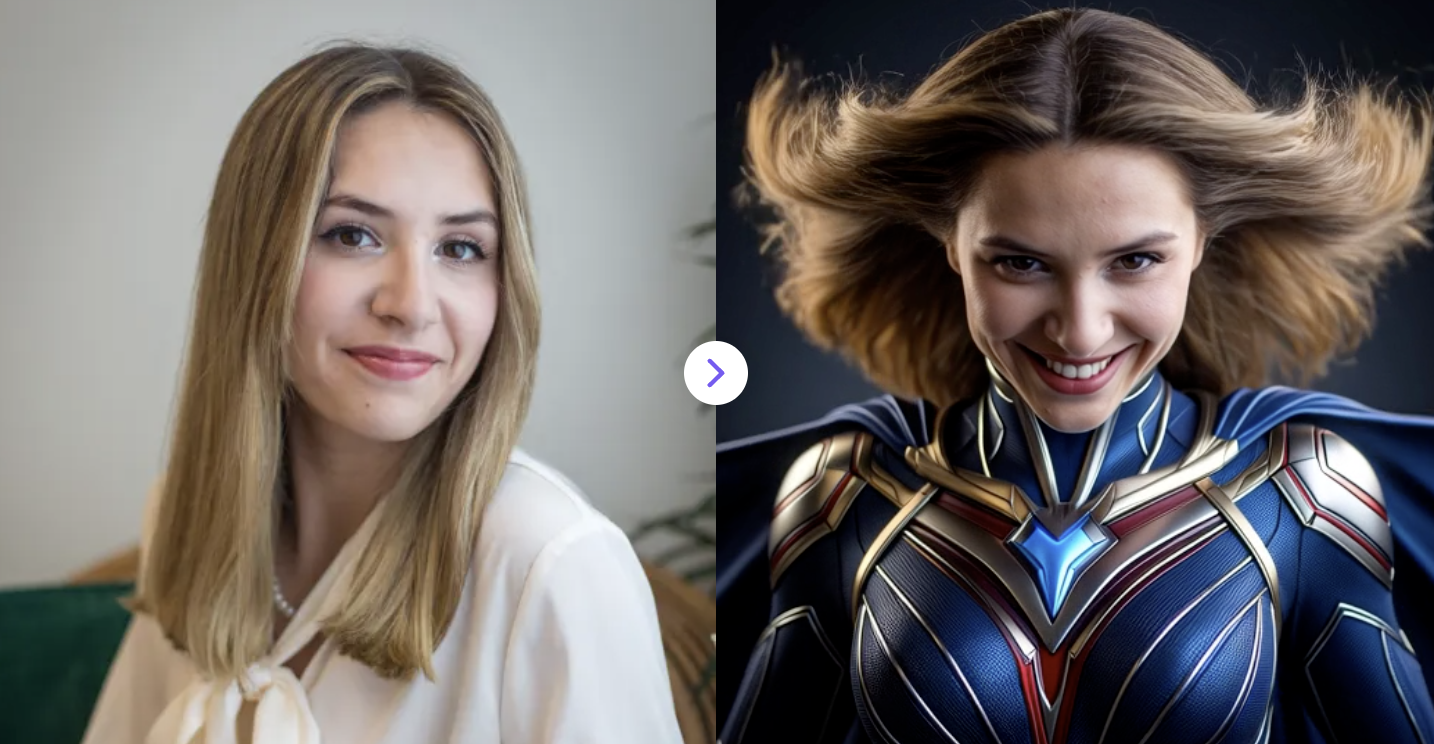
7. Photo to Marvel Superhero Video
Transform the person in the reference photo into one of Marvel superhero character video.
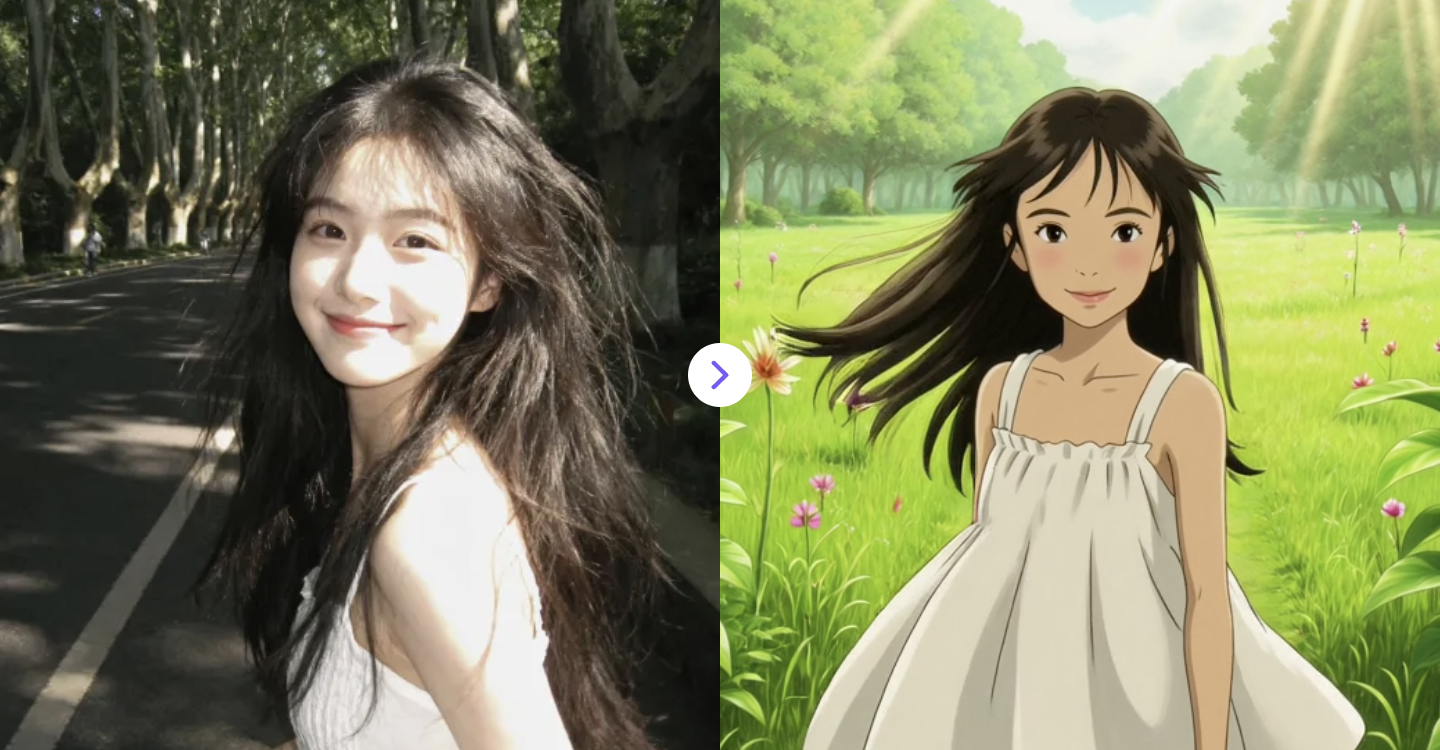
8. AI Ghibli Video Generator
Turn your photo into a smooth Studio Ghibli–style animated video with pastel colors and a magical, whimsical vibe.
✅ Prompt:
Start from the original photo in its realistic form. Slowly and smoothly transition into a Studio Ghibli–style animated scene. The realistic image gently softens, colors become pastel, edges turn hand-painted, and the environment transforms into a lush green meadow. A young girl stands peacefully as a gentle breeze gradually begins to move her hair and dress. Soft sunlight fades in, the background becomes painterly and whimsical, and the scene settles into a calm, magical atmosphere. Seamless, gradual transformation, no sudden changes, cinematic pacing, smooth subtle motion throughout.
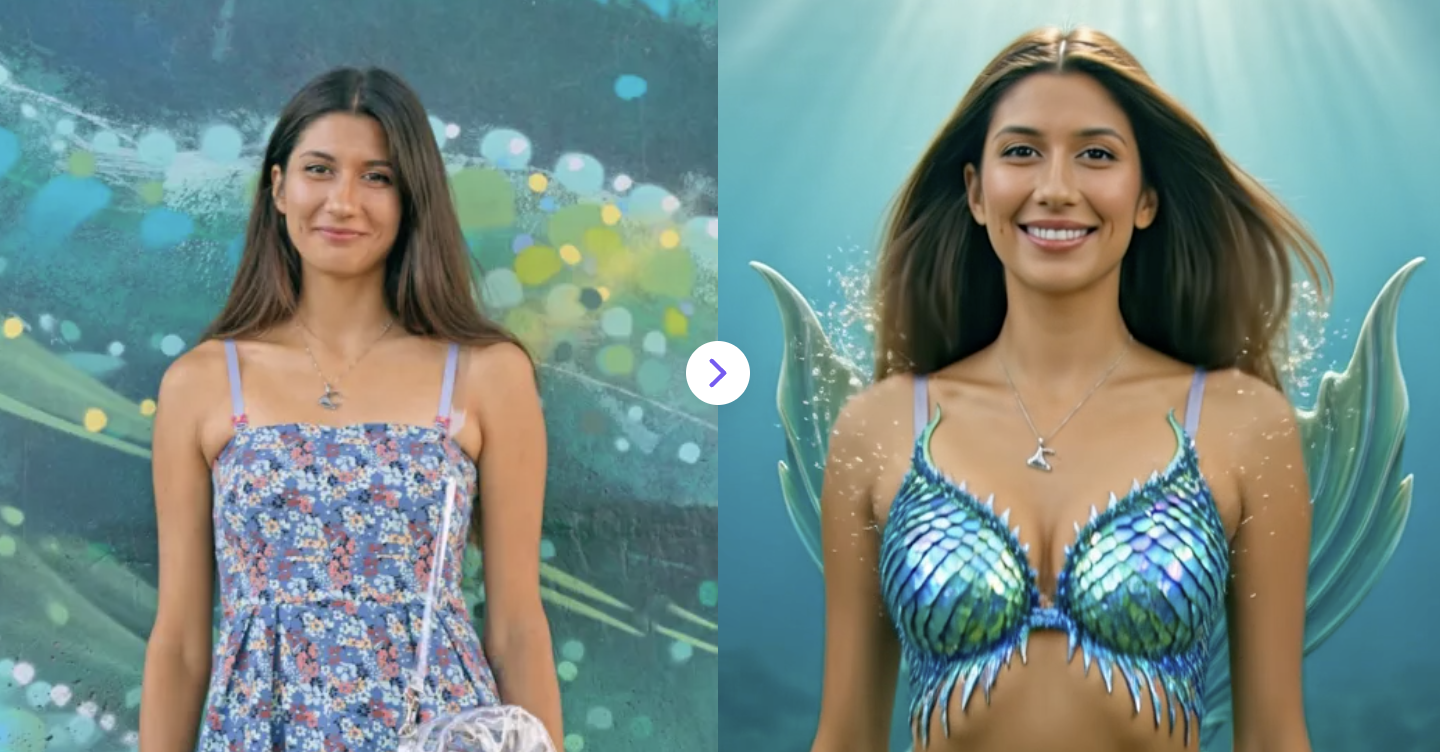
9. AI Mermaid Filter
Upload your photo and watch AI transform you into a stunning, magical mermaid instantly.
✅ Prompt:
Transform the uploaded photo into a magical mermaid from the shoulders up: preserve the person’s face, expression, hair, and skin tone, give them a fantasy mermaid top and a shimmering tail, with flowing hair, underwater lighting, gentle particles, and a dreamy, ethereal underwater environment.
10. AI Avatar Movie-Style Video
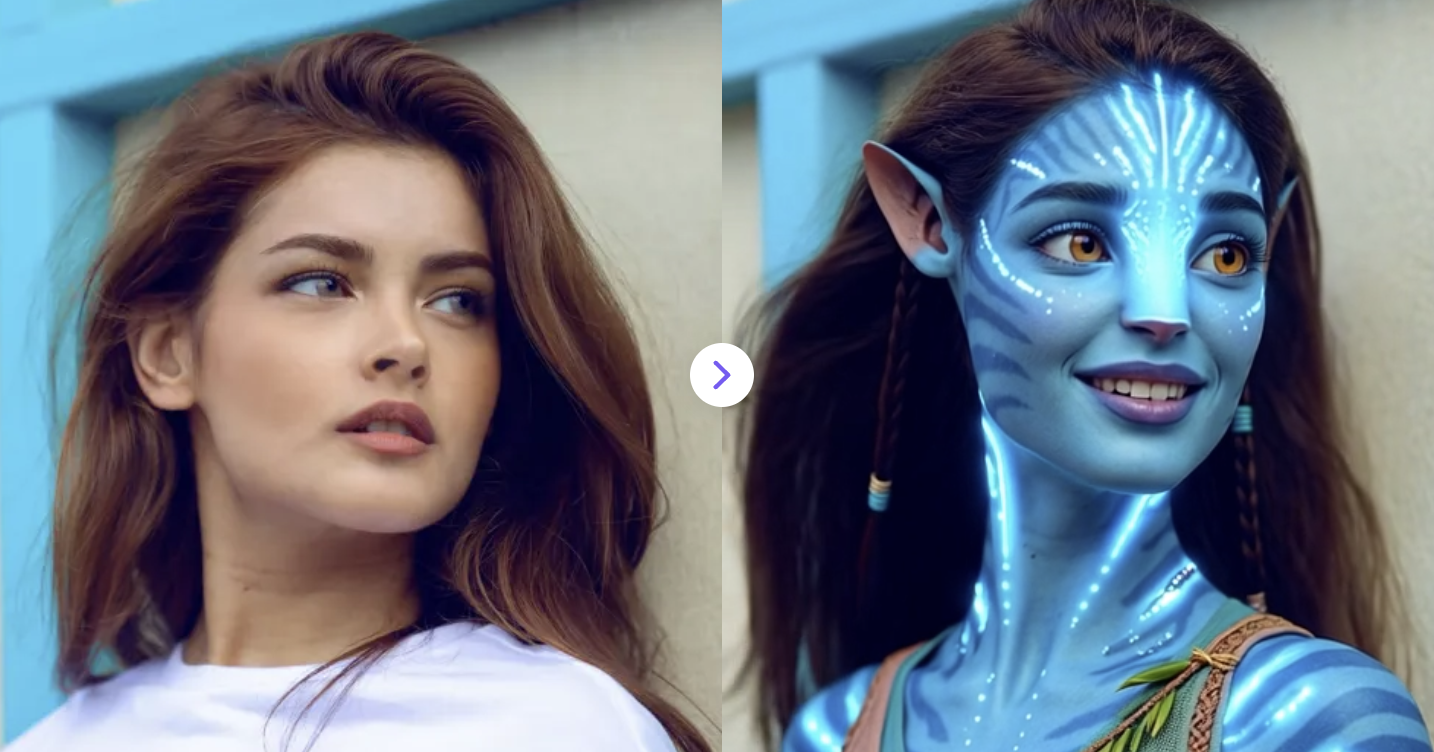
Transform your photo into a fun, cinematic Avatar 3-style character with AI—animated, expressive, and ready to share.
✅ Prompt:
Transform the uploaded photo into a blue, Na’vi-inspired humanoid in cinematic Avatar 3 style. Hair, hairstyle, and clothing fully match the Na’vi aesthetic, with glowing skin patterns and detailed facial textures. Focus on the face: soft facial animation, expressive features, realistic CGI rendering, and high-resolution detail. Minimal background—keep attention on the character’s head and upper body. Epic, cinematic, movie-quality.
At the end of the day, all you really need is one good photo and a bit of curiosity. These AI filter ideas show how far a simple profile picture can go—turning into anime heroes, cyberpunk warriors, vintage movie stars, or full-on fantasy characters without touching a camera or editing timeline. The best part? There’s no “right” way to do it. Play around with styles, tweak prompts, remix your look, and see what surprises you.