
If you’ve been using AI image tools over the past couple of years, you’ve probably run into the same problem: which model should you use?
Some models are great at realism.
Some are better at typography.
Others are amazing at creative, abstract styles.
And most of the time, you end up doing this frustrating loop:
Try one model
Not quite right → switch
Try another
Still not perfect → tweak prompt → repeat
That’s exactly the problem we wanted to solve with our new feature:
👉 Multi-Model AI Image Editor on AiDesign
The Big Idea: Stop Choosing, Start Comparing
Instead of forcing you to pick a single model, we built something much simpler:
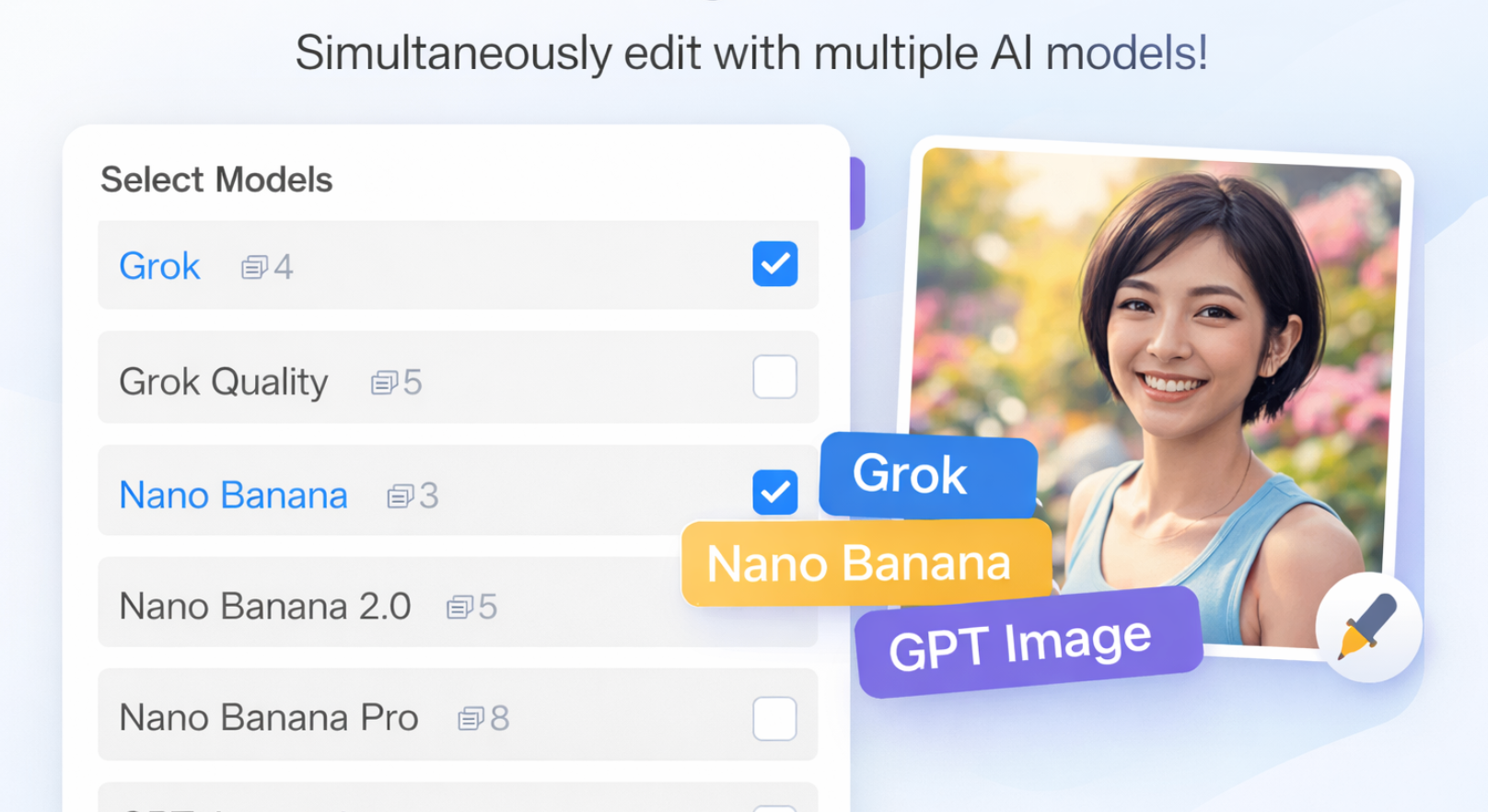
Run multiple top AI image models at the same time — with the same prompt.
Think:
NanoBanana
Grok
ChatGPT
(and more…)
One prompt → multiple outputs → instant comparison.
No switching tools. No guessing. No wasted time.
Why Different Models Give Different Results
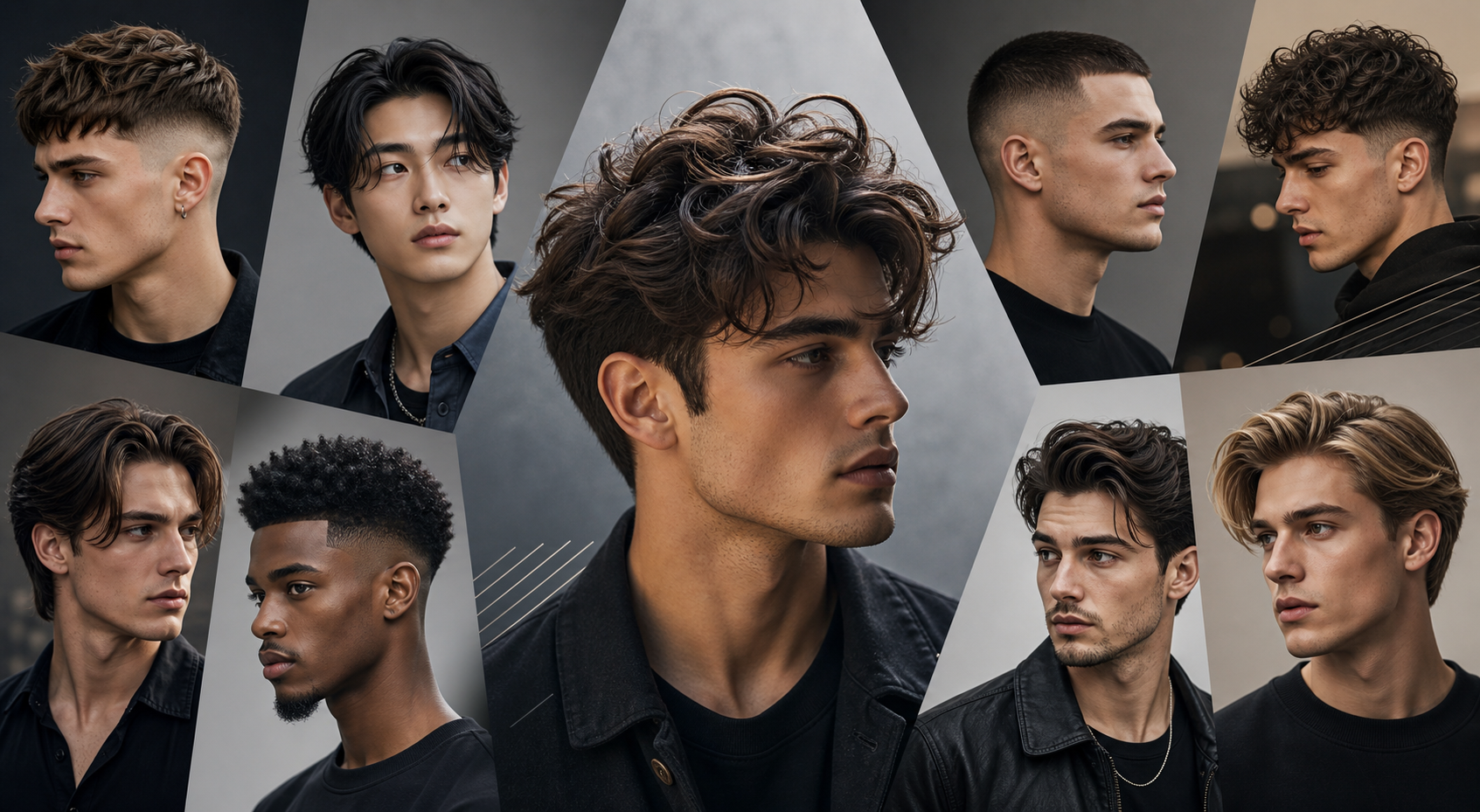
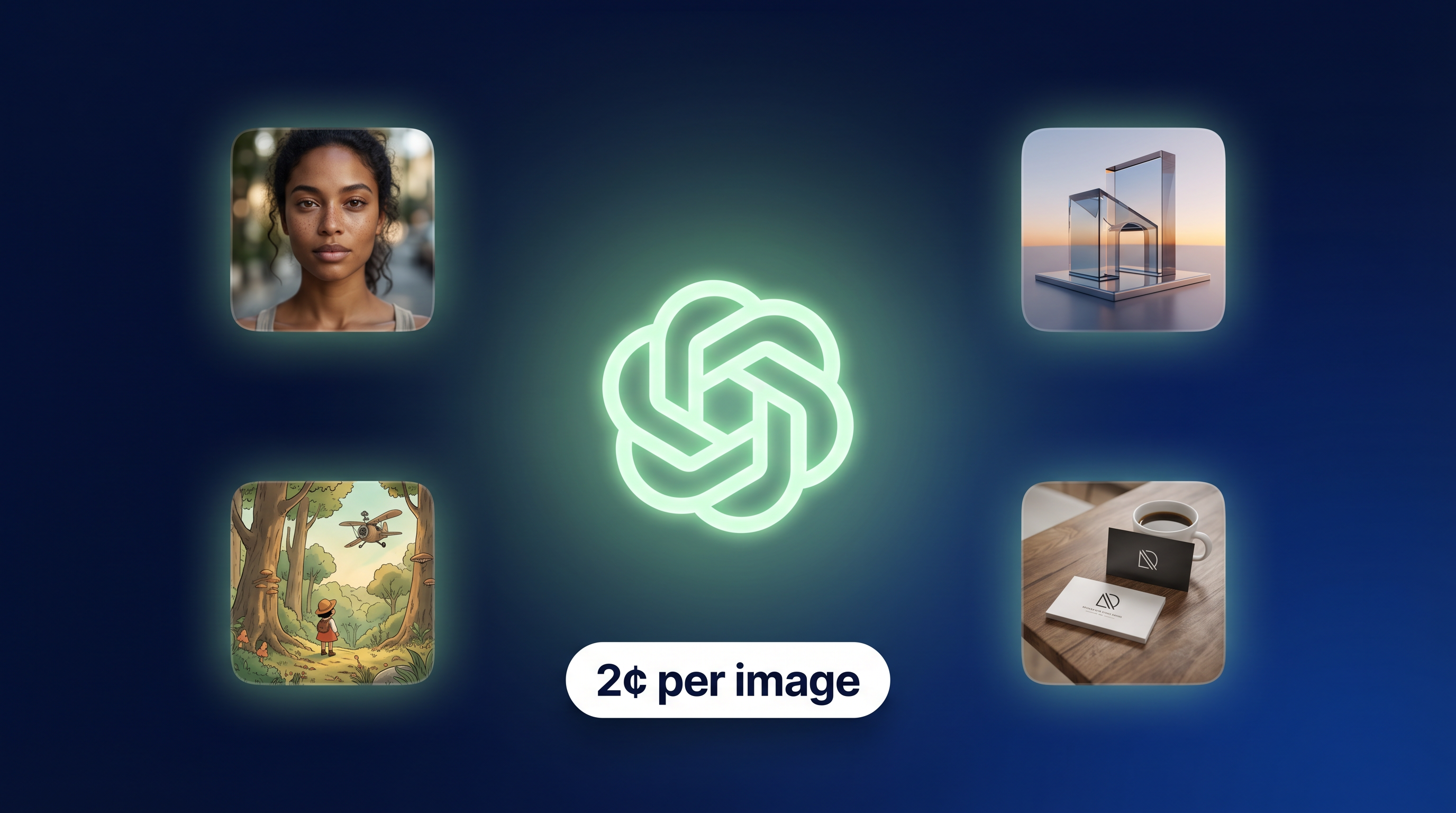
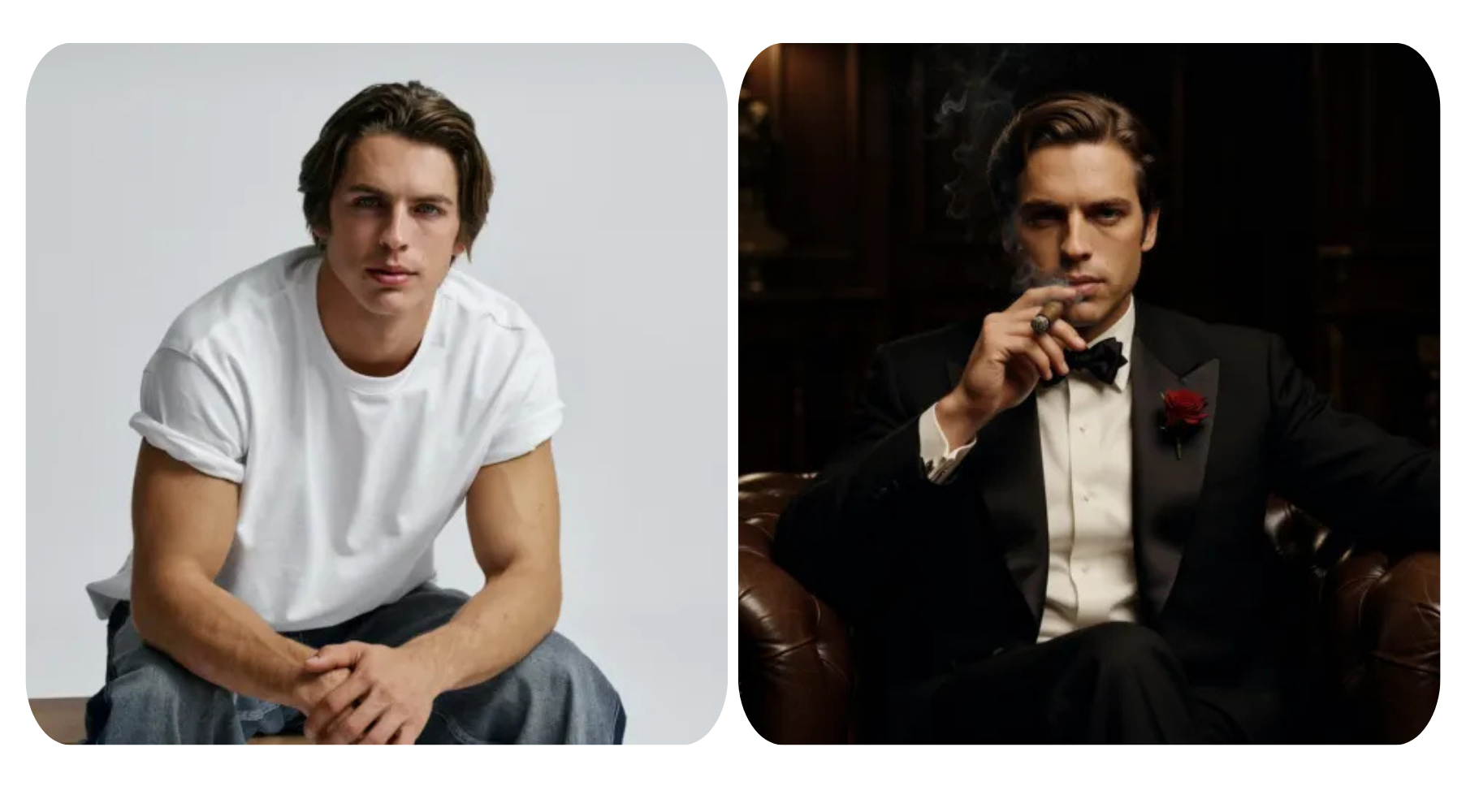
When you run the same prompt across different models like NanoBanana, Grok, and ChatGPT, the results can feel surprisingly different — and that’s actually the whole point.
Each model has its own “personality,” shaped by how it was trained and what it’s optimized for.
NanoBanana tends to lean into clean visuals and design-friendly outputs. It’s great when you want something that already feels close to a usable logo, icon, or polished graphic.
Grok often brings a more creative and unexpected edge. You might get bolder compositions, more experimental styles, or ideas that push beyond the obvious.
ChatGPT (image generation) is usually strong at understanding your prompt clearly and balancing structure with creativity. It’s great for getting results that feel intentional, well-composed, and aligned with what you described.
So when you use just one model, you’re really seeing one interpretation of your idea.
But when you run multiple models at once:
You get a clean, practical version
A more artistic or experimental take
A balanced, well-structured option
All from the exact same prompt.
That’s the real advantage — not just better results, but different perspectives you can actually choose from.
From Single-Model to Multi-Model Thinking
Traditionally, AI tools are “single-threaded”:
One prompt → One model → One result
But modern AI is moving toward combining multiple capabilities to get better outcomes. Systems that integrate multiple inputs or approaches tend to produce more accurate, flexible, and context-aware results .
We applied that same idea to image generation:
One prompt → Multiple models → Better decisions
What It Feels Like to Use
It’s honestly a completely different experience.
Instead of thinking:
“Which model should I use?”
You just think:
“What do I want to create?”
Then you:
Write your prompt
Select a few models (NanoBanana, Grok, ChatGPT…)
Hit generate
And suddenly you get:
A clean, modern version
A more artistic interpretation
A highly realistic version
Maybe something unexpected
All at once.
It feels less like using a tool, and more like:
Brainstorming with multiple AIs at the same time
The Real Advantage: Side-by-Side Comparison
This is where things click.
Instead of:
Generating → forgetting → regenerating
Or trying to remember which model did what
You now get:
Side-by-side outputs
Instant visual comparison
Faster decision-making
This is especially powerful for:
Logo exploration
Brand identity directions
Social media visuals
Marketing creatives
Because creative work isn’t about “the first correct answer” —
it’s about finding the best direction.
Built for Real Creative Workflows
We didn’t build this as a gimmick.
We built it because real design workflows look like this:
Generate ideas
Compare variations
Refine direction
Iterate quickly
Multi-model generation fits naturally into that flow.
It helps you:
Explore more directions in less time
Avoid creative dead-ends
Discover ideas you wouldn’t have thought of
And most importantly:
Get to a strong result faster
Editing + Generation in One Place
This isn’t just about generating new images.
You can also:
Modify existing images
Refine styles
Adjust details
Re-run edits across multiple models
Modern AI image models are getting better at editing while preserving important details — like composition, lighting, and structure .
By combining multiple models, you’re effectively increasing your chances of getting a clean, usable edit without extra work.
A Simple Example
Let’s say you’re designing a logo.
Prompt:
“Minimal modern tech logo with geometric symbol and blue gradient”
With a single model:
You get one interpretation
Maybe it works, maybe not
With multi-model:
One gives you a clean SaaS-style logo
One leans more abstract and bold
One adds subtle gradient depth
One explores a completely different direction
Now you’re not stuck.
You’re choosing.
Designed for Exploration, Not Perfection
One thing we’ve learned building AI tools:
The best ideas rarely come from the first result.
They come from:
Seeing variations
Comparing directions
Iterating quickly
Multi-model generation is built exactly for that.
It turns AI from:
A one-shot generator
Into:
A creative exploration tool
What This Means for You
If you’re:
Building a brand
Designing logos
Creating marketing visuals
Experimenting with ideas
This feature gives you:
More creative options
Better results, faster
Less time wasted switching tools
And honestly, it just makes the whole process more fun.
Try It Yourself
We built this because we wanted it ourselves.
Now it’s live:
👉 https://www.logoai.com/design/ai-editor
Try running the same prompt across a few models.
You’ll probably notice it immediately:
The best result is often not the one you expected.