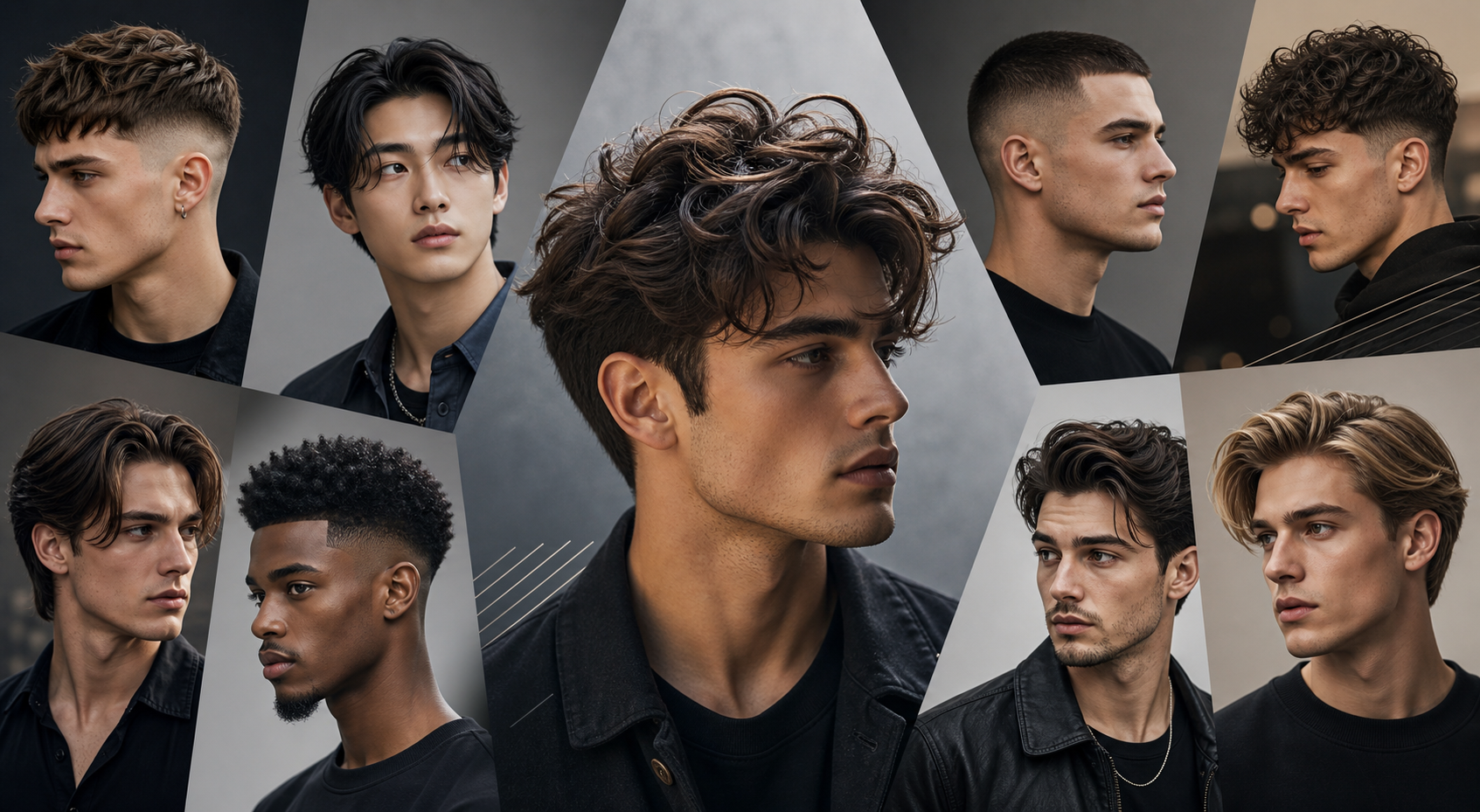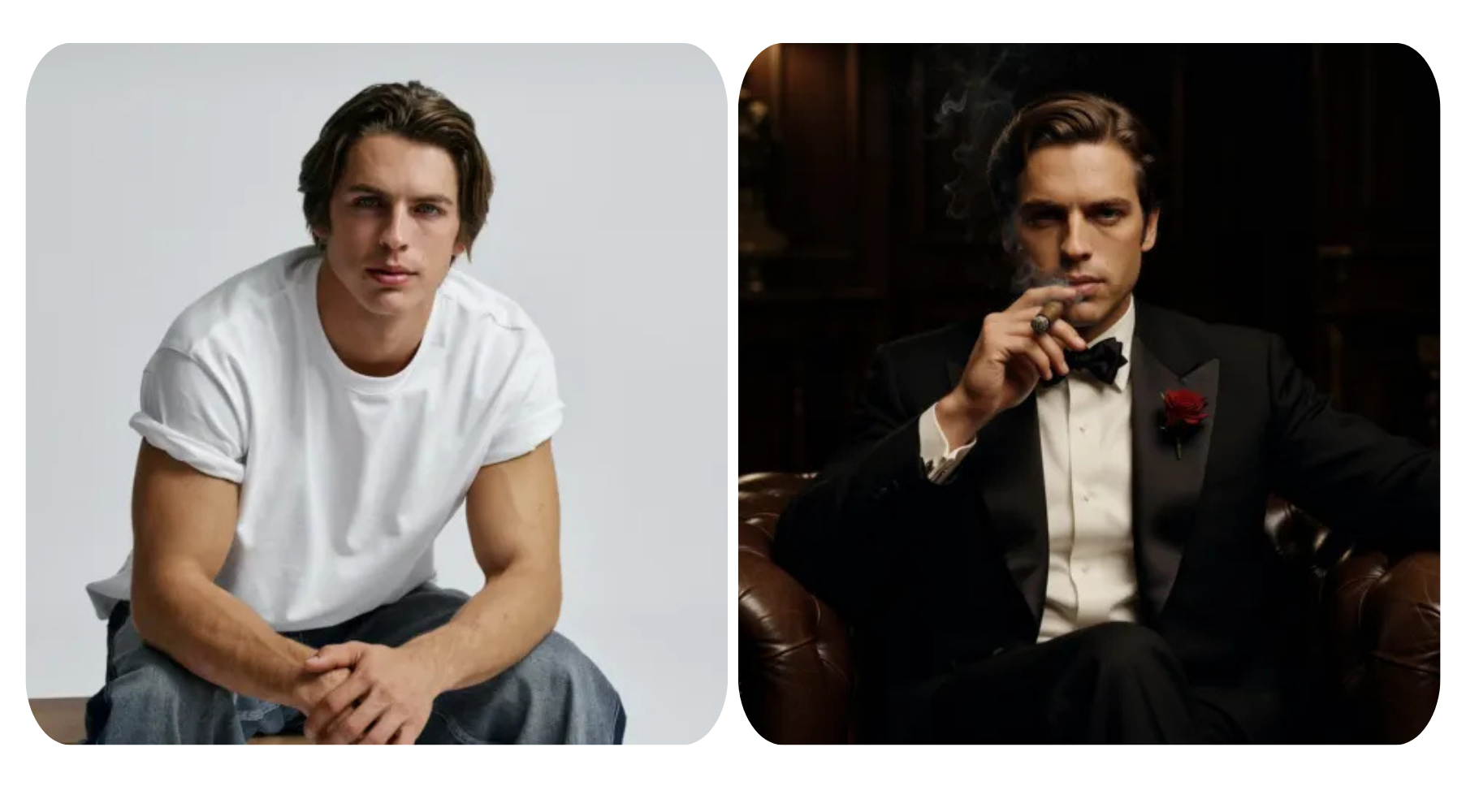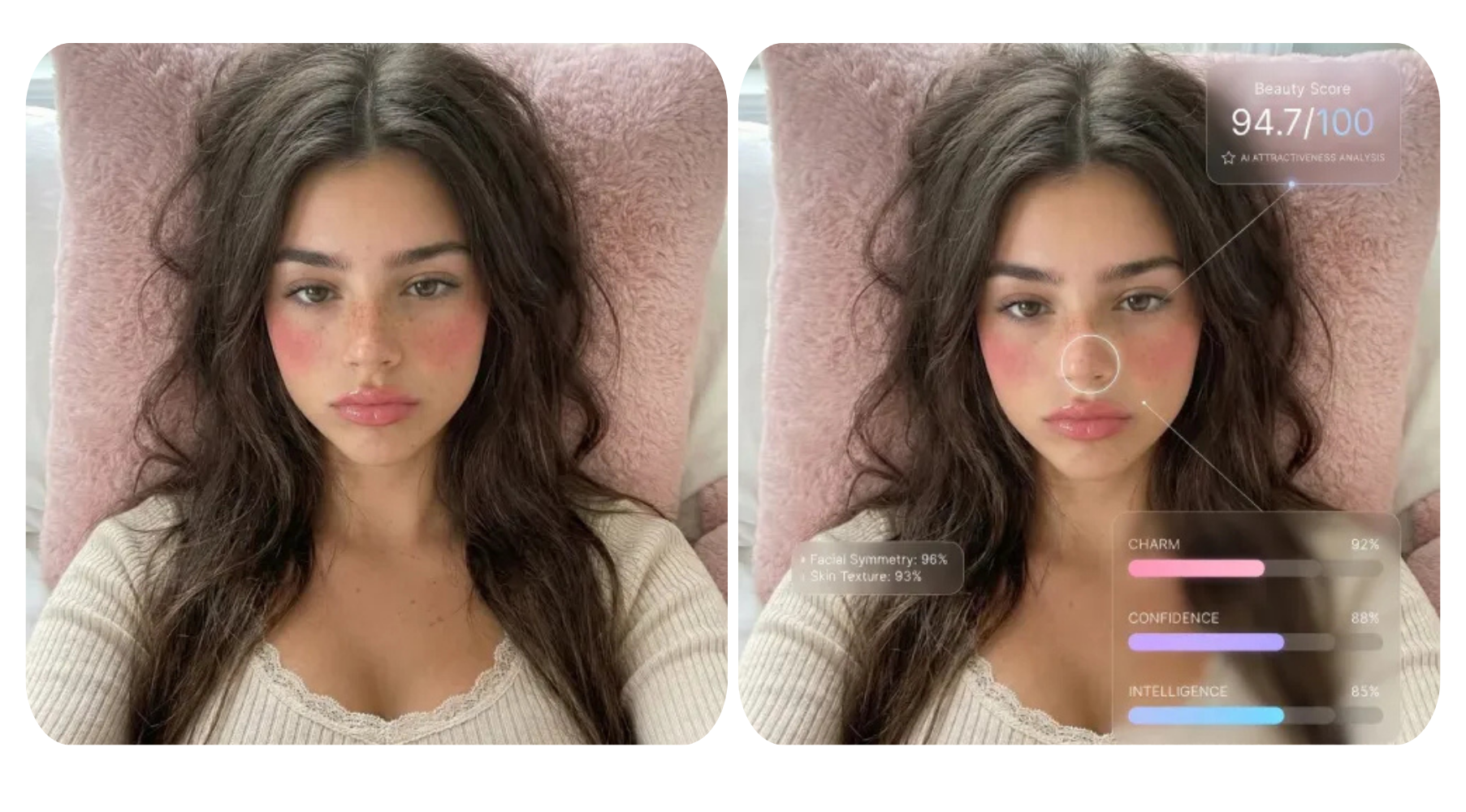


Ever wondered what you’d look like as an anime character, a Studio Ghibli hero, or even a cute Jellycat plushie? Thanks to AI image generation, transforming ordinary photos into stunning illustrated art has never been easier. Whether you’re creating content for social media, designing avatars, or just having fun, AI-powered art tools can instantly restyle your photos into iconic cartoon, anime, and illustration styles.
In this guide, we’ll explore 10 creative ways to turn photos into anime and cartoon art using AI, complete with prompts you can try right away.
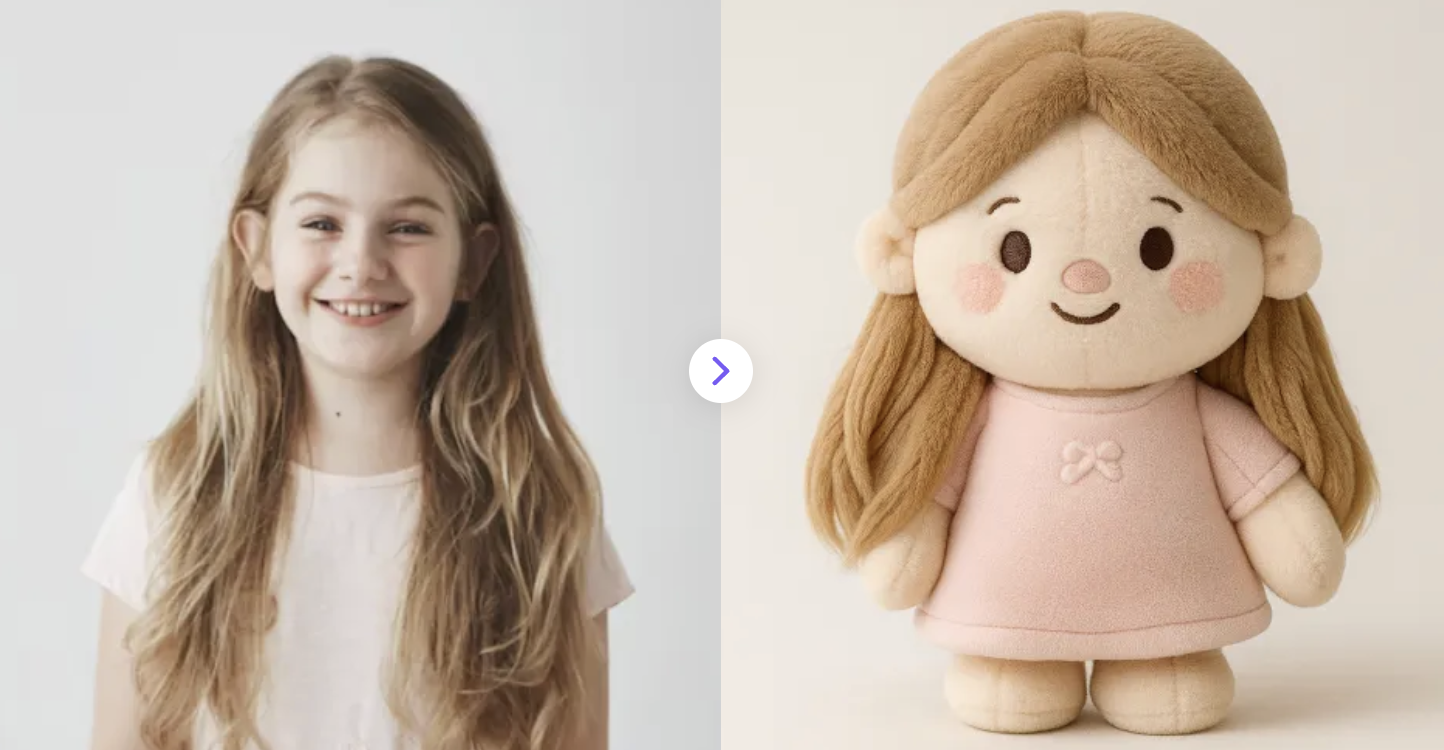
1. Turn Everything into Jellycat with AI Magic
Transform your photos into Jellycat-style plushies with Jellycat Generator
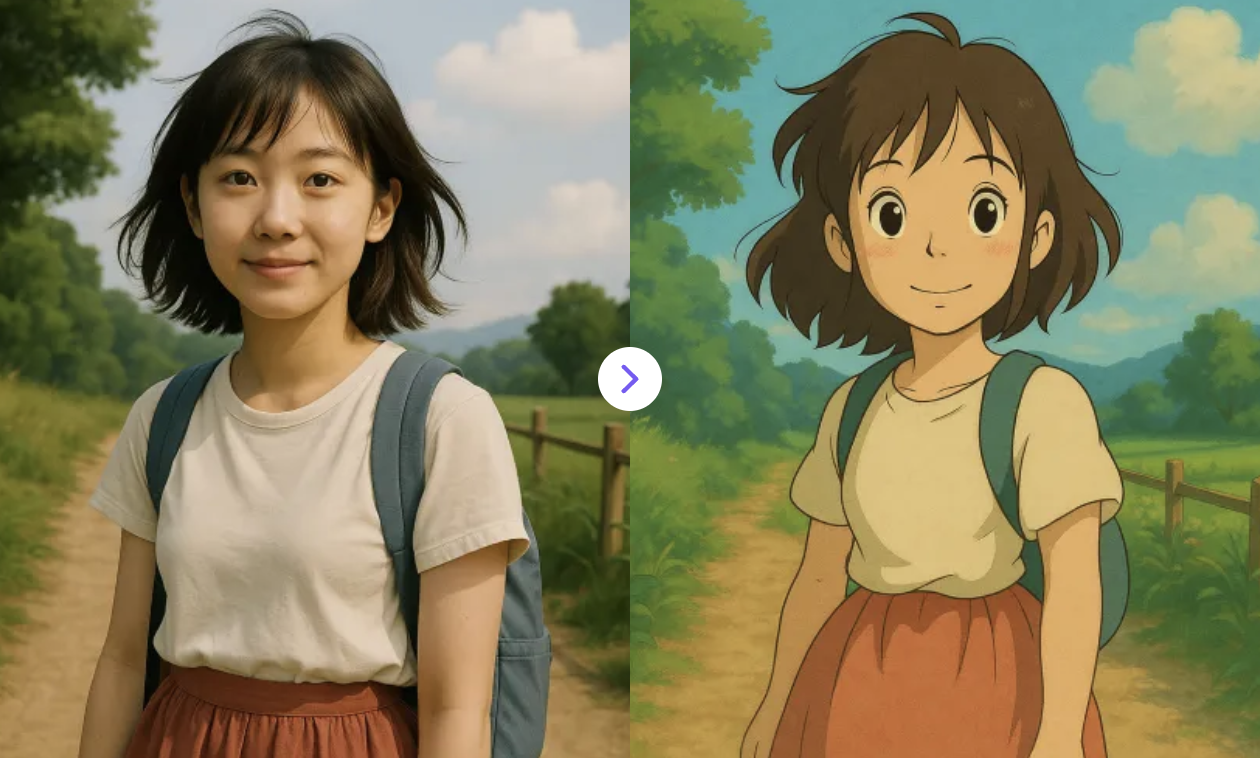
2. Restyle images in Studio Ghibli style
Turn your photos into magical Ghibli-style characters with ease!
✅ Prompt:
Restyle this photo into studio ghibli art style.
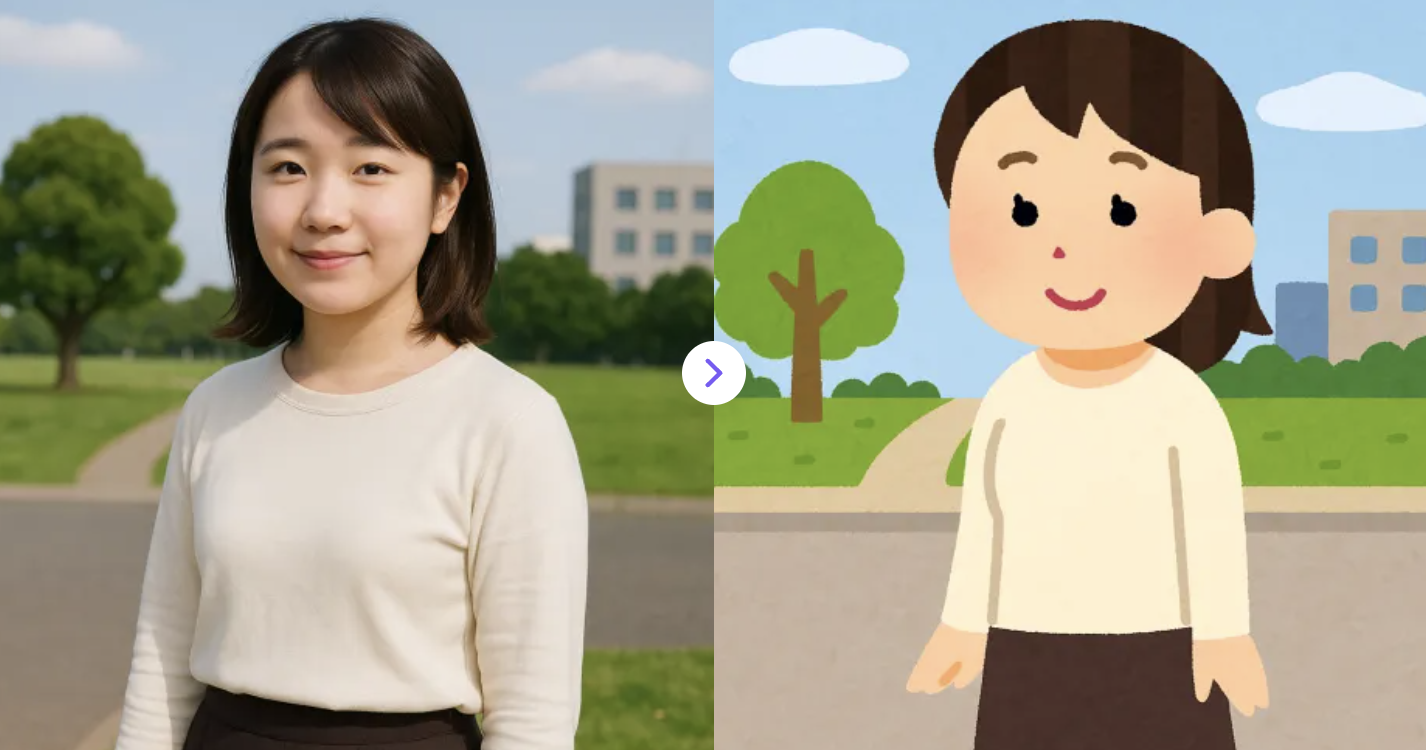
3. Create Irasutoya-Style Illustrations from Photos
Easily turn any photo into a charming Japanese cartoon with this Irasutoya-style generator.
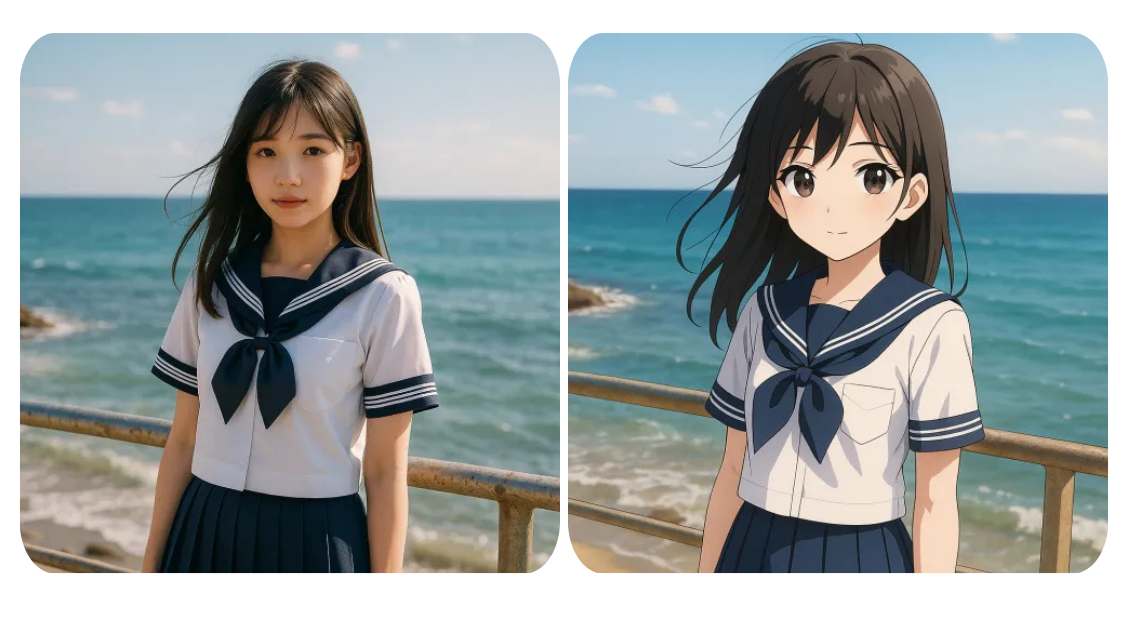
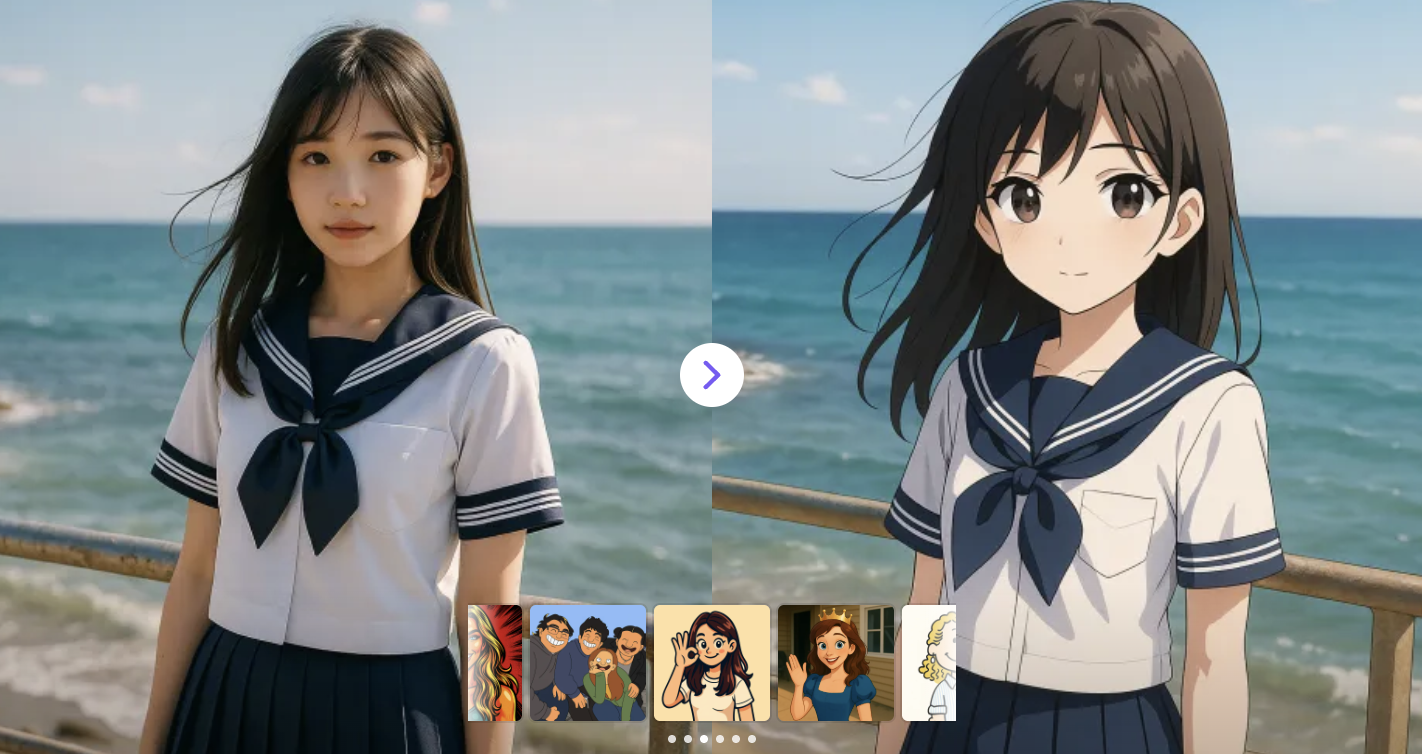
4. Transform Photos into Anime-Style Art
Easily turn your photos into charming anime-style art with our AI anime converter.
✅ Prompt:
Restyle this photo into Anime Style.
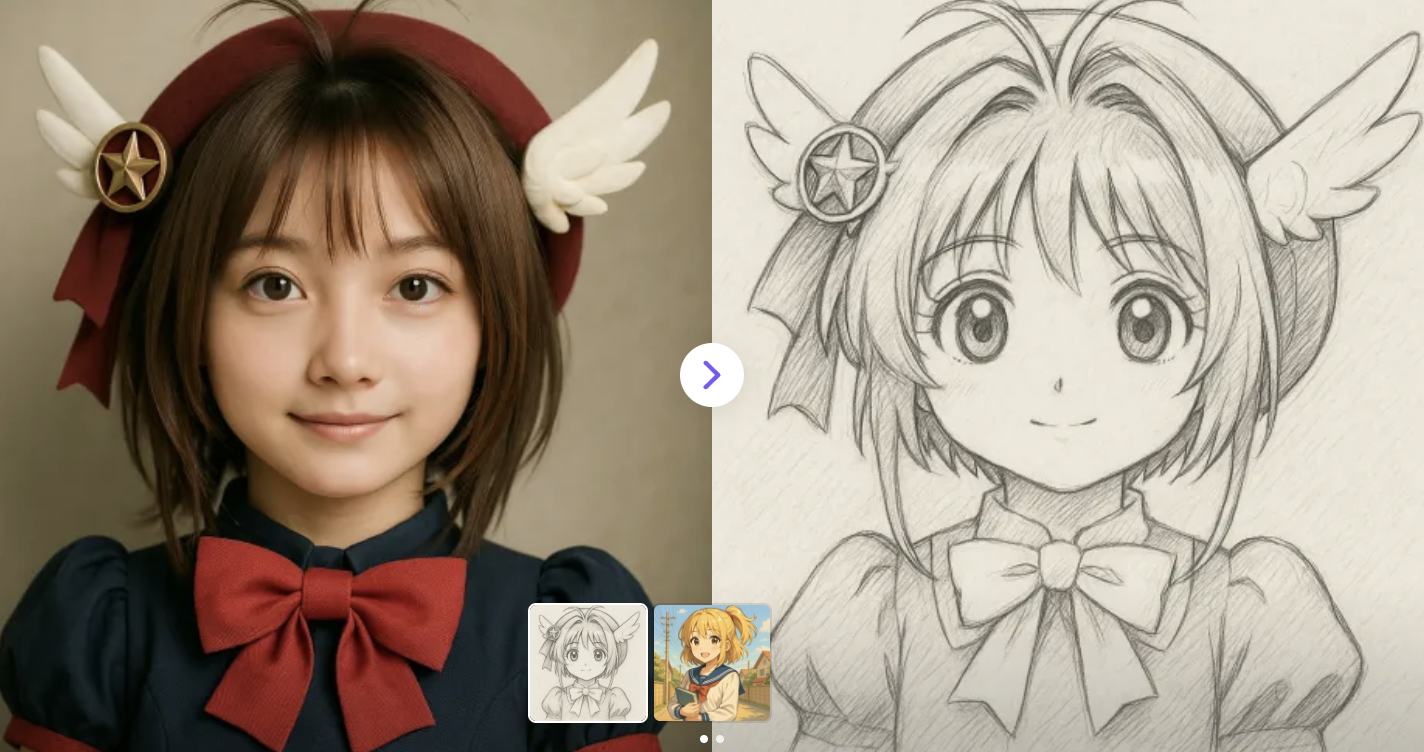
5. Turn Photos into Hand-Drawn Sketches
Convert images into realistic pencil sketches with our AI-powered photo-to-sketch tool.
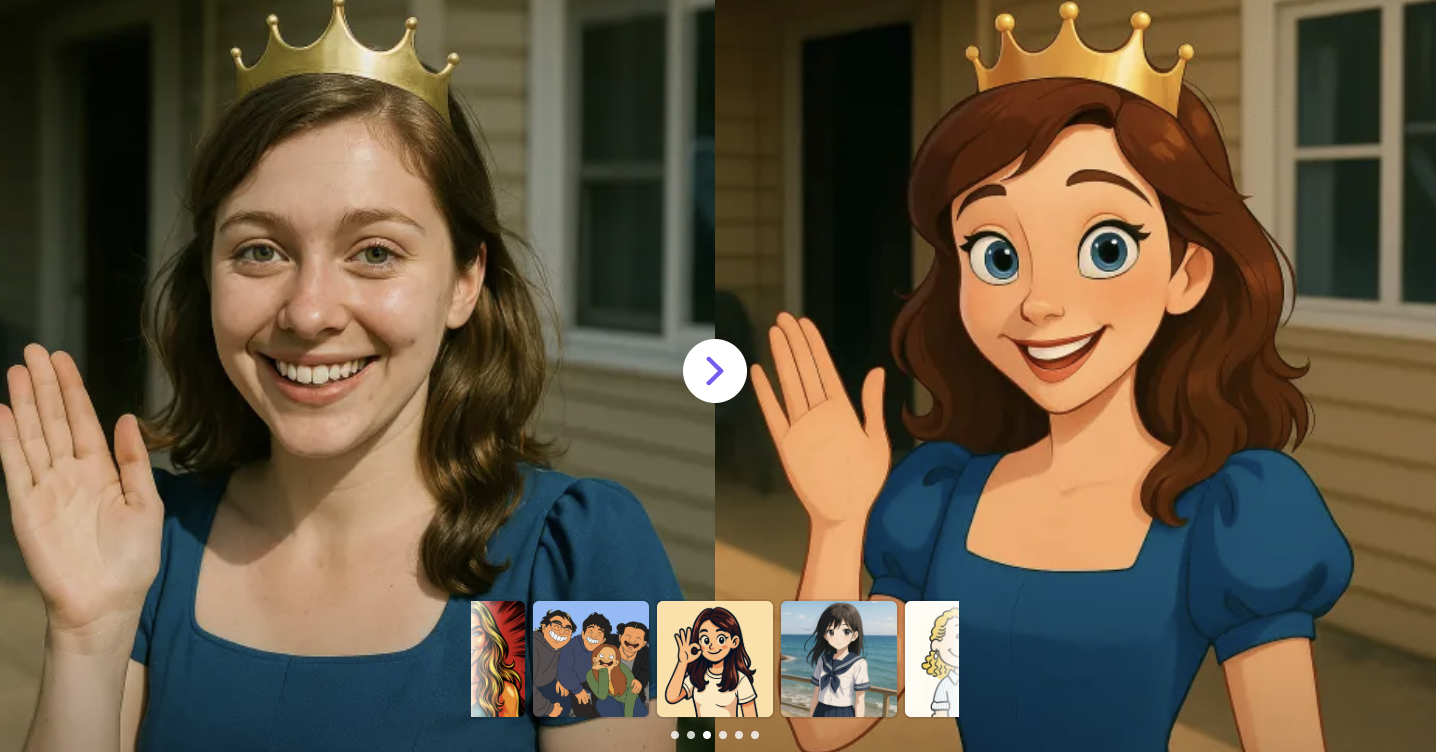
6. Turn Photos into Disney-Style Characters
Create Disney-style characters from photos with our magical AI Disney filter.
✅ Prompt:
Restyle this photo into Disney Style
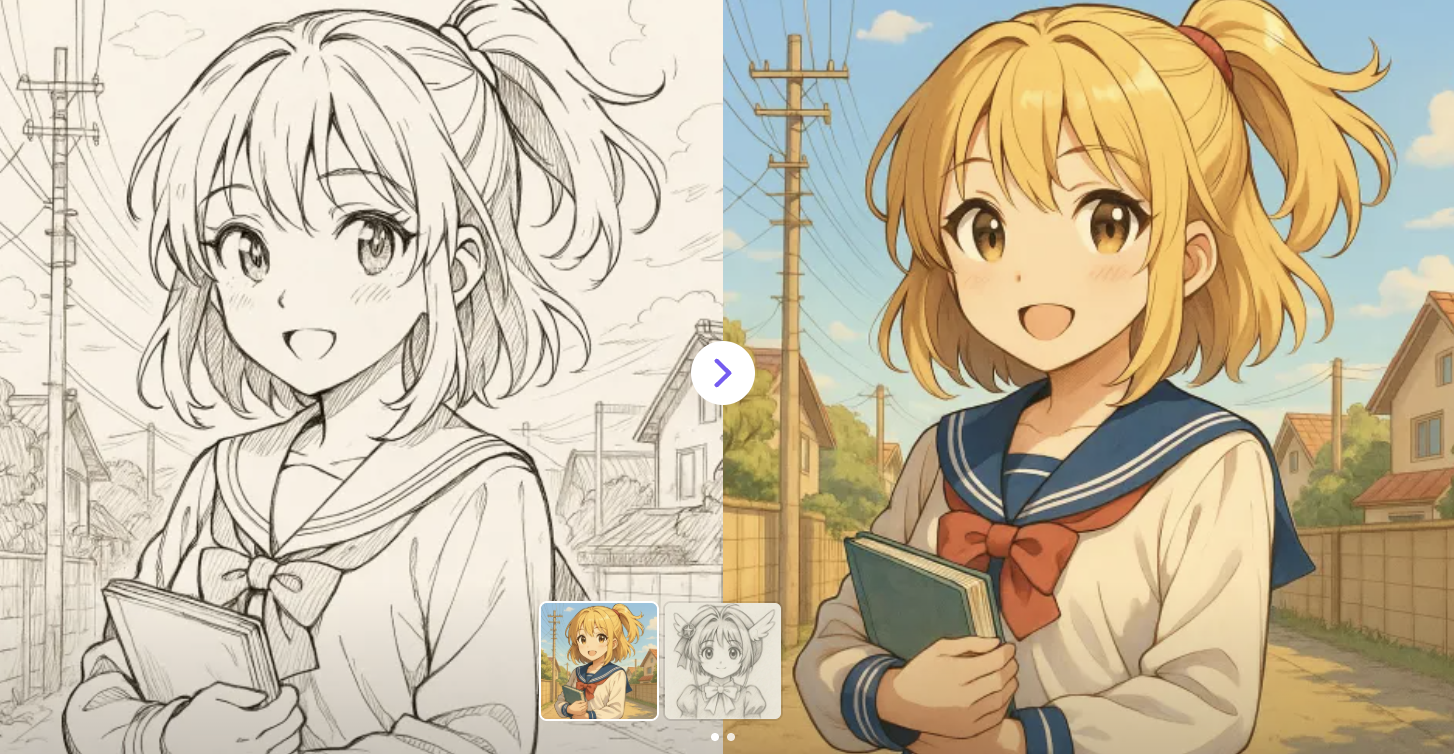
7. AI Colorizer for Line Sketches
Colorize black-and-white sketches in seconds — no drawing skills needed.
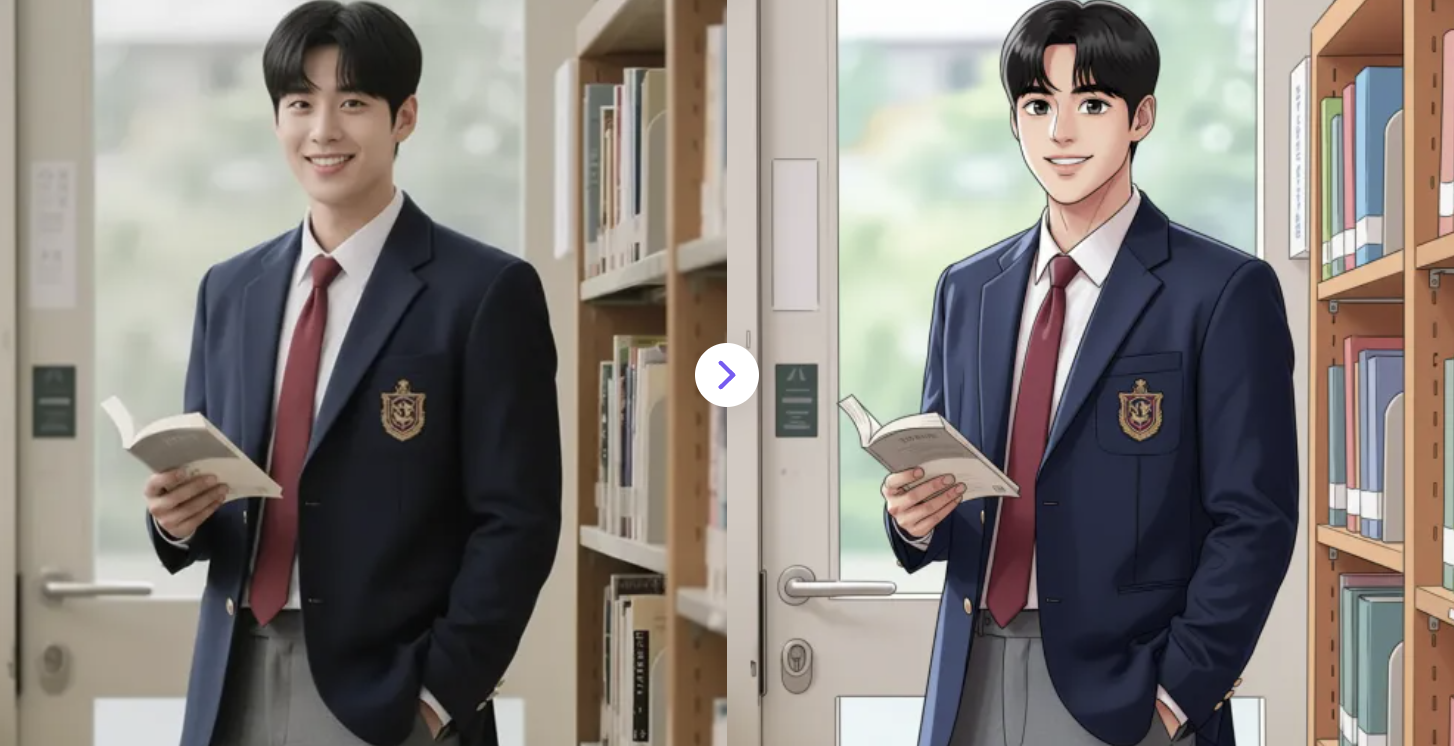
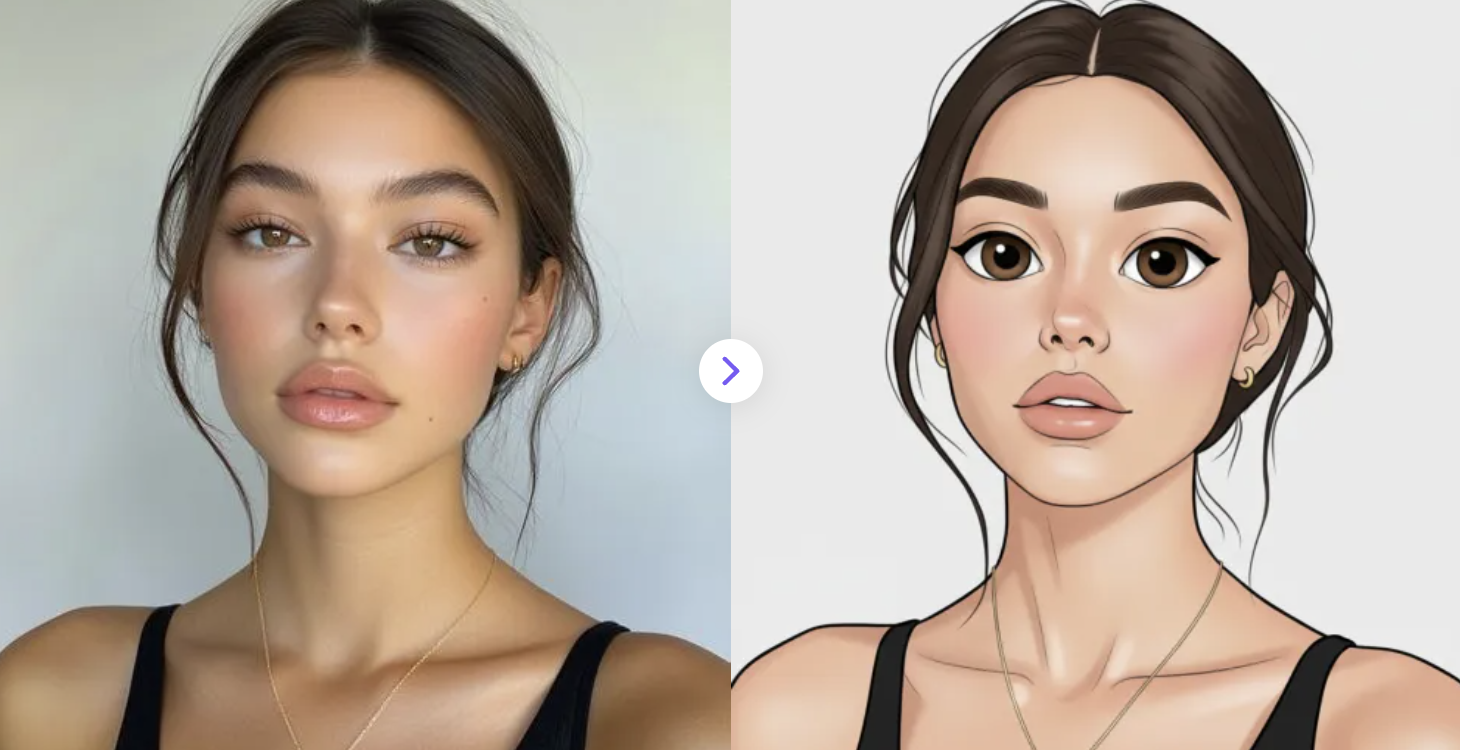
8. AI Webtoon Filter
Convert your photos into stylish webtoon portraits instantly and for free. AI-powered, vibrant colors, smooth line art, and expressive comic-style eyes.
✅ Prompt:
Transform the uploaded photo into a vibrant AI webtoon style. Keep the face recognizable, apply smooth, clean line art, expressive eyes, bright and saturated colors, soft shading, and a stylized comic-like background typical of modern webtoons.
9. Transform Your Photos into cartoon style.
Upload a photo and instantly transform it into any style with Bing AI Image Generator. Create stunning AI-powered images in seconds.
✅ Prompt:
Transform the uploaded image into cartoon style.
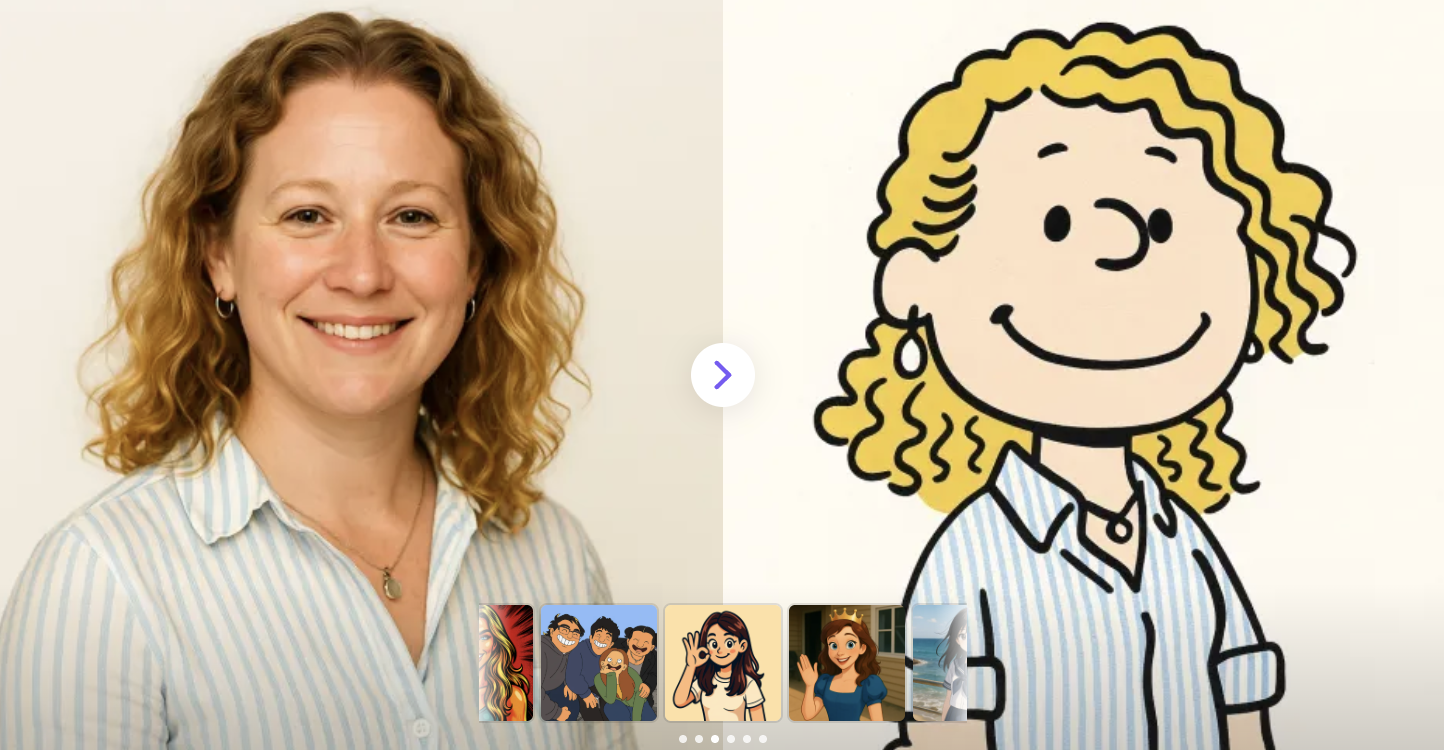
10. Turn Your Photo into a Snoopy Comic Style
Upload your image and let our AI create a playful, Peanuts-inspired cartoon version of you.
✅ Prompt:
Transform this image into the playful and minimalist art style of Charles Schulz's Peanuts comics. The characters should be simple, with clean outlines and expressive poses. Use a limited color palette to create a charming, humorous, and timeless feel.
AI has completely changed how we create and experience digital art. With just a single photo and the right prompt, you can explore countless artistic image styles or generate stunning creative videos. These tools aren’t just fun; they’re powerful ways to express creativity, build a personal brand, or bring your imagination to life. Try out these AI design styles, experiment with prompts, and see how far AI can take your photos. Your next anime version might be just one click away