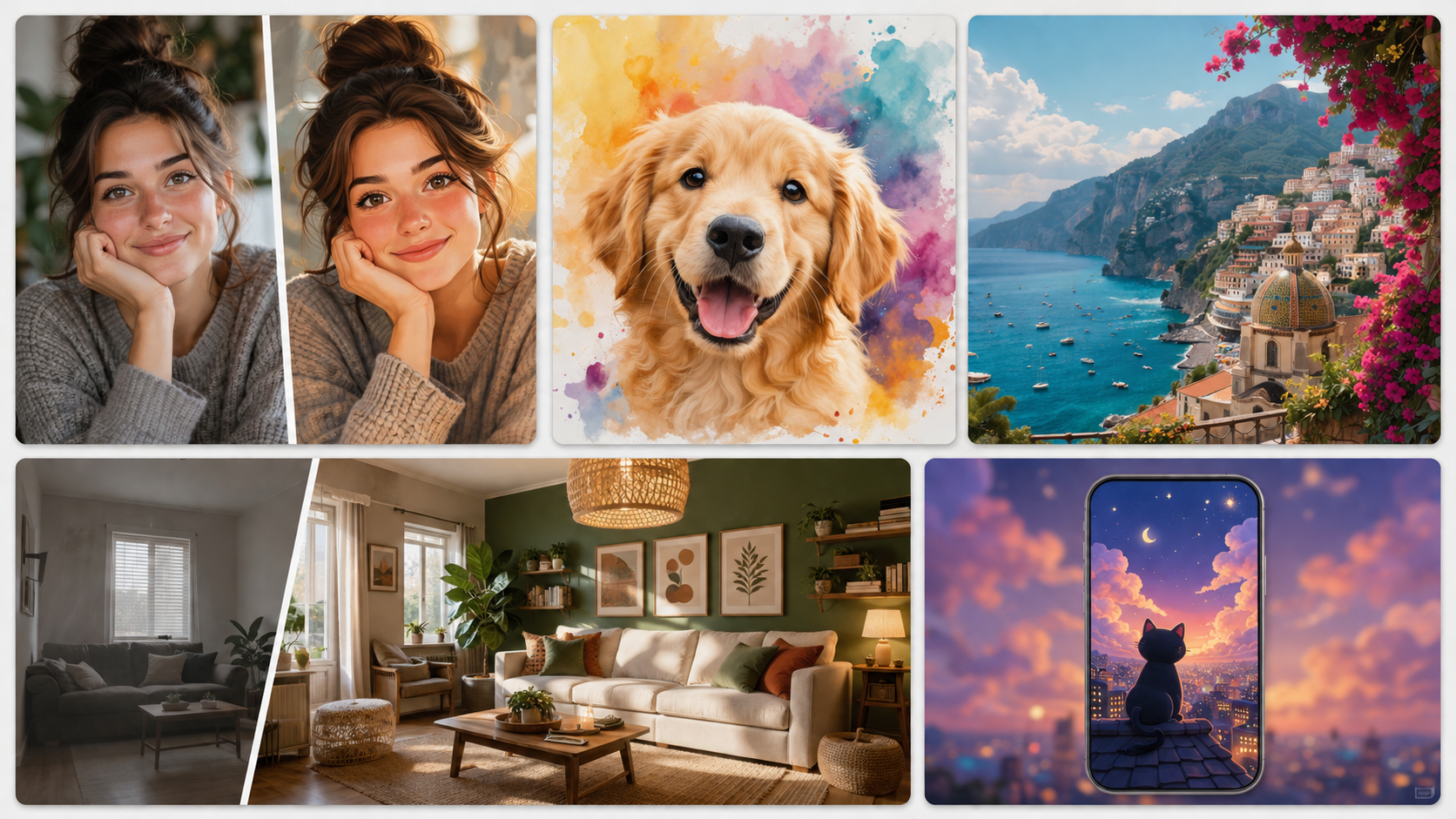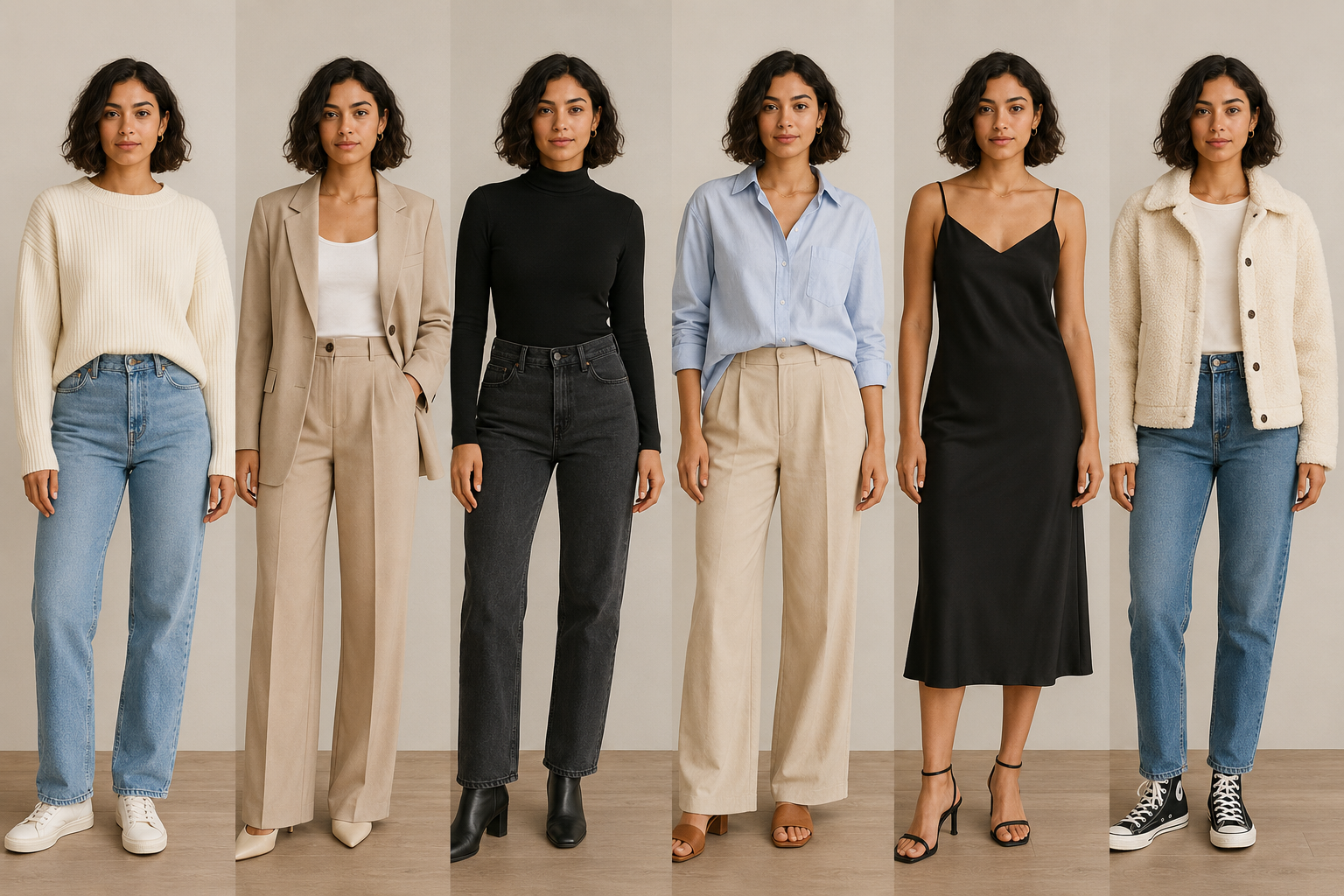



GPT-Image-1.5 is OpenAI’s latest image generation model, built to help you create high-quality visuals with more control and flexibility than ever. After running countless trials, results show it draws scenes accurately from text inputs. Knowing human biology helps too - shapes, parts, structures come through clearly.
Here are 10 prompt examples you can copy and paste to put OpenAI’s new technology into real use!
1. Logo Design Variations Prompt:
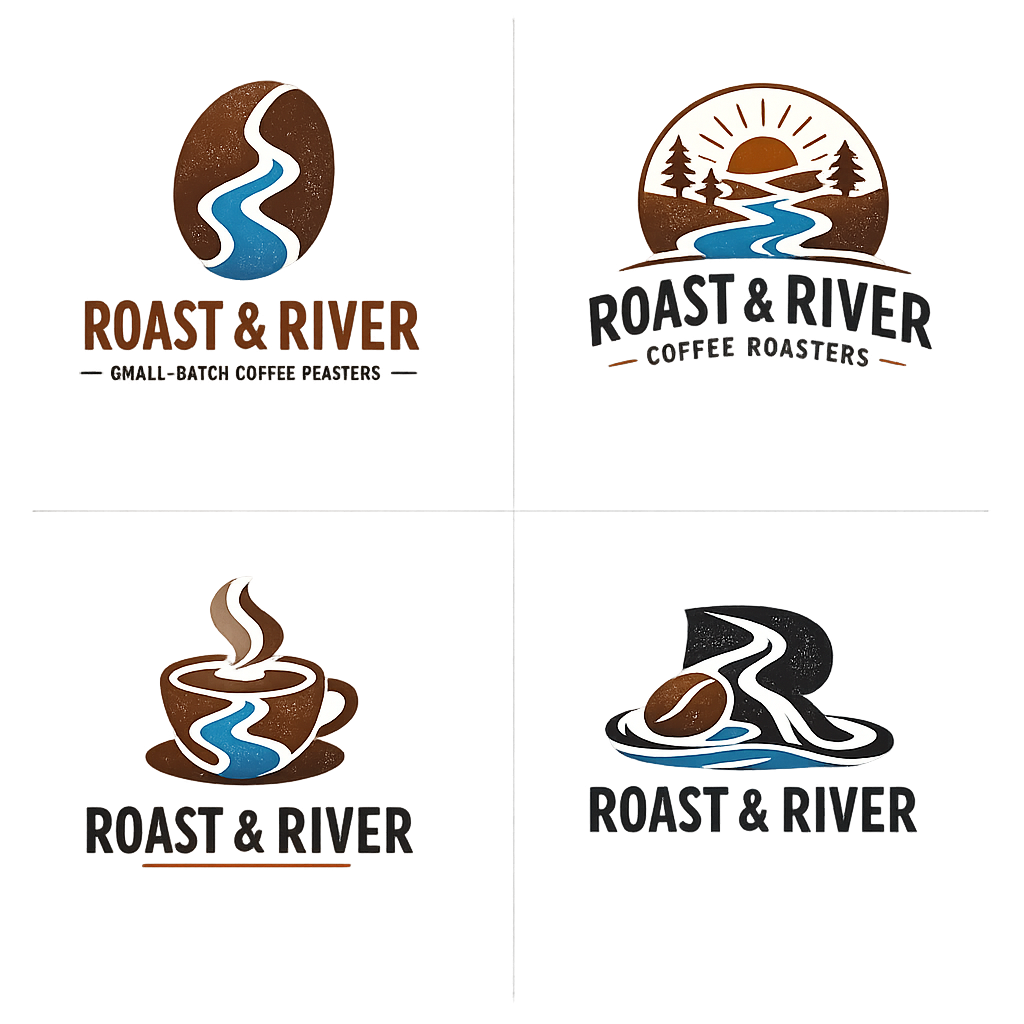
Good logo design starts with clear brand guidelines and keeping things simple. GPT‑1.5 has improved for logo creation — now you can describe your brand’s personality and how you’ll use the logo, and it will generate a clean, original design with strong shapes, balanced spacing, and that works well at any size.
You can also set the “n” parameter to choose how many variations you want to see.
Apply prompt to generate instantly
✅ Prompt Idea:
Coffee Brand
Generate 4 original logos for “Roast & River” — a small-batch coffee roaster.
Simple vector-style icons inspired by rivers, beans, and flow.
Warm browns and muted blues, with a stong monochrome version.
2. Translation in Images
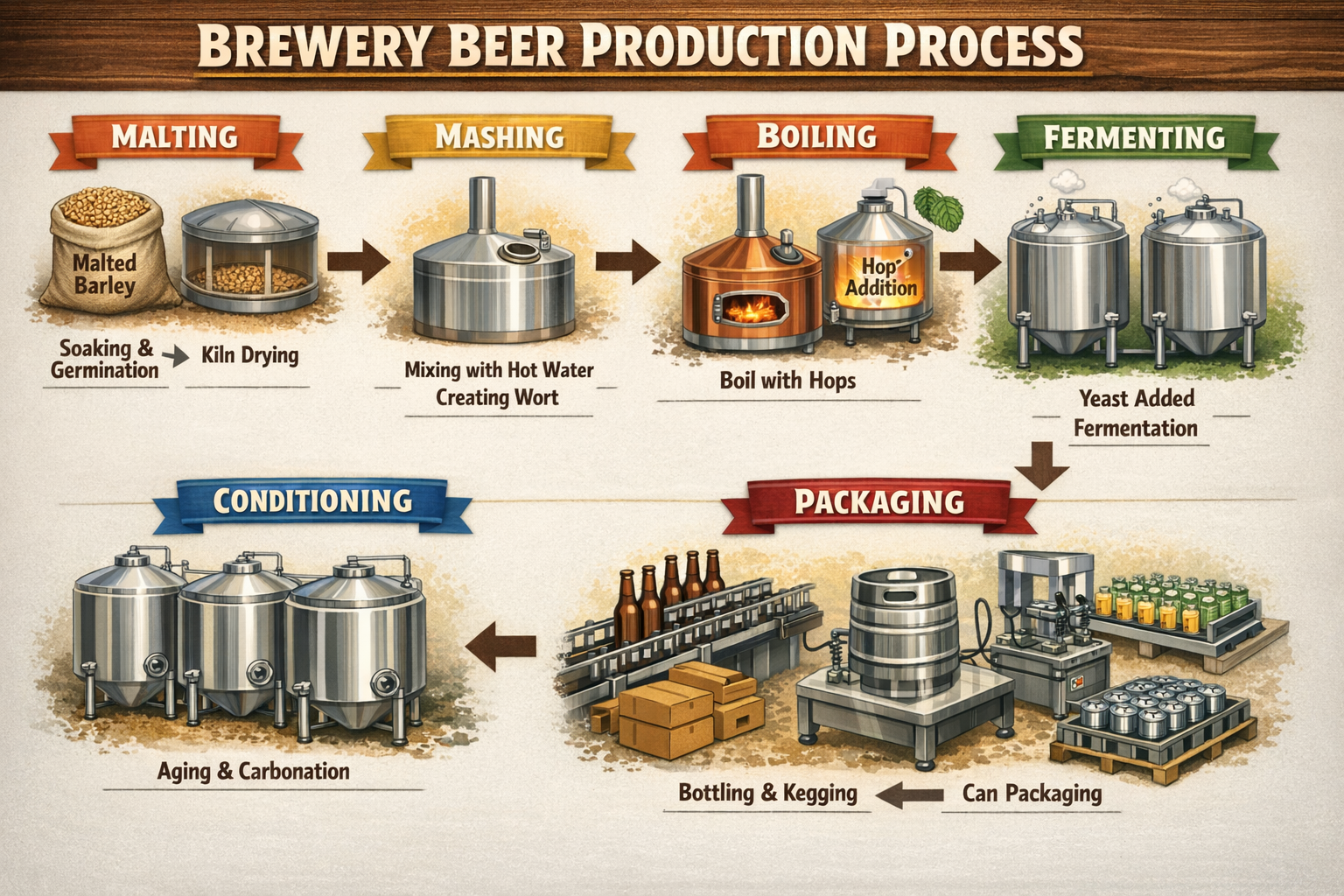
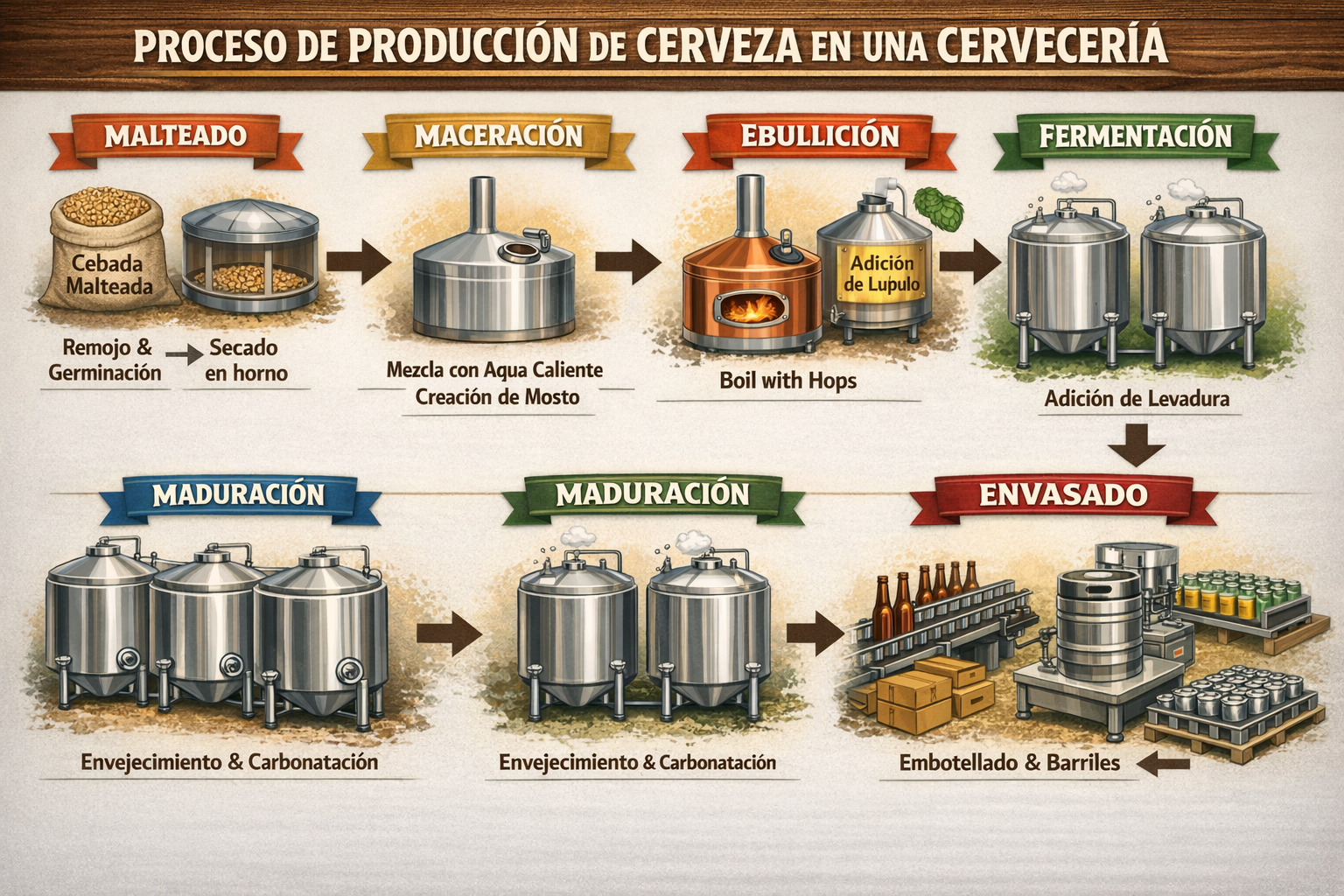
Translate the text in the infographic from english to Spanish.
✅ Prompt Idea:
Translate the text in the infographic to Spanish. Do not change any other aspect of the image.
Input Image:
Output Image:
Apply prompt to generate instantly
3. Remove Background
✅ Prompt Idea:
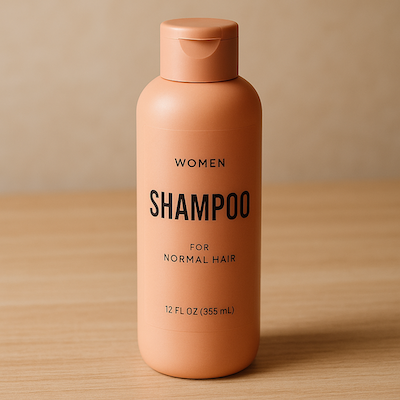
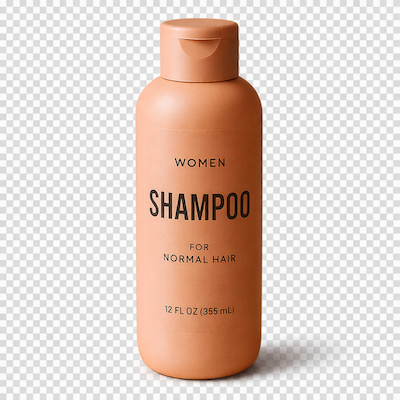
Extract the product from the input image. Output: transparent background (RGBA PNG), crisp silhouette, no halos/fringing. Preserve product geometry and label legibility exactly. Optional: subtle, realistic contact shadow in the alpha (no hard cut line). Do not restyle the product; only remove background and lightly polish.
Input Image:
Output Image:
Apply prompt to generate instantly
4. Marketing Creatives with Real Text In-Image
✅ Prompt Idea:
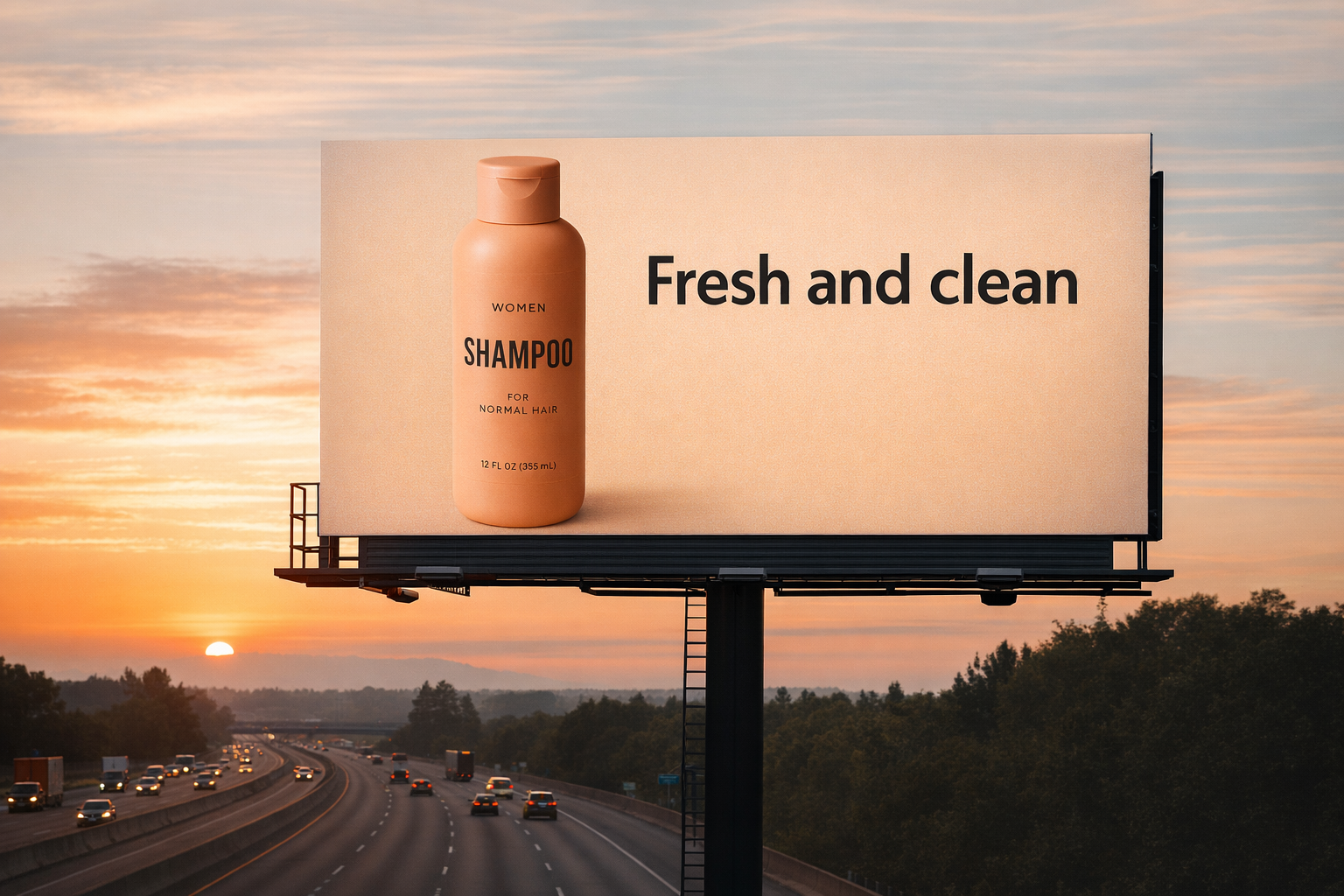
Create a realistic billboard mockup of the shampoo on a highway scene during sunset. Billboard text (EXACT, verbatim, no extra characters): "Fresh and clean" Typography: bold sans-serif, high contrast, centered, clean kerning. Ensure text appears once and is perfectly legible. No watermarks, no logos.
Input Image:
Output Image:
Apply prompt to generate instantly
5. UI Mockups
Apply prompt to generate instantly
✅ Prompt Idea:
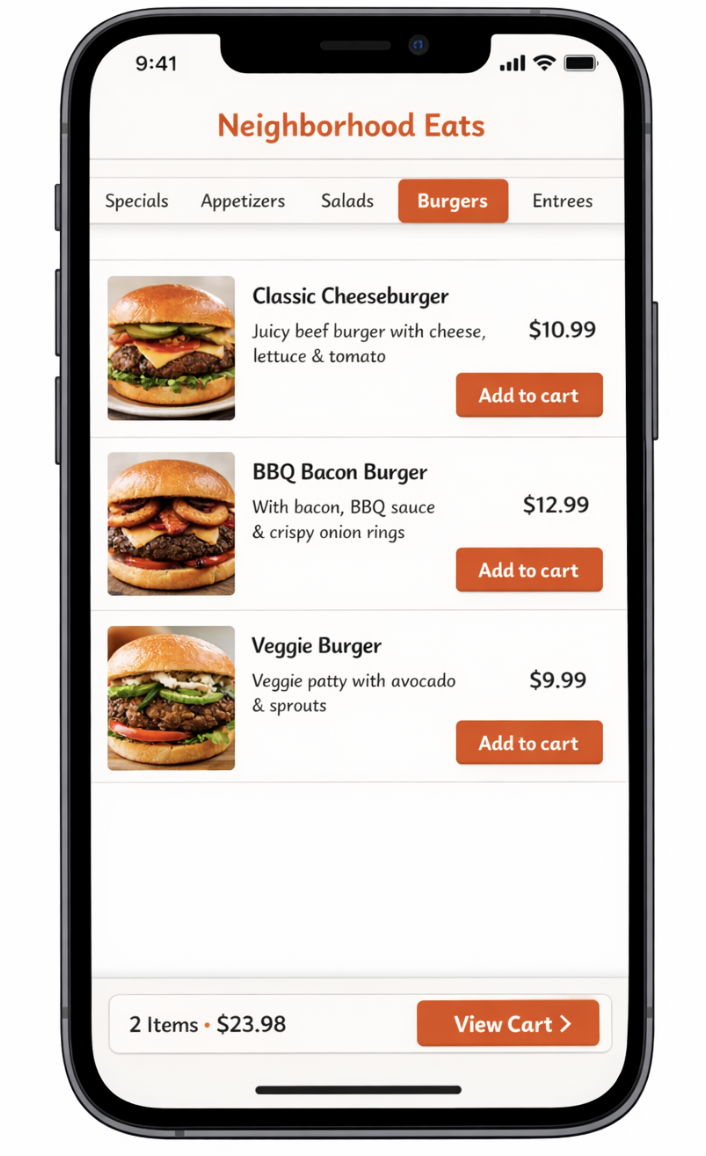
Restaurant Ordering App: Create a realistic mobile app UI mockup for a casual neighborhood restaurant. Show the menu screen with category tabs, a short list of dishes with photos, prices, and a simple “Add to cart” button. Include a minimal cart summary at the bottom. Design it to be fast and easy to understand. White background, warm accent colors, clean typography, and minimal visual noise. Place the UI mockup in an iPhone frame.
6. Style Transfer
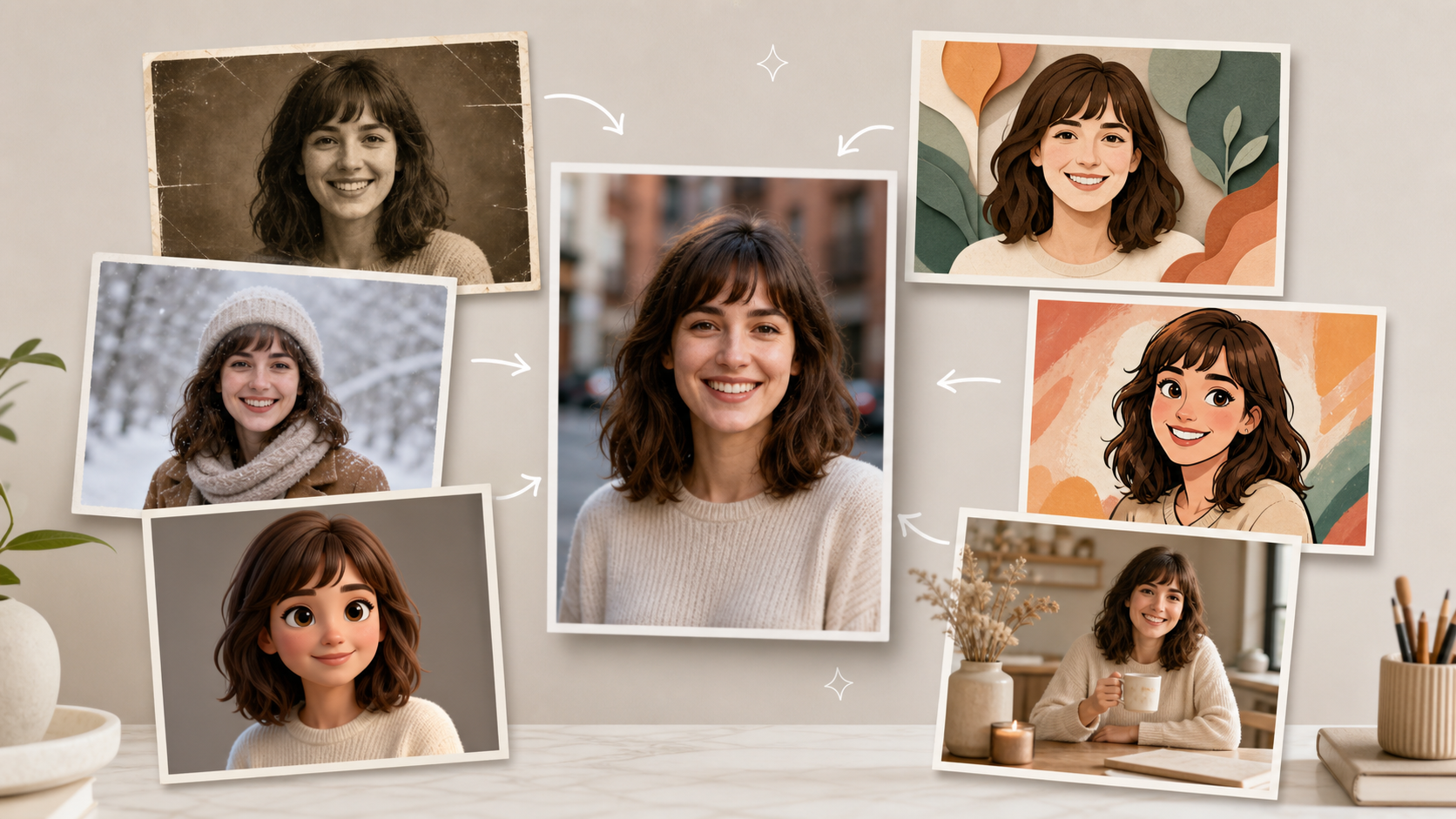
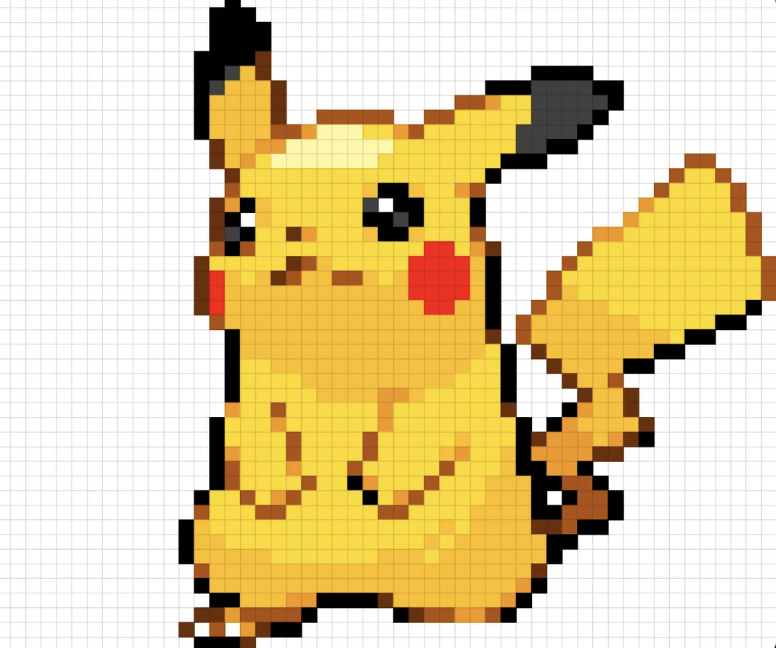
Style transfer is useful when you want to keep the visual language of a reference image (palette, texture, brushwork, film grain, etc.) while changing the subject or scene. When the ChatGPT‑4o model was released, the Ghibli style was transformed into a style familiar to people.
✅ Prompt Idea:
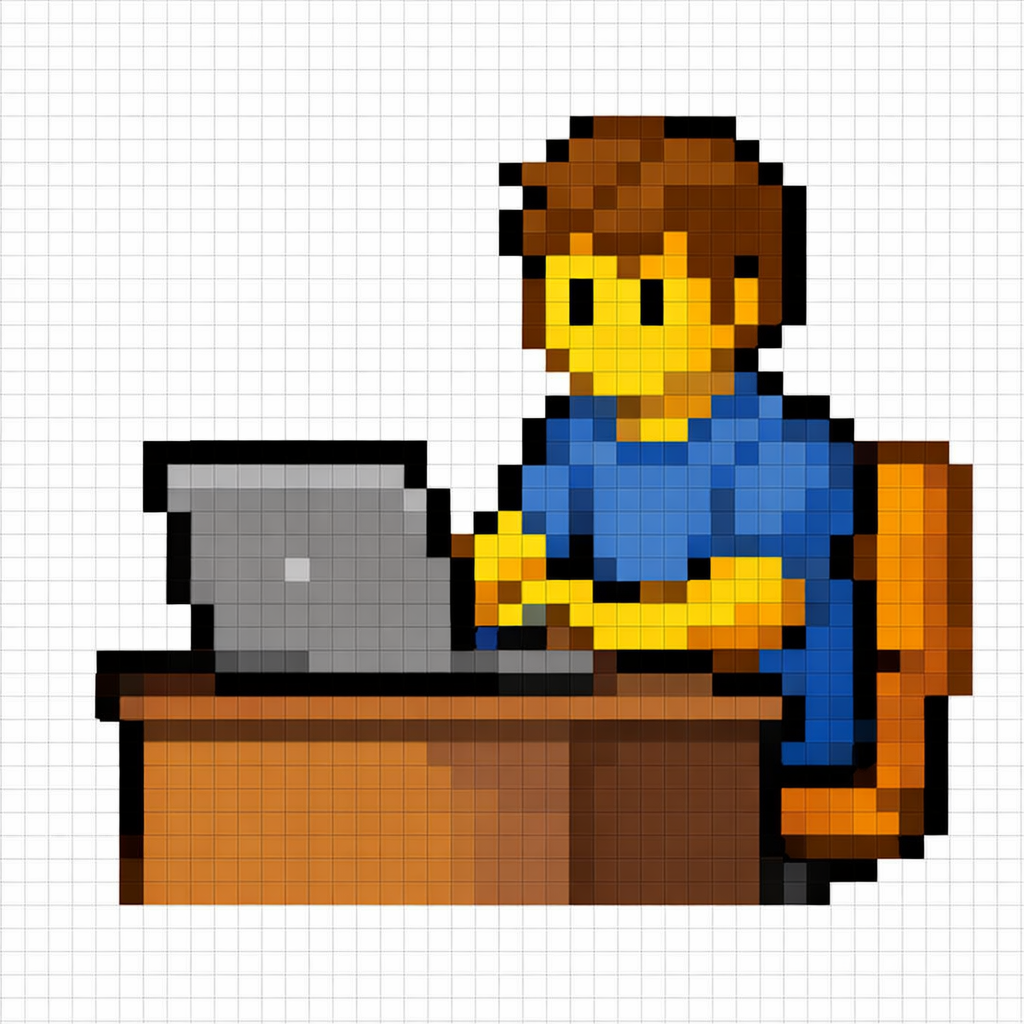
Use the same style from the input image and generate a person sitting at a desk using a laptop.
Input Image:
Output Image:
Apply prompt to generate instantly
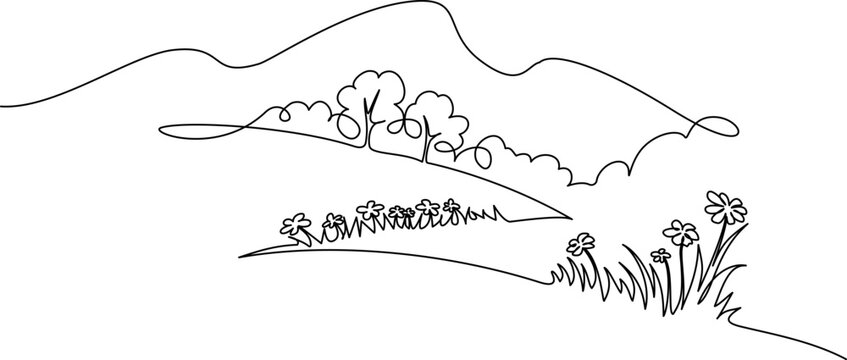
7. Drawing → Image (Rendering)
✅ Prompt Idea:
Turn this drawing into a photorealistic image. Preserve the exact layout, proportions, and perspective. Choose realistic materials and lighting consistent with the sketch intent. Do not add new elements or text.
Input Image:
Output image:
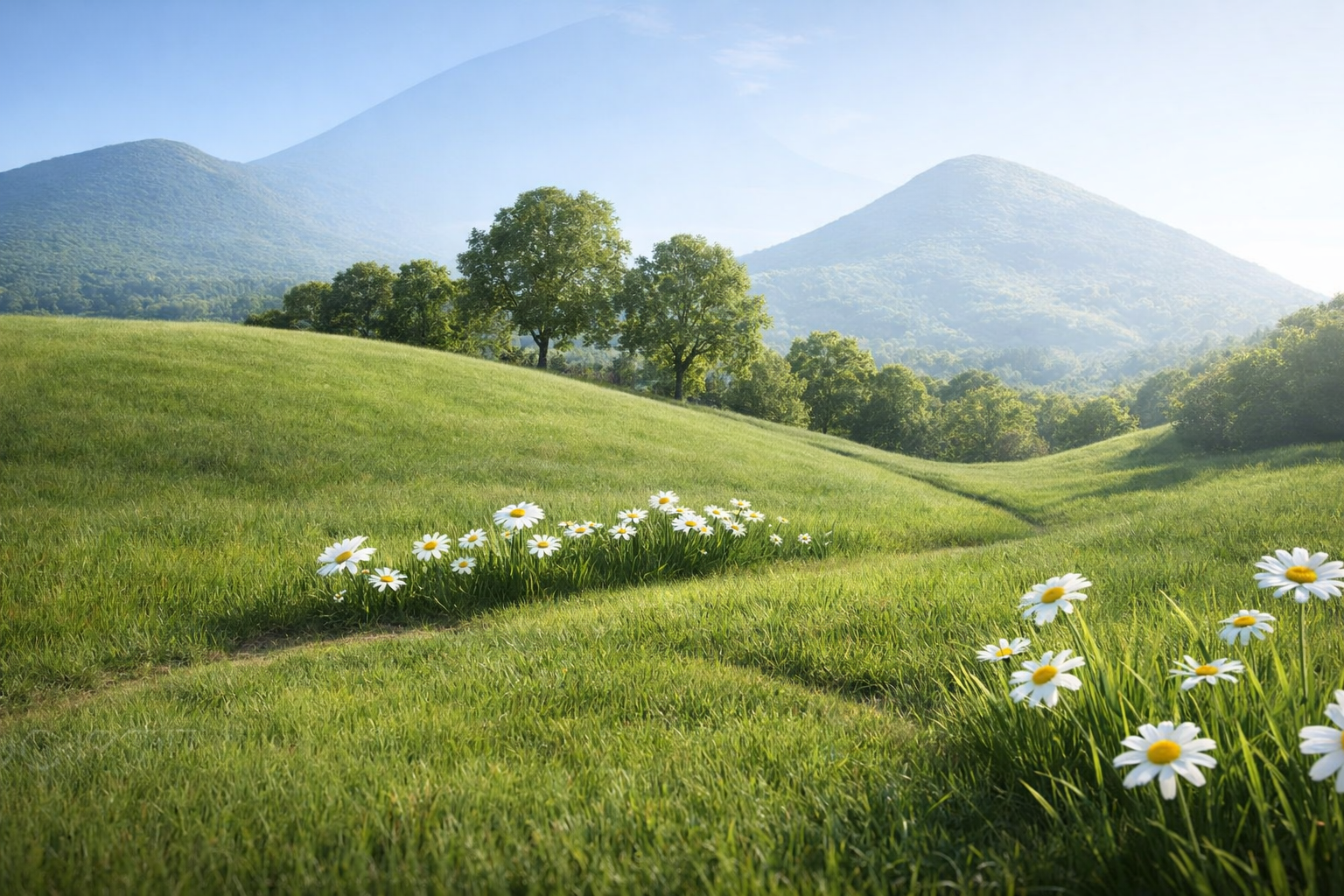
Apply prompt to generate instantly
8. Interior design “swap” (precision edits)
✅ Prompt Idea:
In this room photo, replace ONLY white with chairs made of wood. Preserve camera angle, room lighting, floor shadows, and surrounding objects. Keep all other aspects of the image unchanged. Photorealistic contact shadows and fabric texture.
Input Image:
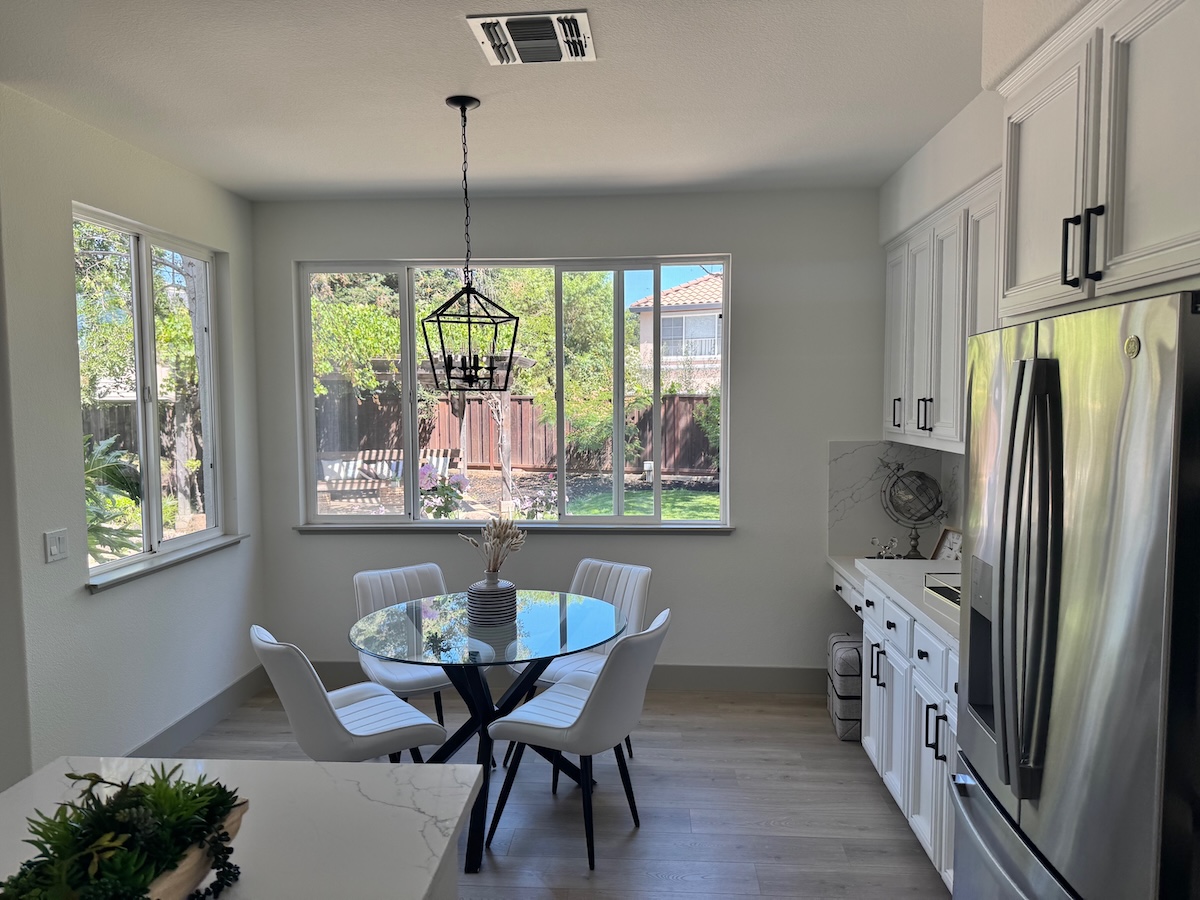
Output Image:
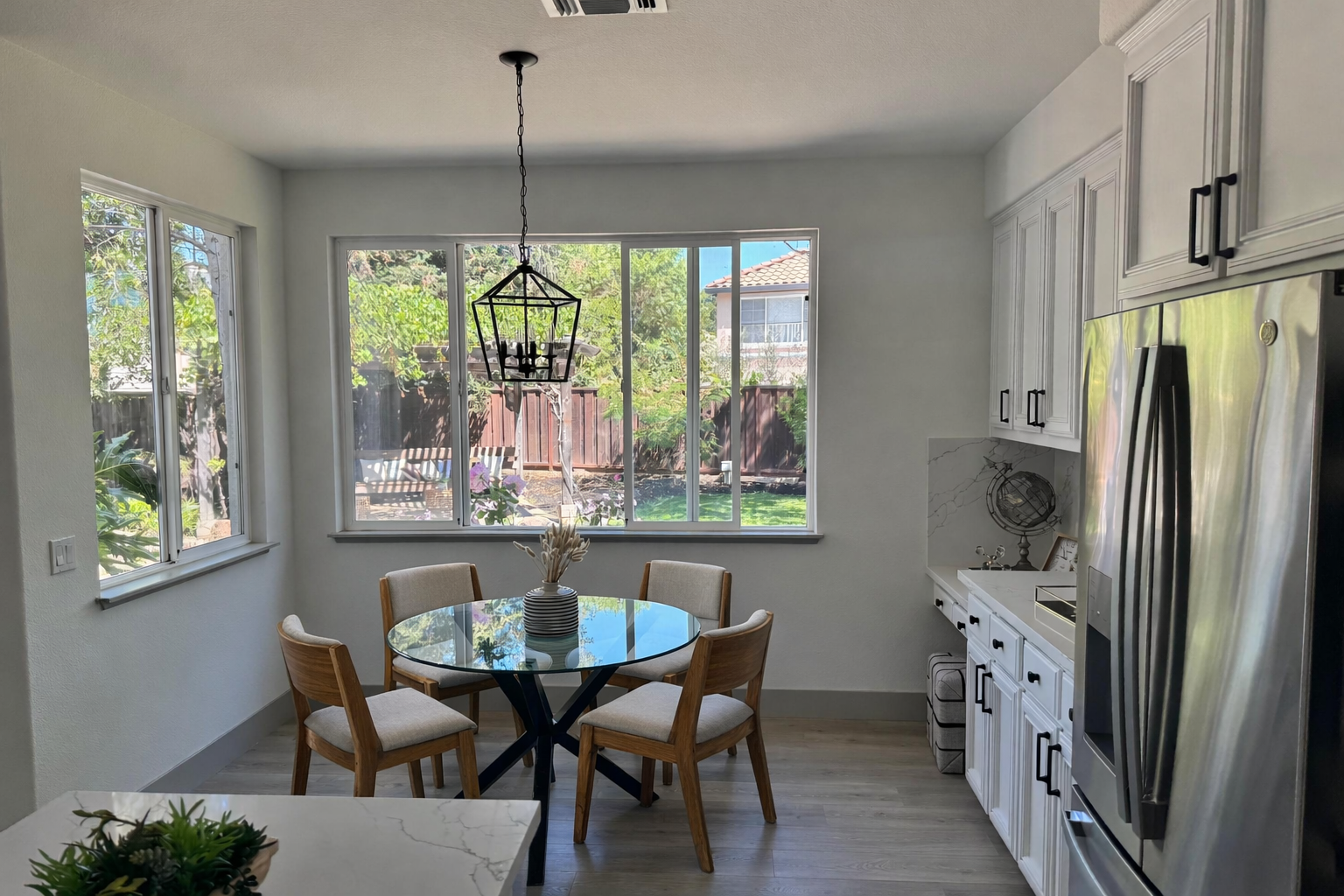
Apply prompt to generate instantly
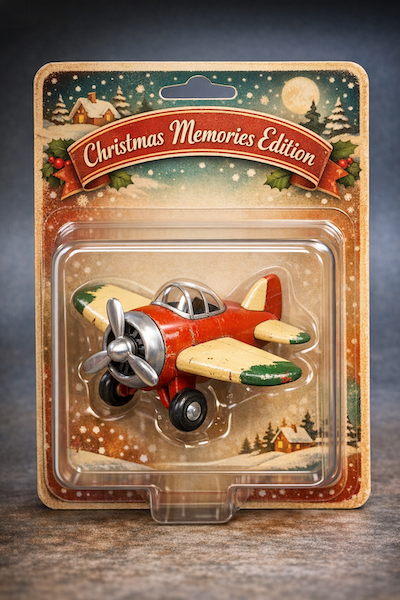
9. Collectible Action Figure / Plush Keychain
✅ Prompt Idea:
Create a collectible action figure of {a vintage-style toy propeller airplane with rounded wings, a front-mounted spinning propeller, slightly worn paint edges}, in blister packaging.
Concept: A nostalgic holiday collectible inspired by the simple toy airplanes children used to play with during winter holidays. Evokes warmth, imagination, and childhood wonder. Style: Premium toy photography, realistic plastic and painted metal textures, studio lighting, shallow depth of field, sharp label printing, high-end retail presentation.
Apply prompt to generate instantly
10. Children’s Book Art with Character Consistency (multi-image workflow)
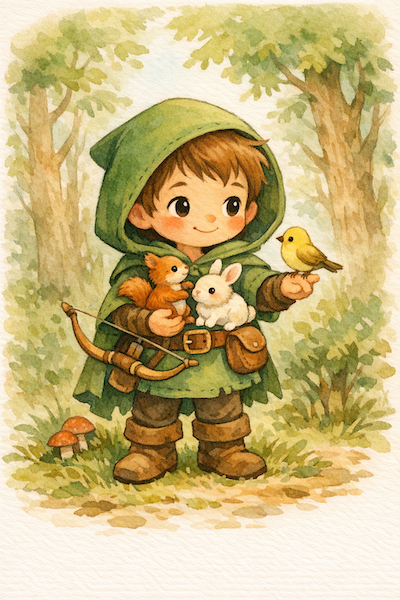
10.1 Character Anchor — establish the reusable main character
✅ Prompt Idea:
Create a children’s book illustration introducing a main character. Character: A young, storybook-style hero inspired by a little forest outlaw, wearing a simple green hooded tunic, soft brown boots, and a small belt pouch. The character has a kind expression, gentle eyes, and a brave but warm demeanor. Carries a small wooden bow used only for helping, never harming. Theme: The character protects and rescues small forest animals like squirrels, birds, and rabbits. Style: Children’s book illustration, hand-painted watercolor look, soft outlines, warm earthy colors, whimsical and friendly. Proportions suitable for picture books (slightly oversized head, expressive face).
Apply prompt to generate instantly
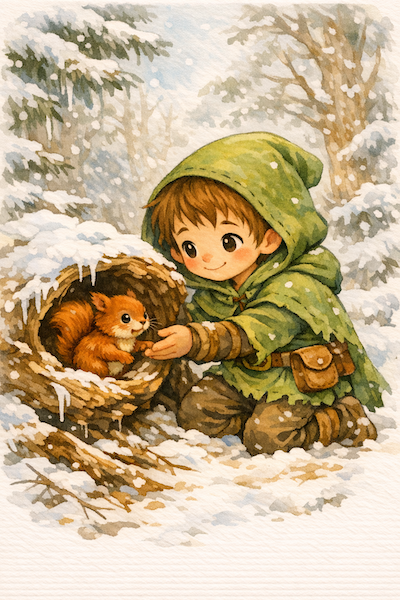
10.2 Story Continuation — reuse character, advance the narrative
✅ Prompt Idea:
Continue the children’s book story using the same character. Scene: The same young forest hero is gently helping a frightened squirrel out of a fallen tree after a winter storm. The character kneels beside the squirrel, offering reassurance. Character Consistency: - Same green hooded tunic - Same facial features, proportions, and color palette - Same gentle, heroic personality Style: Children’s book watercolor illustration, soft lighting, snowy forest environment, warm and comforting mood.
Output image
Apply prompt to generate instantly
Ready to Try GPT-Image-1.5?
GPT-Image-1.5 enables you to transform your concepts into useful visual content. If you wanna know how far GPT-Image-1.5 can bring your concepts to life, try it out to discover how AI design can simplifies your creative process!