

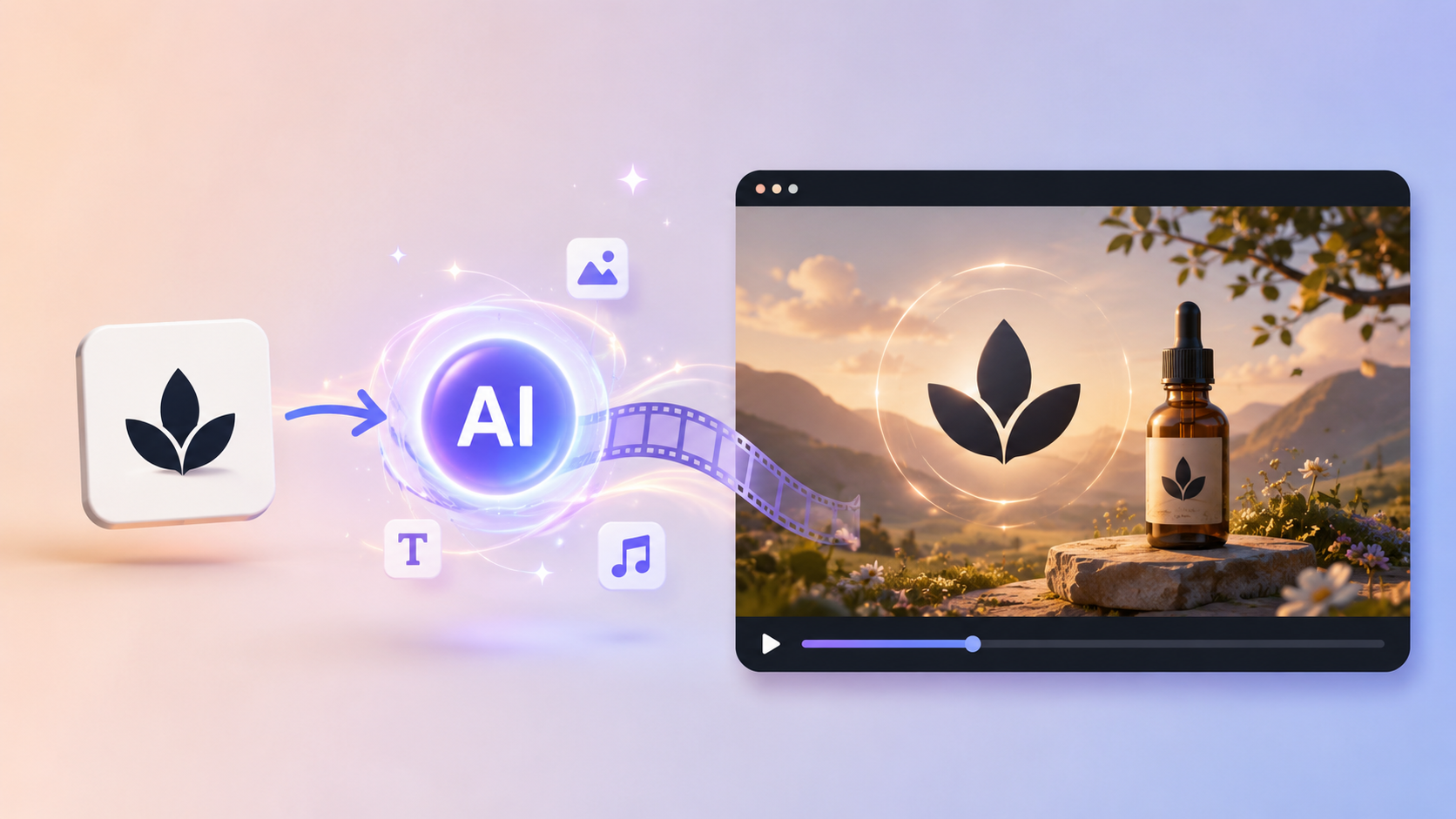
Most brand videos begin with a problem that has nothing to do with video: the logo is ready, but the brand still feels flat. A founder has a product launch tomorrow. A landing page needs an opening moment. A social post needs to feel like more than a logo dropped onto the last frame.
That is where an AI brand story video can help. You start with the logo you already have, give it a visual personality, and let the mark become the ending of a short scene. The result does not need to tell the company's entire history. It only needs to make someone feel what kind of brand is about to appear.
Think in moments, not in a storyboard
Imagine a small coffee brand preparing its first online launch. The founder has a clean logo, a warm brown palette, and one sentence: “Slow mornings, made better.” A useful logo video might begin with soft light moving across a dark surface, gather a little energy, and resolve into the logo. That is already a story: calm, crafted, and confident.
You do not need to draw those frames yourself. The practical workflow is upload an ordinary JPG or PNG logo → choose a motion direction → generate a short video → check whether the logo still feels like the brand. The fun part is choosing the feeling. The practical part is knowing which details are non-negotiable.
1. Make the logo the payoff of a cinematic intro
Use a cinematic intro when the video has a clear “before and after” moment: a product launch, a founder presentation, a campaign opener, or the first seconds of a website video. Let the viewer notice atmosphere before asking them to remember the mark.
If all you have is a logo and a launch date, create a cinematic logo intro for a launch. The workflow turns it into a polished entrance without asking you to build a timeline or prepare layers.
Before you get distracted by the effects, watch the last two seconds. Does the logo arrive clearly? Is there a beat of stillness where a real person could recognize it? A dramatic build is only useful if it ends with a mark people can actually read.
2. Let the logo reveal the brand's personality
Sometimes the brand does not need a grand entrance. It needs a point of view. A playful logo can bounce into place. A premium mark may appear through restrained reflections. A technology brand might use precise lines and sharper transitions. The motion should answer one simple question: “What does this brand feel like before it says anything?”
When you want the mark to feel like it belongs to the brand rather than a template, make the logo reveal follow its brand personality. The workflow reads the character of the uploaded mark and uses it to guide the motion, which is handy when you know the mood but do not have a full storyboard.
Use this version for a social opener, a website loading moment, or a short brand announcement. If the reveal looks impressive but generic, the problem is usually not a lack of effects. The motion has not made a specific choice about the brand yet.
3. Give the video one memorable visual idea
The most believable logo stories usually have one visual idea doing the work. Light can suggest clarity. Ink can suggest craft. A line can suggest connection. A soft pulse can suggest energy. Pick one idea and let it carry the sequence instead of stacking smoke, particles, neon, 3D objects, and camera spins into the same few seconds.
This matters especially for small brands. A real viewer may see the video on a phone, with sound off, while scrolling quickly. One strong movement is easier to recognize than a collection of unrelated effects.
4. Design for the place where the story will live
A launch deck, website header, LinkedIn post, and vertical reel do not give the logo the same amount of space. Keep the important action near the center, leave a clean final hold, and decide early whether the main version should be landscape or vertical.
AiDesign's logo animation workflow accepts regular logo files and can produce GIF or MP4 results for branding, websites, and social posts. You do not need to convert the logo first or know video software. Generate the core idea, then check the crop and pacing for the actual destination.
5. A gentle loop for a social post
Small scene: A handmade candle brand has a quiet product photo and wants a six-second post that feels alive without shouting. A slow float, a little rotation, or a soft bounce can make the logo feel present while leaving room for the caption and product shot.
For a social post that needs a little life without turning into a spectacle, animate a logo with gentle social-ready motion. It is a better fit for a repeatable post than a dramatic reveal.
This works when the logo needs to stay visible for the whole loop. Keep the movement small enough that someone scrolling notices the brand before wondering how the animation was made.
6. A dramatic opener for a launch event
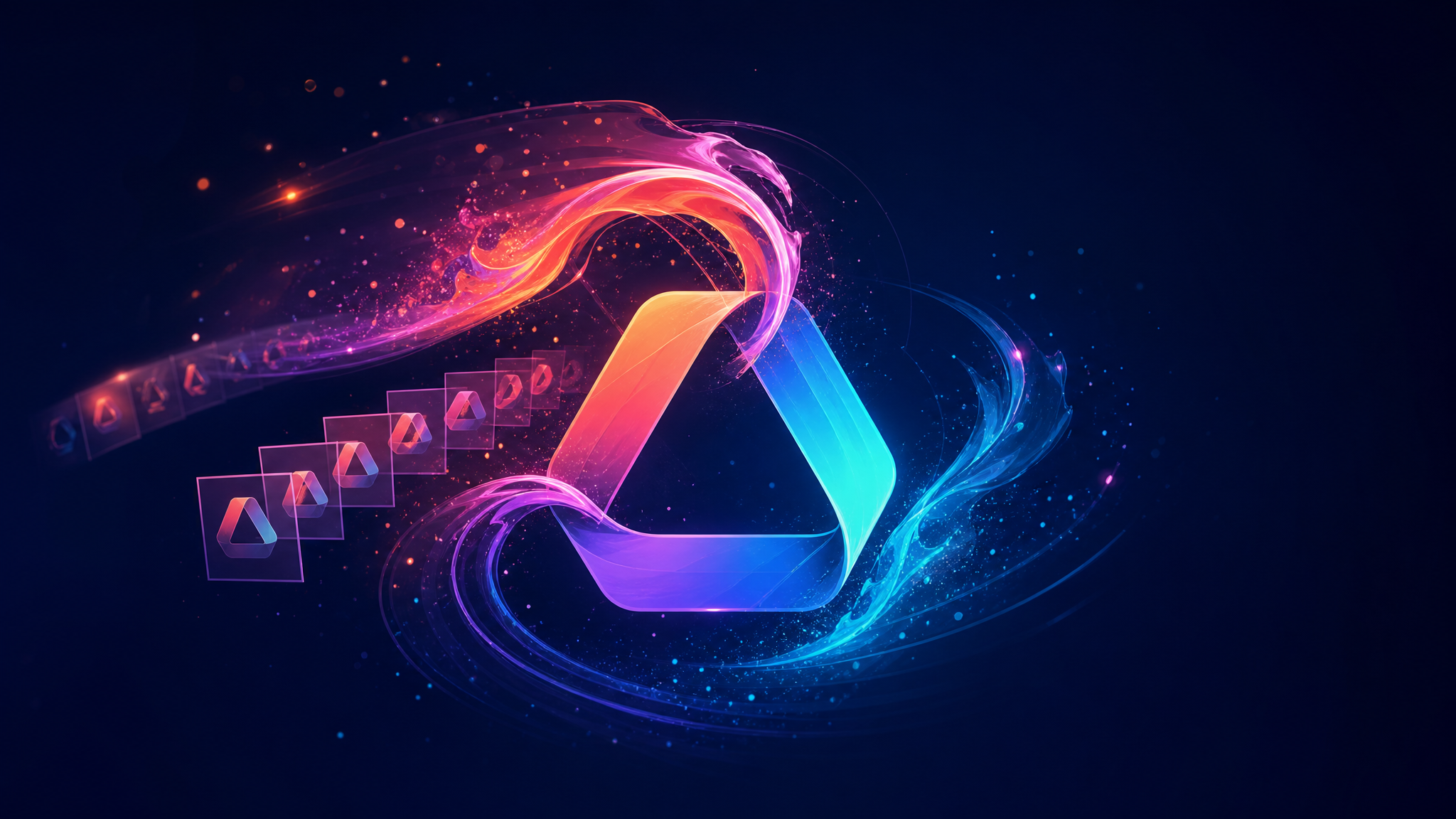
Small scene: A new game studio is opening a live-streamed launch with the lights down and the audience waiting. Here, the logo can arrive from darkness with particles, light streaks, and a heavier final impact. The scene should feel like an entrance, not a screensaver.
For that kind of moment, create a cinematic logo reveal with light and particles. The cinematic treatment gives the mark a stronger sense of arrival, so save it for places where the extra drama has a reason to exist.
Try watching this one with the sound turned down. If the motion still feels intentional without the risers and impact hit, the visual idea is doing its job.
7. A clean geometric reveal for a tech product
Small scene: A software team is showing a new dashboard in a product demo. Its logo should feel precise and modern, so colorful circles, squares, and lines can assemble into the mark before the interface appears. The visual language connects the logo to the product without adding a separate brand film.
For a product demo, build a geometric logo animation that echoes the product's visual system. Circles, squares, and lines can make the logo feel connected to the interface that follows.
Keep the background simple and let the shapes do one job: show how separate parts become one recognizable system. That makes the scene especially useful for product launches, app demos, and onboarding videos.
A practical review: the six-second test
Watch the result once with the sound off and once at the speed a busy person would scroll. Then ask:
- Can I tell what kind of brand this is before the logo appears?
- Does the motion lead my eye toward the mark, or compete with it?
- Can I read the logo immediately when it arrives?
- Would I recognize this visual language if the logo were removed?
If one answer is no, make one focused revision. Slow the reveal, simplify the background, reduce the visual noise, or extend the final hold. Keep the logo's proportions, lettering, colors, and distinctive shapes unchanged.
What usually makes a logo video feel fake
- Too much story: A five-second opener cannot carry an entire company history.
- Too many effects: Visual noise makes a small logo harder to remember.
- No brand decision: “Make it exciting” is not a direction. Choose calm, crafted, playful, precise, bold, or another concrete feeling.
- A weak ending: If the logo flashes by, the video becomes decoration instead of brand memory.
End on recognition
A useful AI brand story video does not ask the logo to do everything. It gives the mark a little context, a little movement, and a clear moment to be remembered. Start with one ordinary logo and one honest brand feeling. Build a short visual path toward the mark, then remove anything that distracts from the final recognition.
That is the difference between an animated logo and a brand moment: one moves, while the other leaves an impression.