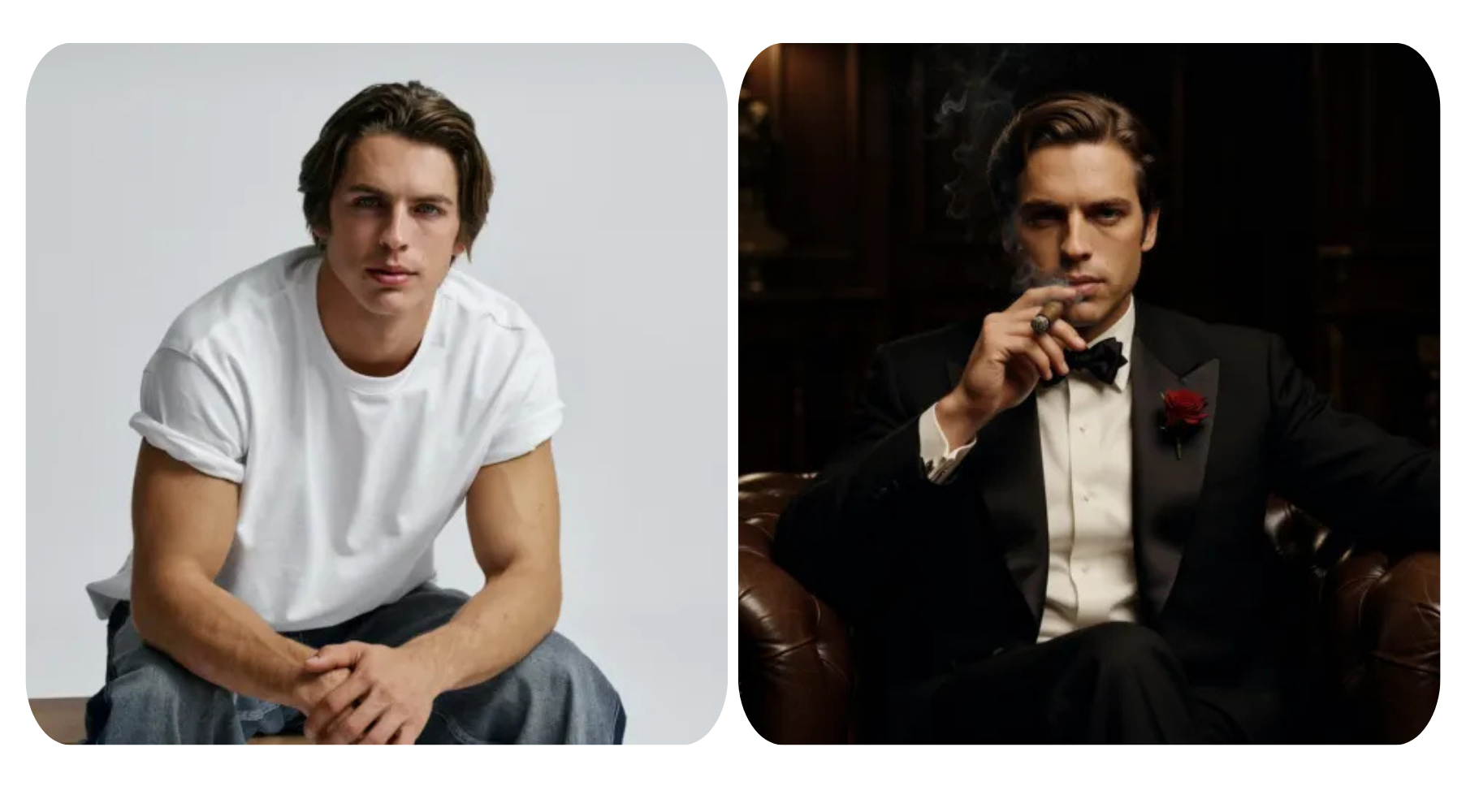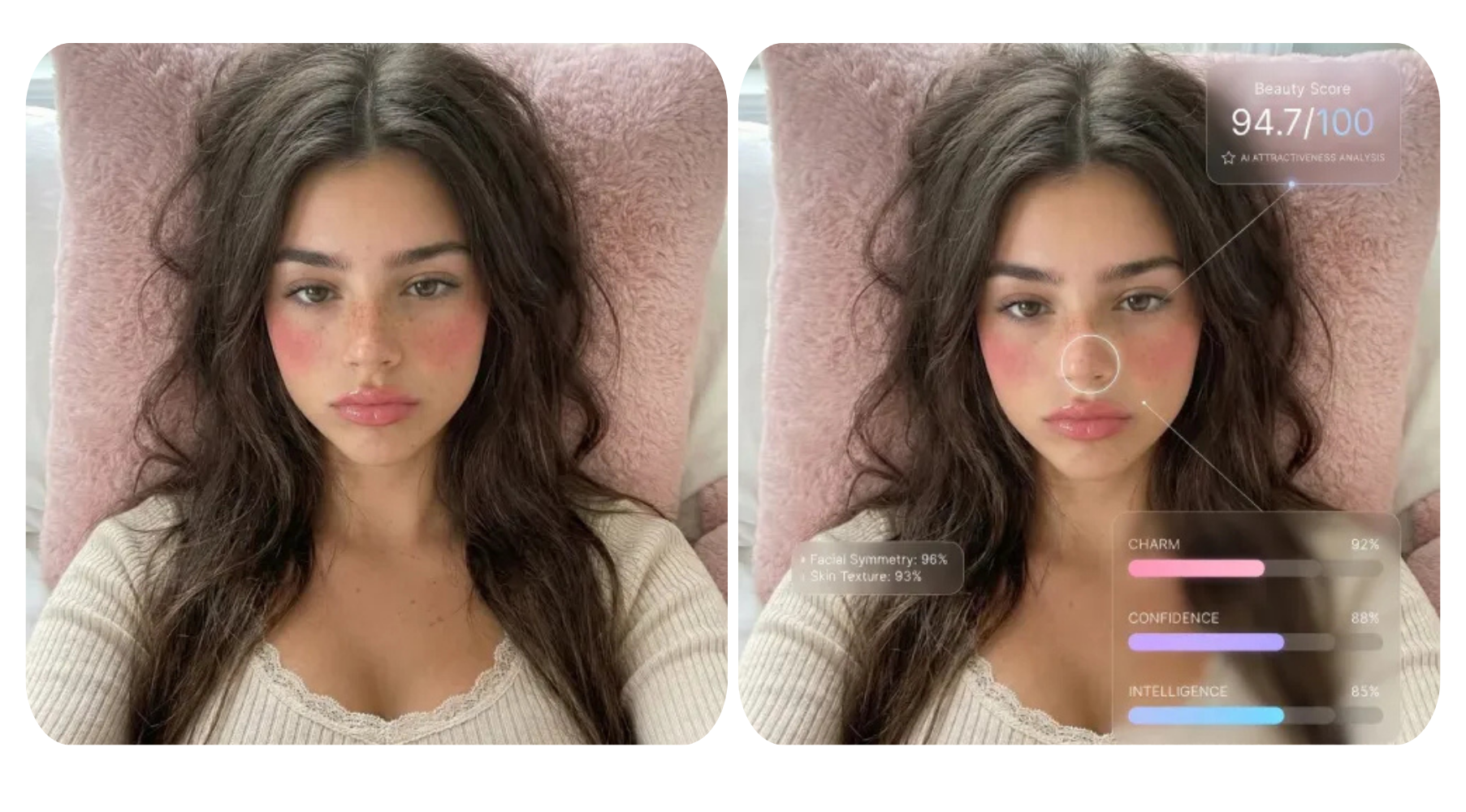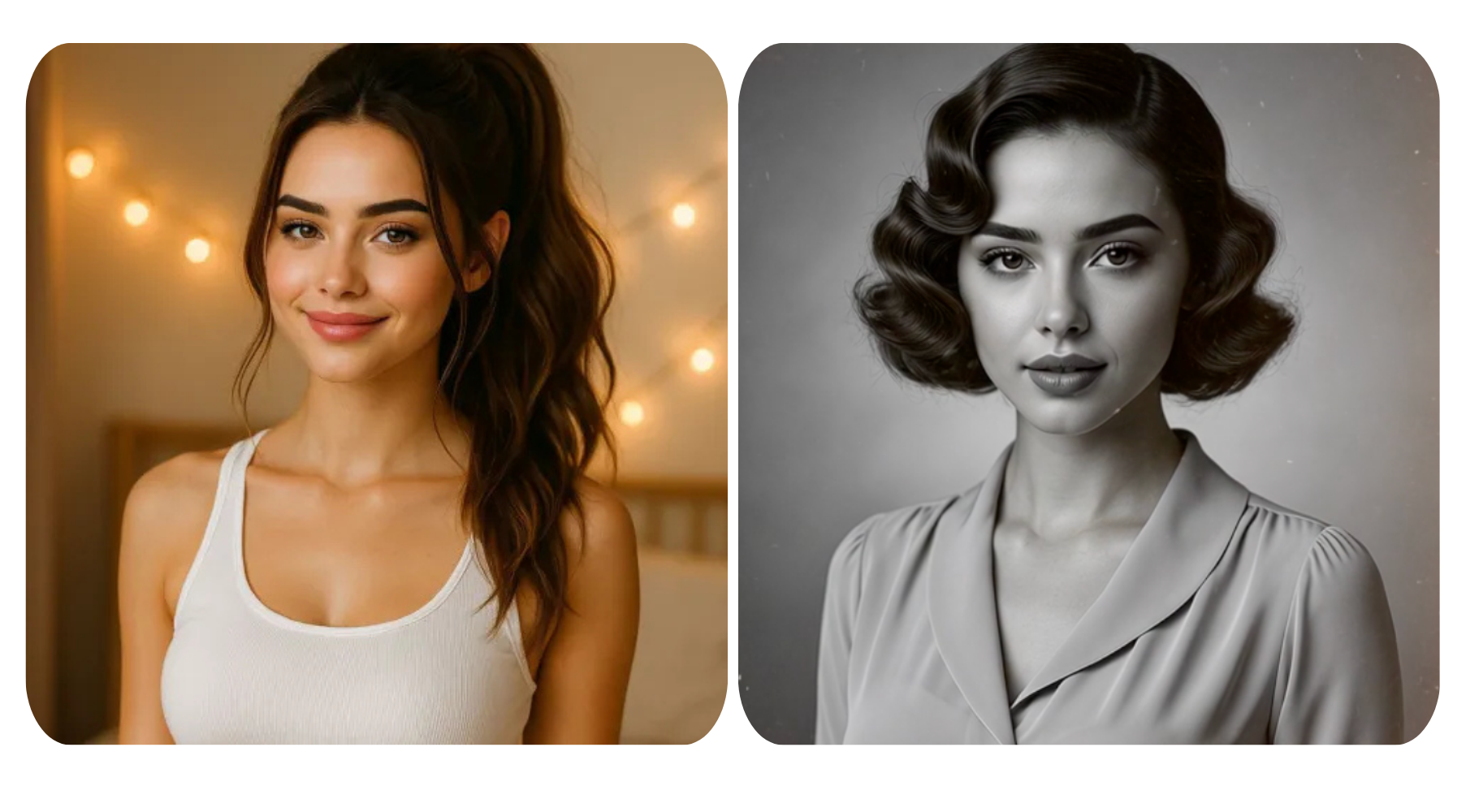


Previously, taking outstanding, professional photographs required a pricey camera, complicated lighting setups, and serious photography ability. Now, anyone can edit image with AI and create amazing incredible, high-quality AI portraits in seconds! The possibilities are endless! Think cinematic shots, magazine-quality headshots, to creative, stylized portraits.
In this guide, we will outline few distinct portrait styles with Studio-quality prompts for you to create your AI portraits in no time - no prior photography experience required!
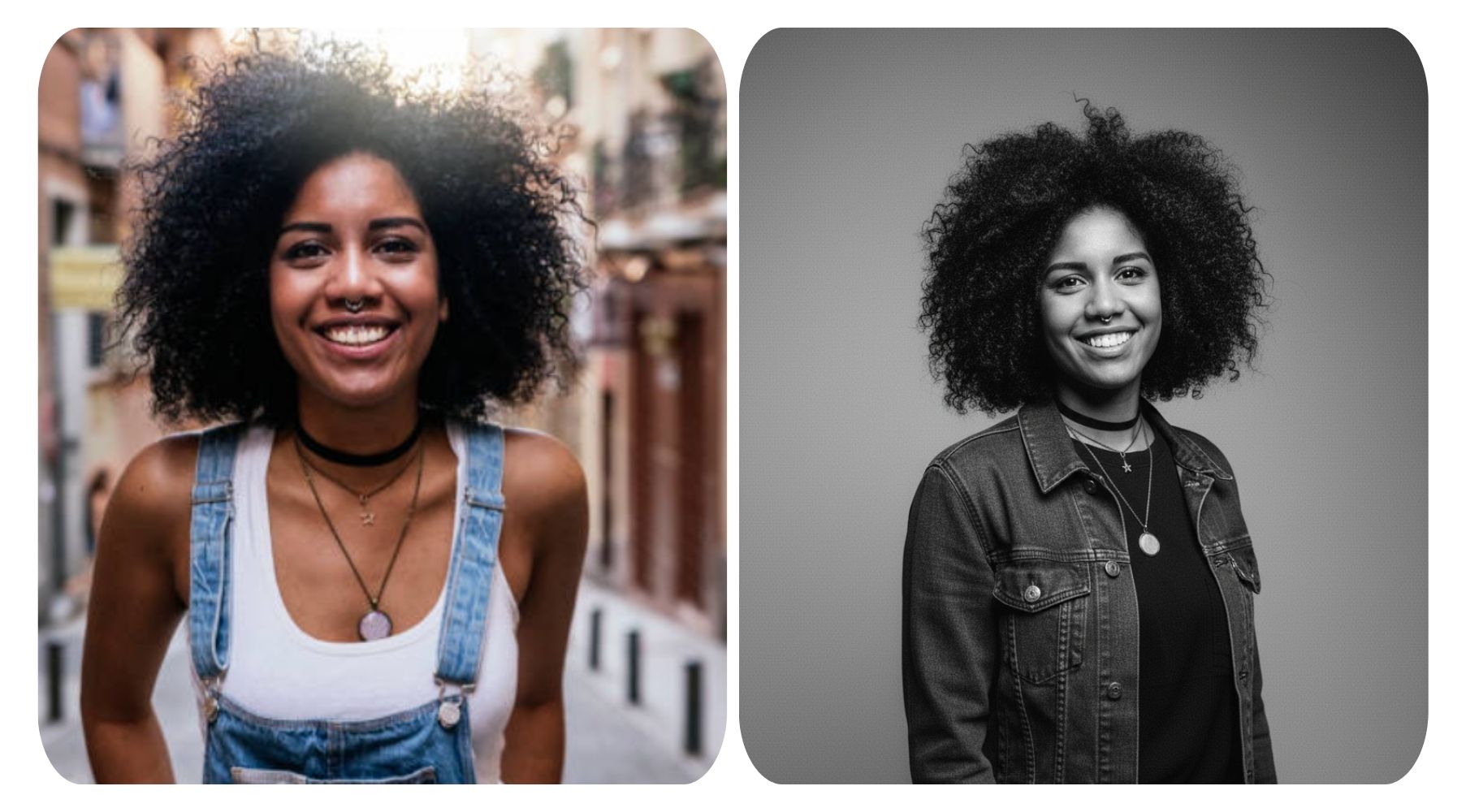
1. Black-and-White Studio Portrait
Perfect for a classic, timeless look.
✅ Nano Banana Prompt:
Transform the image into a high-end half-body portrait in a professional studio. Dress the subject in urban casual style with natural poses. Focus on the face, using a soft gradient background and delicate film grain for a classic black-and-white look. Illuminate facial contours and eyes with soft directional light. Keep ample negative space and an off-center composition, with no text or logos, emphasizing light, shadow, and emotion for a serene, professional feel.
Apply prompt to generate instantly
2. Executive Portrait
Ideal for professional corporate headshots.
✅ Nano Banana Prompt:
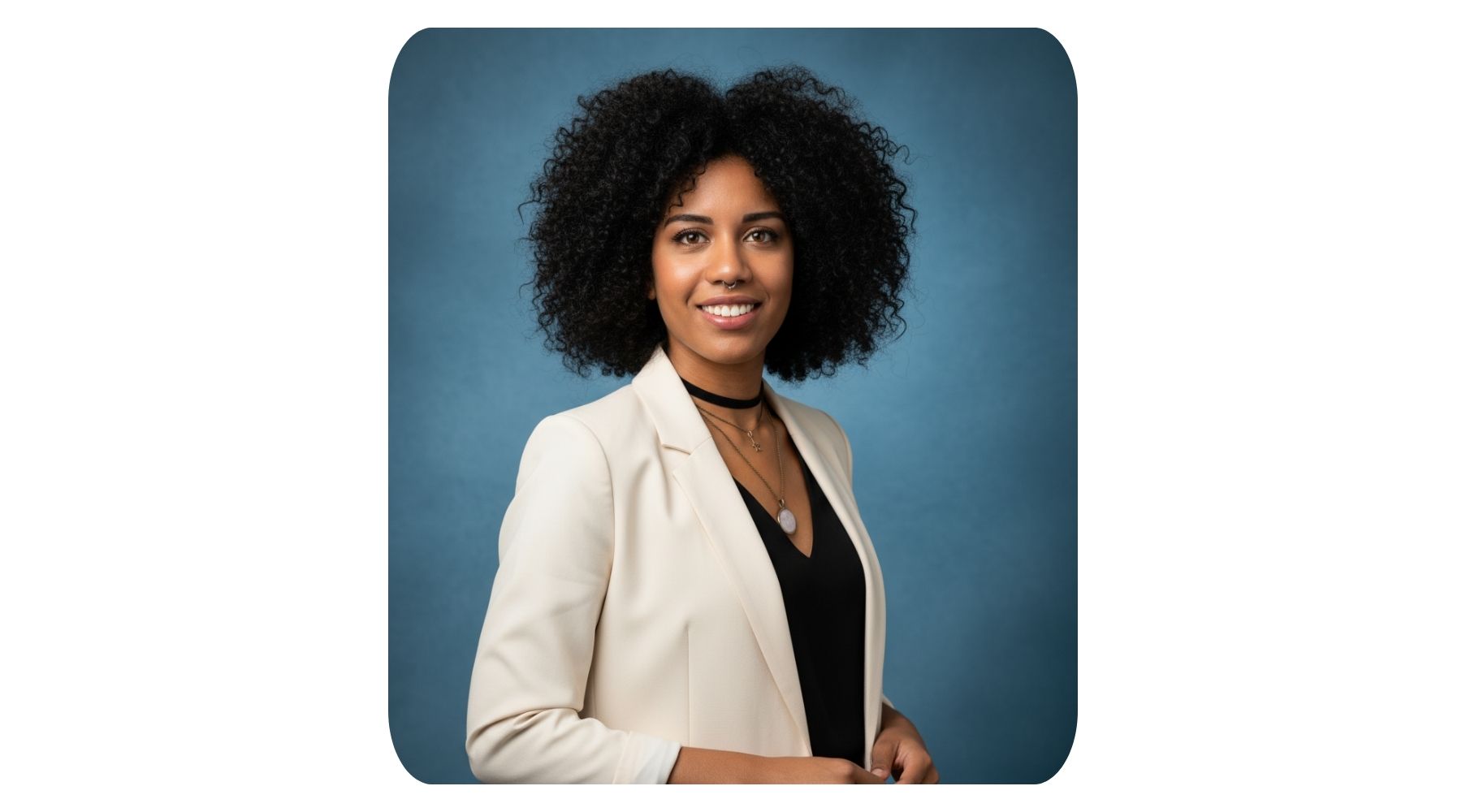
Create a polished half-body portrait while preserving the person’s facial features and identity.
Background: Blue textured studio backdrop with soft, natural lighting.
Subject: Sharp focus, natural skin tone, relaxed and confident expression.
Outfit: Minimalist business attire, refined and tasteful.
Overall look: High-resolution, professional, and elegant.
Apply prompt to generate instantly
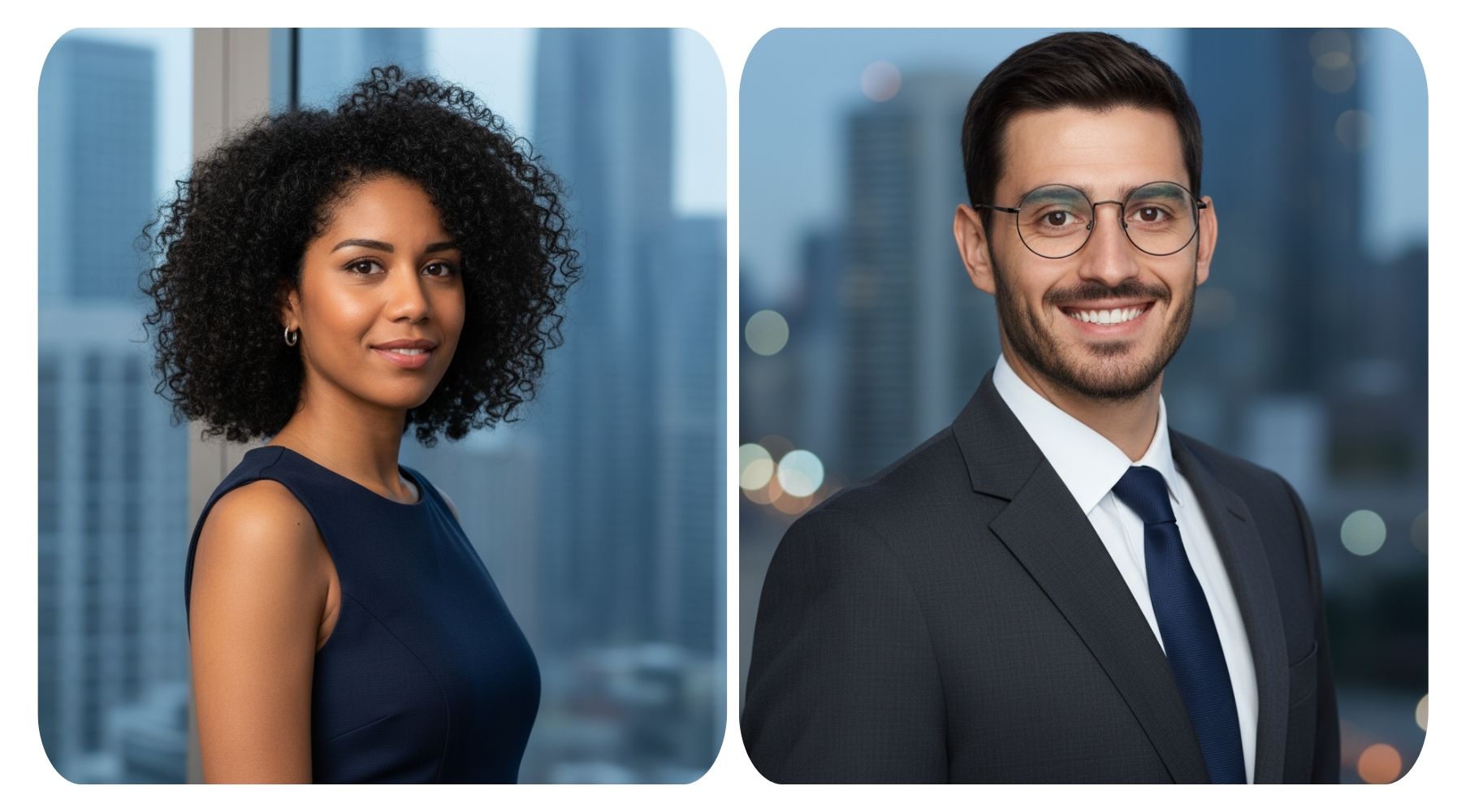
3. Urban Background Business Portrait
Great for LinkedIn or company profile images.
✅ Female Prompt:
Create a professional business headshot for LinkedIn or company use. The subject slightly turns her body, smiles softly, and wears a sleeveless dress with small earrings. Use a blurred blue-gray cityscape background with skyscrapers and soft lighting. The result should look elegant, natural, and realistic.
✅ Male Prompt:
Generate a clean, professional business headshot for LinkedIn or company use. The subject slightly turns his body, smiles confidently, and wears a fitted suit and dress shirt. Use a blurred blue-gray city background with lights for a polished, lifelike finish.
Apply prompt to generate instantly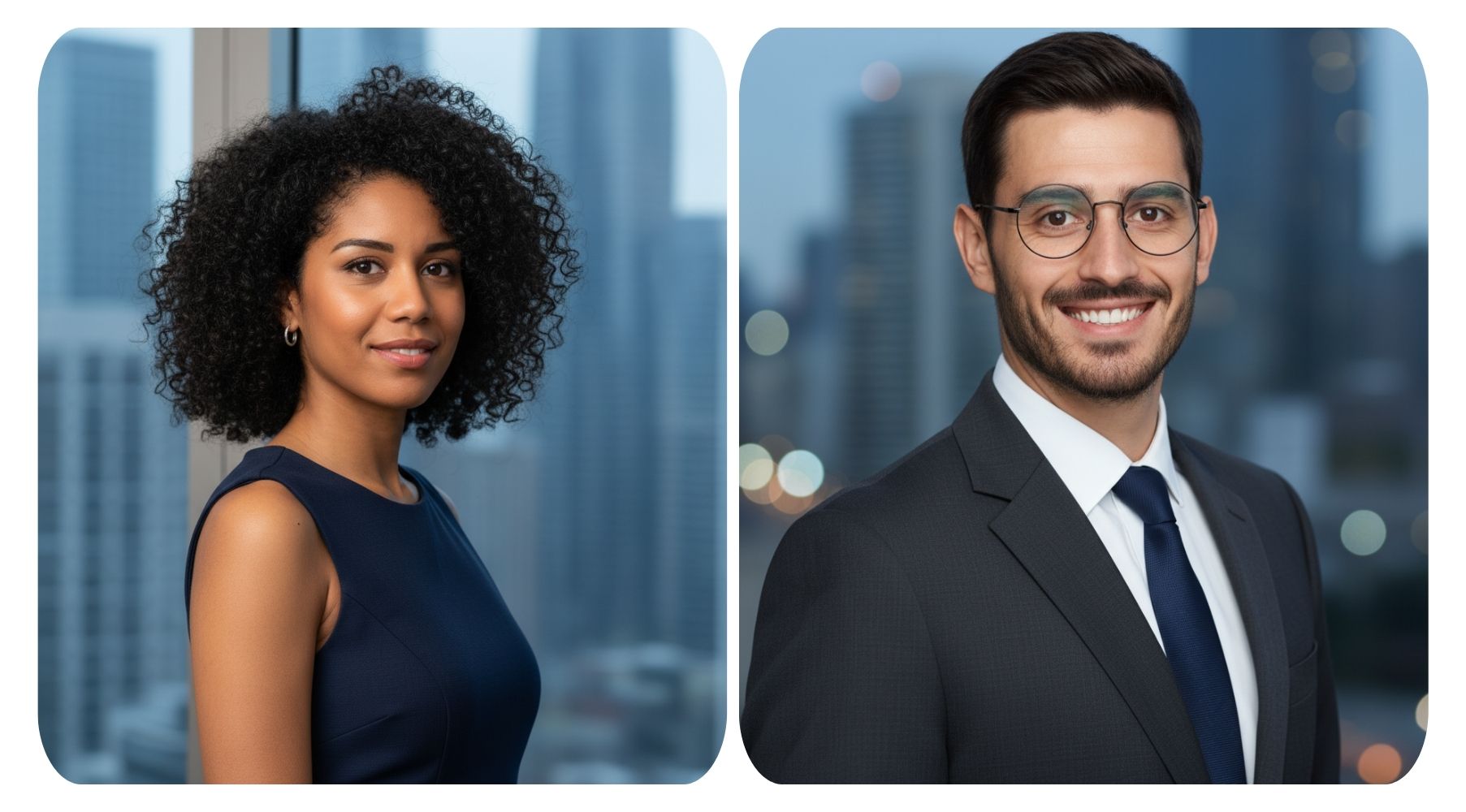
4. Cinematic Portrait
For storytelling and dramatic effect.
✅ Nano Banana Prompt:
Generate a dramatic, cinematic half-body portrait. Outfit: modern and simple. Lighting: directional key light with soft shadows, slight rim light for depth. Background: neutral or blurred. Style: filmic tones, subtle grain, and realistic textures for a storytelling feel.
Apply prompt to generate instantly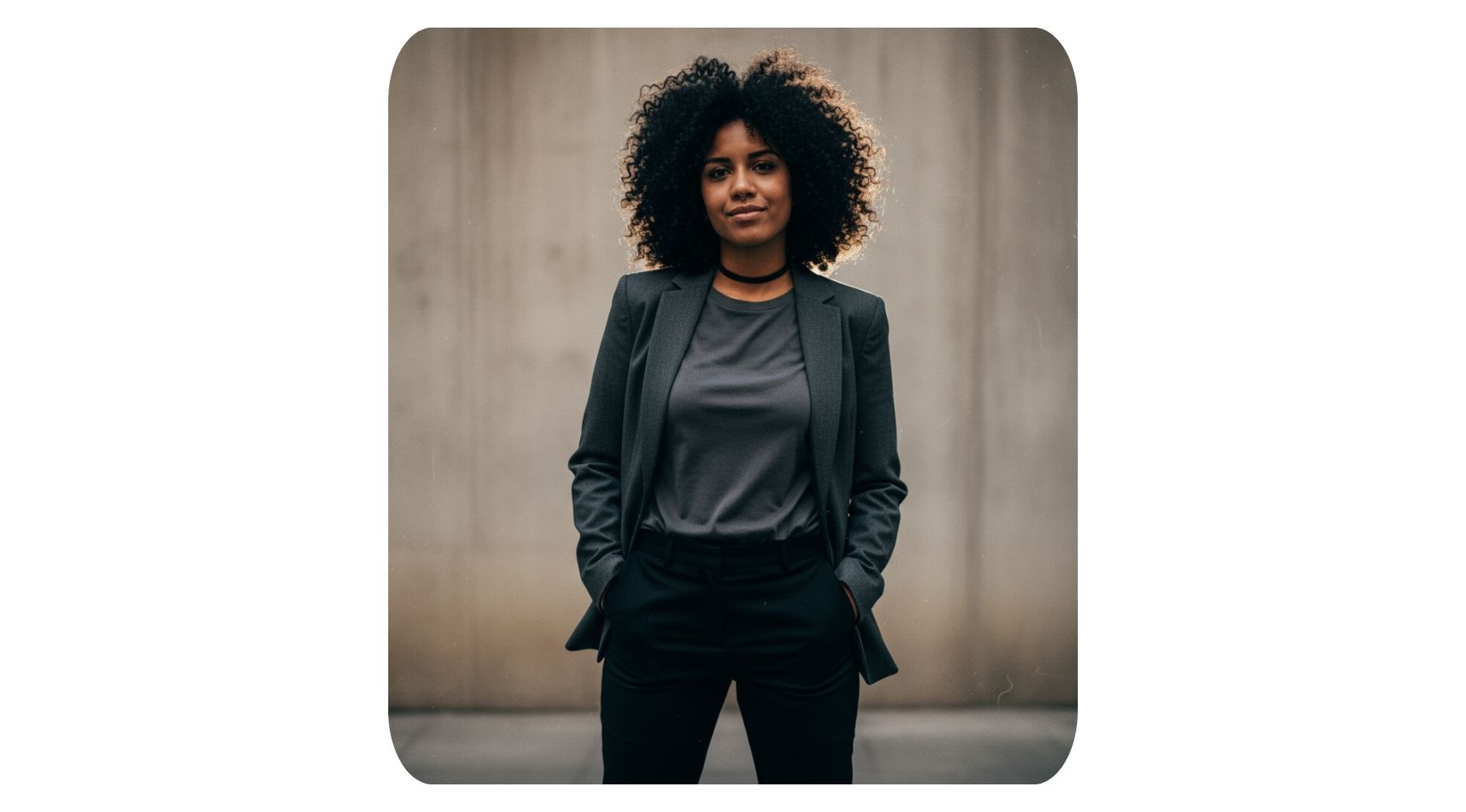
5. Modern Casual Lifestyle Portrait
Capture personality in a natural, relaxed style.
✅ Nano Banana Prompt:
Transform the image into a stylish lifestyle portrait. Pose: natural and relaxed. Outfit: casual, contemporary clothing. Lighting: soft natural or studio lighting. Background: blurred environment (indoor or outdoor). Focus on mood, personality, and visual appeal.
Apply prompt to generate instantly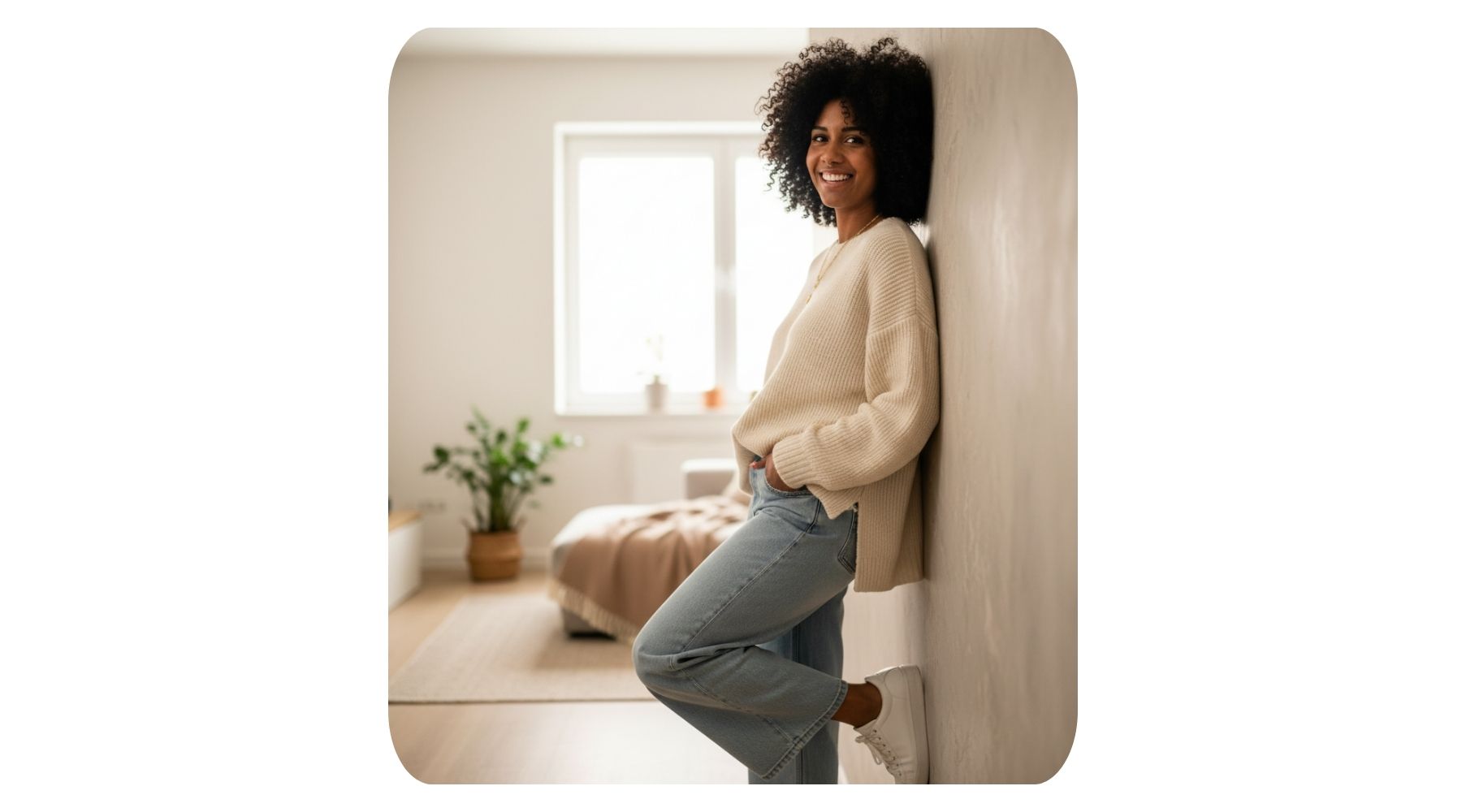
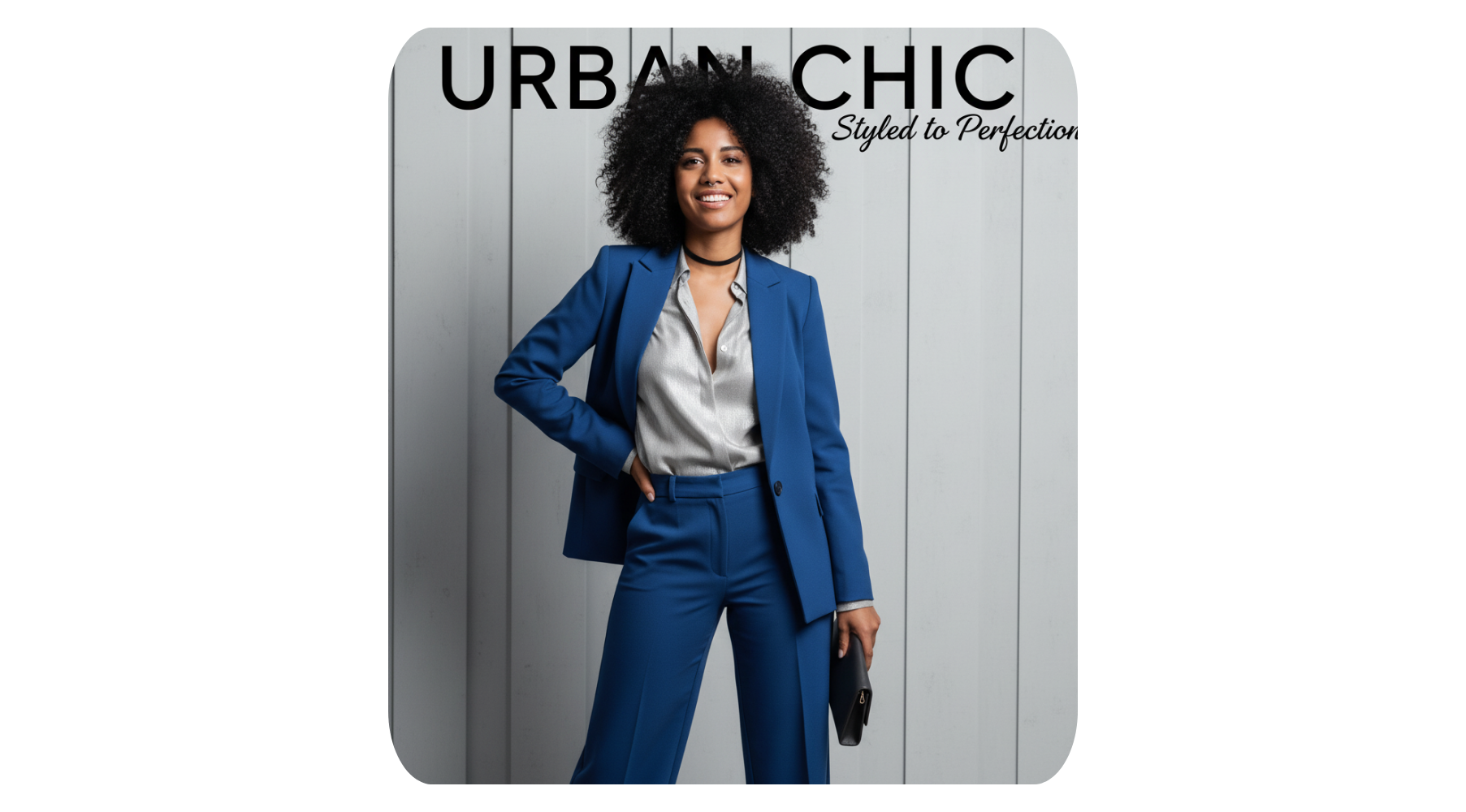
6. Magazine-Editorial Portrait
Sophisticated, polished, and trend-forward.
✅ Nano Banana Prompt:
Create a polished magazine-style editorial portrait. Outfit: chic, trendy, or professional. Pose: dynamic or expressive. Lighting: soft studio light with slight contrast. Background: minimal or subtly textured. Result: sophisticated, clean, and stylish.
Apply prompt to generate instantly
We'll keep sharing more fun and innovative ways to use Nano Banana. Check out our AI Design Platform, a website that combines several powerful video and image generation tools, and allows you to create all applications in one place.