

Google's Nano Banana and OpenAI's ChatGPT image generators are two of the leading companies in the rapidly changing field of AI image generation. Knowing the difference between these 2 model's image output quality is essentials for creators or anyone to choose the right tool to start with.
To help you make a decision, we test how these 2 major generator performance on image quality, generating speed and price. Let's take a look!
Want to Test These Models Yourself?
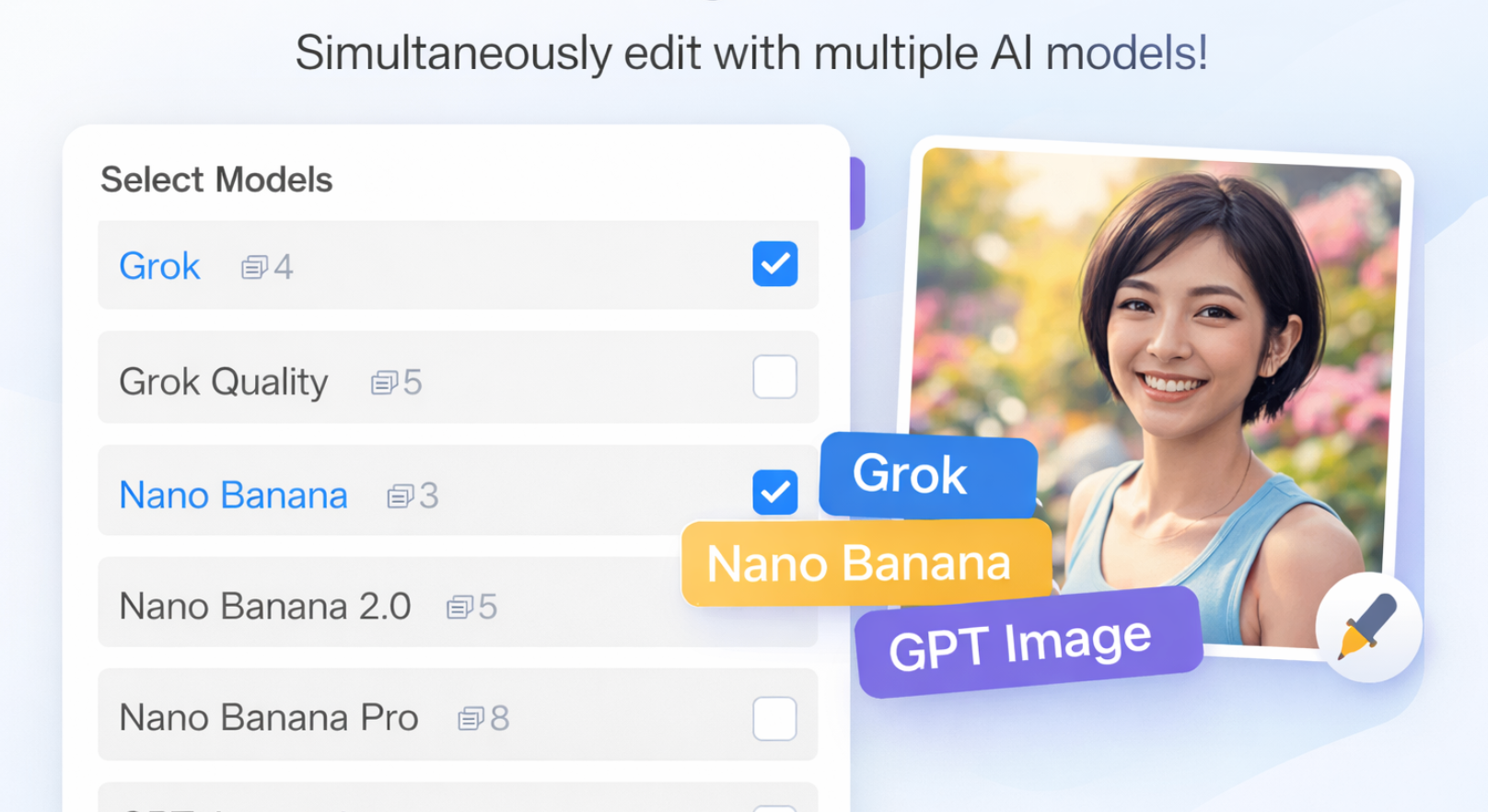
You can experience the image quality firsthand with LogoAI's All-in-One AI Image Editor. You'll have instant access to all the major image generation models in the world, including Nano Banana, GPT Image, Flux and more. Jump in right away, then judge what works best for the visuals you keep. Real results come from testing, not guesses.
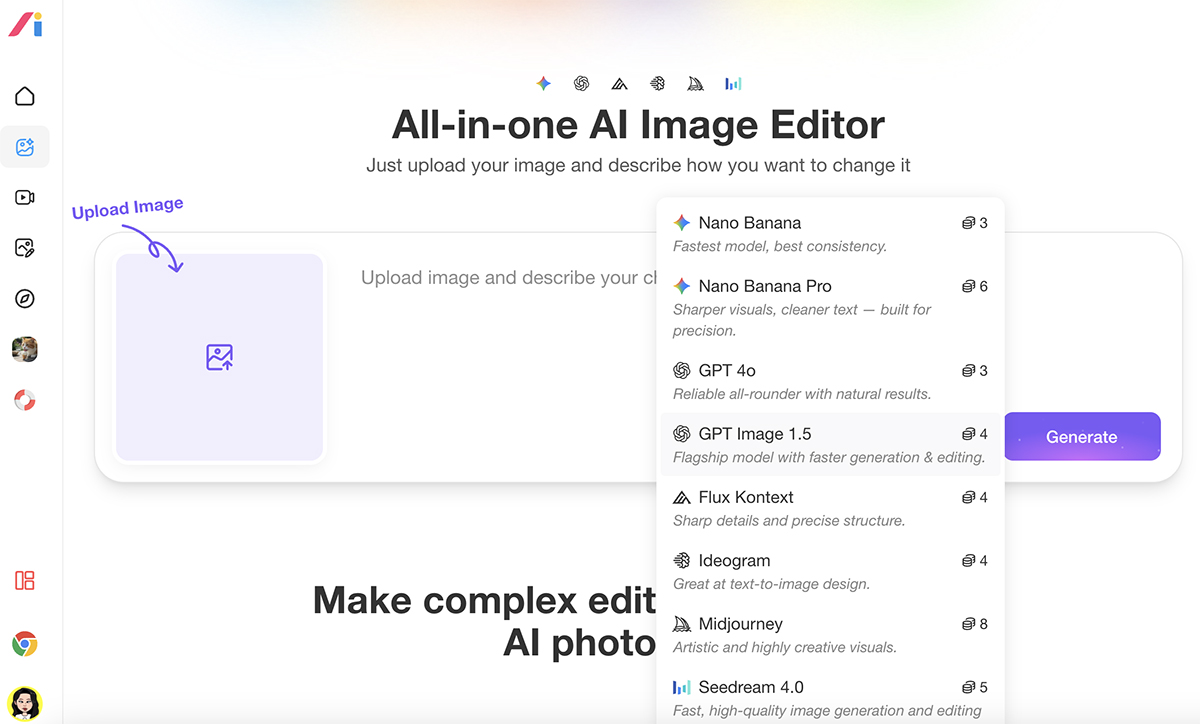
Yet if time runs tight or a fast glance suits better, this summary shows how tests stack up - helping pick what fits. 👇
Model Overview
Right now, the marketplace holds four main setups split between two types of products. Each serves different user needs.
| Product Name | Image Model | Key Features |
|---|---|---|
| Nano Banana (Standard) | Gemini 2.5 Flash Image | Fast generation, high-volume efficiency |
| Nano Banana Pro | Gemini 3 Pro Image | Ultra-high fidelity, 4K output, professional-grade |
| GPT-4o | OpenAI integrated image generation (DALL·E-class) | Conversation-based refinement |
| GPT Image 1.5 | OpenAI Latest Technology | Flagship model, High-fidelity, fast, versatile output |
Nano Banana offers two tiers: the standard Nano Banana version built on Gemini 2.5 Flash prioritizes rapid generation for high-volume workflows, while Nano Banana Pro leverages Gemini 3 Pro's advanced reasoning for professional applications requiring maximum detail and fidelity.
ChatGPT image generator remains widely used, and the newly launched GPT Image 1.5, which represents OpenAI's latest advancement in image generation technology with significant improvements in speed and precision.
Image Output Quality & Resolution Comparison
Quality encompasses multiple factors: resolution capabilities, text rendering accuracy, character consistency, and overall image fidelity.
Let's examine how these models perform AI design across these critical dimensions.
| Feature | Nano Banana (Standard) | Nano Banana Pro | GPT‑4o | GPT Image 1.5 |
|---|---|---|---|---|
| Text Rendering | Basic / workable but can be inconsistent | Professional, legible | Solid but occasional errors | Near-perfect with structured prompts |
| Multi-language Text | Limited | Excellent | Basic | Strong |
| Character Consistency | Good consistency | ✅ Excellent with up to ~14 refs & high likeness retention | Moderate | Moderate |
| Editing Capability | Basic | Advanced (conversational edits & fine control) | Can only regenerate from the same prompt | Strong conversational/local edits |
| Photorealism | Average | Very high realism | Artistic focus | Realistic but slightly painterly |
| Prompt Following | Good 👍 | Strong reasoning & prompt fidelity | Moderate | ✅ Excellent instruction adherence |
| Max Native Resolution | 1024×1024 | 🔝 Up to 4K (4096×4096) | 1792×1024 | 1792×1024 |
| Best For | Fast casual generation | Professional / print-ready & complex workflows | General creative use | Versatile, strong instruction & edits |
Note: The following comparison is based on our extensive personal testing and hands-on experience with each model across various real-world scenarios. ⬇️
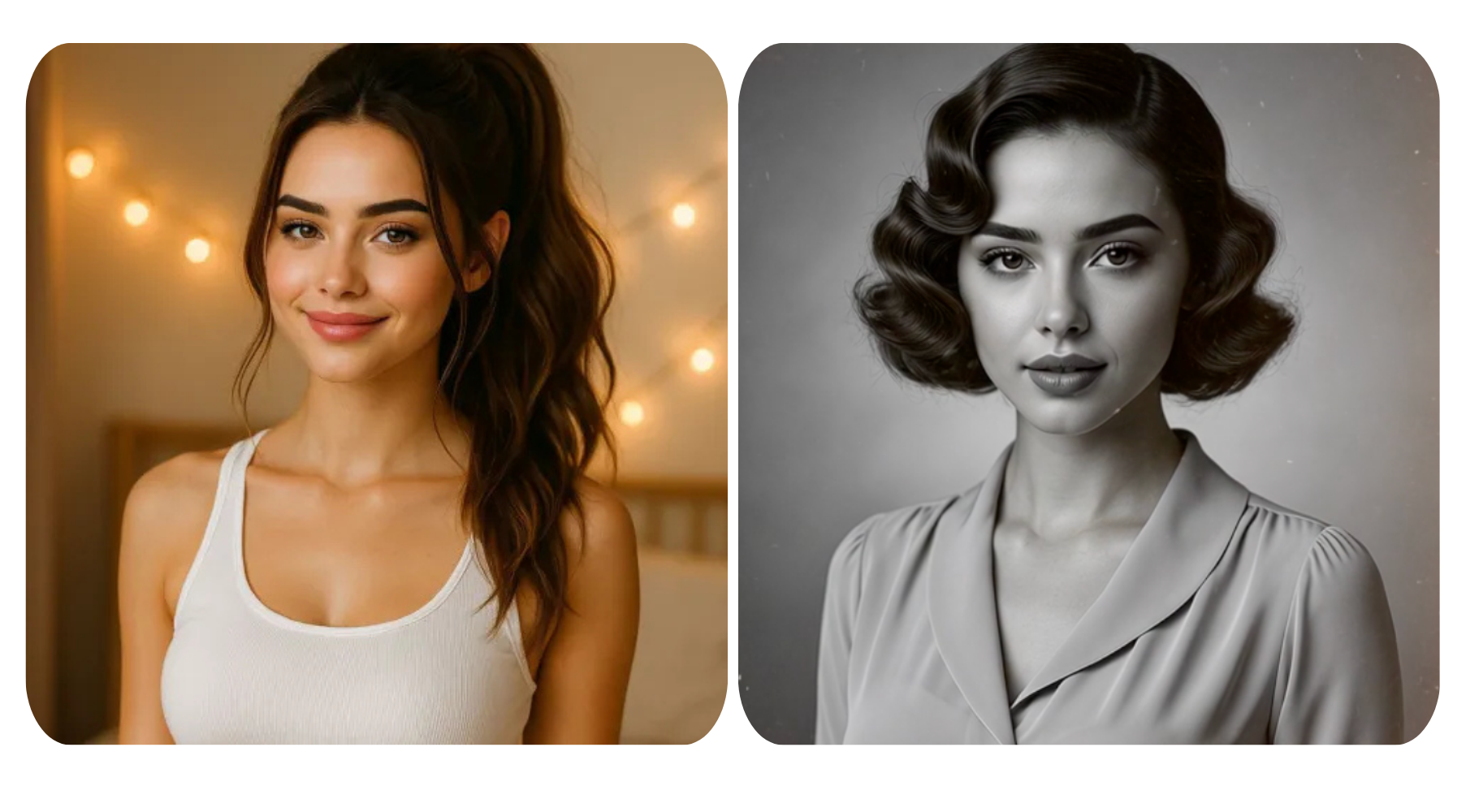
Comparison 1: Character Consistency
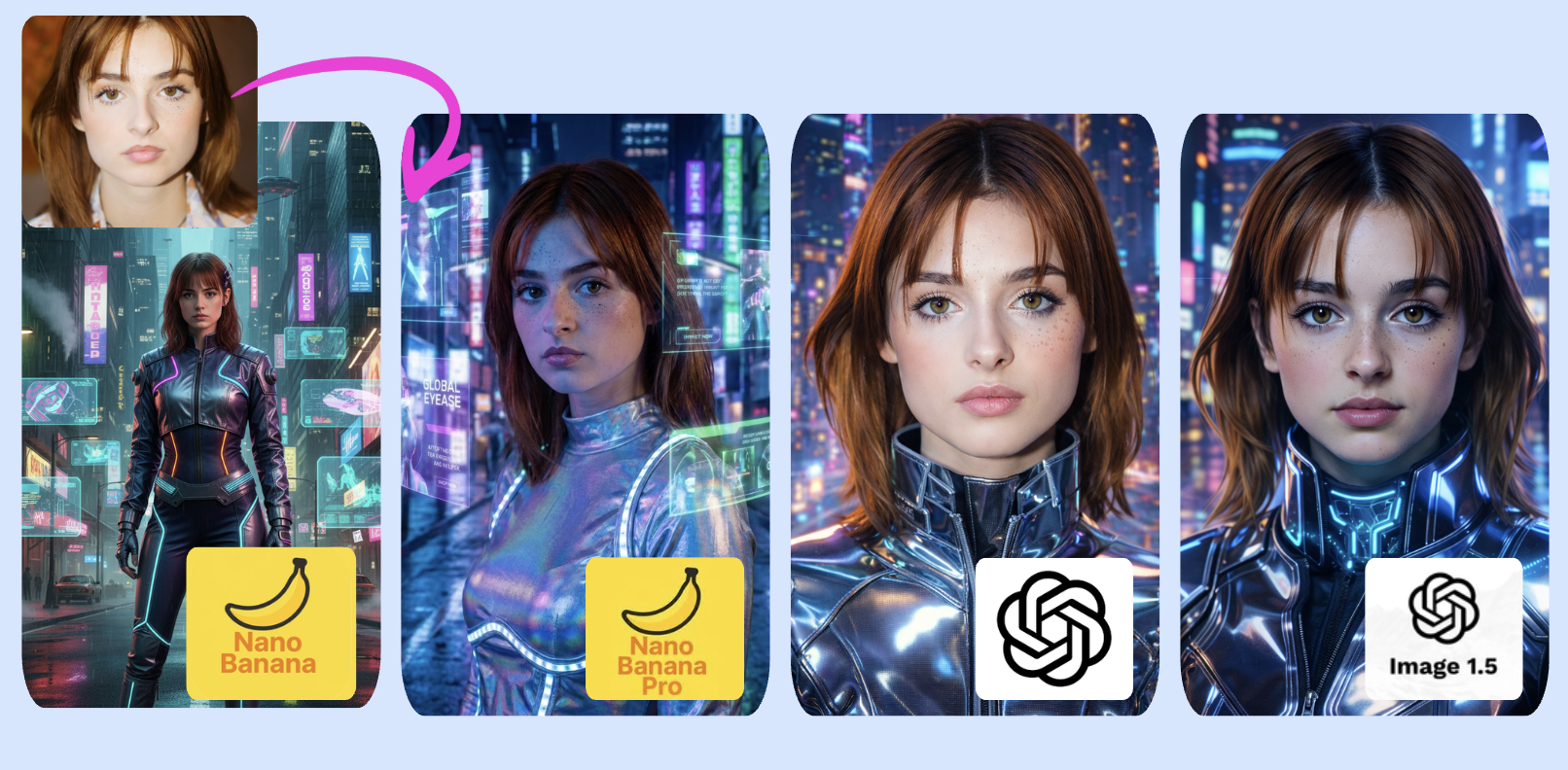
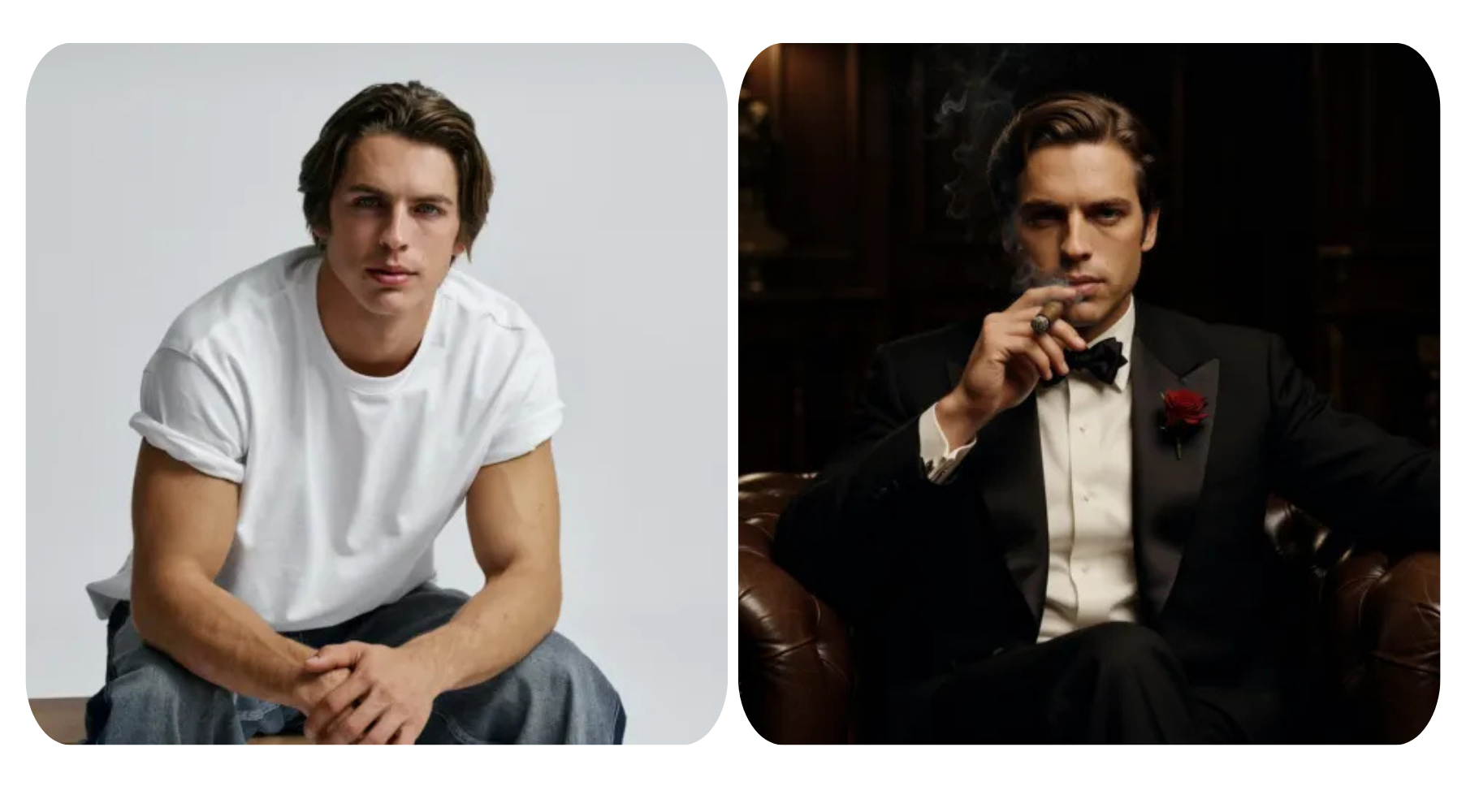
Results: In this character consistency test, Nano Banana often looks slightly artificial. Nano Banana Pro and GPT-4o produce more natural and consistent characters, keeping key identity features stable across images. GPT Image 1.5 performs moderate here.
Comparison 2: Photorealism
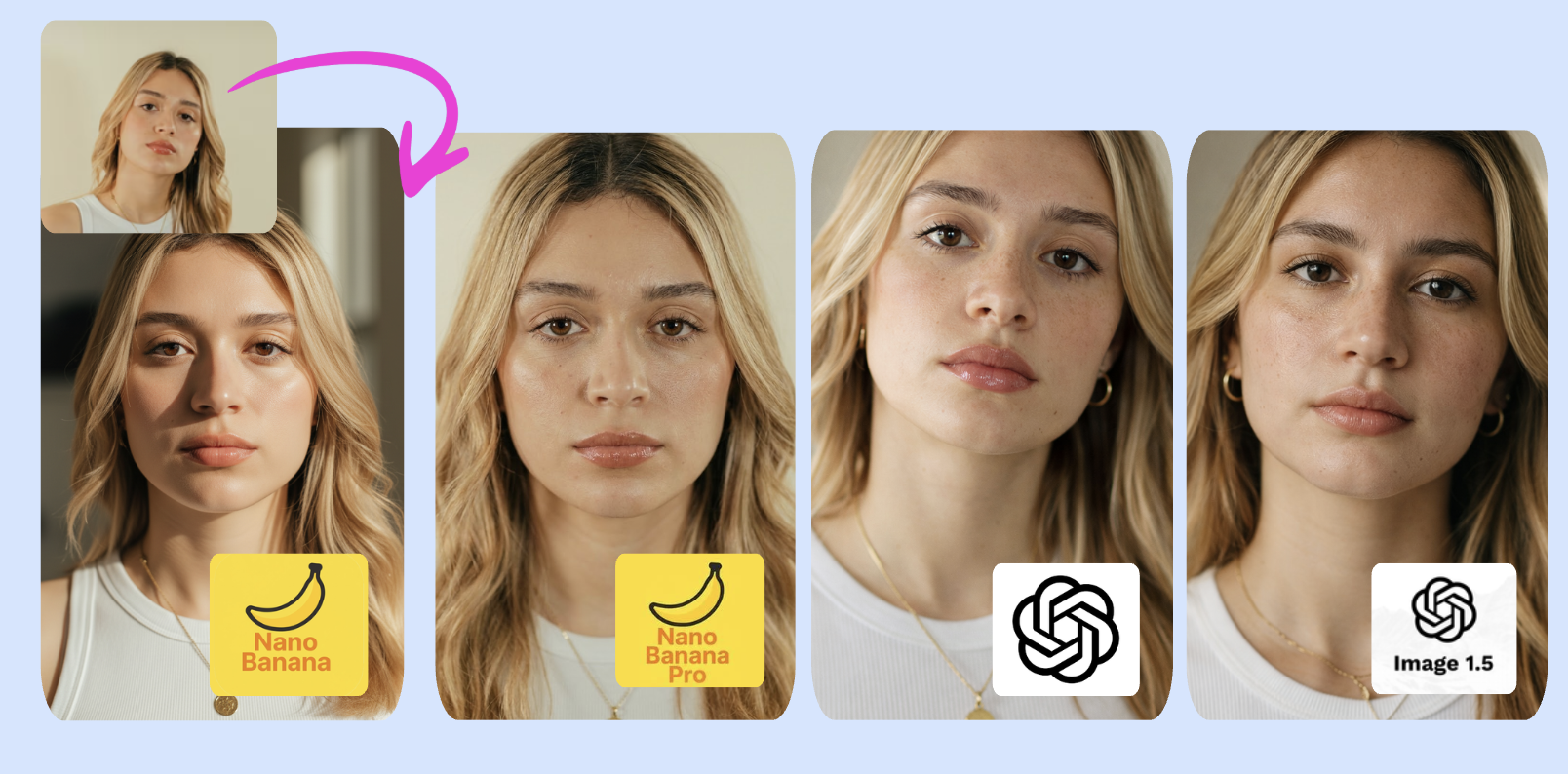
Results: All four images demonstrate strong photorealism with natural lighting, and convincing human features. However, there are notable differences in execution and believability. Image 1 from Nano Banana has a slightly more polished, commercial style.
Comparison 3: Multi-language text
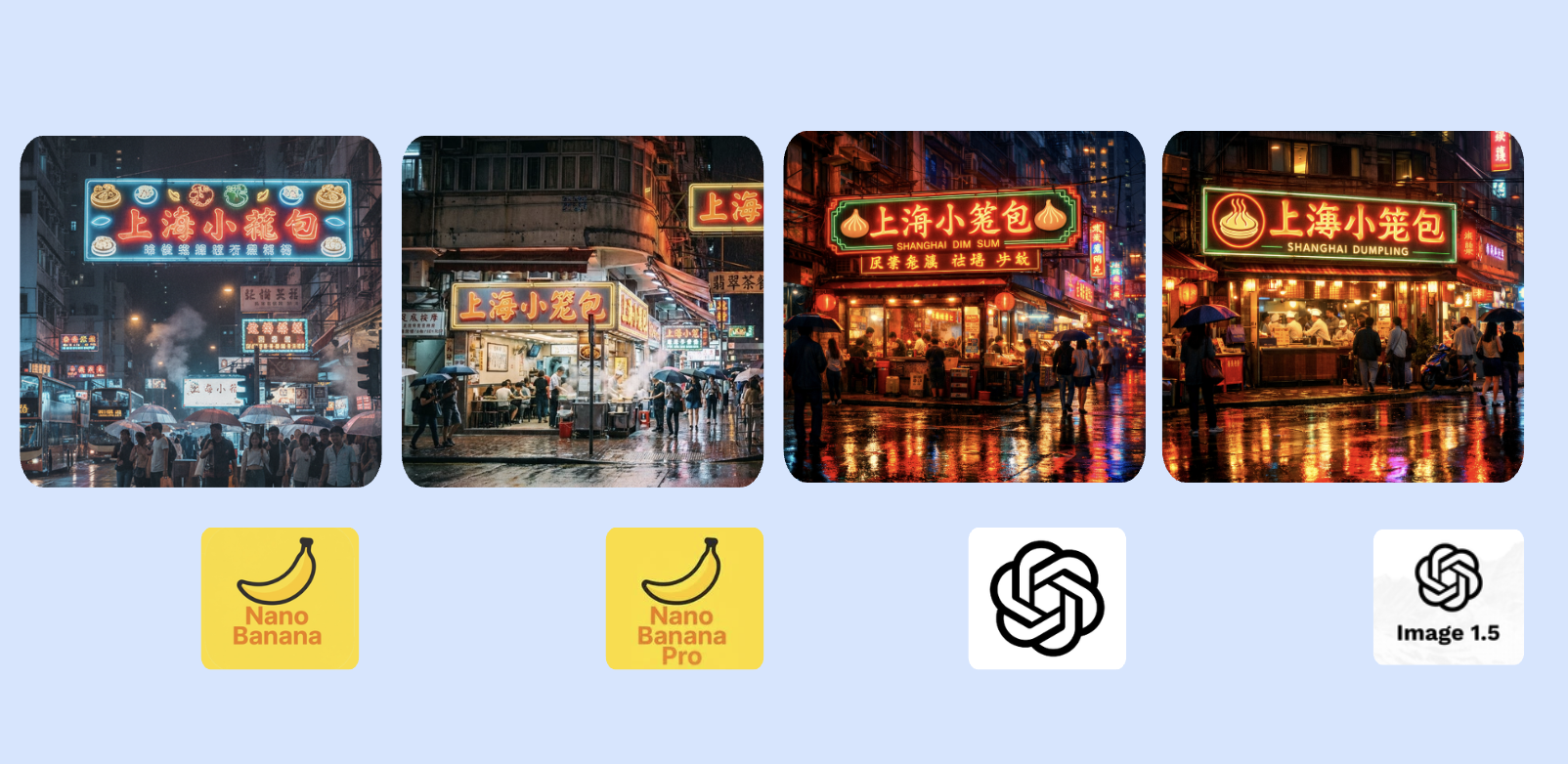
Results: Nano Banana Pro renders the Chinese text correctly; Other models may need carefully structured prompts for accurate rendering.
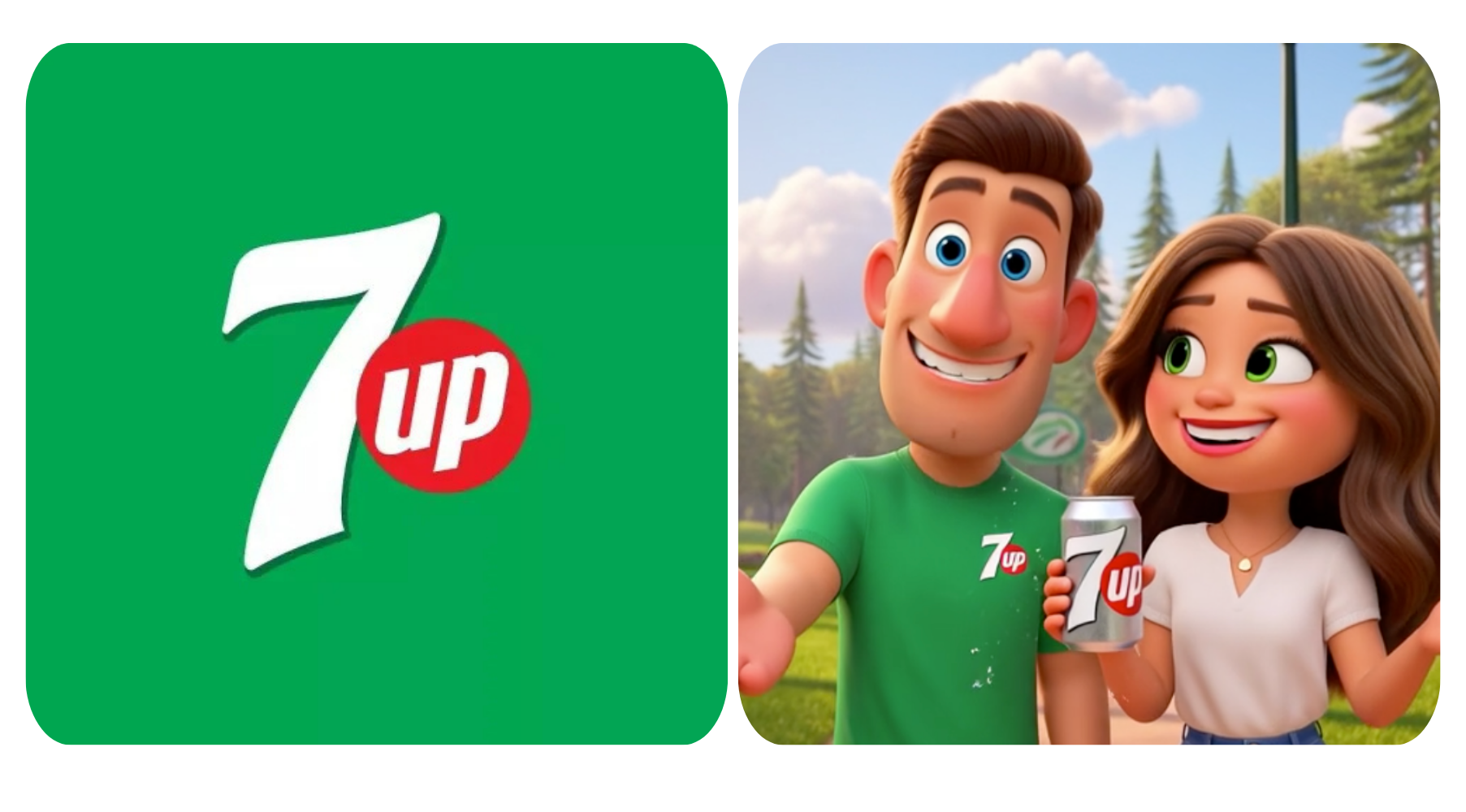
Comparison 4: Turn Photos into Cartoons
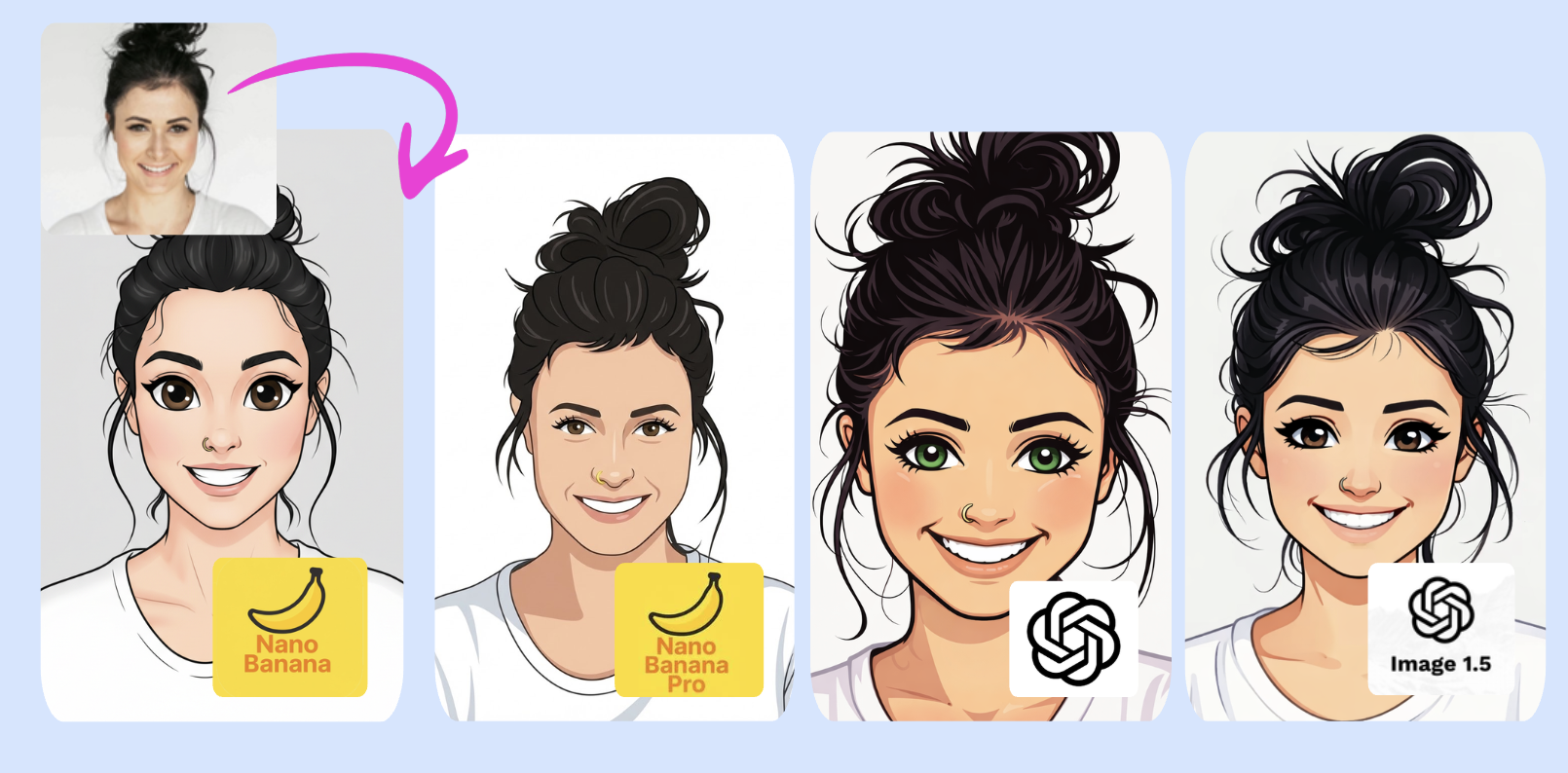
Results: Nano Banana Pro looks more like the real person in cartoon style, while the others feel more cute and cartoonish—it really depends on what you like.
Speed Comparison
Generation speed directly impacts workflow efficiency, especially for projects requiring multiple iterations or high-volume output.
| Model | Generation Speed | Ideal Use Cases | Notes |
|---|---|---|---|
| Nano Banana | 30 seconds | High-volume, low-latency tasks | Flash technology prioritizes speed |
| Nano Banana Pro | 35 seconds - 60 seconds | High-quality professional output | Takes some time to produce - a couple of minutes sometimes Utilizes Gemini 3 Pro reasoning capabilities |
| GPT-4o | 45 seconds | General image generation | 30 seconds or less from DALL-E (traditional speed) |
| GPT Image 1.5 | 30 seconds | Rapid iteration, high-volume generation | Generation speeds up to 4× faster than predecessor Significantly improved iteration speed |
🏆 Speed Leaders: Both Nano Banana and GPT Image 1.5 (4× faster than predecessor) deliver excellent speed for most use cases. Nano Banana Pro trades speed for 4K quality, while GPT 4o falls in the middle.
LogoAI Price Structure
With LogoAI, you can experience all AI models with flexible credit-based plans.
- Start with 7-Day Full Access for $4.99, includes 200 AI Credits to try out every model.
- When you’re ready, you can upgrade to AiDesign PRO to unlock full access to all top AI models.
| AI Model | Credits per Use |
|---|---|
| Nano Banana | 3 AI credits |
| Nano Banana Pro | 6 AI credits |
| GPT-4o | 3 AI credits |
| GPT Image 1.5 | 4 AI credits |
| Flux Kontext | 4 AI credits |
| Ideogram | 4 AI credits |
| Midjourney | 8 AI credits |
| Seedream 4.0 | 5 AI credits |
Final Verdict & Use Case Recommendations
Nano Banana (Standard):
Perfect for fast-paced work needing quick results. Because it renders fast, you can build prototypes quickly, create many short videos, or style photos without delay. When full detail at 1024 by 1024 fits your needs and spending is tight, this option holds up well.
Nano Banana Pro:
Pick this when work needs crisp 4K visuals, clear typography, and stable lettering between 8 to 14 example images. Suitable for brochures, billboards, brand marks, narratives, or apply all kinds of AI filters. It runs less smoothly, takes more time, and demands greater investment - yet delivers top-level results.
GPT4o
Workflows already adjusted for this can still use it, especially when team members need to share rough versions. Text often looks messy due to rendering problems, making edits feel like starting over each time.
GPT Image 1.5:
The fastest option for high-volume work with exceptional text rendering. It generates images 4× faster than its predecessor and excels at following complex instructions with near-perfect accuracy. The photorealistic output quality is consistently strong, and text appears sharp and legible—making it ideal for advertisements, marketing materials, product mockups, and rapid prototyping where speed and text clarity are priorities.